Resident Evil Requiem patch adds photo mode, and apparently 'Character expressions in some cutscenes have been adjusted to better convey emotion'

Grace stares into the light, holding her pistol
(Image credit: Capcom)

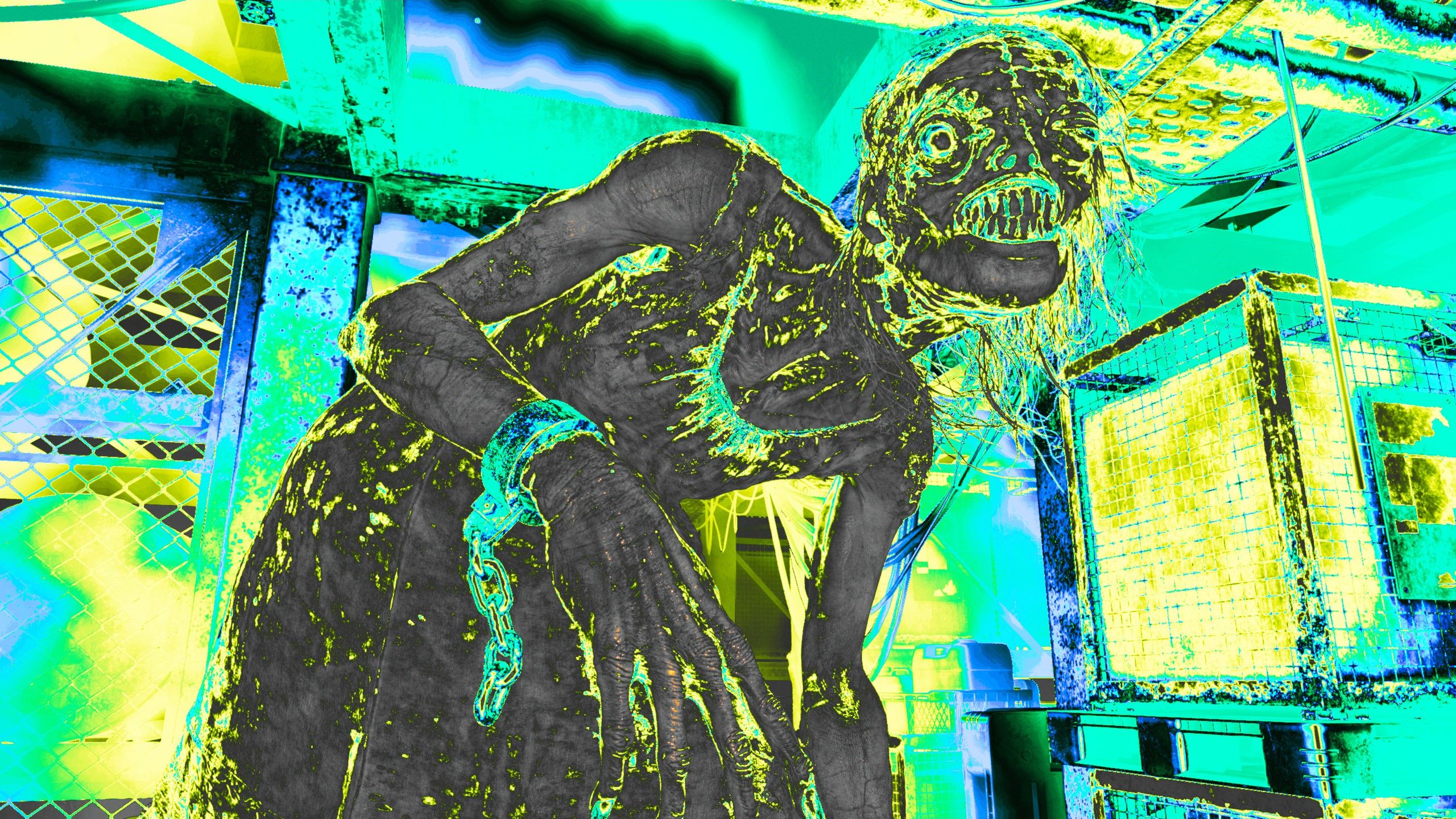
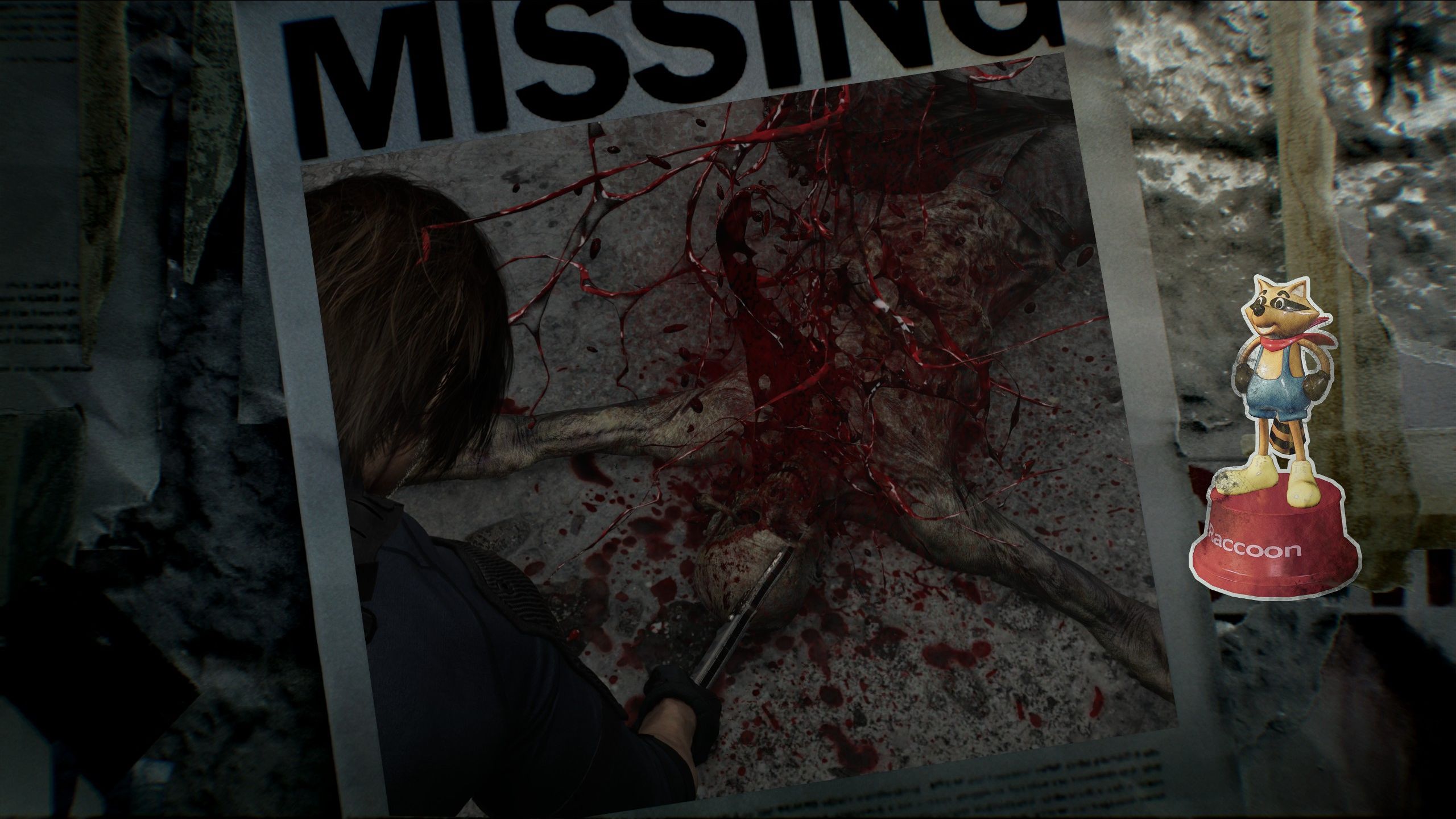
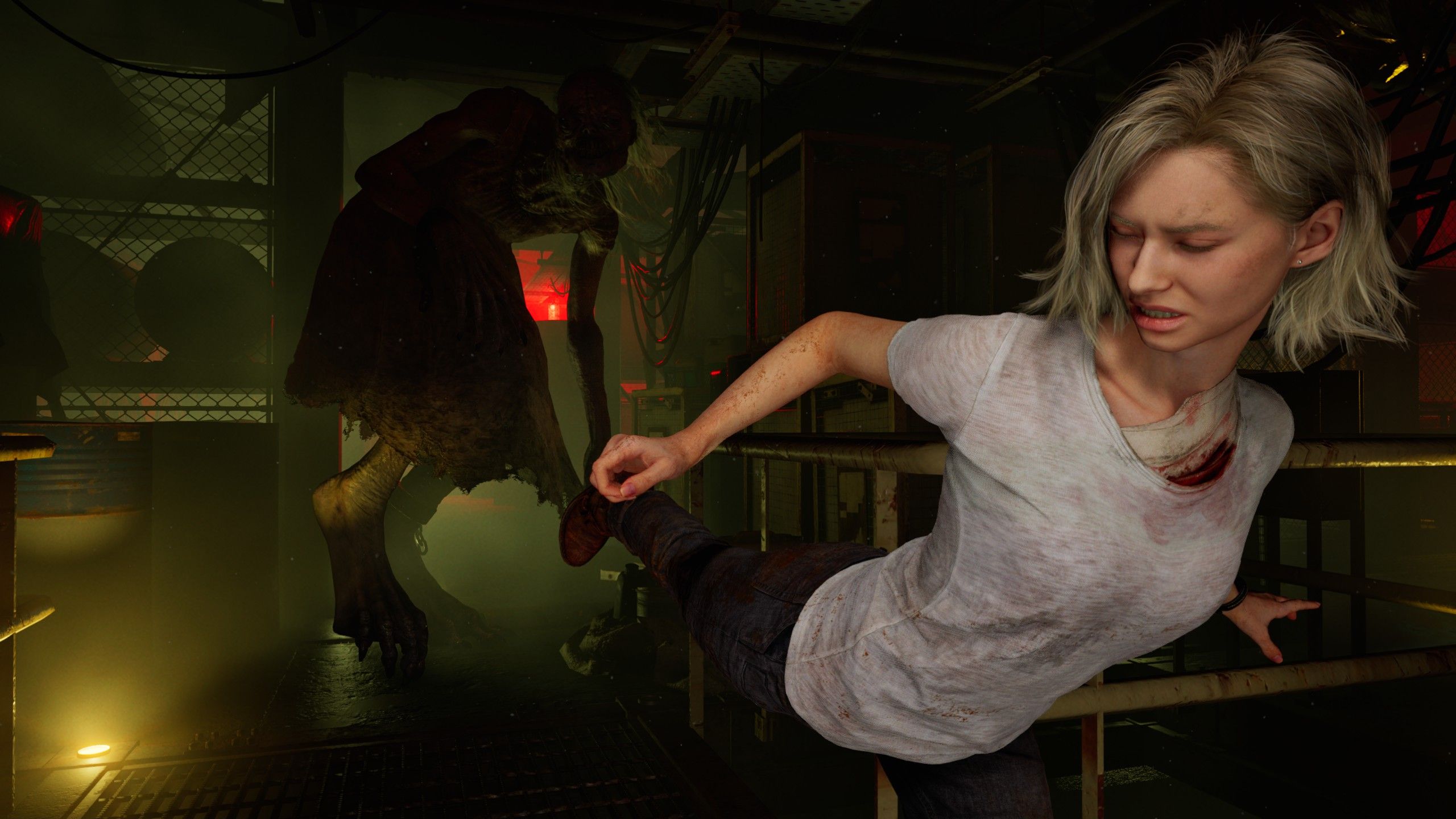
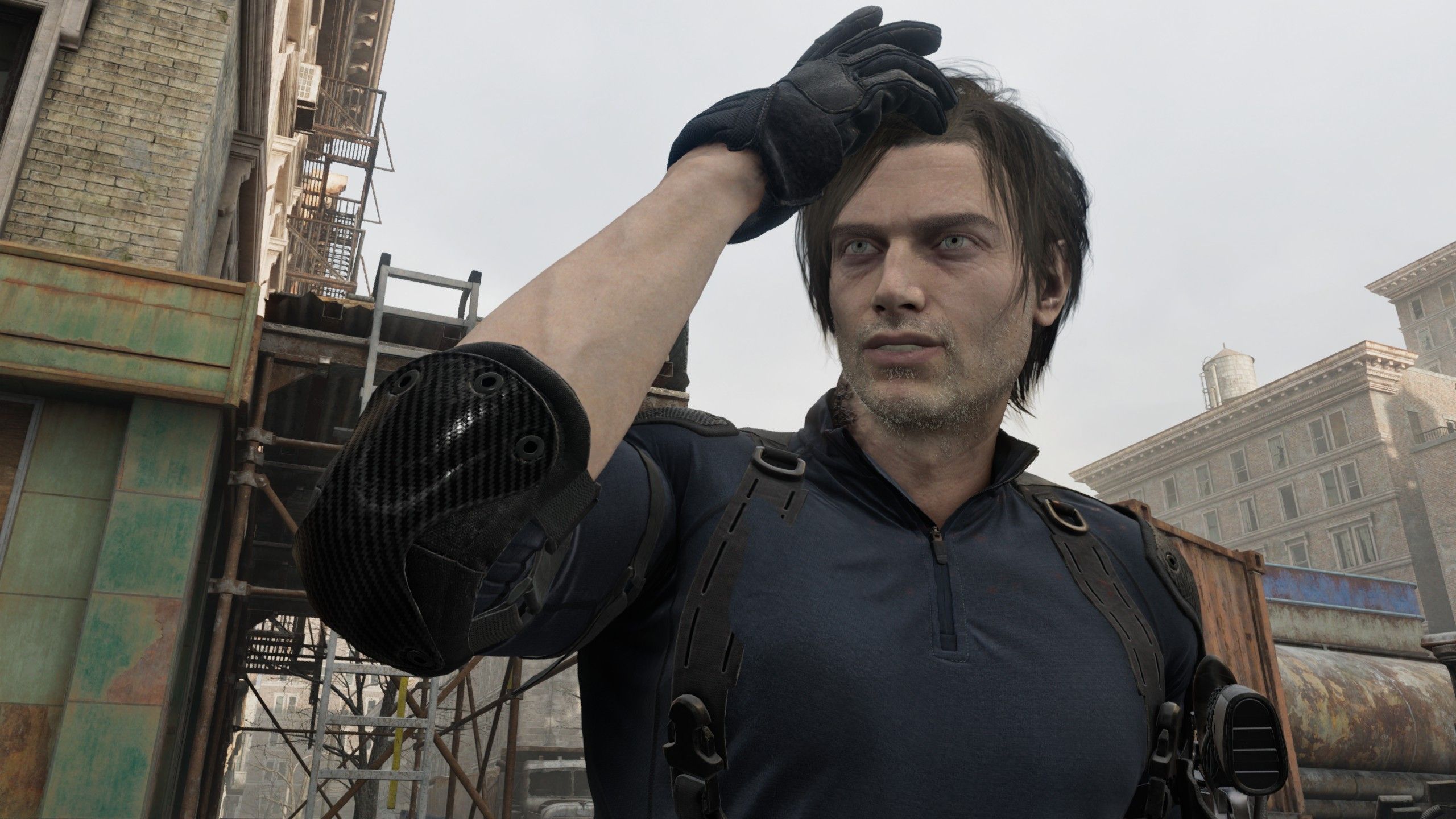
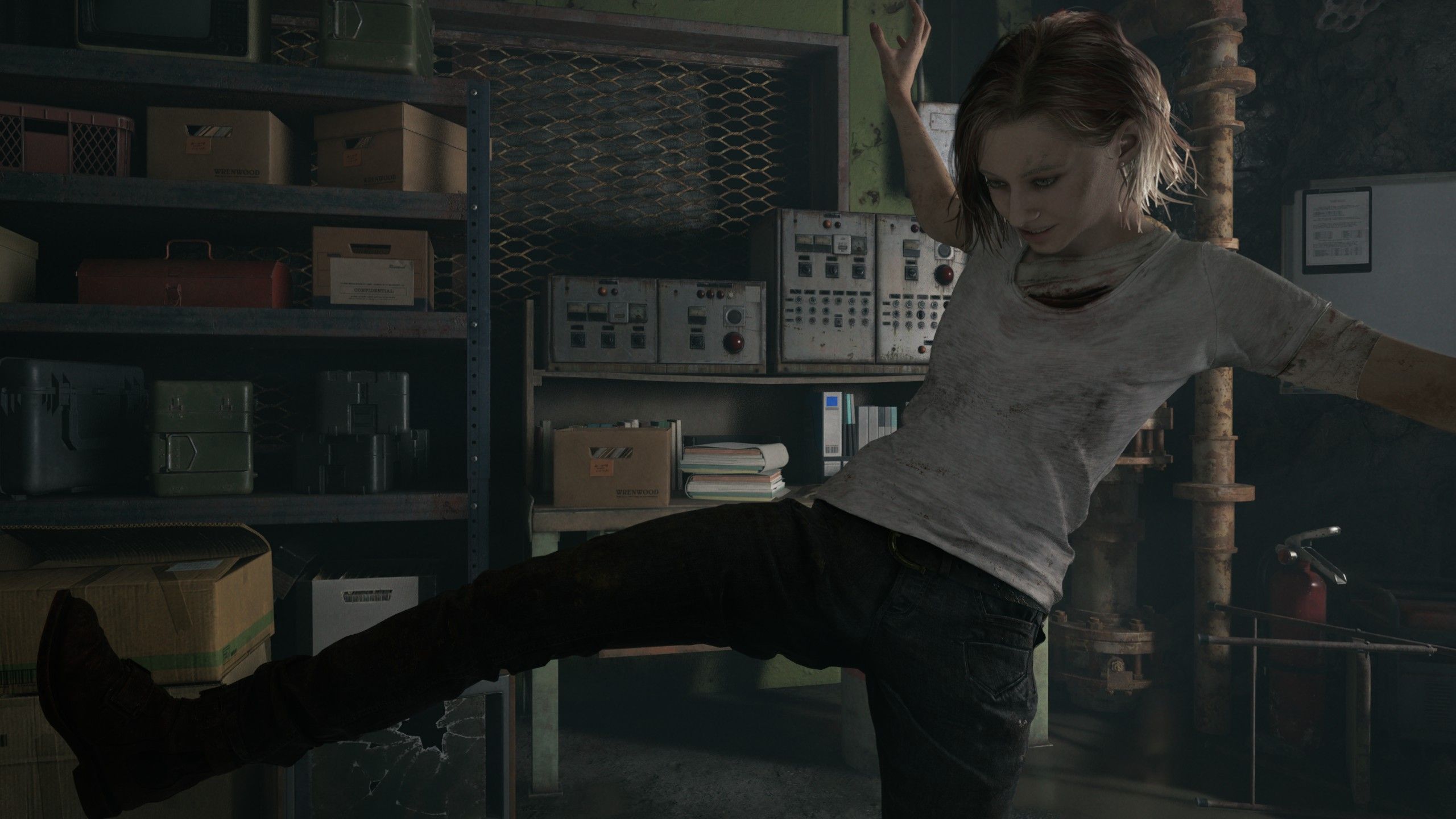
Mass Effect Legendary Edition's photo mode was a constant temptation, pulling me away from dramatic moments to check how they'd look with vignetting turned off and maybe a filter. So I'm kind of glad I finished Resident Evil Requiem before its photo mode was patched in. Firing it up today, I lost a chunk of my morning to checking out all of Leon and Grace's poses and stickers and how they look kicking like a maniac.

While the amount you can move the camera away from the characters is limited—maybe something for modders to fix—this is a decent time-killing photo mode. It could do with a way of changing light sources though, like the one in No Man's Sky that lets you move the sun wherever you click, because otherwise you're just cranking the brightness up and hoping details in the background become visible before the foreground gets washed out.

Article continues below
TOPICS
Jody Macgregor
Weekend/AU Editor

Jody's first computer was a Commodore 64, so he remembers having to use a code wheel to play Pool of Radiance. A former music journalist who interviewed everyone from Giorgio Moroder to Trent Reznor, Jody also co-hosted Australia's first radio show about videogames, Zed Games. He's written for Rock Paper Shotgun, The Big Issue, GamesRadar, Zam, Glixel, Five Out of Ten Magazine, and Playboy.com, whose cheques with the bunny logo made for fun conversations at the bank. Jody's first article for PC Gamer was about the audio of Alien Isolation, published in 2015, and since then he's written about why Silent Hill belongs on PC, why Recettear: An Item Shop's Tale is the best fantasy shopkeeper tycoon game, and how weird Lost Ark can get. Jody edited PC Gamer Indie from 2017 to 2018, and he eventually lived up to his promise to play every Warhammer videogame.

You must confirm your public display name before commenting

Please logout and then login again, you will then be prompted to enter your display name.