





Motion blur is a complex beast; easy to recognise but often much harder to diagnose. For that reason, and perhaps a lack of any proper standardisation so far, VESA has released a new motion blur compliance specification called ClearMR.
This new standard and logo will begin appearing on gaming monitors, TVs, and other displays in the near future, and will signify whether a screen has been put through its paces for ClearMR certification and how it performed—measured by a new metric called Clear Motion Ratio (CMR).
CMR is a rating of a display's blue performance based on a ratio of clear pixels versus blurry pixels as a percentage. For example, a display with a CMR range between 6,500 and 7,500 means it delivered 65–75 times more clear pixels than blurry pixels.
For VESA's standard, CMR replaces the more commonly featured Motion Picture Response Time (MPRT) metric, which along with other metrics "do not accurately reflect the true nature of blur."
The CMR performance of a screen decides its ClearMR tier: ClearMR tiers go up by increments of 1000, from ClearMR 3000 to ClearMR 9000.
These numbers don't mean very much without a point of reference. However, VESA says each tier offers a "visually distinguishable change in clarity, with higher CMR numbers indicating higher image quality and less blur."

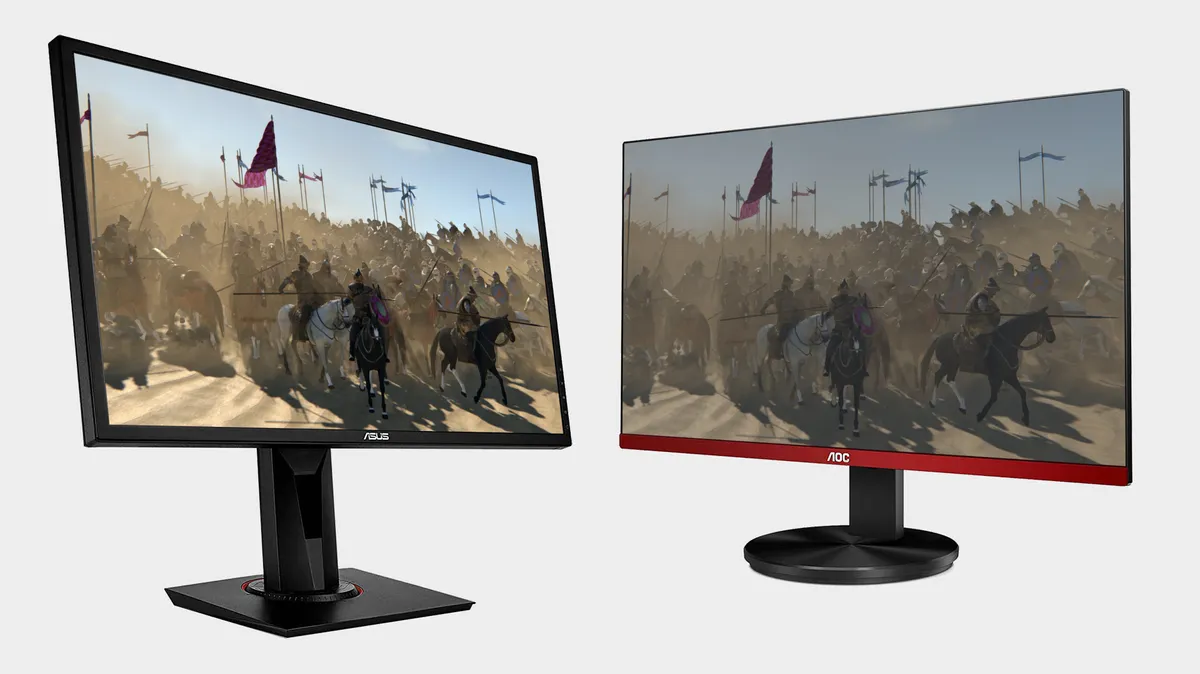
Best gaming monitor: Pixel-perfect panels for your PC
Best high refresh rate monitor: Screaming quick screens
Best 4K monitor for gaming: When only high-res will do
Best 4K TV for gaming: Big-screen 4K PC gaming
LG has already certified the LG UltraGear 48GQ900, 32GQ850 and 27GP850 gaming monitors, while Samsung has put its latest OLED display through its paces for certification.
The idea being that rather than some loosely defined specification posted on the specs sheet for a monitor, this standard will better serve customers. It's similar then to another standard from VESA, DisplayHDR, which aims to deliver a more thoroughly tested brightness rating and certification for high dynamic range monitors. I'd say it has helped simplify HDR standards for gaming monitors, as prior to DisplayHDR it really was a mess of manufacturer-specific ratings. Though the DisplayHDR 400 standard does perhaps get bandied around as true HDR a bit too often, when it's often nothing more spectacular than your modern SDR display.
Hopefully ClearMR will be just as handy anyways—anything to make buying a gaming monitor less of a hassle.

