Join The Club





If you have an Asus PC, laptop, AIO, or mini PC, you might want to make sure your pre-installed apps are up-to-date. That's generally always good advice, but with the patching of a high-severity exploit in Asus' MyAsus app, it's particularly true right now.
As posted to the Asus security board, "An uncontrolled DLL loading path vulnerability exists in AsusSoftwareManagerAgent." With this, an attacker could mess with the app, "potentially resulting in arbitrary code execution". From here, the attacker could have a pretty serious level of access to your rig.
Article continues below 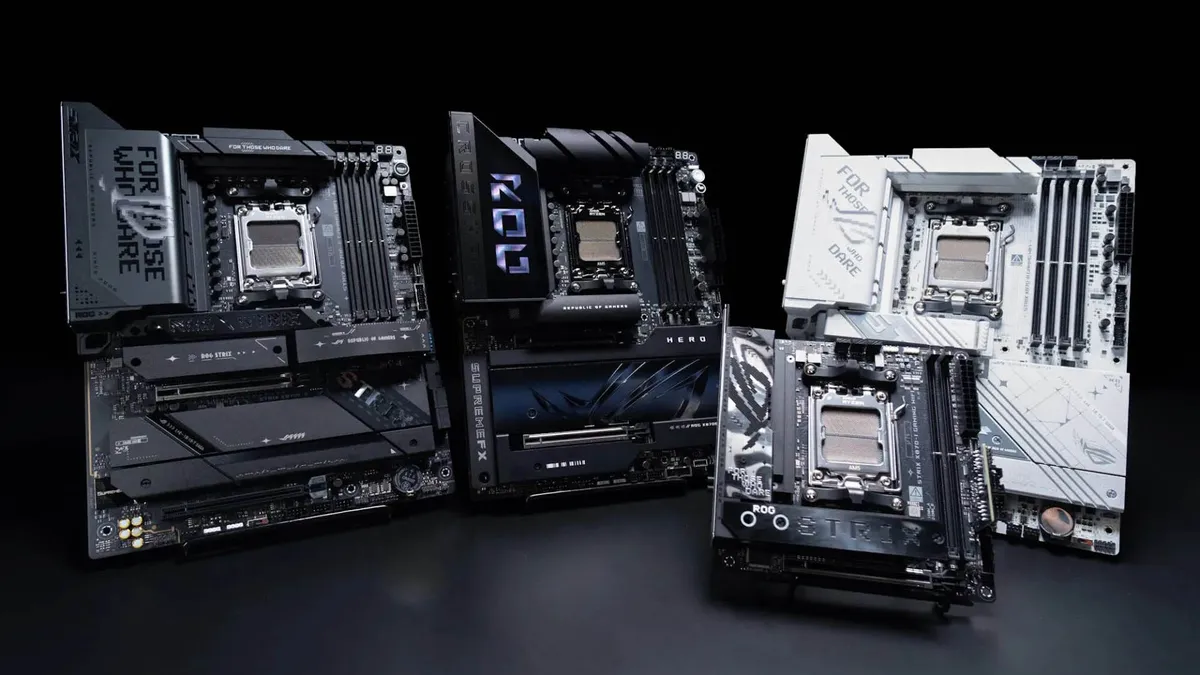
Asus warned users of its Intel motherboards just last month that they are potentially vulnerable to attacks that gain "unintended access to system memory" and would need to update. Like the latest vulnerability, it was of high severity but required local access to do the exploit. In this case, one could use a PCIe device to gain access to system memory between the first boot up and the OS managing DMA operations.
Just a month prior to that, Asus warned users to download updates for the MyAsus app and for its routers, as it had discovered and fixed new vulnerabilities present in both. The problem with issues in the MyAsus app is that potentially millions of users will just have it preinstalled without even thinking about it.
Naturally, flaws and exploits will be caught in software and hardware every day, so this is as good a chance as ever to go through your PC and make sure everything is up-to-date and looking good. You've likely got tonnes of apps that would never see an update if it weren't for automatic update tools, so it can't hurt to get ahead of the curve.
That reminds me, I need to… go do something.
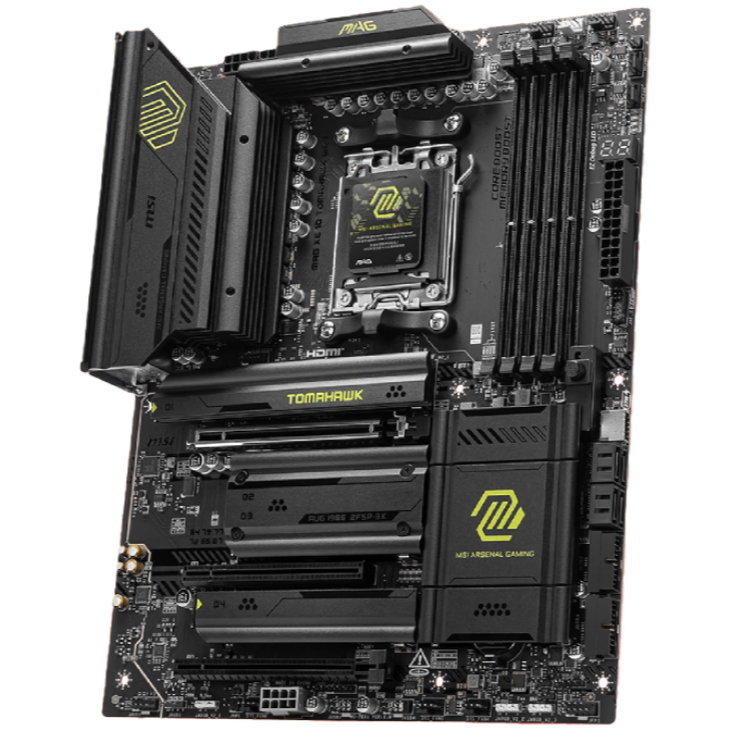
1. Best AM5 - AMD Ryzen 9000/7000:
MSI MAG X870 Tomahawk WiFi
2. Best budget AM5 - AMD Ryzen 9000/7000:
Asus TUF Gaming B650-Plus WiFi
3. Best midrange AM5 - AMD Ryzen 9000/7000:
ASRock B850 Steel Legend WiFi
4. Best AM4 - AMD Ryzen 5000/3000:
Asus ROG Strix B550-E Gaming
5. Best LGA1851 - Intel Core Ultra 200S:
Asus ROG Maximus Z890 Hero
6. Best budget LGA1851 - Intel Core Ultra 200S
ASRock B860 Steel Legend Wi-Fi
7. Best LGA1700 - Intel 14/13th Gen:
MSI MAG Z790 Tomahawk WiFi
8. Best budget LGA1700 - Intel 14/13th Gen:
Asrock B760M PG Sonic WiFi

You must confirm your public display name before commenting
Please logout and then login again, you will then be prompted to enter your display name.