You are now subscribed
Your newsletter sign-up was successful
Want to add more newsletters?

Every Friday
GamesRadar+
Your weekly update on everything you could ever want to know about the games you already love, games we know you're going to love in the near future, and tales from the communities that surround them.

Every Thursday
GTA 6 O'clock
Our special GTA 6 newsletter, with breaking news, insider info, and rumor analysis from the award-winning GTA 6 O'clock experts.

Every Friday
Knowledge
From the creators of Edge: A weekly videogame industry newsletter with analysis from expert writers, guidance from professionals, and insight into what's on the horizon.

Every Thursday
The Setup
Hardware nerds unite, sign up to our free tech newsletter for a weekly digest of the hottest new tech, the latest gadgets on the test bench, and much more.

Every Wednesday
Switch 2 Spotlight
Sign up to our new Switch 2 newsletter, where we bring you the latest talking points on Nintendo's new console each week, bring you up to date on the news, and recommend what games to play.

Every Saturday
The Watchlist
Subscribe for a weekly digest of the movie and TV news that matters, direct to your inbox. From first-look trailers, interviews, reviews and explainers, we've got you covered.

Once a month
SFX
Get sneak previews, exclusive competitions and details of special events each month!
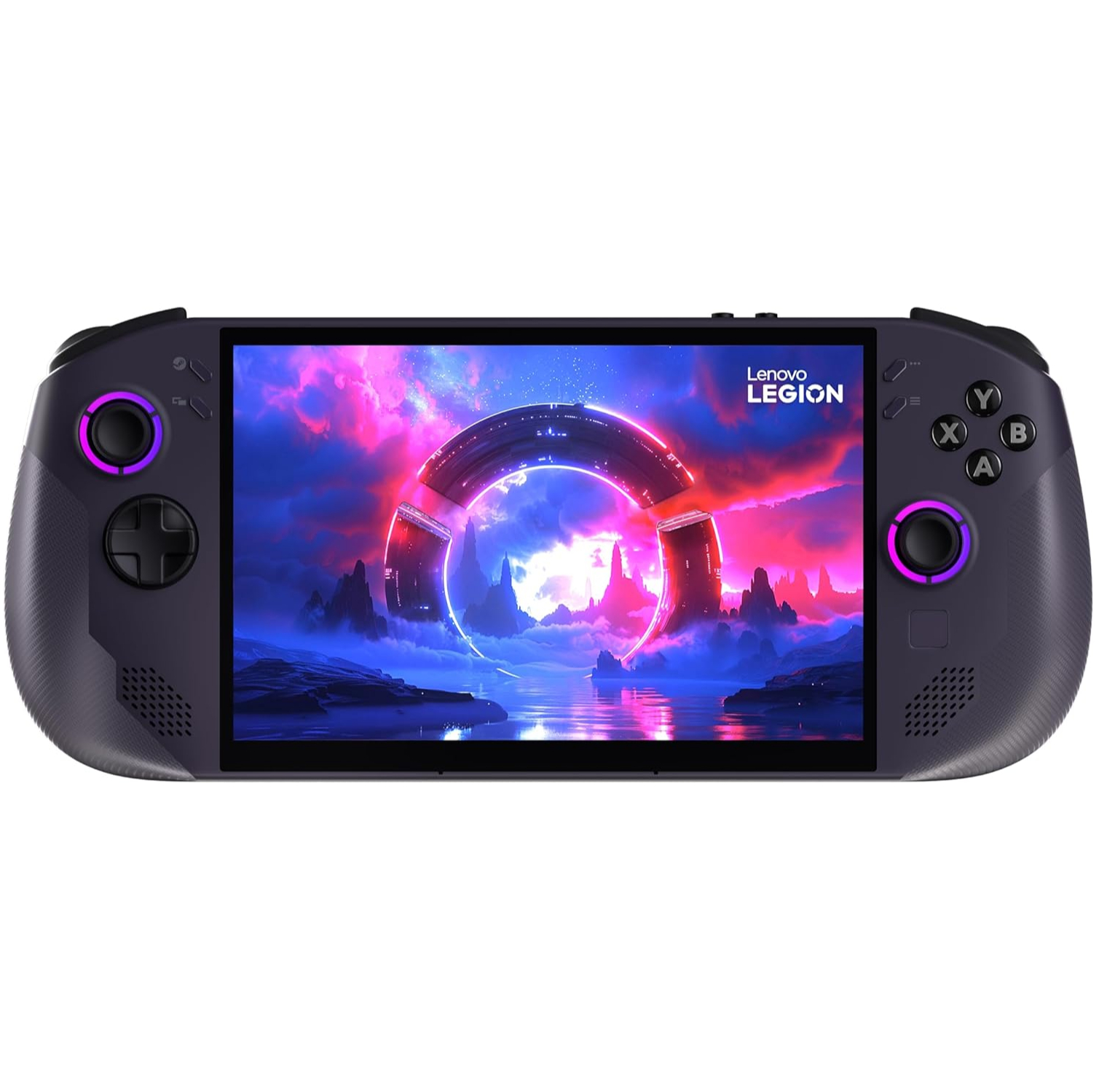
The Legion Go S (SteamOS version) is the best handheld gaming PC on the market right now, but it's not without its issues. As I found out when I tested and reviewed it, there are some issues that make it feel like somewhat of an incomplete port over the operating system. One of those issues was lack of joystick RGB lighting support, but that's now been baked into a new update.
The July 14 Stam Deck Beta Client Update adds in the ability to turn the Legion Go S SteamOS's joystick RGB lighting on/off, choose from some effects (solid, breathe, chroma, or rainbow), and adjust the brightness. If you're on the Beta update channel and have the latest update, you can find these options by going to Settings > Customization.

Another thing that made it feel a little unready was its shoddy mini trackpad support; I found it not to work at all in gaming mode (it isn't even registered as an input), and while it did eventually work in Desktop mode it's basically unusable as it feels more like clumsy joystick input than one-to-one mouse movement. This problem still persists, so I just pretend the little trackpad nubbet doesn't even exist when I use the handheld.
I suppose it's saying something about the Legion Go S that it's still the best handheld gaming PC around even with these problems. But I probably wasn't the target market for that joystick RGB anyway. I'll be leaving it turned off to maximise that battery life, but I'll be a little happier knowing the option is there should I ever change my mind.
1. Best overall:
Lenovo Legion Go S SteamOS ed.
2. Best budget:
Steam Deck
3. Best Windows:
MSI Claw 8 AI+
4. Best big screen:
Lenovo Legion Go
5. Best compact:
Ayaneo Flip DS

You must confirm your public display name before commenting
Please logout and then login again, you will then be prompted to enter your display name.