Join The Club





Nvidia showed off its original version of G-Sync Pulsar motion blur reduction technology two years ago at CES 2024. At first it was only going to be available for monitors with the proprietary G-Sync module installed, but this later opened up to all G-Sync monitors using one of MediaTek's scaler chips.

Catch up with CES 2026: We're on the ground in sunny Las Vegas covering all the latest announcements from some of the biggest names in tech, including Nvidia, AMD, Intel, Asus, Razer, MSI and more.
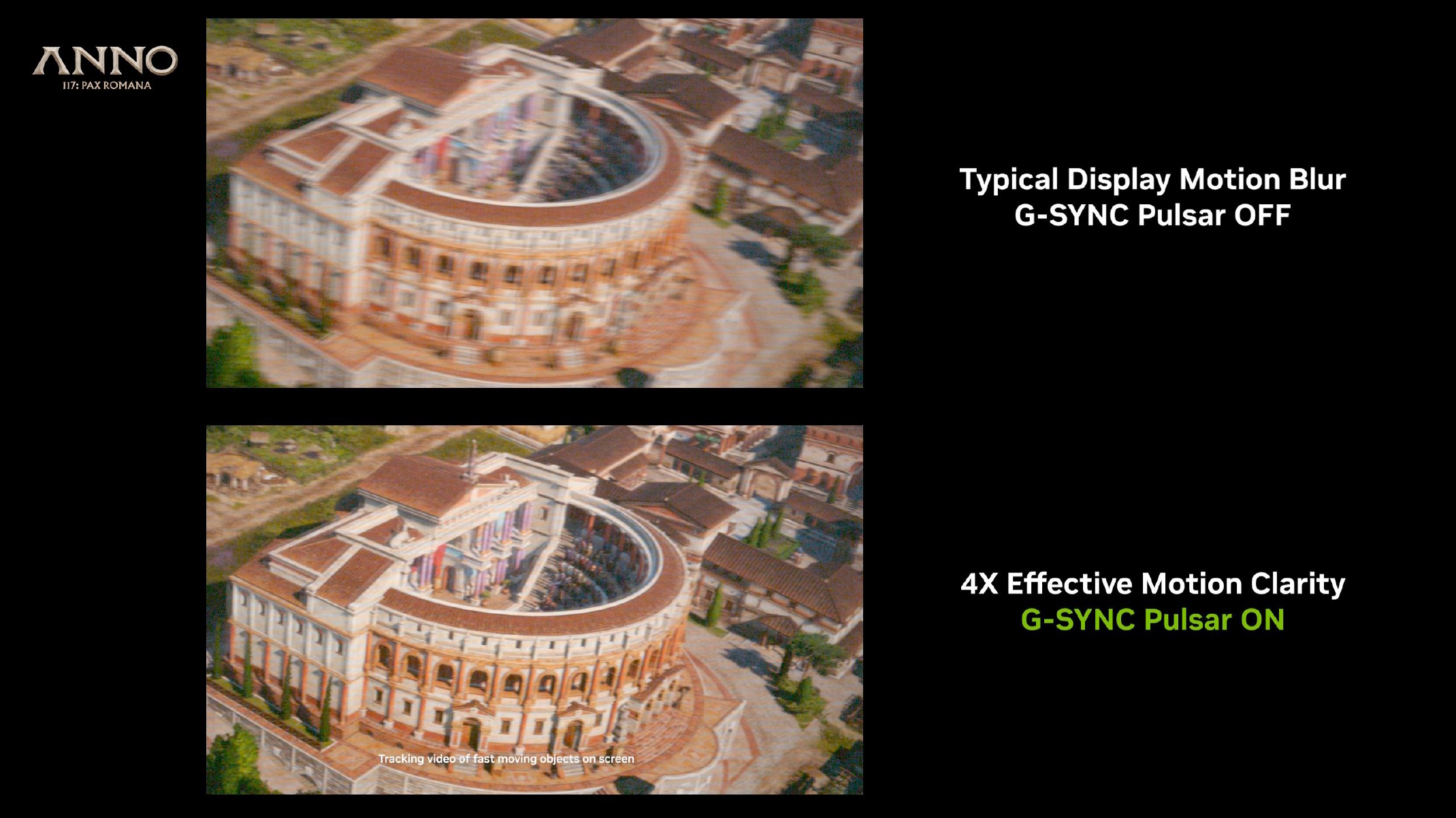
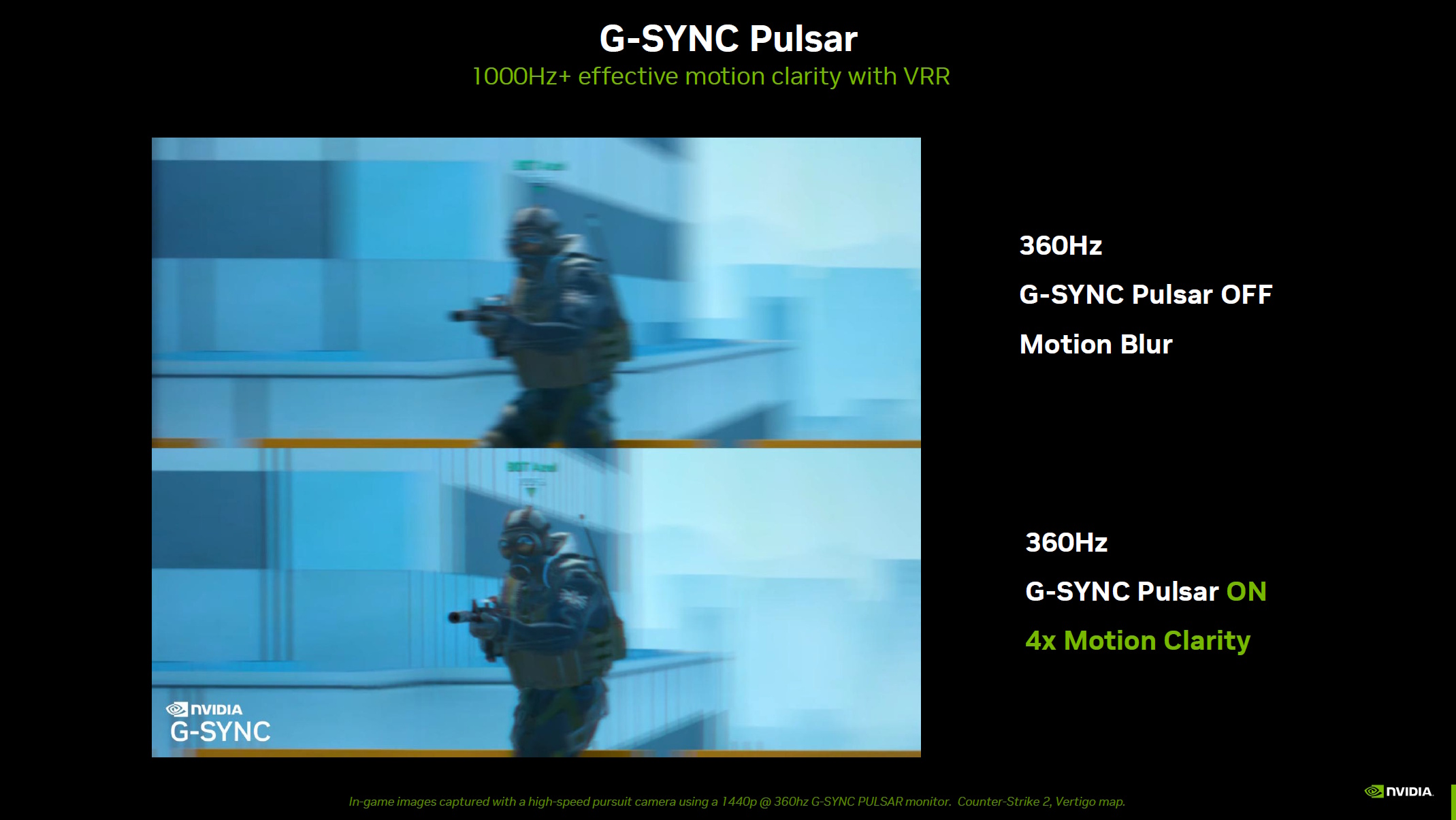
Pulsar attempts to use backlight strobing to solve this problem, and the original version essentially turns off the backlight between each displayed frame. This backlight strobing will be familiar to those of you who know about Ultra-Low Motion Blur, but Pulsar tailors this ULMB strobing to match variable refresh rates, thus the G-Sync identifier. Making the strobing match your monitor's variable refresh rate is supposed to help prevent perceived flickering.
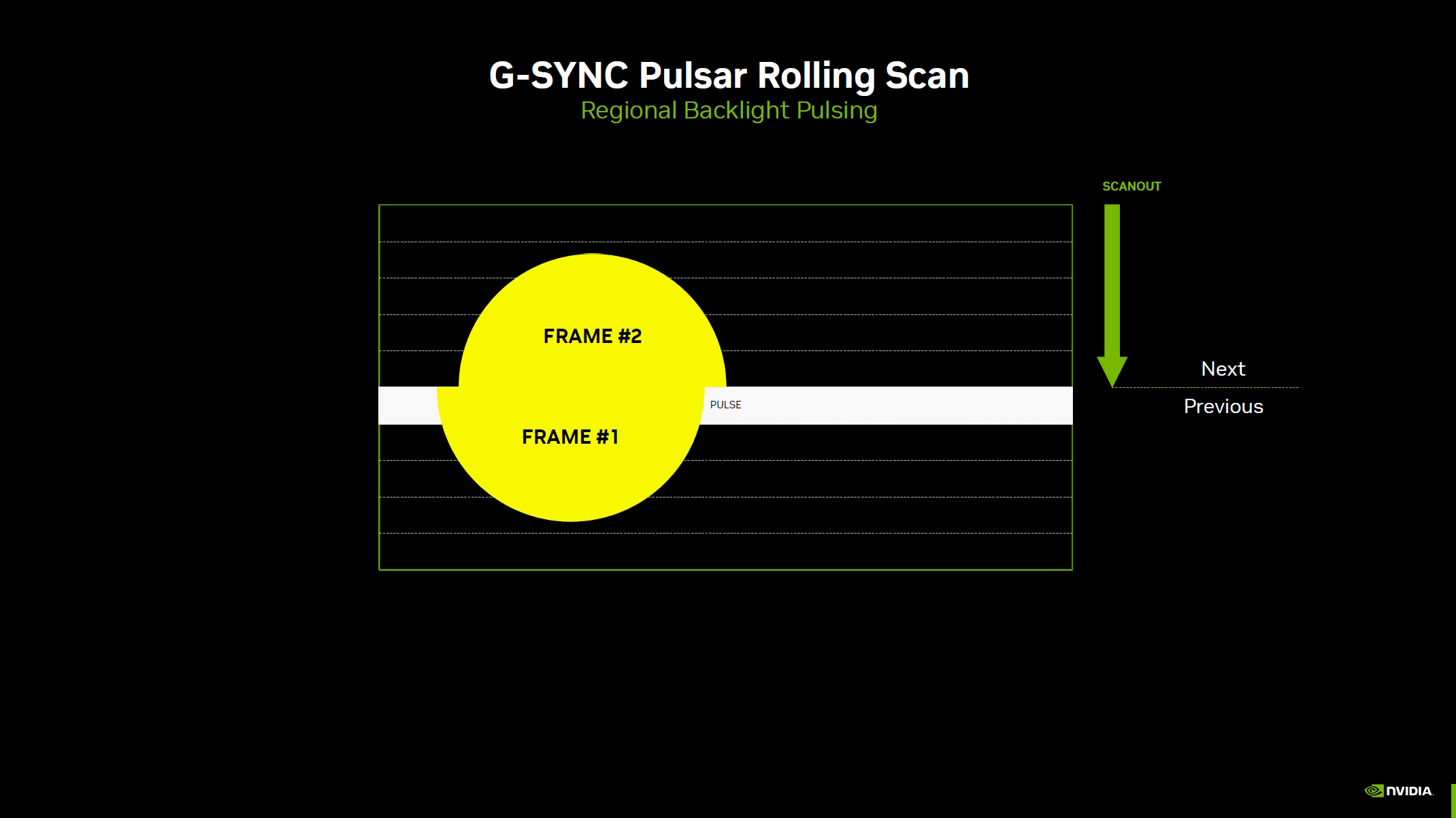
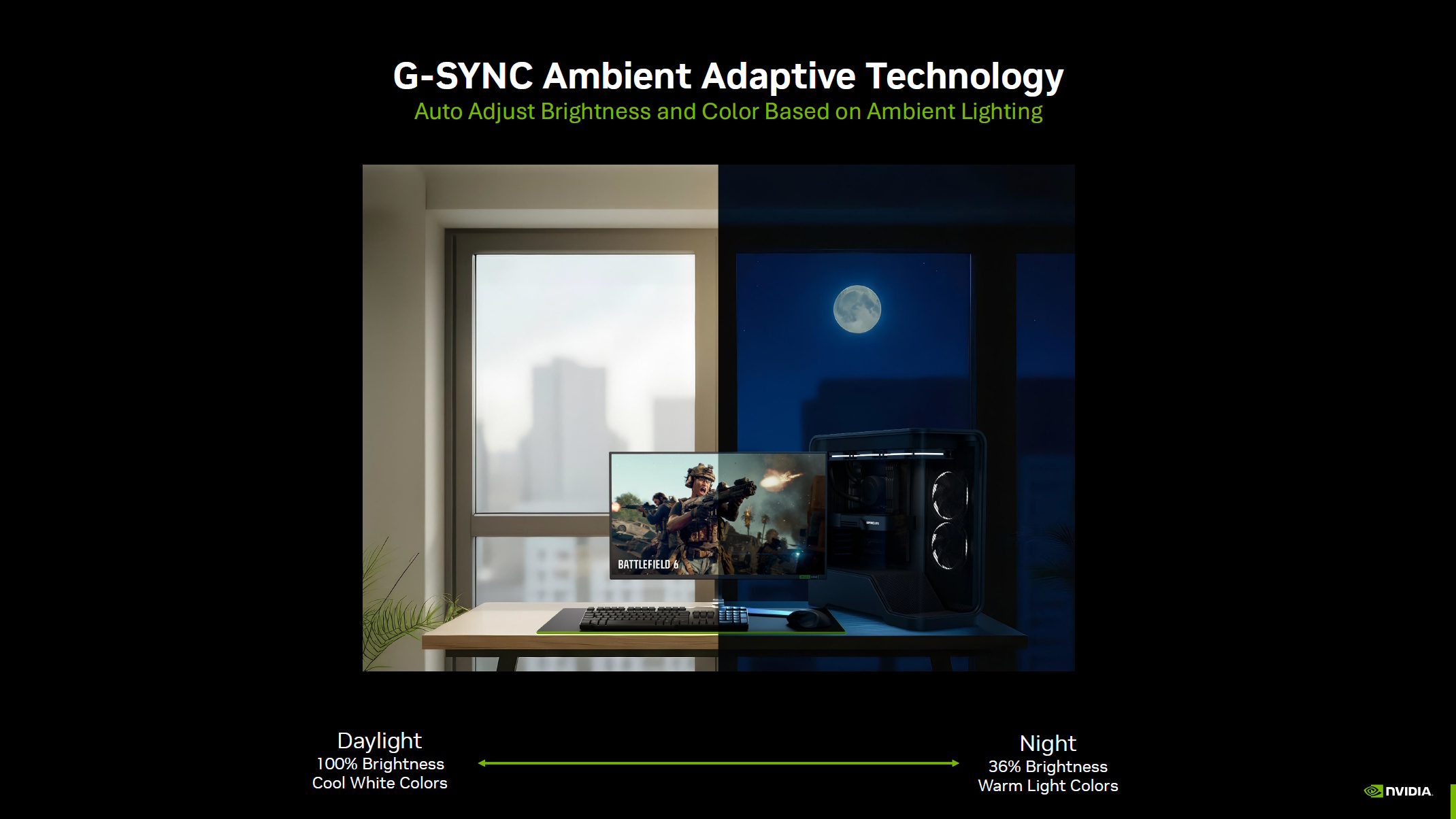
Article continues belowSo far so good, but what's new? Well, apart from some tangential 'Ambient Adaptive' technology that adjusts your monitor's brightness and colour based on your room's ambient lighting, the big change is how the new Pulsar does its strobing. The new version doesn't actually strobe the entire backlight. Instead, it strobes just a horizontal strip at the point of the 'scanout'.
When your monitor refreshes to display a new frame, it actually does this a row at a time, rolling down your screen. The new G-Sync Pulsar uses "Regional Backlight Pulsing" to "pulse" (ie, strobe) the backlight at the row where the pixels are about to change—there are ten "backlight stripes", ie, rows, that can be strobed. Think of it like a wave, rolling down your screen, flowing just ahead of where your monitor is scanning out the new frame.
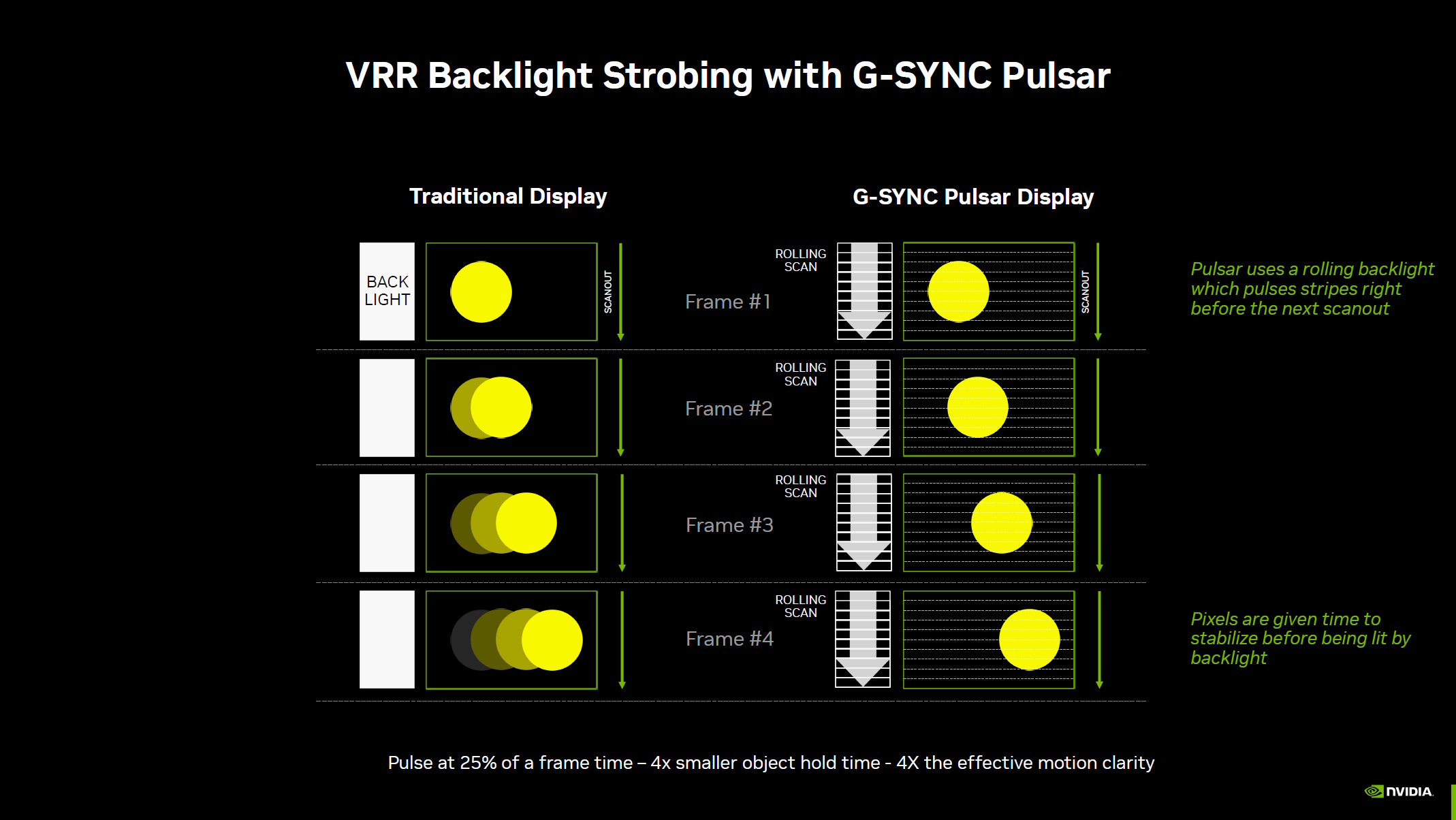
Compared to not having Pulsar enabled, the benefit is, according to Nvidia, that you have each frame visible for just 25% of the frame time, which means "4x smaller object hold time" and "4x the effective motion clarity."
It is, of course, a technology mostly aimed at competitive gaming, thus why the promo shots are of a Counter-Strike character.
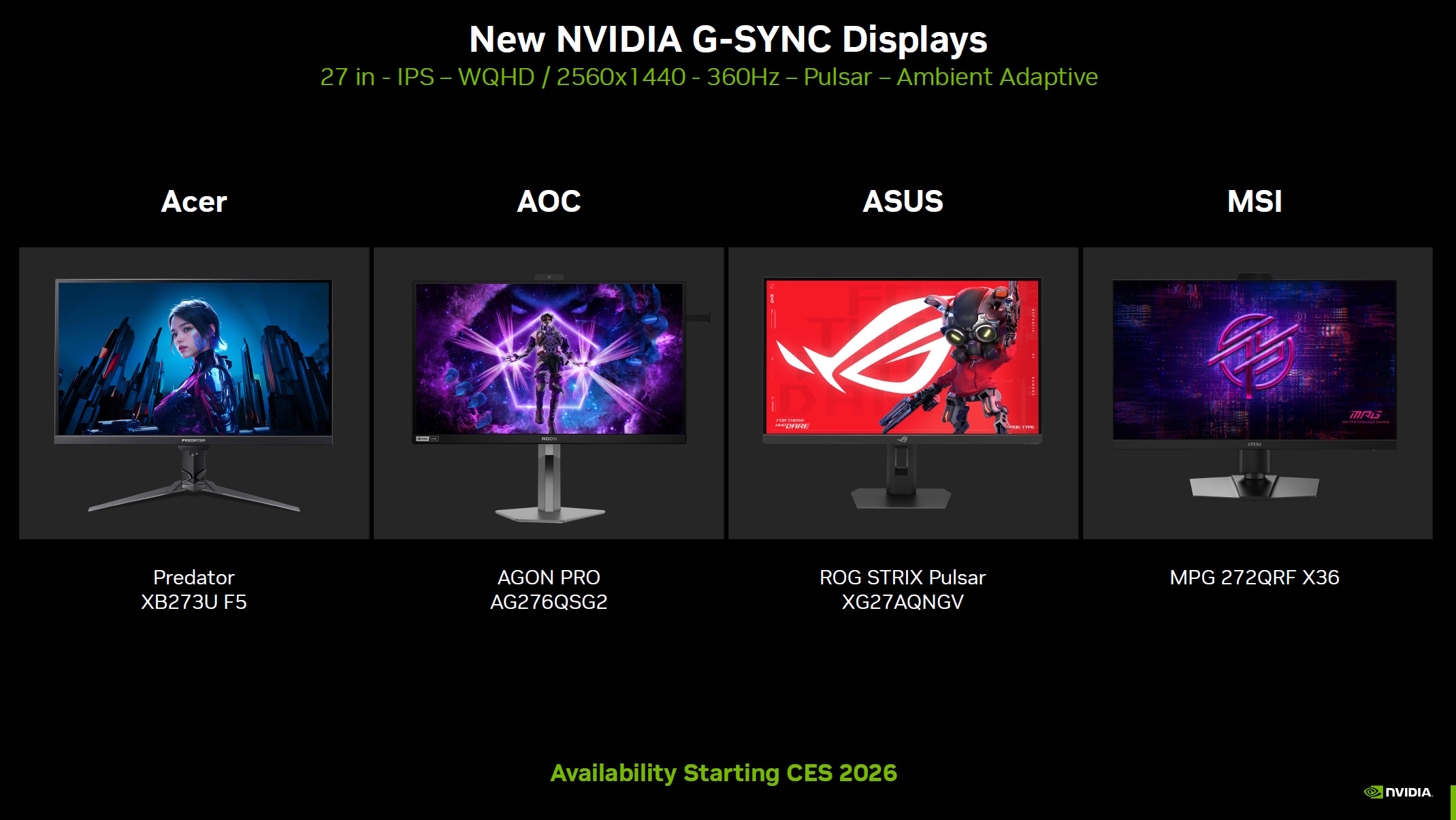
It also therefore tracks that the monitors announced alongside this new technology, which make use of it, are ones that should be great for esports: 27-inch, 360 Hz, 1440p IPS panels from Acer, AOC, Asus, and MSI. It'll be interesting to see how a 360 Hz monitor with the new G-Sync Pulsar compares to, say, a 540 Hz monitor without the new strobing tech, for competitive FPS gaming.
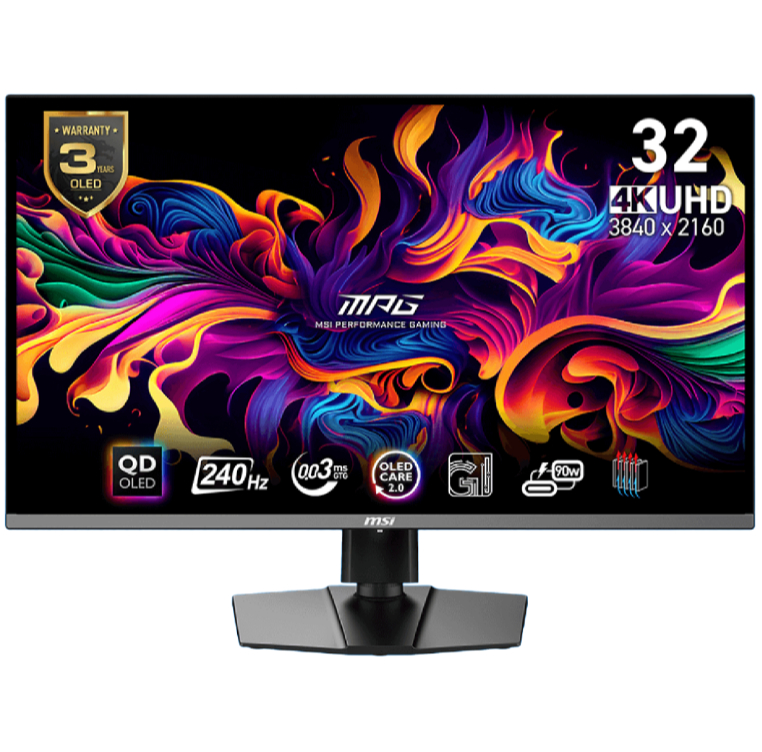
1. Best overall / 4K:
MSI MPG 321URX
2. Best budget 4K:
Asus ROG Strix XG27UCG
3. Best 1440p:
MSI MPG 271QRX
4. Best budget 1440p:
KTC H27T22C-3
5. Best 1080p:
AOC Gaming C27G4ZXE
6. Best Ultrawide:
Gigabyte MO34WQC2
7. Best budget ultrawide:
Xiaomi G34WQi
8. Best 32:9:
Samsung Odyssey OLED G9
9. Best dual-mode:
Alienware AW2725QF

You must confirm your public display name before commenting
Please logout and then login again, you will then be prompted to enter your display name.