Join The Club





Have you ever looked at your laptop and thought you needed more screen space… vertically? I certainly haven't. Nevertheless, this new ROG gaming laptop offers just that. And there is at least one interesting way to use it for gaming.
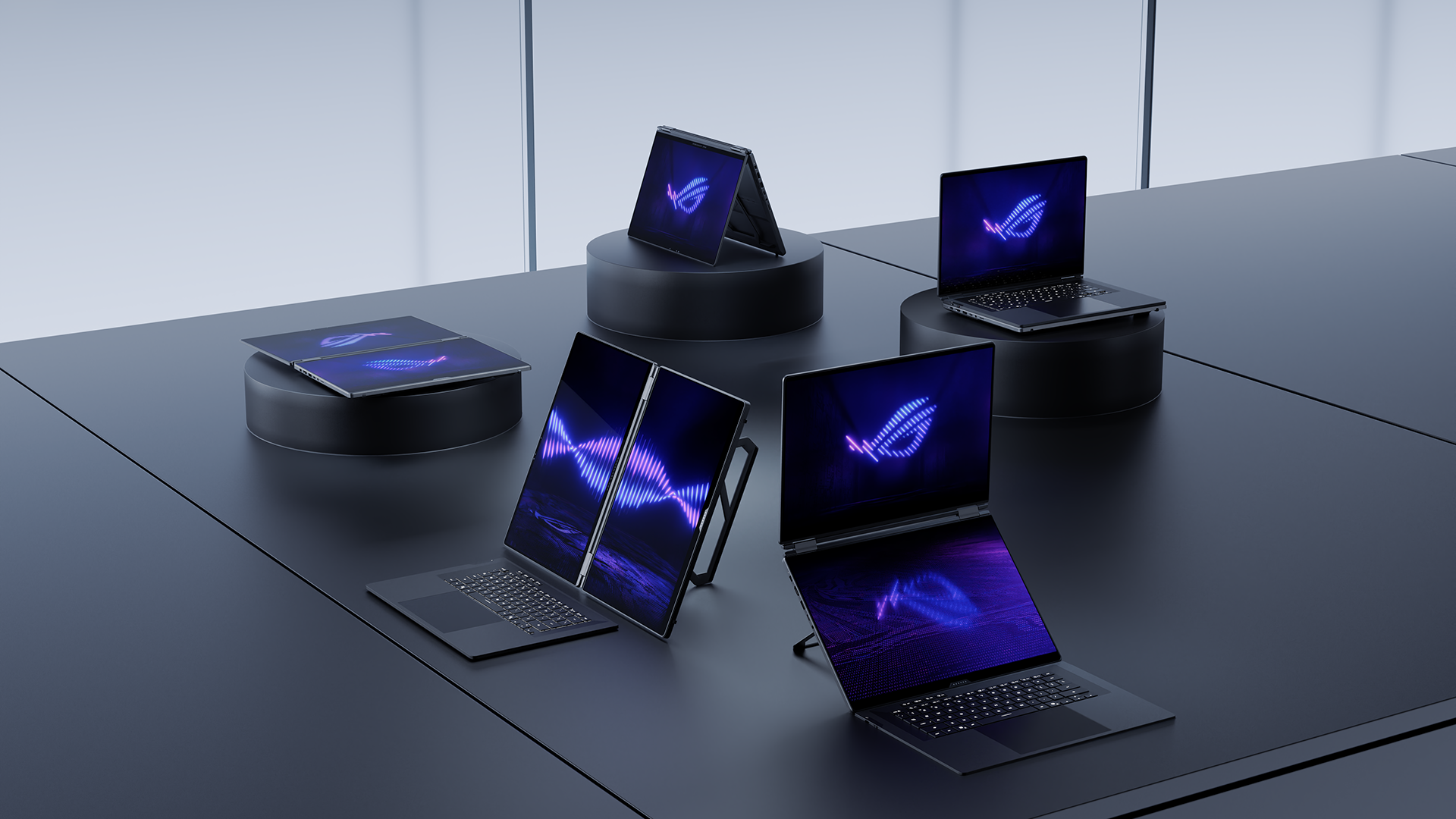
The Zephyrus Duo. Fit with two 16-inch, 3K, 120 Hz, OLED screens, and one of which sits right where a keyboard usually would. The entire laptop is hinged: able to rotate up to 320° with a kickstand on the rear to sit it upright.
Article continues belowThere is a keyboard and trackpad. These are included on a separate, detachable slab that can be attached magnetically over the second screen. It can also be used separately via Bluetooth. The keyboard offers the same 1.7 mm key travel as normal Zephyrus laptops. So, for all intents and purposes, you'd not lose out on a more traditional laptop experience with the keyboard overlaid the second screen—the device looks a bit bulky with the keyboard installed, though.
CPU | Intel Core Ultra 9 Processor 386H |
GPU | Up to Nvidia GeForce RTX 5090 Laptop GPU |
Display | Dual 16:10 3K 120 Hz/0.2 ms Nebula HDR Display with OLED |
Memory | Up to 64 GB LPDDR5X-8533 onboard memory |
Storage | Up to 2 TB M.2 PCIe Gen5 SSD (via 2x upgradeable M.2 2280 slots*) |
Connectivity | WiFi 7, Bluetooth 6.0 |
I/O | 2 x Type-C Thunderbolt 4 with DP 2.1 + PD 3.0 (100 W), 2 x Type-A USB 3.2 Gen 2 10 Gbps, 1 x HDMI 2.1 FRL, 1 x SD Card Reader (UHS II), 1 x 3.5 mm Combo Audio Jack, 1 x Asus Rectangle Power Connector |
Battery | 90 Wh |
Size | 24.68 x 35.5 x 1.99 ~ 2.49 cm, 2.85 kg |
Performance hasn't taken a knock here. Asus is opting for the very latest Intel processors—so new, in fact, we heard a lot more about them at Intel's press conference yesterday. Specifically, the Intel Core Ultra 9 Processor 386H. Asus has this noted multiple times as a 16-core/32-thread chip, though it's not. As per Intel's own specs page, it has 16 threads from 4 P-cores, 8 E-cores, and 4 LP E-cores—Intel disabled HyperThreading with Lunar Lake and hasn't brought it back for Panther Lake.
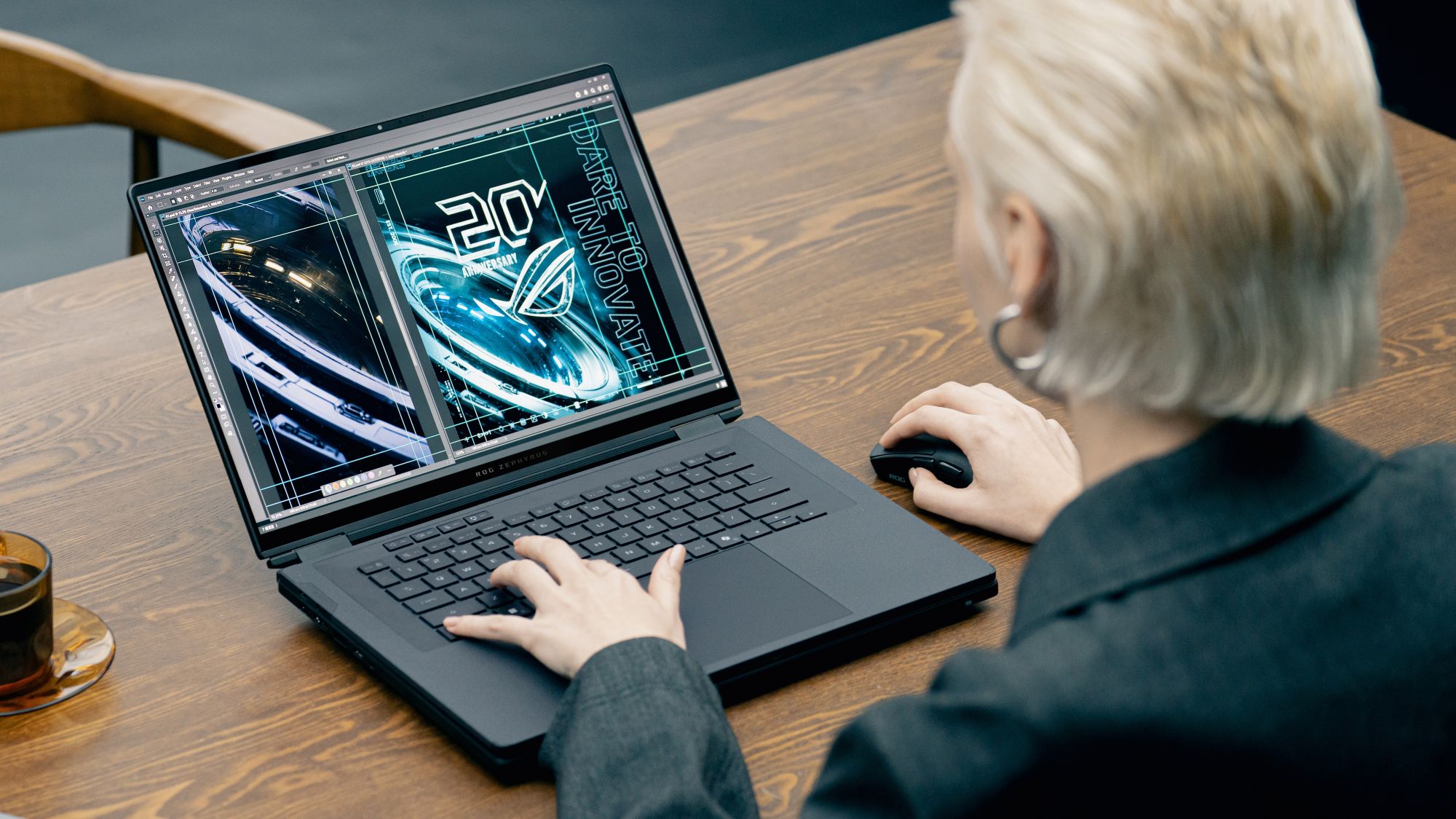



Catch up with CES 2026: We're on the ground in sunny Las Vegas covering all the latest announcements from some of the biggest names in tech, including Nvidia, AMD, Intel, Asus, Razer, MSI and more.
Next to that, an RTX 5090. Though other RTX 50-series models will reportedly be available to purchase—and you'd likely be right to make a change. In our experience, you'll get much more bang for your buck from a more affordable option in a thinner laptop. Thermal throttling really takes the wind out of the mobile RTX 5090's sails.
This isn't the first time we've seen a dual-screen gaming laptop, either. Asus made another in 2023, the ROG Zephyrus Duo 16, though it offered only half a screen above the keyboard. The latest model's full-screen design feels much more usable than that, at least.
Personally, I'm not convincing there's enough here to sell me on the concept of a dual-screen gaming laptop. Call it selfish, but I'm not spending my hard-earned money to share meeting slides more efficiently and play a few co-op games a handful of times. But, I can see a few niche cases where it might work well—for the right price.
Pricing remains a mystery, unfortunately. There's nothing yet listed on the product page and no mention anywhere else. Though I'd suspect a high price tag for this one, not the least bit due to the ongoing memory crisis.

1. Best overall:
Razer Blade 16 (2025)
2. Best budget:
Lenovo LOQ 15 Gen 10
3. Best 14-inch:
Razer Blade 14 (2025)
4. Best mid-range:
MSI Vector 16 HX AI
5. Best high-performance:
Lenovo Legion Pro 7i Gen 10
6. Best 18-inch:
Alienware 18 Area-51

You must confirm your public display name before commenting
Please logout and then login again, you will then be prompted to enter your display name.