
Nvidia releases firmware update to let you get into your BIOS again
RTX 3080 Ti and RTX 3060 currently only turn on the display once Windows loads if you're using DisplayPort.
Keep up to date with the most important stories and the best deals, as picked by the PC Gamer team.
You are now subscribed
Your newsletter sign-up was successful
Want to add more newsletters?
Every Friday
GamesRadar+
Your weekly update on everything you could ever want to know about the games you already love, games we know you're going to love in the near future, and tales from the communities that surround them.
Every Thursday
GTA 6 O'clock
Our special GTA 6 newsletter, with breaking news, insider info, and rumor analysis from the award-winning GTA 6 O'clock experts.
Every Friday
Knowledge
From the creators of Edge: A weekly videogame industry newsletter with analysis from expert writers, guidance from professionals, and insight into what's on the horizon.
Every Thursday
The Setup
Hardware nerds unite, sign up to our free tech newsletter for a weekly digest of the hottest new tech, the latest gadgets on the test bench, and much more.
Every Wednesday
Switch 2 Spotlight
Sign up to our new Switch 2 newsletter, where we bring you the latest talking points on Nintendo's new console each week, bring you up to date on the news, and recommend what games to play.
Every Saturday
The Watchlist
Subscribe for a weekly digest of the movie and TV news that matters, direct to your inbox. From first-look trailers, interviews, reviews and explainers, we've got you covered.
Once a month
SFX
Get sneak previews, exclusive competitions and details of special events each month!
Nvidia has released a firmware update for the RTX 3080 Ti, and the RTX 3060, one that addresses a problem with the screen blanking when using DisplayPort. Currently, the screen will only turn on once your OS loads, which makes getting into the BIOS problematic. Given the need for users to get into the BIOS to turn on TPM options in preparation for Windows 11, this is obviously a timely fix.
The issue is related to the DisplayID specification and will only surface if your monitor also uses DisplayID. It only affects the two 30-series cards mentioned, as well.
Nvidia says only those experiencing screen blanks should apply the firmware update. The update will check whether the update is needed, and will only give you the option of updating it if this is the case. You can grab the firmware update from this Nvidia support page.
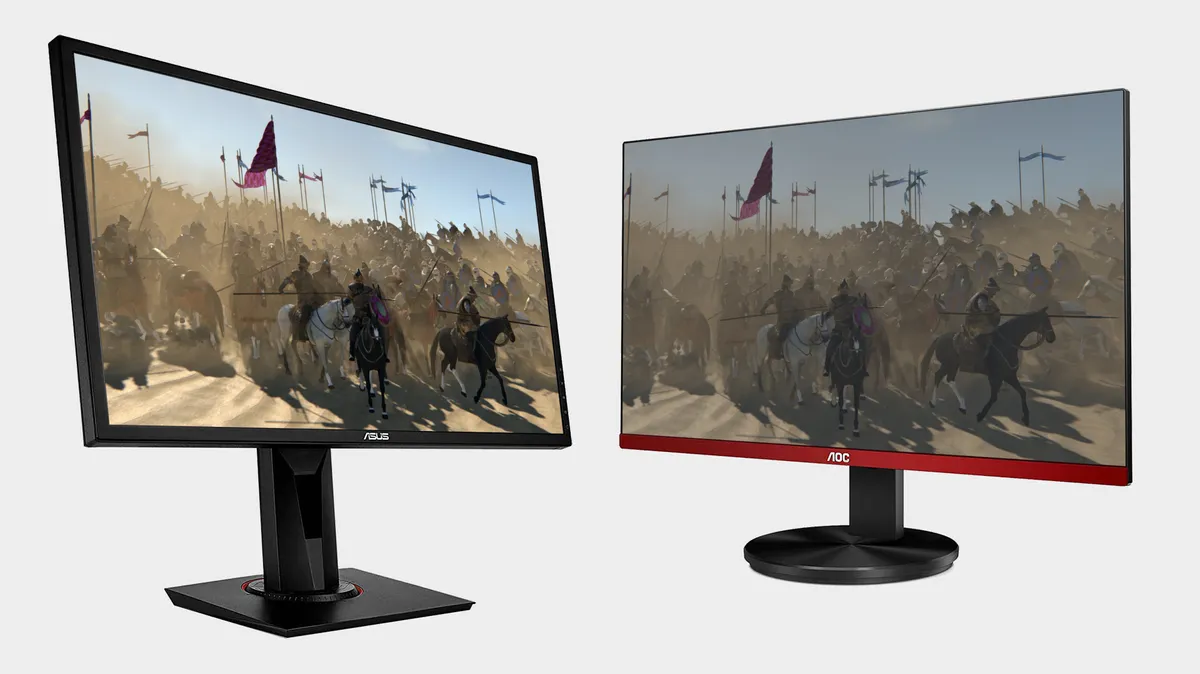
Best gaming monitor: pixel-perfect panels for your PC
Best high refresh rate monitor: screaming quick screens
Best 4K monitor for gaming: when only high-res will do
Best 4K TV for gaming: big-screen 4K PC gaming
Alternatively, if you are experiencing this problem, Nvidia recommends either using DVI or HDMI, booting using a different monitor, or using a different graphics card or the one that's integrated into your CPU—although not all CPUs have integrated GPUs these days, particularly on AMD's side.
Another of its recommendations is to switch from using UEFI to Legacy mode in the BIOS, although, in order to switch that over, you'd need to get into the BIOS in the first place. UEFI is also a better system for modern computers, so this isn't ideal on many levels.
Still, unless you've got a pile of monitors, cables, and different graphics cards to hand, this could be your only option.
Keep up to date with the most important stories and the best deals, as picked by the PC Gamer team.
Alan has been writing about PC tech since before 3D graphics cards existed, and still vividly recalls having to fight with MS-DOS just to get games to load. He fondly remembers the killer combo of a Matrox Millenium and 3dfx Voodoo, and seeing Lara Croft in 3D for the first time. He's very glad hardware has advanced as much as it has though, and is particularly happy when putting the latest M.2 NVMe SSDs, AMD processors, and laptops through their paces. He has a long-lasting Magic: The Gathering obsession but limits this to MTG Arena these days.


