





A new build for the Windows 10 Insider Preview hit the interwebs yesterday, boasting some lovely new icons to give your machine a refreshing facelift, but there's a dark side of things, hidden under this glossy façade.
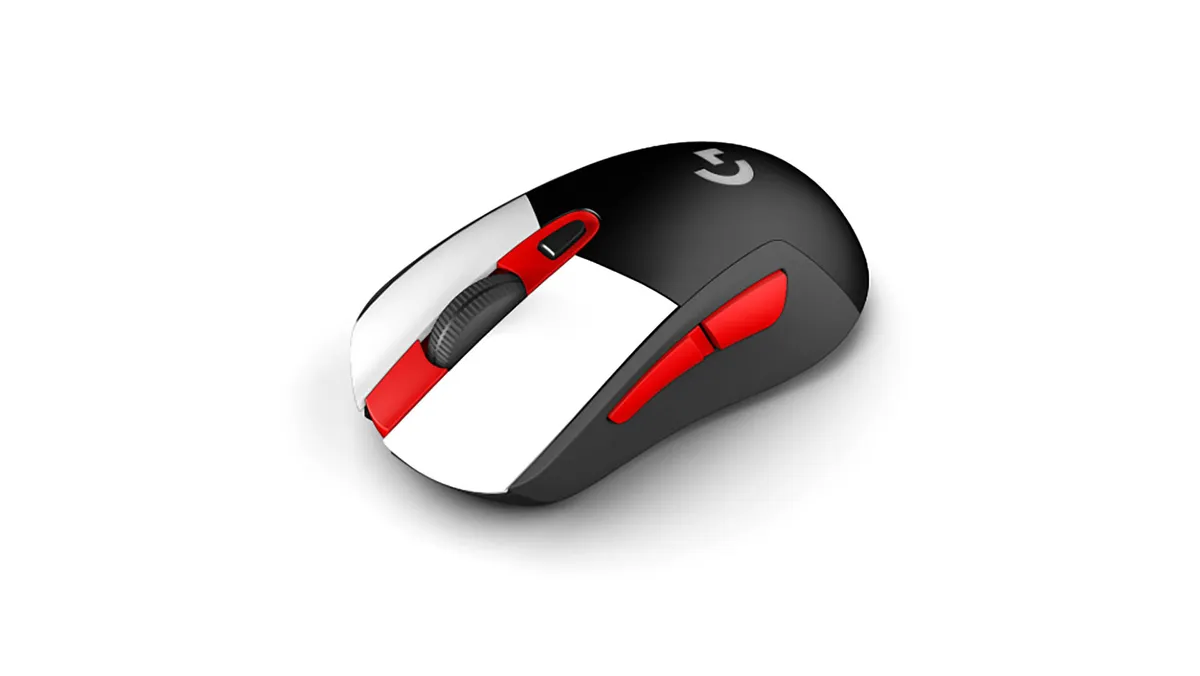
Best gaming mouse: the top rodents for gaming
Best gaming keyboard: your PC's best friend...
Best gaming headset: don't ignore in-game audio
Apparently, Microsoft has been updating the icons throughout Windows 10 since last year—with new icons for Windows Security, Narrator and Notepad. Now you mention it, yeah, the Notepad icon does look different.
Among changes to the way built-in apps look, there's a new flat vibe going on. No longer are folders shown open with their contents magically floating inside them. Instead, links for things like drives and the recycle bin face you directly, as opposed to being presented isometrically.
It's an abstract style, but at least the icons are immediately recognisable—important if you still want users to be able to navigate the UI.
There are other changes in Build 21343, including how the Windows Sandbox and Microsoft Defender Application Guard containers operate and work is starting on a better way of organising the admin and system tools within Windows 10. There are also plenty of fixes in the latest build.


All good then? Not quite. If you make your way down the list you'll find yourself at a rather worrying entry under the Known Issues section. One that should probably make you want to pause this update, at least for a little while:
- [Gaming] There is an issue in this build where certain games may crash, will not sync save data when a game is played on a different device, or will not save when a new game is installed. We are working on a fix, but if you believe this may impact you, to avoid any potential data corruption, we recommend you pause updates until we release a new build with the fix.
So, there's a good chance Build 21343 will turn your gaming rig into a crashing nightmare that refuses to save your progress. There are no details about which games are affected, and it could be that you won't run into any problems, but if Microsoft has put this at the top of the Known Issues section, then there's probably a good reason behind it.
If you're on the Windows Insider program and want to make sure you don't get this build, go to Settings -> Updates & Security -> Windows Insider Program and hit the grey See options button under the Stop getting preview builds section. On the next screen just flick the switch to On.

