

Keep up to date with the most important stories and the best deals, as picked by the PC Gamer team.
You are now subscribed
Your newsletter sign-up was successful
Want to add more newsletters?
Every Friday
GamesRadar+
Your weekly update on everything you could ever want to know about the games you already love, games we know you're going to love in the near future, and tales from the communities that surround them.
Every Thursday
GTA 6 O'clock
Our special GTA 6 newsletter, with breaking news, insider info, and rumor analysis from the award-winning GTA 6 O'clock experts.
Every Friday
Knowledge
From the creators of Edge: A weekly videogame industry newsletter with analysis from expert writers, guidance from professionals, and insight into what's on the horizon.
Every Thursday
The Setup
Hardware nerds unite, sign up to our free tech newsletter for a weekly digest of the hottest new tech, the latest gadgets on the test bench, and much more.
Every Wednesday
Switch 2 Spotlight
Sign up to our new Switch 2 newsletter, where we bring you the latest talking points on Nintendo's new console each week, bring you up to date on the news, and recommend what games to play.
Every Saturday
The Watchlist
Subscribe for a weekly digest of the movie and TV news that matters, direct to your inbox. From first-look trailers, interviews, reviews and explainers, we've got you covered.
Once a month
SFX
Get sneak previews, exclusive competitions and details of special events each month!
When I heard about Nvidia's Max-Q design philosophy, I was excited. I test a lot of gaming laptops, but with a powerful desktop as my main gaming machine, I mostly find myself drawn to thin-and-light ultrabooks for my desired second system. Max-Q systems split the difference, offering powerful gaming internals crammed in a thin-and-light form factor.
Check out the complete list of all of our award winners for 2017. (The list will be updated daily as the winners are announced.)
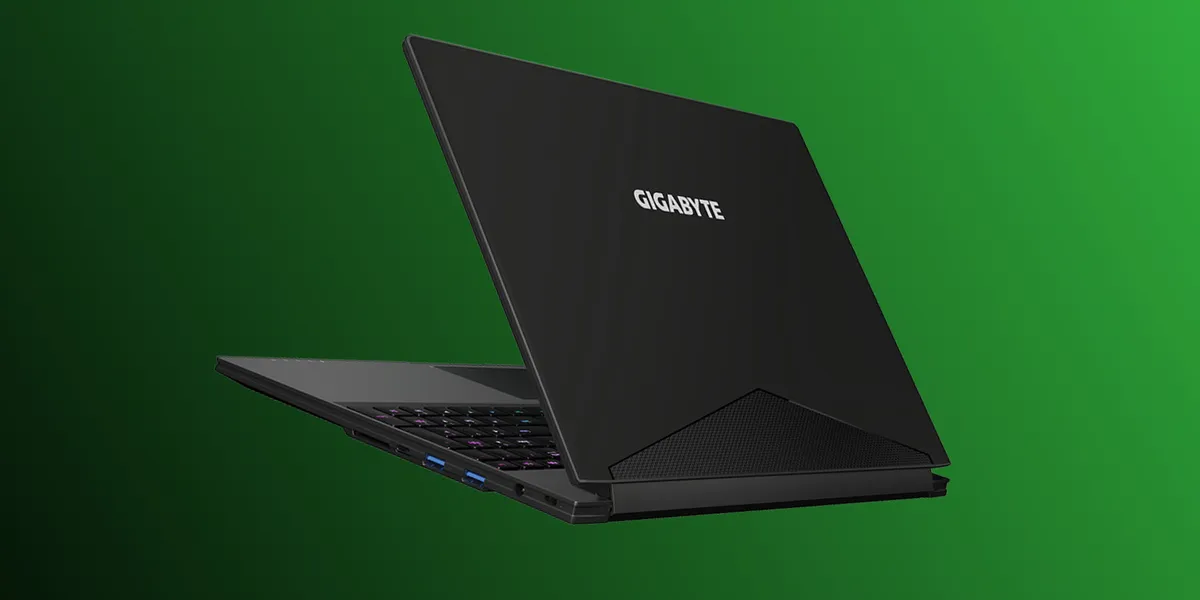
But in testing a whole bunch of Max-Q systems, I still found a problem. No matter how thin your laptop is, 15 inches is a lot of length to carry around in a normal backpack. Gigabyte's Aero 15X solves this. It's a 15-inch laptop with a GTX 1070 Max-Q GPU crammed in a 14-inch shell, thanks to a near-bezeless screen. In other words, it's the same size as a 15-inch MacBook Pro, with the gaming power of an upper-middle tier desktop.
The result is a powerful mobile workstation I can use all day (thanks to a massive 94Wh battery), tote to meetings, and generally use as I would a MacBook Pro, that then, when the work is done, is packed with enough gaming power to play the latest games at 1080p Ultra. It's not without drawbacks—a crappy webcam, stiff keyboard, and lack of screen features like a high refresh rate or G-Sync hold the Aero 15X back from being truly great, but the laptop's upside is worth even more in my mind. A single machine that functions as a truly portable workstation in addition to a capable gaming rig is everything I've been looking for in a gaming laptop. It's a bit pricer than its non Max-Q brethren, but in my mind it's worth every penny.
Keep up to date with the most important stories and the best deals, as picked by the PC Gamer team.
As the former head of PC Gamer's hardware coverage, Bo was in charge of helping readers better understand and use PC hardware. He also headed up the buying guides, picking the best peripherals and components to spend your hard-earned money on. He can usually be found playing Overwatch, Apex Legends, or more likely, with his cats. He is now IGN's resident tech editor and PC hardware expert.


