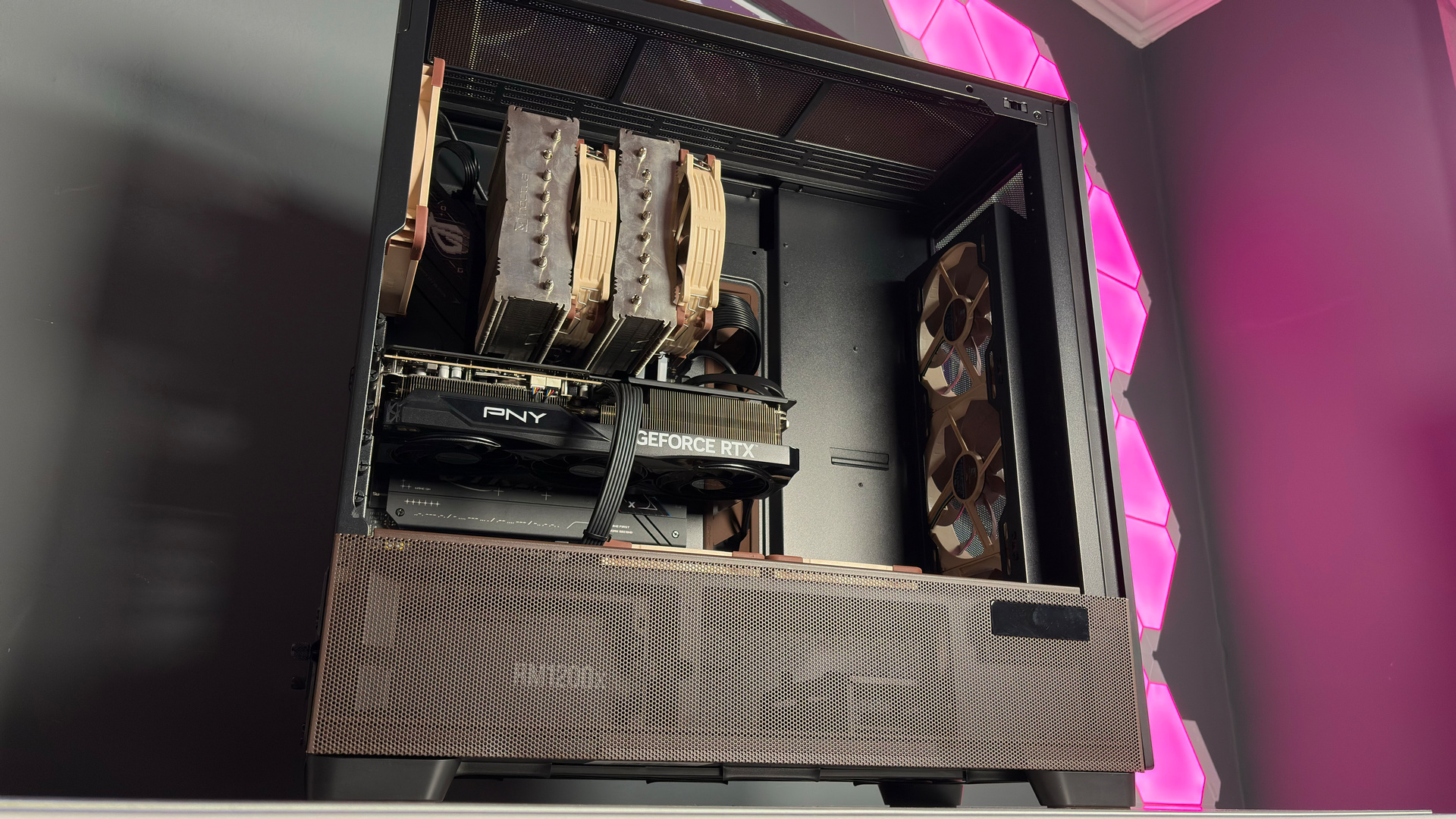
I've used dummy RAM kits before. Usually, a pair of DIMMs that contain no memory chips is simply acting as a shell to match other functioning DIMMs in the remaining slots, often with RGB lighting to match. They're hella satisfying, I must admit, but, ultimately, needless. That's what I thought this V-color announcement was all about: new dummy sticks. But it's actually something stranger.
V-color has announced 1+1 value packs: a DDR5 DIMM alongside a matching dummy DIMM. Yes, it's a single-channel memory kit, but it appears as though it's dual-channel.
Article continues below 
V-color says: "This allows builders to start with one module now, lower their upfront cost, and upgrade later with a second memory module when needed."
Most consumer-grade processors offer two memory channels. These are split between the four DIMM slots on most motherboards, though some only come with two. A single stick of DDR5 will only occupy a single channel, which can reduce the overall performance by some margin, depending on how memory-intensive the task at hand is. So, you want two DIMMs to maximise performance. This being pretty expensive to do nowadays.
Buying a single stick to save cash, then upgrading down the line, is an option. Though this can sometimes lead to instability with XMP/EXPO, due to slight variances in even otherwise identical DIMMs, it often works just fine in my own experience. But, ya know, anecdotal evidence with a small dataset—pinch of salt and all that.
The alternative is to ditch DDR5 altogether. It's not an ideal solution, as DDR4 is slower than DDR5, if only a little bit for gaming, and your choice of chip is restricted to older architectures. Your main options are the Ryzen 5000 series with a compatible AM4 motherboard, both of which are still pretty widely available today.

In doing so, you can score 32 GB of DDR4 for just over $200—a ridiculous price for what it is, but a big saving compared to DDR5.
I'm yet to see a price for V-color's 1+1 kits. Retailers should see them soon, including Newegg, but a cursory search brings up nothing as of yet. Pricing is so important here. If V-color is throwing in a dummy DIMM for next to nothing, maybe there's something to this so-called value pack. If not, and the dummy kit costs more than a single DIMM, you're better off putting your money someplace safe to spend on a second, matching DIMM in future.

1. Best overall:
Razer Blade 16 (2025)
2. Best budget:
Lenovo LOQ 15 Gen 10
3. Best 14-inch:
Razer Blade 14 (2025)
4. Best mid-range:
MSI Vector 16 HX AI
5. Best high-performance:
Lenovo Legion Pro 7i Gen 10
6. Best 18-inch:
Alienware 18 Area-51

You must confirm your public display name before commenting
Please logout and then login again, you will then be prompted to enter your display name.