Burn-in is the one big worry with OLED monitors. But evidence that it shouldn't be a dealer breaker for gamers is approaching critical mass thanks to another long-term assessment released today.
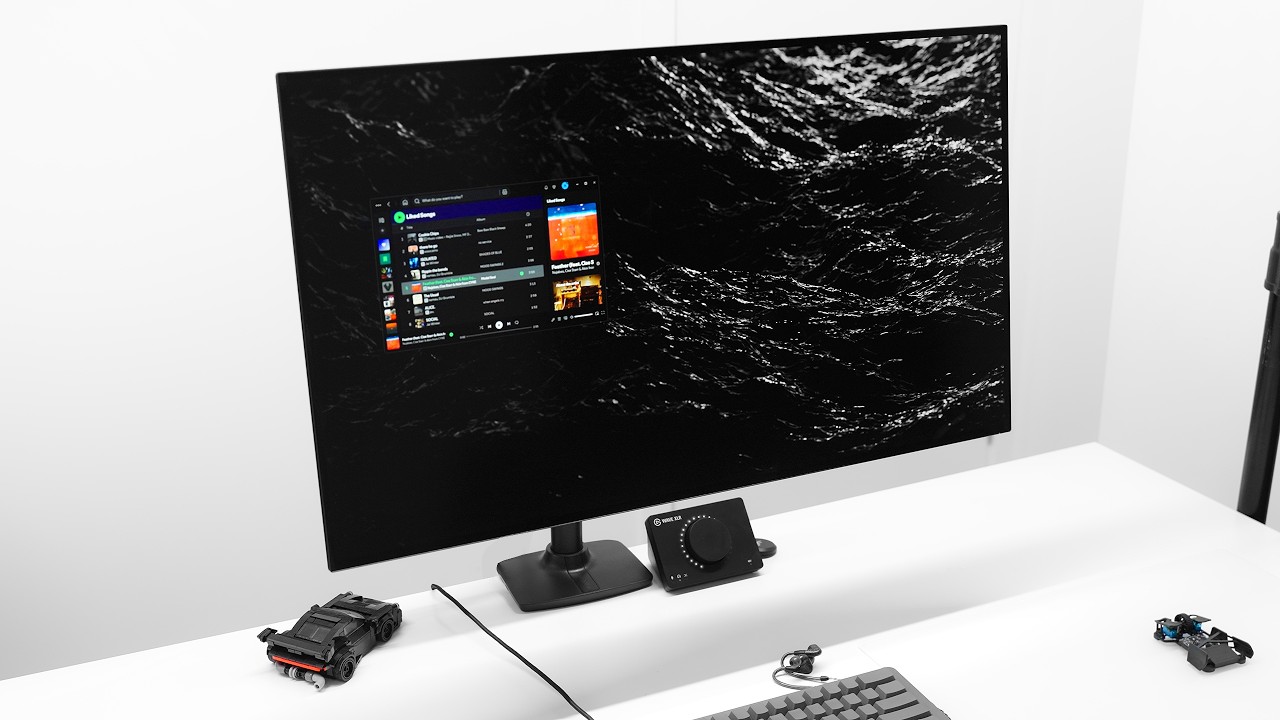
For context, Optimum has been using an LG UltraGear 32GS95UV monitor for a wide range of uses, from gaming to content creation. I think it's a pretty much identical 4K model to the LG UltraGear 32GS95UE I reviewed here, complete with 1080p dual-mode.
Article continues belowIt's said the panel has been set to between 80% and 100% brightness depending on the time of day. No aggressive measures were taken to alleviate burn-in besides running Windows in dark mode with the taskbar set to autohide. All of the panel protection settings were left in default mode.
In practice, that turns out to be just the panel cleaning routine that runs when the monitor is off. Pixel shifting and screen dimming are not enabled by default. Display sleep in Windows was set to 15 minutes.
So, how bad is the burn-in? Using a dark grey full-screen image to assess the damage, Optimum has found, well, a little, but not a lot.
"It's very, very faint," he says. Some very light burn-in can be seen in the bottom left of the screen. "It's from Overwatch. It's basically the health bar. This is a near-white static element, so it's pretty much worst case."
He also says it's, "definitely not something you can see during normal use. Even cycling through different colours and different shades of grey, you can only see it in some of them and even still it's really faint." A few other areas of very slight burn-in are visible around the panel, but again only really under forensic investigation, not normal viewing.
Overall monitor brightness has also dipped over this usage period, but again not enough to see. The measured full-screen brightness has fallen from 262 nits when new to 258 nits now. There's no way that's going to be subjectively noticeable.

All that said, Optimum does warn that significant burn-in is possible with incorrect usage. He recommends using dark mode whenever possible, autohiding the taskbar and not using Windows screen snap-to to manage multiple app windows. Oh and leave the panel cleaning on. That's all sensible advice.
One possible final caveat here is that Optimum says his total Overwatch play time over this period was 400 hours. So, the implication here is that you are a really, really heavy player, presumably the burn-in would be worse.
Anywho, the overall conclusion remains familiar. Burn-in is a real problem, but it's not catastrophic, it can be properly managed and for most gamers shouldn't be a reason not to go for an OLED monitor.
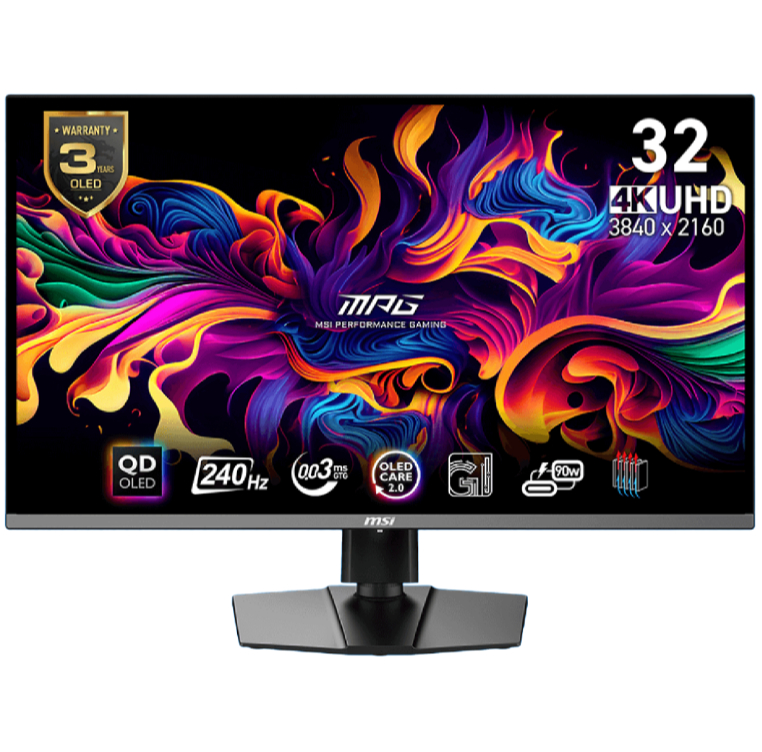
1. Best overall / 4K:
MSI MPG 321URX
2. Best budget 4K:
Asus ROG Strix XG27UCG
3. Best 1440p:
MSI MPG 271QRX
4. Best budget 1440p:
KTC H27T22C-3
5. Best 1080p:
AOC Gaming C27G4ZXE
6. Best Ultrawide:

You must confirm your public display name before commenting
Please logout and then login again, you will then be prompted to enter your display name.