Our Verdict
Gravastar’s premium 60% gaming keyboard is a touch expensive for a small board, but for that money you get a lot of customisation and a solid build. The switches are smooth, the latency is low, and it has a look that will stand out on your desktop.
For
- Solid aluminium frame
- Low latency
- Lots of customisation options
Against
- Bit expensive
- Layout means compromises
- Evokes an unnatural biomechanical terror
PC Gamer's got your back Our experienced team dedicates many hours to every review, to really get to the heart of what matters most to you. Find out more about how we evaluate games and hardware.
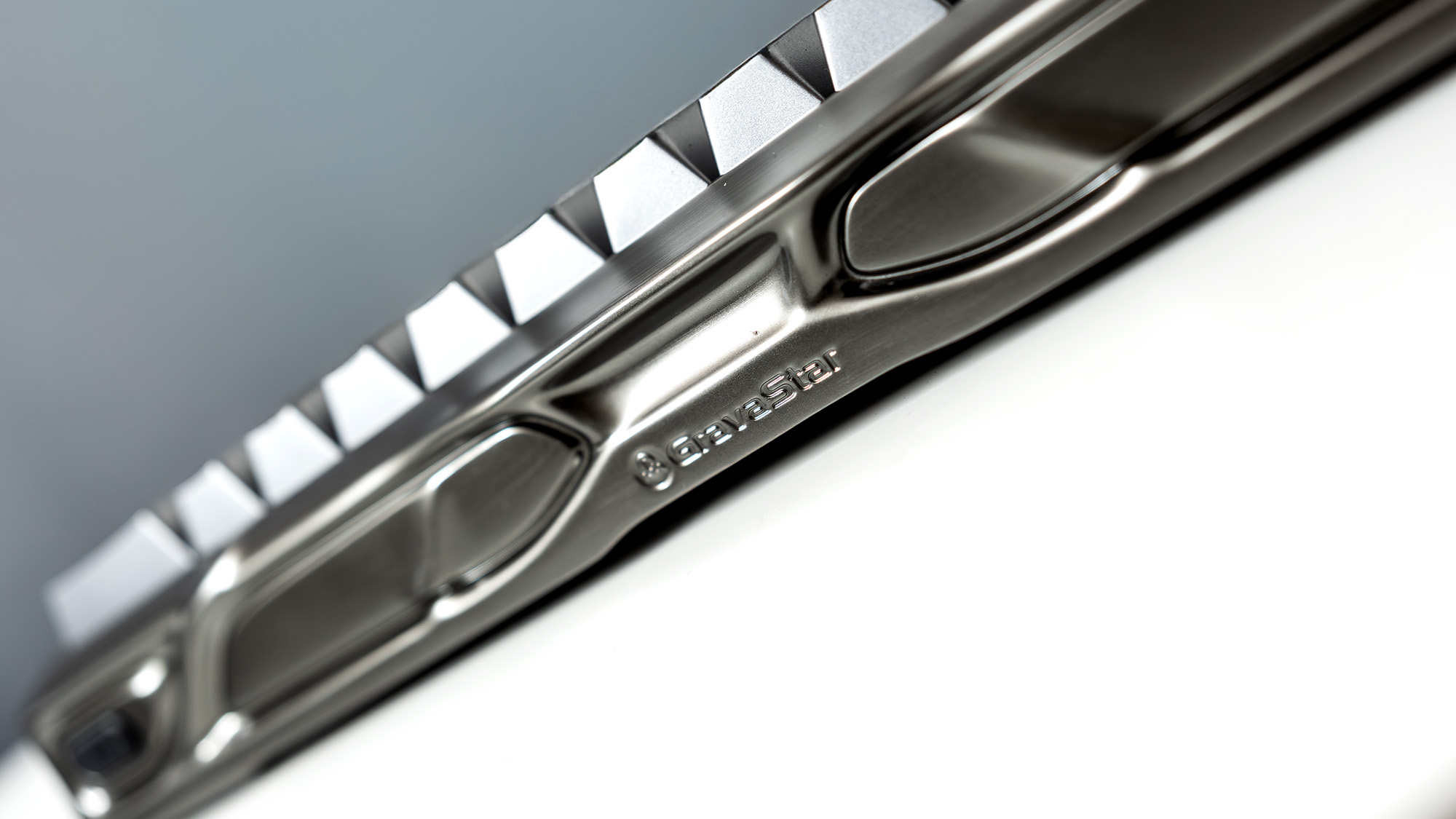
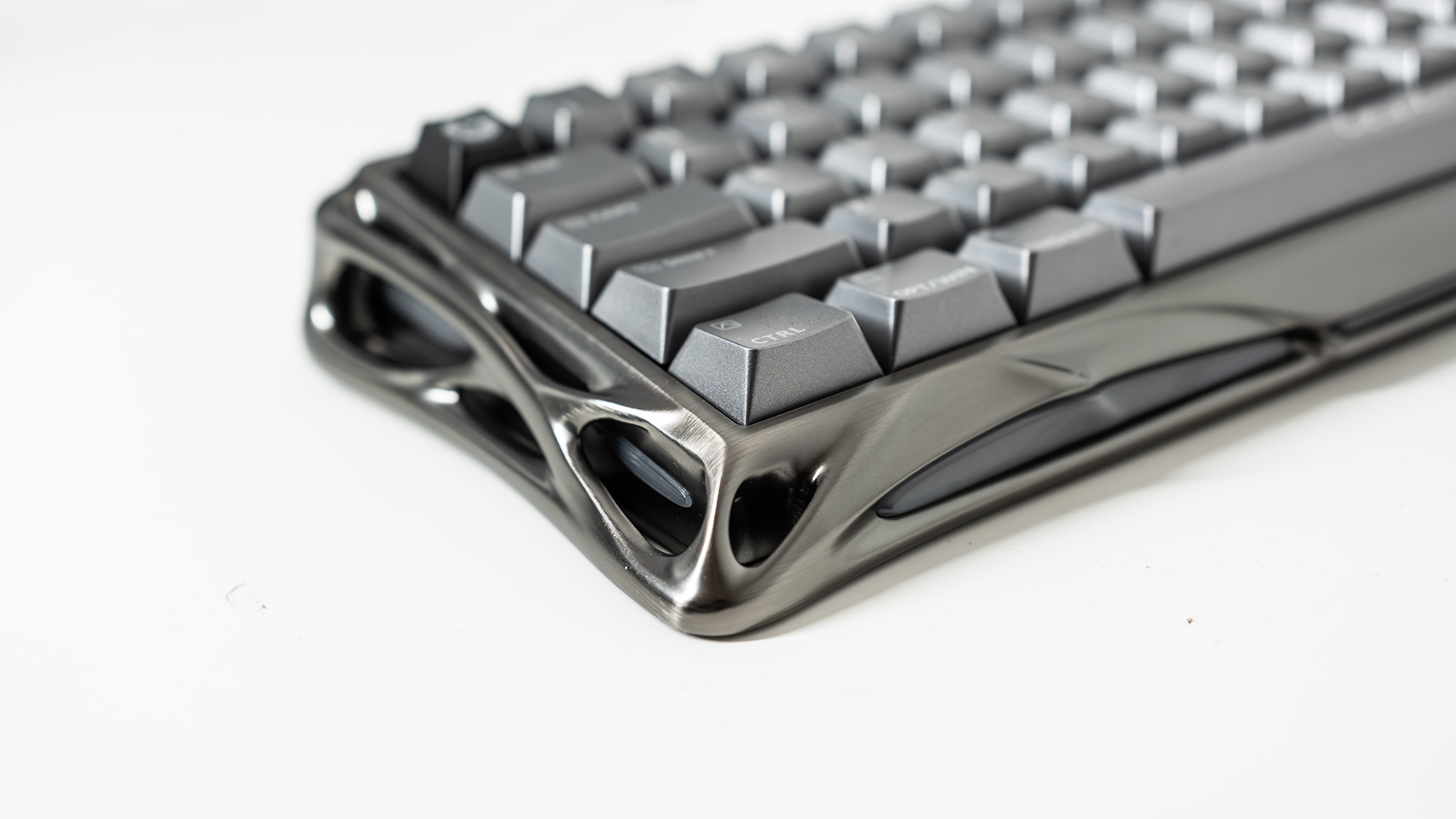
There are a lot of compact gaming keyboards out there but none, so far, has been quite so organic. It’s aluminium, you know it is from the way it feels, but that doesn’t stop it having the look of Cronenbergian moulded flesh about it, one step away from being plugged into an unmentionable part of Jude Law so he can get his gaming jollies.
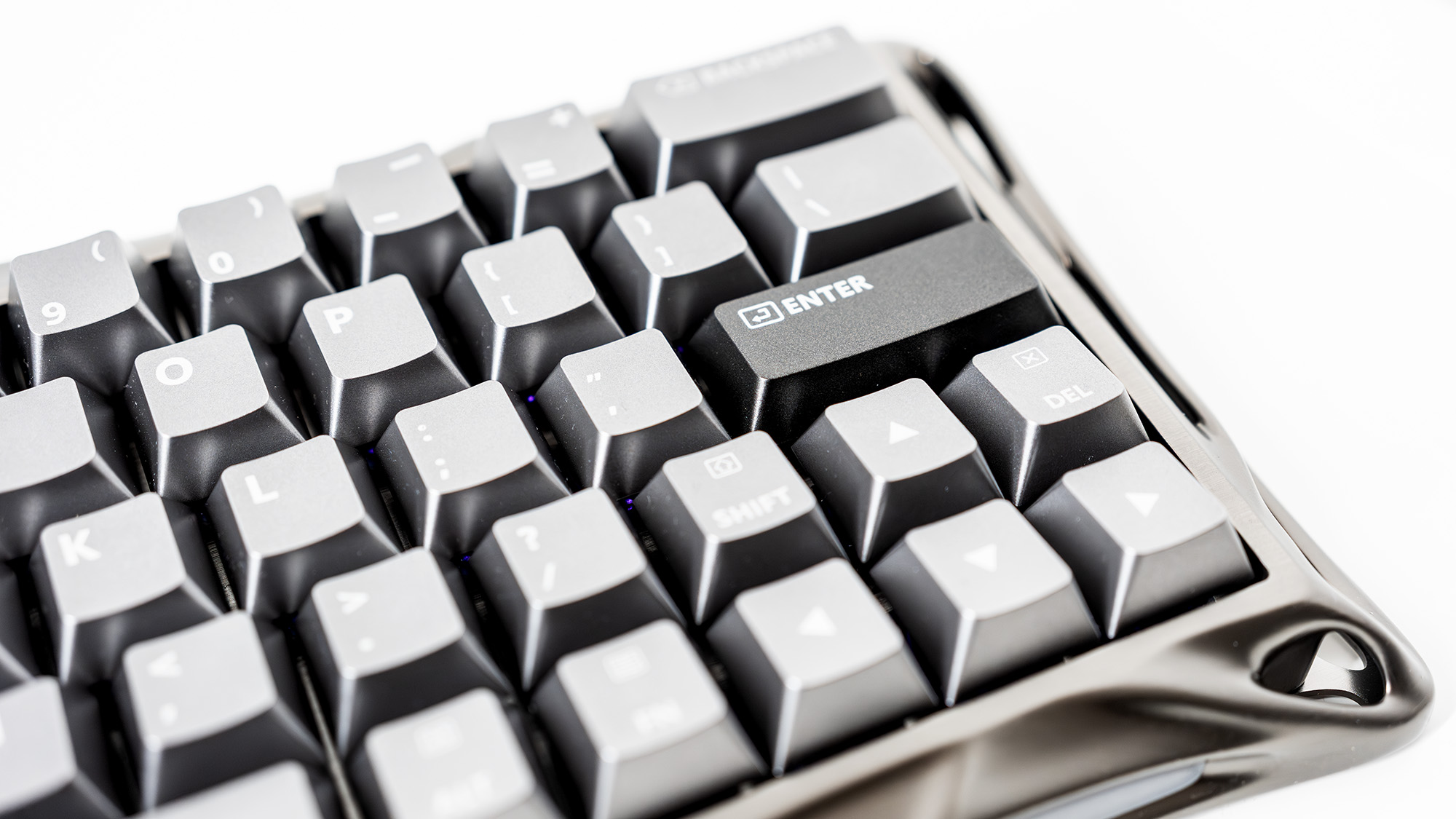
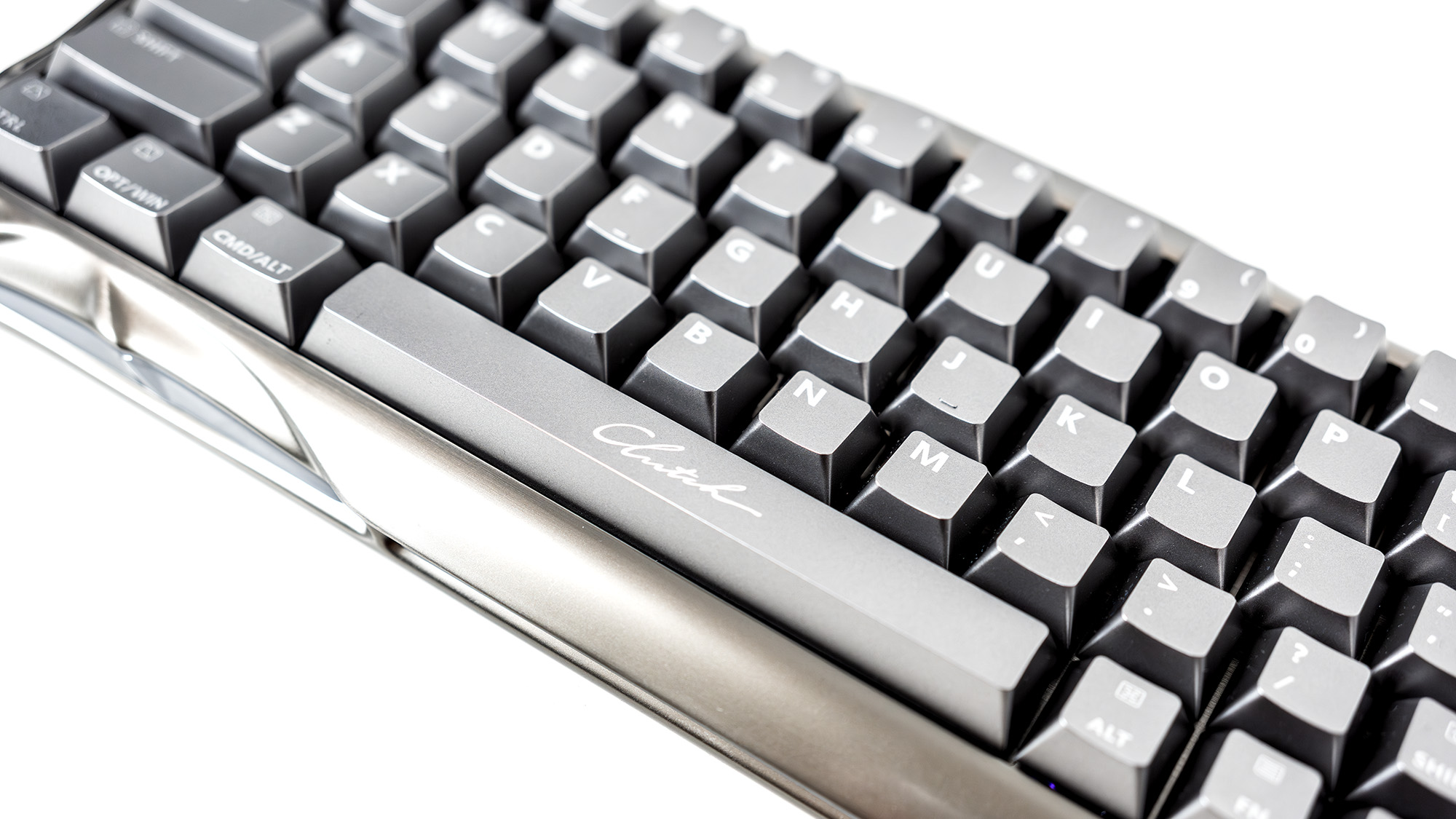
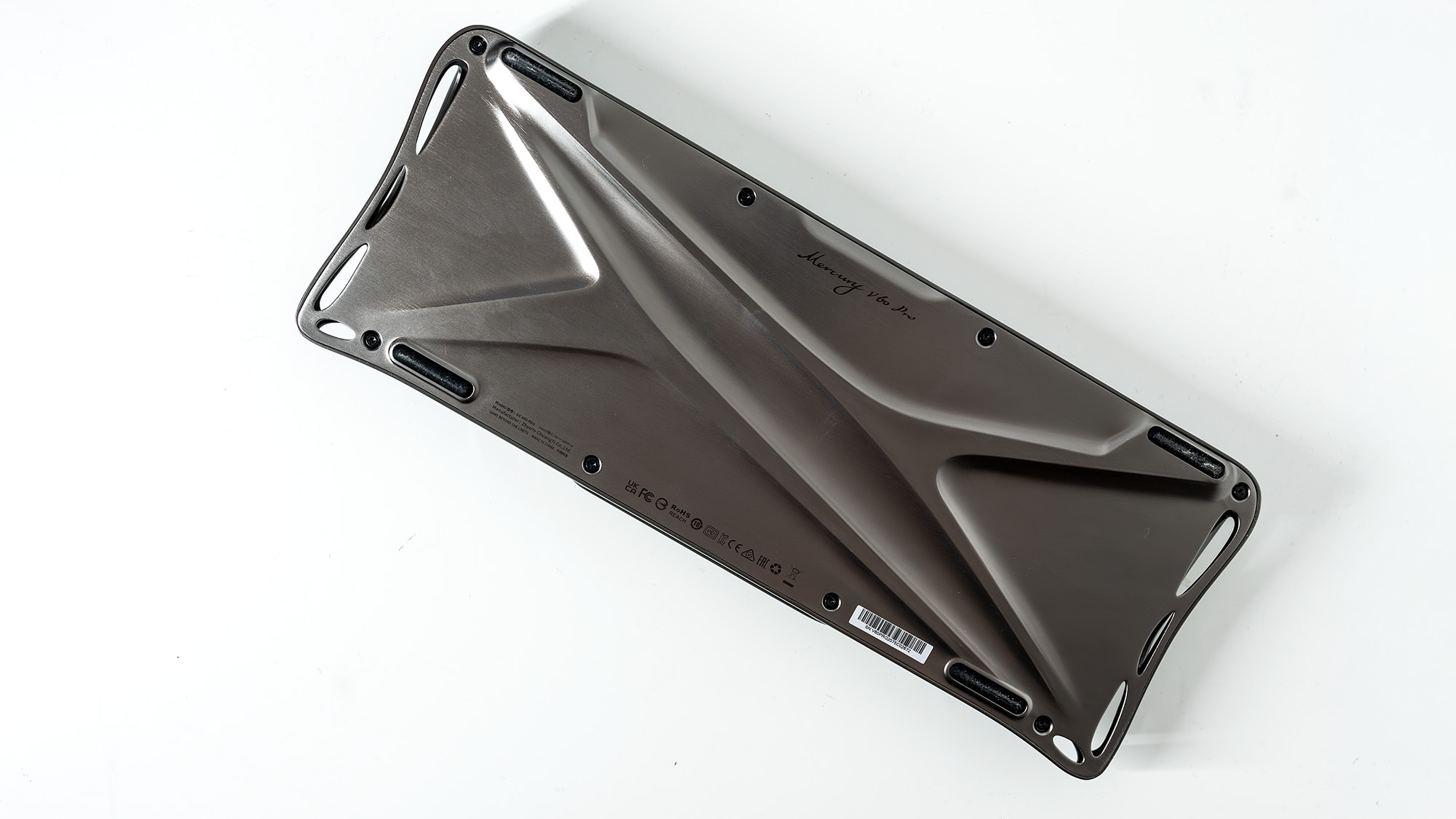
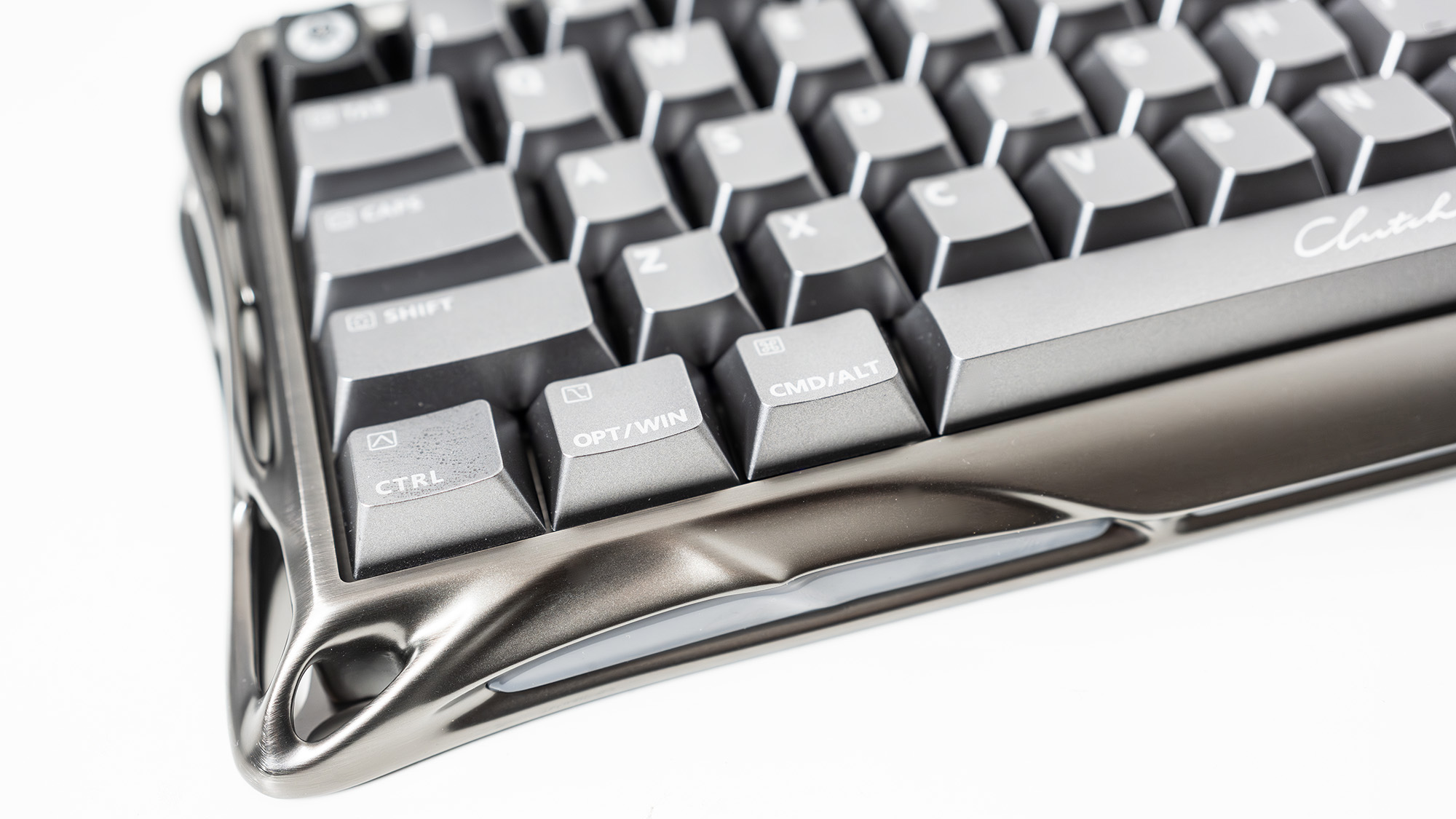
The only port you’ll find on the back of the Mercury V60 Pro, however, is a simple USB-C. There's a button at the other extreme, for switching between onboard profiles, and that’s it. It’s a commendable level of simplicity for something that looks so thoroughly sci-fi, the only added complications being the additional Mac modifier symbols printed on two of the keycaps, and the baffling word ‘Clutch’ written in a cursive font across the space bar.
It’s easy enough to use, and automatically updated the board’s firmware before dropping us straight into the configurator. There are four profiles that can be saved onboard, and you can set the actuation point for each key individually, or set up rapid trigger for just WASD with a few clicks, or add it to every key if you like. You can set dead zones, remap keys, record macros and of course tinker with the lighting across 16 dynamic zones.

The board can also emulate a game controller, sending linear button signals and improving control in games that don’t do well with mechanical keyboards and when you’ve left your gamepad at Jude Law’s house.
There's also a switch for an ‘indicator’ light, which does nothing but light up the word ‘gaming’ in the top left corner of the board, in case you forget why you bought it. You can even adjust the brightness. Why? We’ll never know.
In the box you get a dust cover, key and switch pullers, cleaning brush, a USB cable (it’s a purely wired board) and—yes!—some stickers. The version sent to PCG for review is a metallic mid-grey called gunmetal, but a chrome silver version is also available if you prefer to run your PC in light mode on the outside as well as in Windows.

The Hall effect switches are Gravastar’s own, known as UFO Magnetic Gaming Switches, and have a trigger depth that’s adjustable from a tiny 0.005 mm all the way to 3.5 mm to suit different styles of play. Key position scanning at 256 kHz and a polling rate of 8,000 Hz leads to a minimum latency of 0.125 ms, which should be fast enough for anyone.
It prioritises the most recent keystroke for those moments when you change your mind (also enabling SOCD, which binds two keys so one overrides the other and you can make very fast left to right movements, for example, in shooters that benefit from it), while in the case of simultaneous keypresses it will choose the one that was pressed the deepest, so accidental brushes of the key next door don’t have to ruin your combo.
Due to the way the Hall effect allows the various parts of the switch to pass one another without touching, like a married couple bored of one another’s company, Gravastar rates the switches for a lifespan of over 100 million clicks. That is a lot.

The ‘UFO’ part of the switch’s name refers to its shape, and while it does look rather like something that would fly over the hills to intimately probe Jude Law, were he a midwestern farmer (Mr Cronenberg, if you’re reading), this has nothing to do with the way it performs but a lot to do with how much light it can let through. Oddly, the supplied keycaps don’t allow the backlight to emerge through their letterforms, opting instead to spill out the sides, and it looks rather good set to a solid rainbow effect as a result.
Inside that techno-organic frame there are five layers of acoustic foam for sound deadening purposes, but the keys still make a satisfying ‘thock’ sound. It’s a 60% board, so some compromises have been made—there's no F row, macro keys, media controls or numpad. The right Shift key is so small it’s almost unacceptable (though the left usually gets more use) and is in the wrong place. The payoff for this is nicely sized arrow keys, backspace and enter keys that are a decent width (though why we need such a large \ key above the latter is a mystery) and a board that sits unobtrusively on your desk.
✅ You want to do a lot with limited space: Gaming keyboards can be large and heavy, but this 60% model is made from aluminium, so remains easy to pack away.
❌ The layout doesn’t do it for you. Muscle memory is a funny thing, and if you’re used to an F row, or a shift in a certain place, this might not be for you.ee
It’s also not particularly heavy, being a whole pound less than the Mchose Ace 68 and less than half the weight of the Lemokey L5 HE 8K, and is prevented from sliding around by silicone feet underneath. These are relatively successful, though it’s still possible to nudge the board if you’re typing really furiously.
Cost may be an obstacle to its success, however: the Mercury V60 Pro costs a lot more than PCG’s current favourite budget keyboard, the similarly compact Naughshark NS68, but it’s still a little cheaper than the Keychron Q3 Max, at $220/£200.
Gaming keyboards don’t have to be huge, the presence of so many compact options in the big list of the best boards is testament to that. This 60% specimen is weirdly beautiful in the way it blends its brushed aluminium with a look that suggests it was extruded from some giant hive organism, and its combination of superb design and build, Hall effect switches and extreme customisation mean it may be the perfect keyboard for someone, and we’re glad it existz.
1. Best overall:
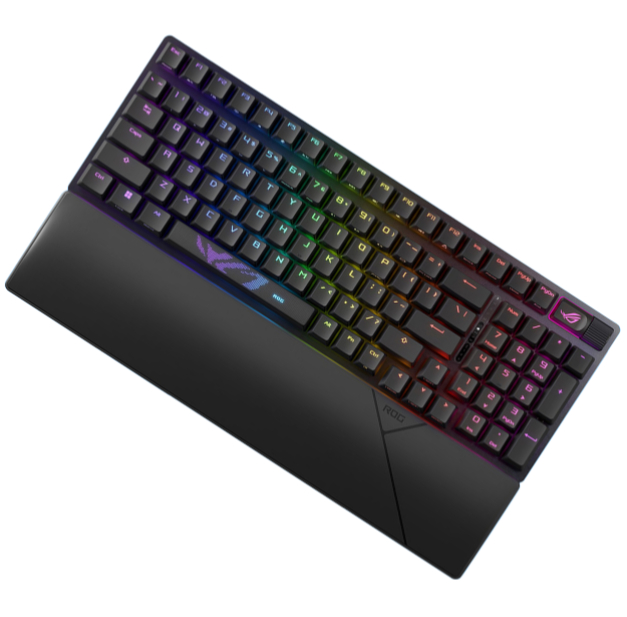
Asus ROG Strix Scope II 96 Wireless
2. Best budget:
Gamakay x Naughshark NS68
3. Best mid-range:
Ducky Zero 6108
4. Best rapid trigger:
Wooting 80HE
5. Best wireless rapid trigger:
Keychron K2 HE
6. Best silent:
Be Quiet! Light Mount
7. Best tenkeyless:
Keychron Q3 Max
8. Best low profile:
NuPhy Air60 HE
9. Best ergonomic:
Kinesis Freestyle Edge RGB
10. Best membrane:
Roccat Magma
Gravastar’s premium 60% gaming keyboard is a touch expensive for a small board, but for that money you get a lot of customisation and a solid build. The switches are smooth, the latency is low, and it has a look that will stand out on your desktop.

You must confirm your public display name before commenting
Please logout and then login again, you will then be prompted to enter your display name.