
 Join The Club





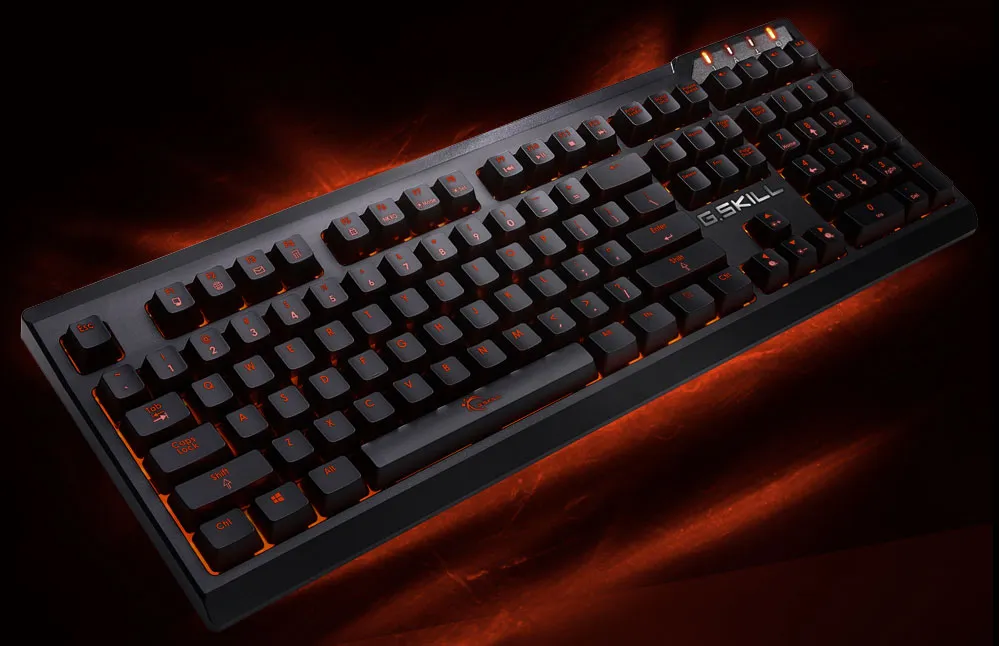
Don't go looking for any special software or custom drivers for G.Skill's newly released Ripjaws KM570 MX mechanical keyboard, you won't find any. You just plug it in like any ordinary USB keyboard and you're good to go, or you can spend a few minutes recording macros and making other custom adjustments.
G.Skill's pitching the lack of additional software as a high point here while noting that it's still a fully customizable plank. That's cool and all, though we'd argue that software can make the process a bit easier (it can also make it more difficult if it's clunky). You can decide for yourself if that's a pro or con. Either way, the settings you input are immediately saved to the keyboard's onboard memory so you can take them with you from PC to PC.
The Ripjaws KM570 MX uses Cherry MX key switches. You have a choice between the Cherry MX Blue, Brown, or Red, with Cherry MX Black noticeably missing from the pack. For anyone reading who doesn't know the difference between, the colors refer to each switch's characteristics. We have a guide to what that means for gaming though here's a quick rundown:


- Cherry MX Blue: Tactile feedback as keys actuate, clicky with a loud click sound
- Cherry MX Brown: Tactile feedback as keys actuate, non-clicky (quieter than Blues)
- Cherry MX Red: Linear without additional tactile feedback, non-clicky (also quieter)

The Ripjaws KM570 MX features seven different preset lighting effects you can play with, which are adjustable in speed and brightness. You can also create your own custom lighting with per-key LEDs.
While there are no dedicated macro keys, the plank supports on-the-fly macro recording. You'll also find media controls and application shortcuts integrated into all 12 Function keys.
Finally, fairly standard features including N-key rollover, 100 percent anti-ghosting, and a Windows key lock are all included here.
The Ripjaws KM570 MX is available now for $100 on Newegg.


