
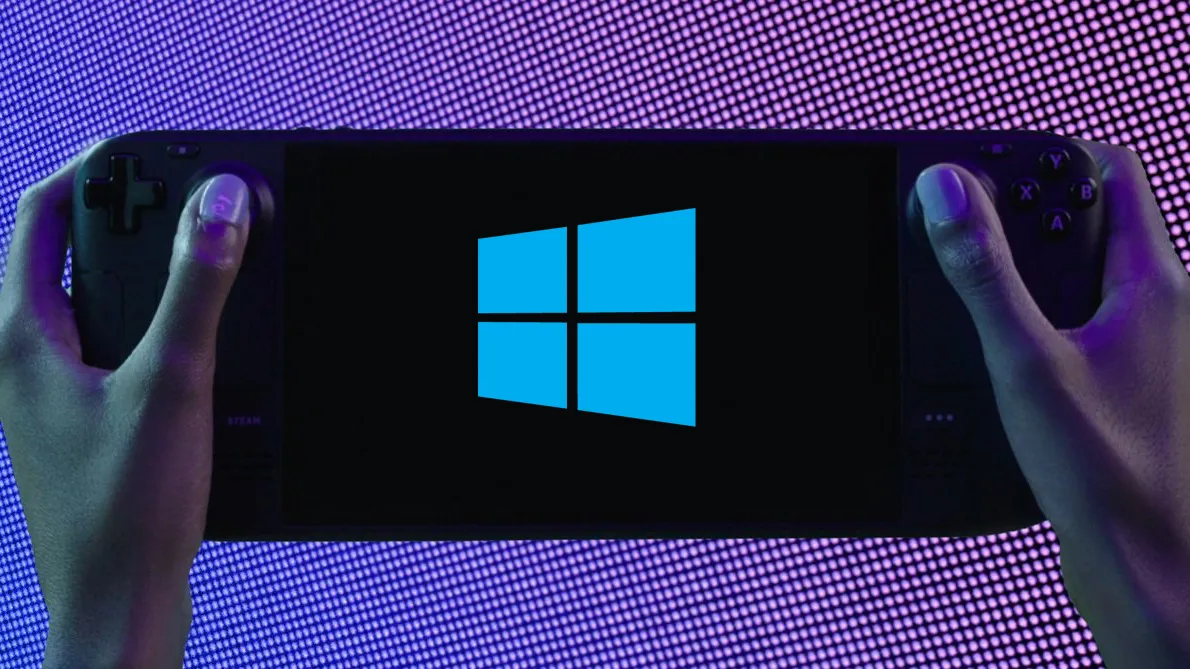
Halo Infinite issues fixed on Steam Deck with new Windows drivers
At least you can play Halo with Windows on Steam Deck.
Keep up to date with the most important stories and the best deals, as picked by the PC Gamer team.
You are now subscribed
Your newsletter sign-up was successful
Want to add more newsletters?
Every Friday
GamesRadar+
Your weekly update on everything you could ever want to know about the games you already love, games we know you're going to love in the near future, and tales from the communities that surround them.
Every Thursday
GTA 6 O'clock
Our special GTA 6 newsletter, with breaking news, insider info, and rumor analysis from the award-winning GTA 6 O'clock experts.
Every Friday
Knowledge
From the creators of Edge: A weekly videogame industry newsletter with analysis from expert writers, guidance from professionals, and insight into what's on the horizon.
Every Thursday
The Setup
Hardware nerds unite, sign up to our free tech newsletter for a weekly digest of the hottest new tech, the latest gadgets on the test bench, and much more.
Every Wednesday
Switch 2 Spotlight
Sign up to our new Switch 2 newsletter, where we bring you the latest talking points on Nintendo's new console each week, bring you up to date on the news, and recommend what games to play.
Every Saturday
The Watchlist
Subscribe for a weekly digest of the movie and TV news that matters, direct to your inbox. From first-look trailers, interviews, reviews and explainers, we've got you covered.
Once a month
SFX
Get sneak previews, exclusive competitions and details of special events each month!
New Windows APU drivers for the Steam deck just dropped, and they aim to rectify issues that some users were running into with Halo Infinite and a handful of other unspecified games. Halo is actually quite an important game for the Steam Deck to run well on Windows, as it's not supported natively on Valve's own SteamOS due to anti-cheat.
One of the main draws of booting your Steam Deck into Windows, rather than its own Steam OS, is to play games that otherwise aren't supported on the system. Most of Microsoft's major titles, including Halo and Gears, aren't supported on the Steam Deck due to anti-cheat limitations, and the same goes for Destiny 2.
There's a chance these games may never be updated to run on the Steam Deck's Linux-powered OS. That means you will need to install Windows on your device or dual-boot, though that's not yet supported (it's coming with SteamOS 3.0's full release).
So if you fancy making the switch to Windows, then make sure you have the most up-to-date drivers. There are no release notes for the new and improved Windows APU drivers, but Valve's Lawrence Yang has mentioned these are intended to solve some issues with Halo Infinite and "other titles that regressed recently".
You can download the new Steam Deck Windows drivers over on the official Steam driver page.
Hello to all Steam Deck + Windows (WinDeck?) enthusiasts! We've just updated the APU driver for Windows on Steam Deck to address issues with Halo Infinite and other titles that regressed recently. New driver can be found here: https://t.co/aRWUulw1kp pic.twitter.com/BLXwBmLnjOJune 17, 2022
Valve has also released new audio drivers, which may help smooth out any sound issues present on the OS. These can be tricky drivers to get right—audio drivers for Windows were some of the last to arrive on the handheld console—so best update these for the optimal handheld gaming experience.
Windows 11 isn't the smoothest of operators on the compact gaming PC, nor does it yield as good results as SteamOS 3.0 in most situations. Nevertheless, the option is there for owners of the device, and you've got to love that about the Steam Deck.

Keep up to date with the most important stories and the best deals, as picked by the PC Gamer team.
Steam Deck review: Our verdict
Steam Deck availability: How to get one
Steam Deck battery life: The real battery life
How loud is the Steam Deck? Say what?
The emulation dream machine: The ultimate emulator
The best budget gaming PC: Price point hero

Jacob earned his first byline writing for his own tech blog, before graduating into breaking things professionally at PCGamesN. Now he's managing editor of the hardware team at PC Gamer, and you'll usually find him testing the latest components or building a gaming PC.


