


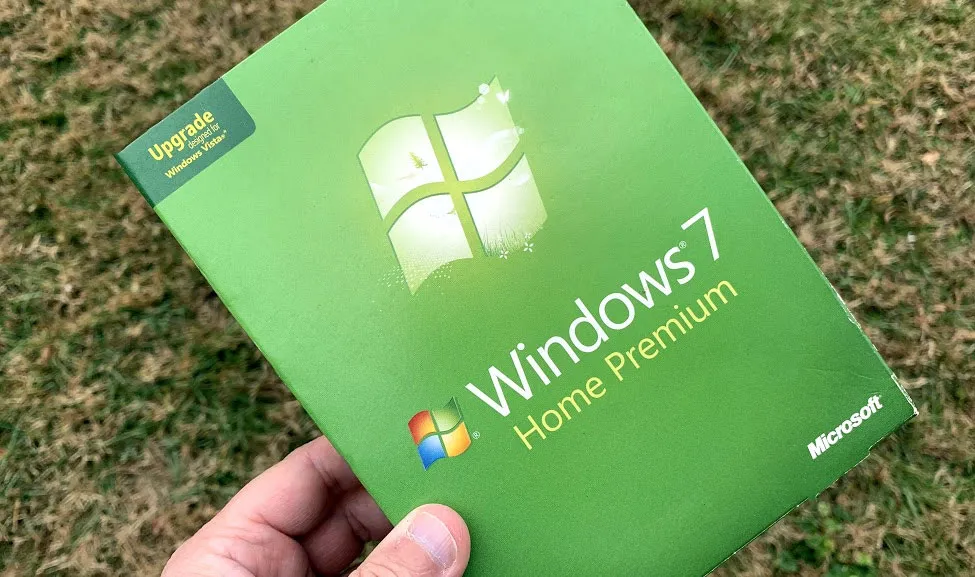
Attention Windows 7 users: In case you forgot that support for your OS is coming to an end next month, Microsoft will oh-so-kindly remind you with subtle, friendly notifications over the next few weeks. Just kidding! They're actually fullscreen notifications that take over your entire screen.
This has already been happening to some extent for the past few months. Windows 7 users have been seeing pop-up notifications that require a click to get rid of (users can choose between "Remind me later," "Learn more," or "Don't remind me again"). As the end date approaches, however, Microsoft is ramping up its effort with larger notices to encourage users to upgrade. It's going to be hard to miss this one.

In theory, you should see this notification two times—once this month and again in January. Microsoft claims to have heard from Windows 7 customers "they would like a few reminders, with early enough notice."
"Based on that feedback, we'll send reminders once a month at most as we approach this important end of support date," Microsoft explains.
While slightly annoying, this type of thing invites phishing scams, with fraudulent pop-up messages masquerading as a legitimate notification. Microsoft says to compare any related notification you might receive in Windows 10 with the image above to ensure it's genuine. It also smartly suggests navigating to microsoft.com/windows7 to learn more, rather than clicking on the notification's link—it's best to err on the side of caution.
"Microsoft made a commitment to provide 10 years of product support for Windows 7 when it was released on October 22, 2009. When this 10-year period ends, Microsoft will discontinue Windows 7 support so that we can focus our investment on supporting newer technologies and great new experiences," Microsoft says.
Support for Windows 7 officially ends on January 14, 2020. Generally speaking, that means you will no longer receive software updates for Windows 7 after that date. There are exceptions, such as for businesses who have opted to pay for extended support, and I imagine emergency patches for zero-day threats will occasionally be made available, as Microsoft has done in the past for expired OSes. But for the most part, Windows will become a sort of sitting duck for security threats.
Naturally, Microsoft recommends making the jump to Windows 10, though interestingly it's pushing users with older hardware to buy a new PC rather than upgrading their existing computer.
"We recommend that you don’t install Windows 10 on an older device, as some Windows 7 devices are not compatible with Windows 10 or could experience reduced feature availability," Microsoft says.
If you're worried about that, your best bet is to Google your PC build and/or individual components to see if there are any known issues with Windows 10.

