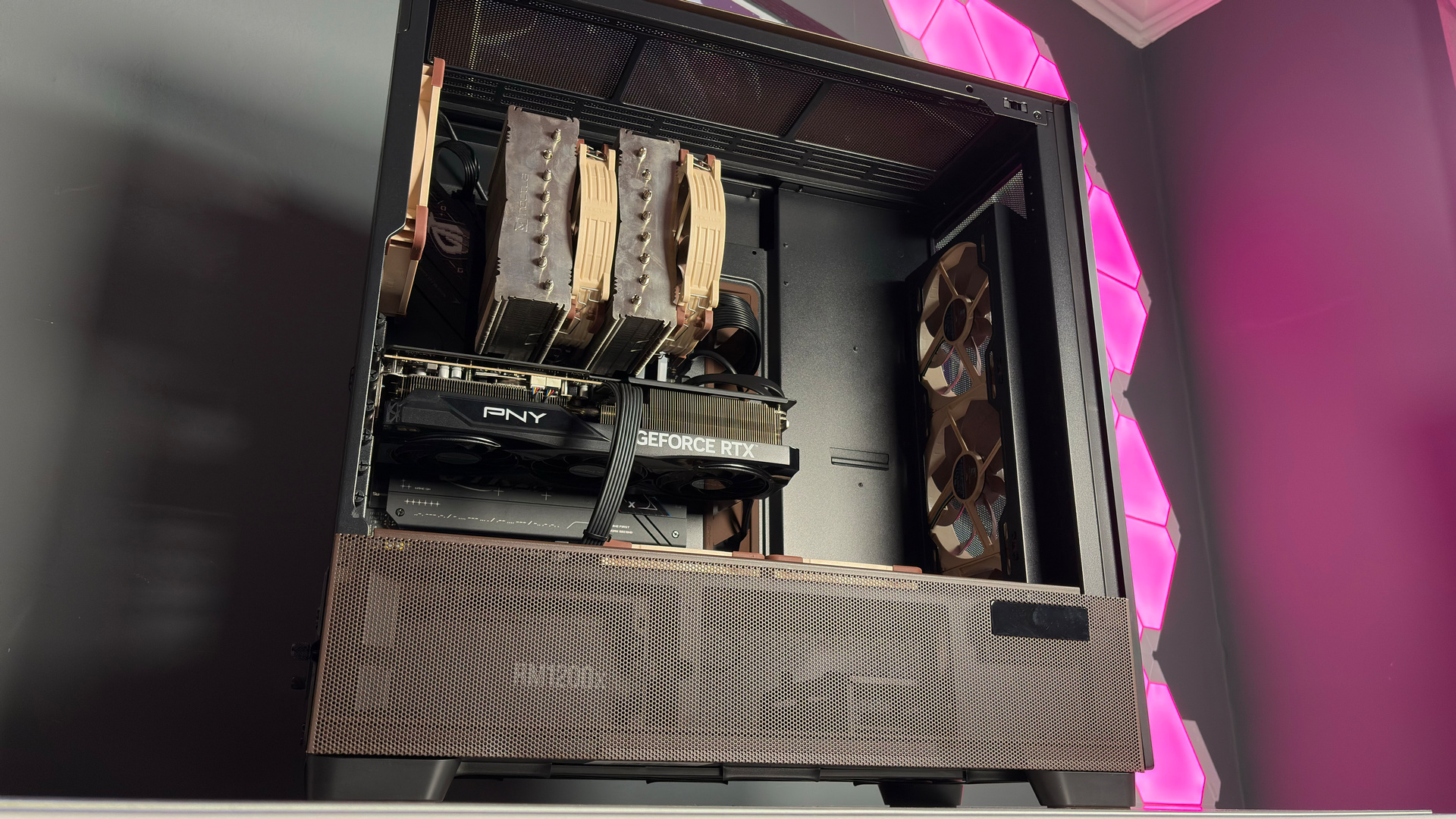
Check out more of the year's best tech in our PC Gamer Hardware Awards 2025 coverage.
For someone whose daily job is to write about, test, and review PCs, components, and peripherals, you'd think I'd know instantly what my top pick for the best hardware of 2025 is. The problem is, I've been utterly spoilt for choice this year.

Absolutely none of it has been rubbish. Even the products that didn't get a high review score still had some feature to make them stand out a bit from the crowd, or offered something special for the right user. I absolutely adore Thermal Grizzly's Der8enchtable, for example, but it's near-useless for most PC gamers.
Article continues belowLikewise, I was left really disappointed by the Naya Create, but I bet that with all its 'early access' niggles fixed, it could be the ultimate ergo keyboard for some folk. And I can say pretty much the same about anything I've reviewed or used this year.
But there's been one piece of kit that's graced my office in 2025 that, and I say this without a hint of hyperbole, has utterly changed my daily PC life, both for work and gaming. Believe it or not, it's a mere router. Yes, I know that the technically correct phrase is 'a router, switch, and wireless access point all-in-one device', but you know what I mean.

Specifically, it's the TP-Link Deco BE68 (or BE67, if you buy it at Amazon) and continuing with the theme of specificity, it's a mesh router. Basically, you get two or three nodes/hubs/routers in the box, and you can either link them together via LAN cables or let them automatically create a seamless network via Wi-Fi.
The secret sauce behind the Deco's brilliance is Wi-Fi 7, and I can tell now, with all honesty, switching from a Wi-Fi 6 network to a home full of Deco wireless connectivity has been the best upgrade I've done... well, not just this year, but probably the past five years.
I have a 1.1 Gbps fibre connection to my house, but with my previous Wi-Fi network, I could only ever get a download speed of 450 Mbps, maybe 500 at best. Given the location of my office and the nature of the house, trailing LAN cables everywhere isn't an option, nor is using powerline adapters to route the network through the electrical mains rings.
That's all a thing of the past. Using just two out of three hubs in the Deco BE68's box, I now have a wireless network that I have absolutely no problem hitting my Internet connection speed limit with. Of course, I only get that on my PCs that have Wi-Fi 7 motherboards, but thanks to the Deco's triple bands and the multi-link operation (MLO) feature of Wi-Fi 7, older hardware still enjoys great networking speeds, too.
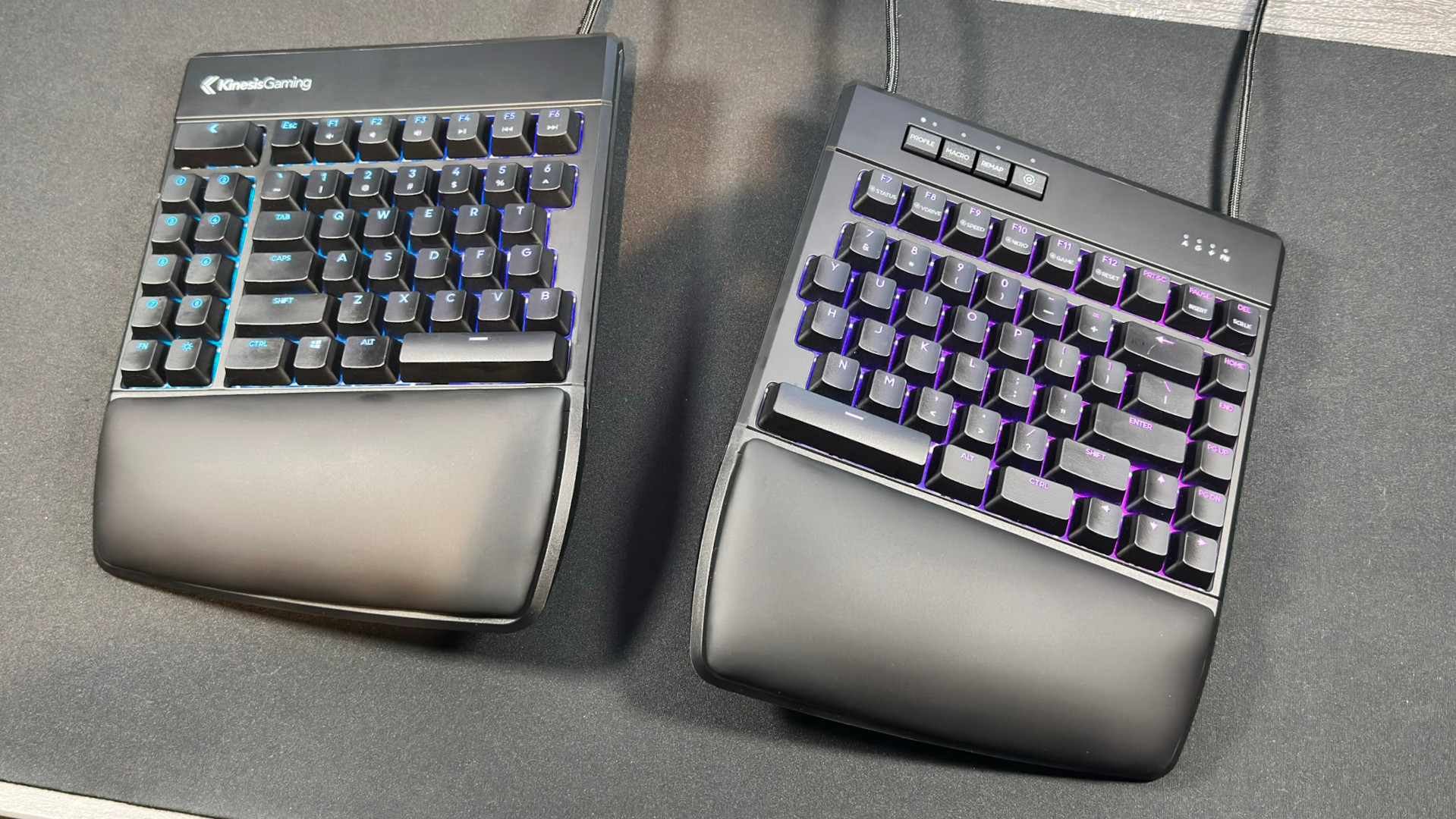
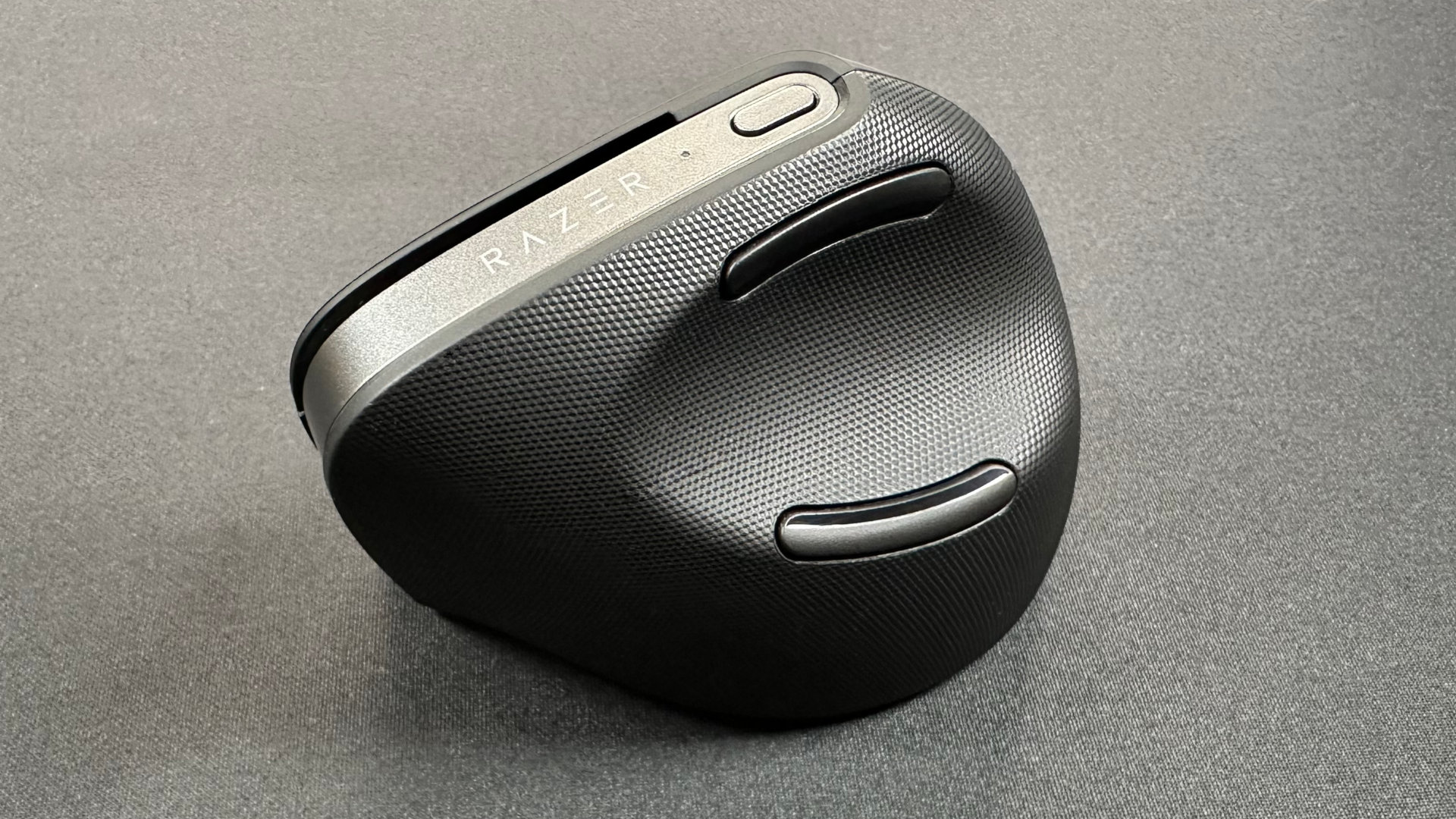
While the Kinesis Gaming Freestyle Edge RGB Plus and Razer Pro Click V2 Vertical mean I have a stress-free body during work, they only benefit me. The TP-Link router has improved everyone's digital life at home, though for the most part, they're completely oblivious to it.
I'm not, though. No longer do I have to explain 'Why is the Internet slow?' or magically make someone's movie stop buffering while I download a 100 GB game for testing. Since switching to the Deco BE68, nobody has complained once about our net connection. I can download Baldur's Gate 3 for testing a CPU in less than 20 minutes. I have multiple networks for heavy users, guests, and IoT devices—none of which were difficult to set up.

Sure, I wish I still had the Ryzen 9 9950X3D or Alienware 18 Area-51 I reviewed, but even if I did, they certainly wouldn't have made as big an impact on me, my home, and everyone in it as the TP-Link Deco BE 68 has.
Oh dear Lord, I'm gushing over a bloody router. Quick, somebody send me a new CPU or graphics card to review that triples my frame rates. I mean, that's the sort of thing PC gamers want to read about, yes? Not 'Nick's family haven't noticed how great the Wi-Fi is now'.
If you want to find out who wins in the PC Gamer Hardware Awards, we'll be publishing all the winners on New Year's Eve.
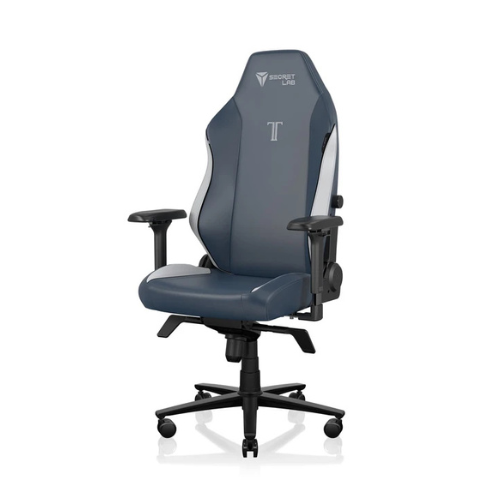
1. Best gaming chair: Secretlab Titan Evo
2. Best gaming desk: Secretlab Magnus Pro XL
3. Best gaming headset: Razer BlackShark V3
4. Best gaming keyboard: Asus ROG Strix Scope II 96 Wireless
5. Best gaming mouse: Razer DeathAdder V4 Pro
6. Best PC controller: GameSir G7 Pro
7. Best steering wheel: Logitech G Pro Racing Wheel
8. Best microphone: Shure MV6 USB Gaming Microphone
9. Best webcam: Elgato Facecam MK.2

You must confirm your public display name before commenting
Please logout and then login again, you will then be prompted to enter your display name.