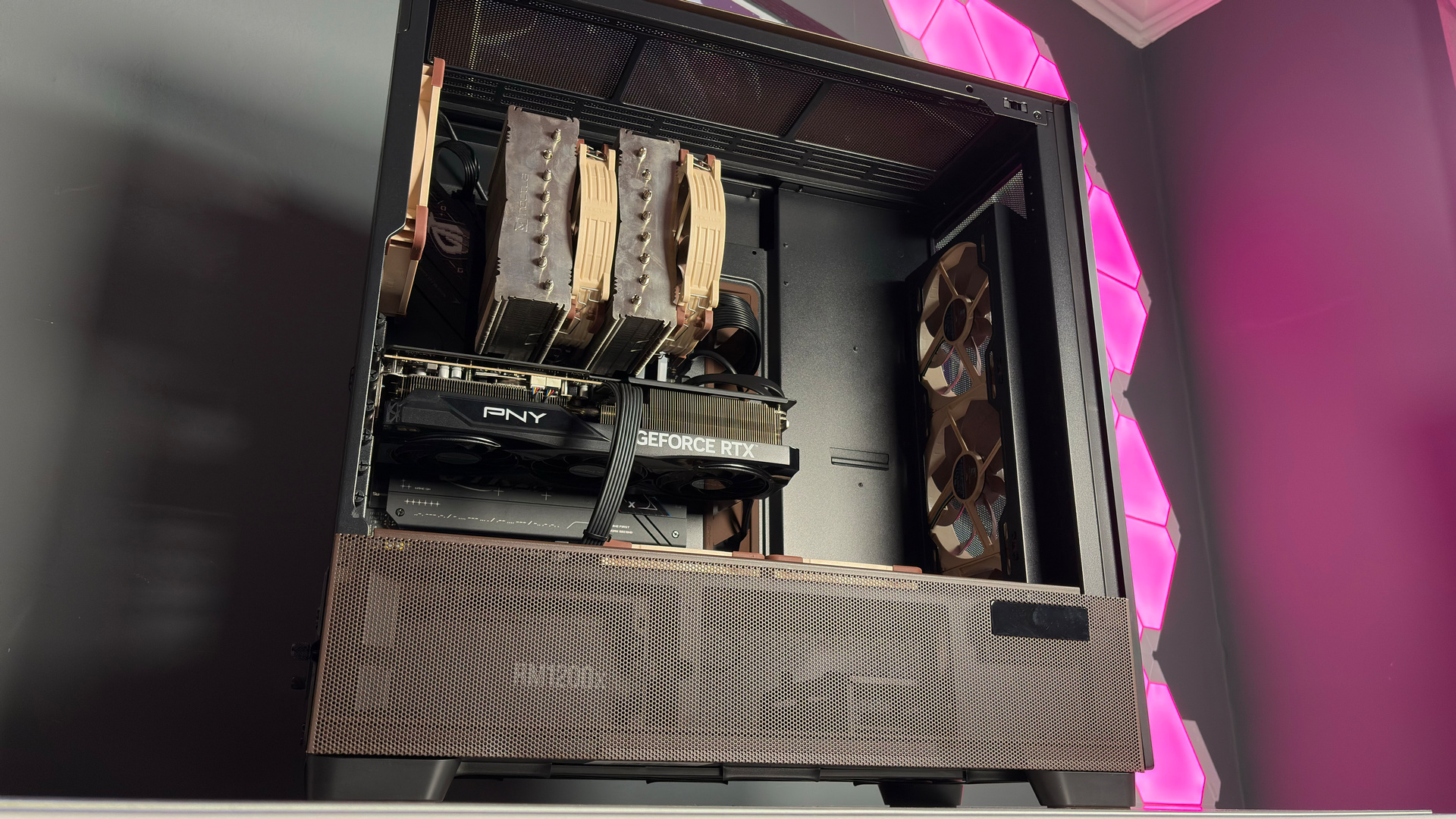
Security warnings and updates for PCs, their components, and the software they run are everyday occurrences. So much so that we never really give them much attention: We just download the patch and carry on as normal. However, Asus has warned that many of its Intel motherboards are vulnerable and can allow access to system memory, which is enough to make anyone sit up and pay attention.
Asus does point out on its security advisory page that although the problem is widespread and has a CVE rating of 7 (High severity), the vulnerability does require local access to the motherboard in order to gain access to the system RAM.
Article continues below 
If you're wondering why the problem exists in the first place, it's to improve the level of compatibility between the motherboard and any PCIe device you care to install. Some will be a bit picky about DMA protections during the initial boot phase, so it will be interesting to know if such devices throw up any problems once the motherboard's BIOS has been updated.
For maximum security, Asus recommends that you "download and update the BIOS to the specified version from the official website and, in the BIOS Setup Utility, configure the IOMMU DMA Protection setting to 'Enable with Full Protection.' And avoid using unknown add-on devices that have not obtained security certification."
With so many Intel motherboards potentially at risk, there's no guarantee that your board will already have a BIOS update to resolve the problem, so keep checking to see when the new firmware comes through. In the meantime, just don't let anyone near your beloved gaming PC. Especially if they've got a dodgy-looking PCIe card that they want to test in your rig.
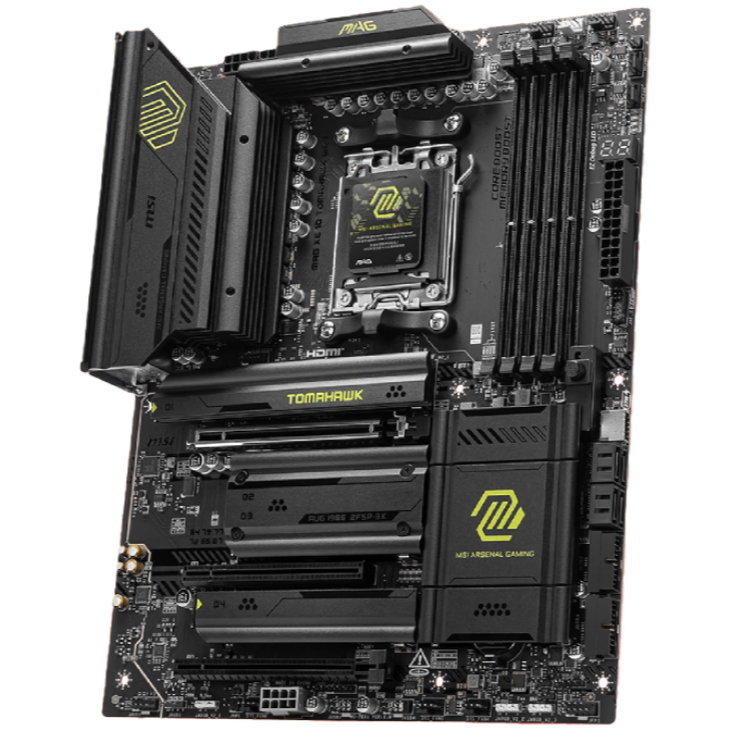
1. Best AM5 - AMD Ryzen 9000/7000:
MSI MAG X870 Tomahawk WiFi
2. Best budget AM5 - AMD Ryzen 9000/7000:
Asus TUF Gaming B650-Plus WiFi
3. Best midrange AM5 - AMD Ryzen 9000/7000:
ASRock B850 Steel Legend WiFi
4. Best AM4 - AMD Ryzen 5000/3000:
Asus ROG Strix B550-E Gaming
5. Best LGA1851 - Intel Core Ultra 200S:
Asus ROG Maximus Z890 Hero
6. Best budget LGA1851 - Intel Core Ultra 200S
ASRock B860 Steel Legend Wi-Fi
7. Best LGA1700 - Intel 14/13th Gen:
MSI MAG Z790 Tomahawk WiFi
8. Best budget LGA1700 - Intel 14/13th Gen:
Asrock B760M PG Sonic WiFi

You must confirm your public display name before commenting
Please logout and then login again, you will then be prompted to enter your display name.