If you just look at DRAM, SSD, and GPU prices to gauge the state of PC gaming at the moment, you'd be forgiven for thinking that bagging a nice upgrade for your rig is now out of the question. But that's not necessarily the case, especially if you're happy with your PC's performance, but you just want a better screen to enjoy games on.
The idea behind all ultrawide screens (i.e. those with aspect ratios larger than 16:9) in gaming is to have the display fill as much of your peripheral vision as possible. It gives you a better sense of immersion in open-world RPGs, and for competitive shooters, it can help give you an edge over opponents.
- Join us on WhatsApp for daily deals, direct to your phone.
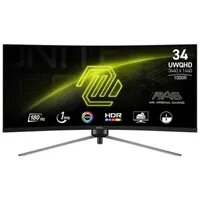
At 34 inches in size and with a curvature of 1000R, the 345CQR really will engulf you and drown you in pixels. Where many ultrawide monitors use a relatively gentle 1800R curve, the MSI's is as tight as you can get right now. That does mean you'll need to sit quite close to the monitor to get the full immersion effect, and it won't be great for doing things like spreadsheets.
But for pure gaming, it can be a great experience, and the 3440 x 1440 and 180 Hz refresh rate will only add to the enjoyment. That is quite a lot of pixels, though, roughly 34% more than a standard 1440p display and 40% less than 4K, which means you'll probably need to use upscaling in games to get the frame rates you want.
At $260, you're probably expecting that some corners have been cut, but the good news is that the brightness and contrast ratio aren't too bad at all (300 nits and 3000:1 typical), and the stand offers height, tilt, and swivel adjustments. The only thing to be aware of is that dual HDMI ports only support a maximum 100 Hz refresh rate, so if you want the full 180 Hz, you'll need to use DisplayPort.
There are better gaming monitors out there, of course, but you'll be paying more than $260 for something as big and bold as this MSI MAG 345CQR.
👉Check out all of Newegg's gaming monitor deals here👈
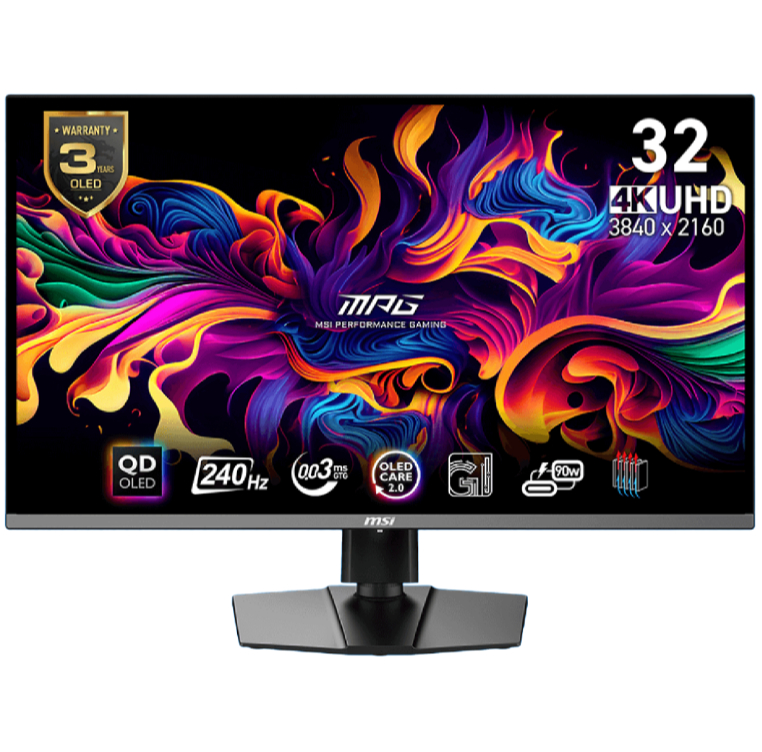
1. Best overall / 4K:
MSI MPG 321URX
2. Best budget 4K:
Asus ROG Strix XG27UCG
3. Best 1440p:
MSI MPG 271QRX
4. Best budget 1440p:
KTC H27T22C-3
5. Best 1080p:
AOC Gaming C27G4ZXE
6. Best Ultrawide:
Gigabyte MO34WQC2
7. Best budget ultrawide:
Xiaomi G34WQi
8. Best 32:9:
Samsung Odyssey OLED G9
9. Best dual-mode:
Alienware AW2725QF

You must confirm your public display name before commenting
Please logout and then login again, you will then be prompted to enter your display name.