





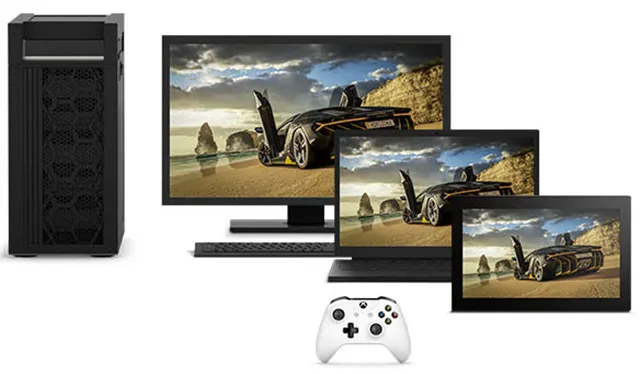
Microsoft has begun implementing a new Game Mode feature in Windows 10 that was first discovered to exist last month. At the time, the reference to a Game Mode was just a DLL file (gamemode.dll) that appeared in a leaked version of Windows 10. Now the option is showing up in the latest Windows 10 preview build (15007) made available to Windows Insiders on Thursday.
At the time Game Mode was first discovered, Microsoft was not willing to share any details about it, and that seems to still be the case. In a blog post announcing the new preview build, Microsoft goes into detail about a bunch of new features but does not say anything about a Game Mode. In fact, the only reference to gaming is a known issue.
"When clicking on certain elements in desktop (Win32) games, the game minimizes and cannot be restored," Microsoft says.
What Game Mode does is prioritize resources to boost performance in games. While that already happens to some degree on PCs, Game Mode is apparently designed to do a better job of it.
The folks at MSPowerUser discovered the Game Mode setting in the newest preview build. It's found in the Game DVR panel that users can access by pressing the Windows key + G.
As currently implemented, it is possible to manually enable Game Mode for whatever game a user might be playing at the time, though it is not clear if the setting actually does anything in the latest build. Since Microsoft still isn't talking about it, there's a good chance that it's a dummy setting for the time being, and will actually do something in future builds (and certainly by the Creators Update).
Another question this brings up is whether the Game Mode will work with all games or only those from the Windows Store.
Microsoft has also begun implementing a Game Broadcasting feature in the newest Windows 10 build. Windows Insiders will find a new broadcasting icon in the Game DVR panel that enables them to stream a game using Beam, the streaming service Microsoft bought last year. However, the feature is not enabled at this point.

