





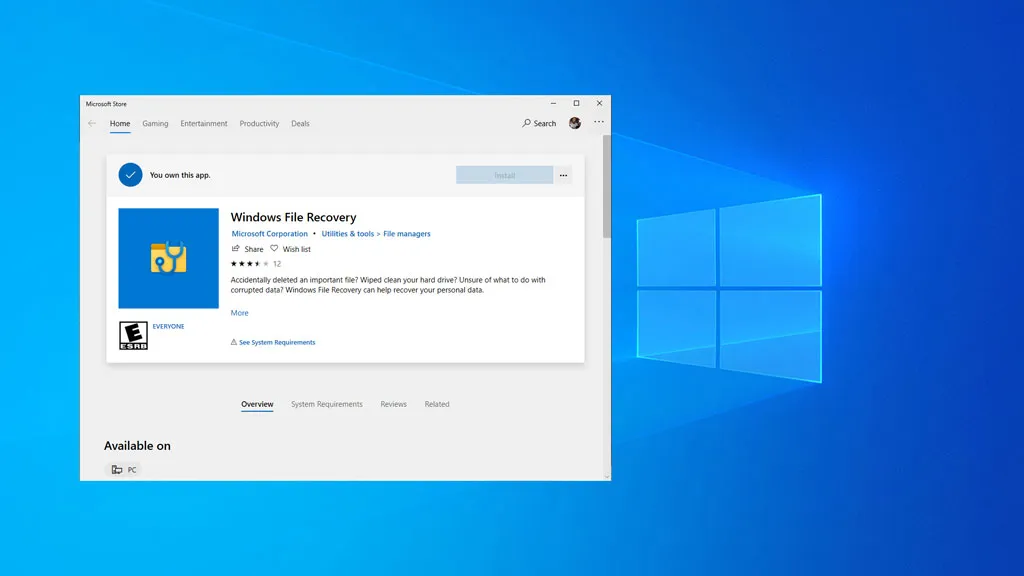
Is there anything more horrifying than accidentally, and permanently, deleting important files? Work documents, precious vacation photos, decade-old game saves—data loss can be gut wrenching. Fortunately, it rarely has to be truly permanent, thanks to programs like Microsoft's new Windows File Recovery Tool.
This is a new addition to the Microsoft Store. It works like other un-delete utilities, in that it scours your disk drive for erased files and attempts to restore them. You can also direct it to scrape an external storage drive (USB or SD). Unlike other tools, though, you don't have to go scrounging around sketchy websites to find it, or pay an upcharge for a premium version.
File undelete programs are by no means new, but this is the first one Microsoft has built for Windows 10. Previously, the only option for such a thing would be to install a third-party program, like CCleaner's Recuva utility.

There is still a benefit to going the third-party route, as the bulk of them are easier to use with GUI front-ends. In contrast, Windows File Recovery is a command line tool, so it's a bit less user friendly. However, there are sometimes restrictions to using free versions of third-party file recovery software, like file size limits.
Microsoft's tool has three modes: Default, Segment, and Signature. To recover recently deleted files, Microsoft recommends running the utility in Default mode. If files have been deleted a while ago, the disk is corrupted, or you are attempting to recovery files after formatting a disk, Microsoft says to try Default mode first, then Segment mode. And finally, Microsoft recommends using Signature mode on drives with FAT, exFAT, or ReFS file systems (typically USB flash drives and SD cards).
This appears to be a work in progress. The version number is 0.0.11761.0, so it's basically in beta (even though it doesn't overtly say beta). It also only works if you have the May 2020 update applied.
One thing to keep in mind is that it is better to have these kinds of programs installed before you actually need them. Every program you install to a drive after accidentally deleting a file reduces the likelihood that it can be restored, because the data can get permanently overwritten. That's also why Microsoft's tool requires that you select different source and destination drives when running the utility.
The tool is available now, and there's also a support document that outlines how to use it.
Thanks, The Verge

