For many years of back-and-forth between Intel and AMD, one thing has remained pretty certain: if you want platform longevity, you stick with the latter, because Intel changes sockets faster than I get through a pack of Leibniz butterkeks (very fast). But perhaps not for much longer, because Intel's Enthusiast Channel VP and GM, Robert Hallock, has just hinted he expects longer lasting motherboard sockets.
When asked by Club386 whether he sees Intel sockets supporting more CPU generations in future, he responded "I do. That’s it—I do."
Article continues below 
This is a familiar story for Intel CPUs. One of the reasons to opt for a current-gen AMD CPU is because AMD is expected to keep using its AM5 socket for next-gen Zen 6 CPUs, as it promised support for the socket through 2027 and beyond.
It's not even a bad shout to opt for a cheap Ryzen 5000-series AM4 build if you're on a tight budget, because you can upgrade to something like a Ryzen 7 7800X3D that uses the same socket. The AM4 socket lasted for four generations of CPUs. AM5 is the way to go if you can afford it, though; and the DDR5 memory to go with it.
With Intel, there are traditionally no such considerations. You get the CPU and future generations will more than likely require a complete platform shift. Maybe you get one more generation, if you're lucky. This might now change thanks to the new product management team:
"Every single one of us has built their own PC, games on that PC... there is a new engineering team for these gaming CPUs. And we are not ignorant of the feedback that comes in about our products."
If Intel can give the upcoming LGA 1954 socket a multi-generation lifespan, and get Nova Lake up and running using TSMC's N2 node, as we expect, Intel processors might stand a chance of being some of the best CPUs for gaming once again. It would certainly mean AMD shouldn't get complacent.
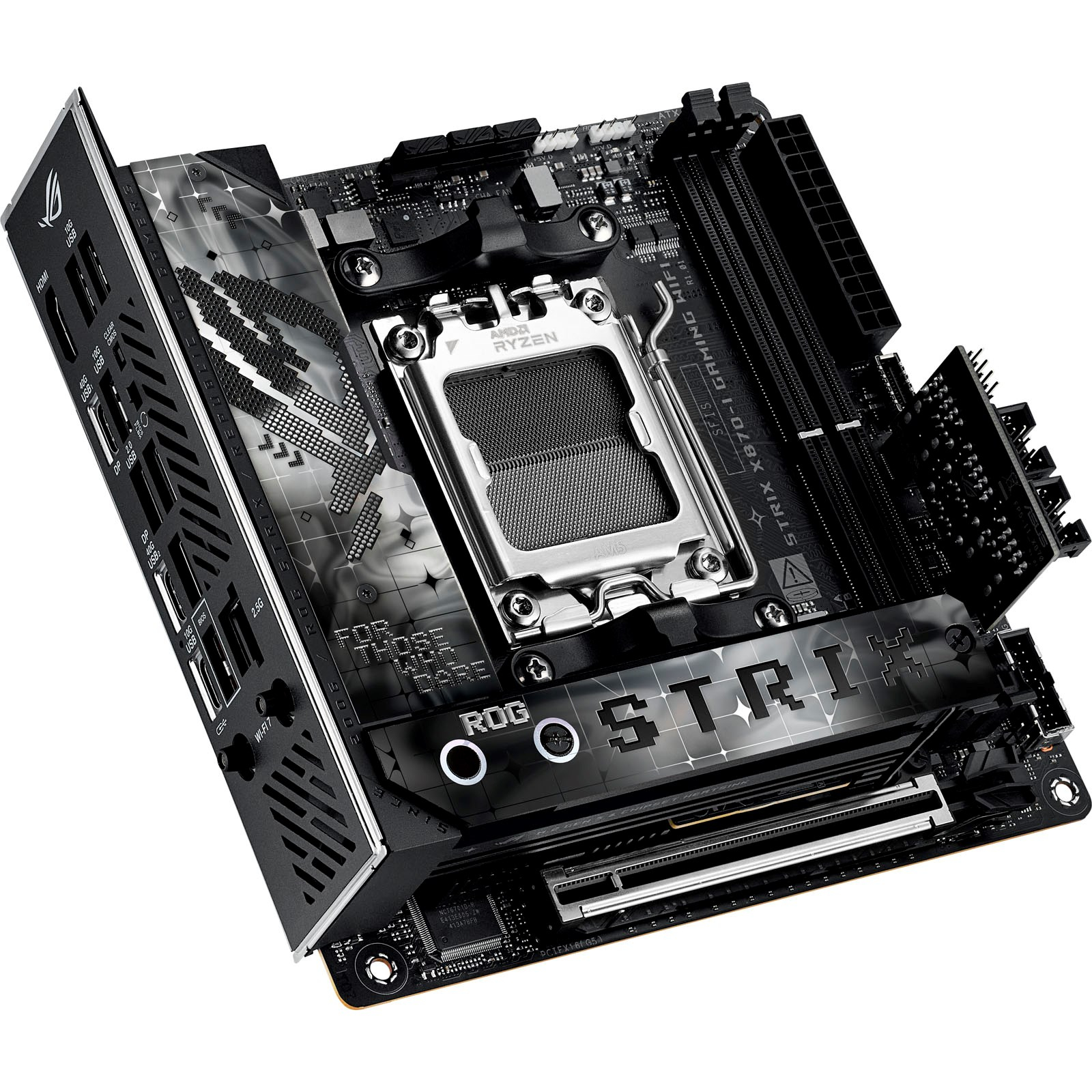
1. Best AMD AM5:
Asus ROG Strix X870-I Gaming WiFi
2. Best budget AMD AM5:
Gigabyte A620I AX
3. Best mid-range AMD AM5:
ASRock Phantom B850I Lightning Wi-Fi
4. Best budget AM4:
ASRock A520M-ITX/ac
5. Best Intel Core Ultra 200s:
ASRock Phantom Gaming B860I Lightning Wi-Fi
6. Best Intel 14th/13th Gen:
Asus ROG Strix Z790-I Gaming WiFi
7. Best budget Intel 14th/13th Gen:
ASRock B760I Lightning WiFi

You must confirm your public display name before commenting
Please logout and then login again, you will then be prompted to enter your display name.