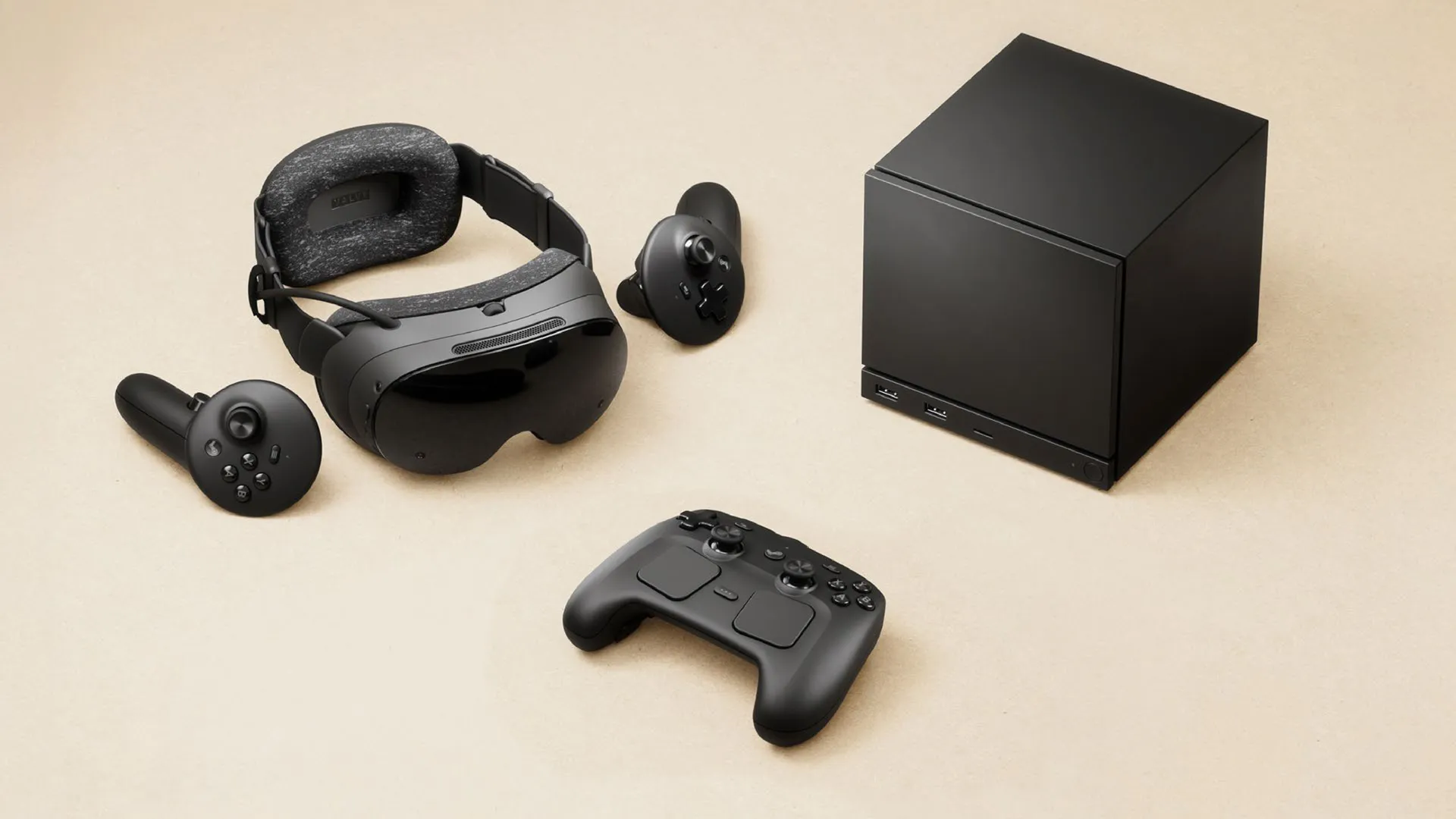
At this year's GDC event in San Francisco, Valve gave a talk on its Steam hardware family (pdf warning), focusing on just what developers need to do to ensure that their games get verified. Not for the Steam Deck, but for the forthcoming Steam Machine and the highly anticipated Steam Frame VR headset.
Starting with the Steam Machine, Valve notes that there is one very simple box to tick off: If it's verified for the Deck, it will be for the Machine. Well, not quite, as the hardware inside the Steam Machine is considerably more potent than that in the Deck, hence why there's a target of 30 fps at 1080p to get performance verification.
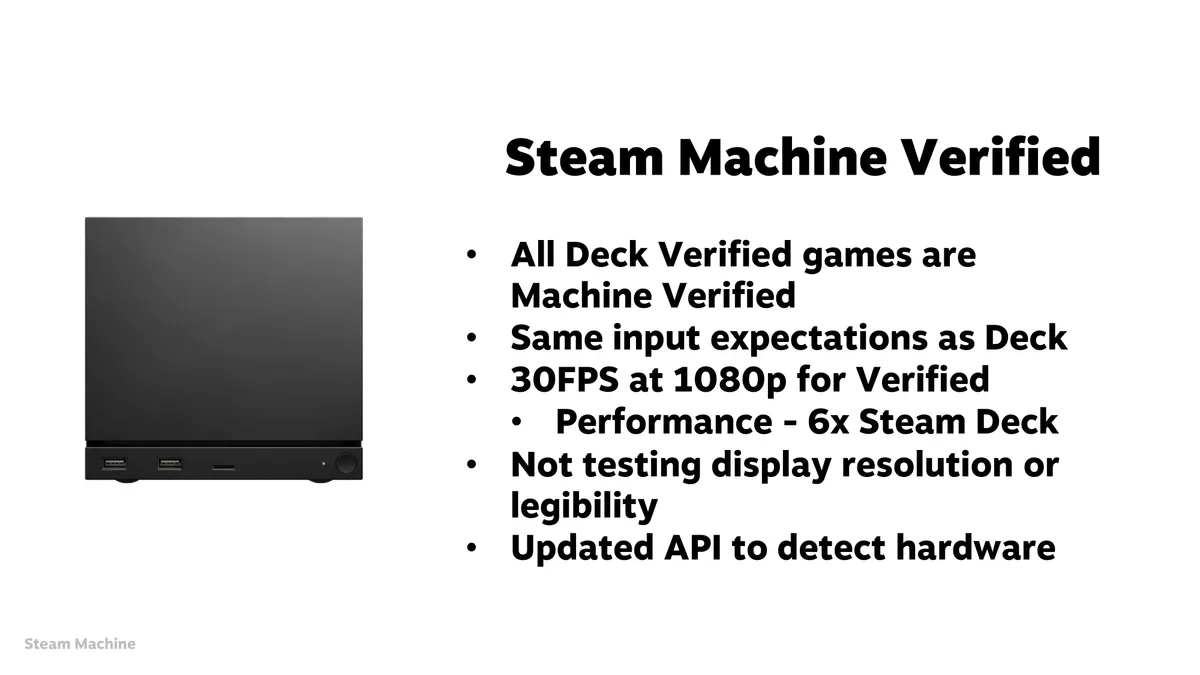


As there's no mention of upscaling or frame generation with this requirement, you can safely assume that this is all native. Admittedly, 30 frames per second doesn't sound great, but if a game is entirely GPU-limited in this scenario, then upscaling would certainly make a significant difference.
To get Steam Machine verification, games will need to meet the same input requirements as for the Deck, but since you'll be using a decent-sized monitor or TV with the Gabecube, there's no need to hit any targets for display resolution or legibility.
When it comes to the Steam Frame, there's no verification process for games that get streamed to the VR headset, because they'll be running natively on your PC. However, 'stand-alone play' (i.e. using the Frame's Arm chip) does have verification requirements, with the performance being 90 fps for VR games. Anything 2D, though, just needs to hit 30 fps at 720p.


As things have been progressing since the first announcement of Valve's new hardware, I've become less interested in the Steam Machine but far more sold on the Frame. These requirements for verification only cement those impressions further, because I'm certainly not keen on playing any PC game at 30 fps. I know that it's basically a minimum requirement and certainly not unusual in the world of consoles, but it's 2026. Not 2005.


Anyway, for the rest of the talk, Valve highlighted some key aspects that developers should focus on when making games to run on SteamOS. Of particular note was the suggestion that games should 'support offline mode, including on first run', and if I can be frank, that should really be a requirement.
Following on from this, Valve stressed that 'optimizing lower spec machines expands your audience' (something that should be shouted from the rooftops everywhere), plus 'more controller users all the time' and that developers should be 'future-proofing for future SteamOS devices'.
The one thing that this talk certainly confirms, though, is that Valve is still full steam ahead (if you pardon the pun) with its new hardware, despite the misery of the global memory crisis.

1. Best overall:
Lenovo Legion Go S SteamOS
2. Best budget:
Steam Deck
3. Best Windows:
Asus ROG Xbox Ally X
4. Best big screen:
Lenovo Legion Go
5. Best compact:
Ayaneo Flip DS