Exactly a week after Intel announced its newly refreshed Arrow Lake Plus CPUs for desktop PCs, here comes a pair of mobile chips for laptops. We give you the new Intel Core Ultra 200HX Plus family with 8% more gaming performance.
Unlike the new desktop Arrow Lake Plus chips, that gaming uplift is delivered without any upgrades to the core counts or clock speeds. The new Intel Core Ultra 9 290HX Plus has the same eight Performance and 16 Efficient cores as the existing Core Ultra 9 285HX, and likewise, the 5.5 GHz maximum clock speed is carried over.
Article continues below
The short version is that it's a software layer that optimises application code (including games) on the fly to improve IPC in these new chips. For now, BOT is exclusive to these new Plus chips. Will it be released later for existing Arrow Lake CPUs? For now, that's unknown.
So, the question is how much any of those elements are contributing to gaming performance uplift. Intel doesn't break that down. However, it does provide a comparison of no fewer than 32 games running at 1080p High settings on both the new Core Ultra 9 290HX Plus and the old 285HX chip.
Intriguingly, roughly a third of those games have Intel BOT enabled. And, sure enough, of the 10 games that see the most substantial performance increase, nine of them do so with Intel BOT enabled, with performance uplifts ranging between 10% and fully 24%.
That does rather imply that BOT makes a decent contribution to the performance uplift, even if there are a couple of examples where performance hasn't really budged with the new 290HX Plus, even with BOT enabled. Perhaps those games are GPU-limited.

Price-wise, Intel isn't quoting numbers for the new chips. But then retail pricing for laptop CPUs is rather less relevant than for desktop chips. Very few laptop CPUs are bought separately by gamers. They're pretty much all supplied as part of a pre-built laptop PC.
Still, if the desktop chips are anything to go by, Intel won't be charging much, if any more, for these new CPUs. So, we should see them pop up soon in laptops without a major price premium. At least, without a major price premium associated with the CPU. Escalating PC pricing due to RAM and SSD costs is another matter altogether. Intel says the new chips are available now for their partner OEMs, so we should see laptops shipping with the new Plus chips very shortly.
1. Best overall:
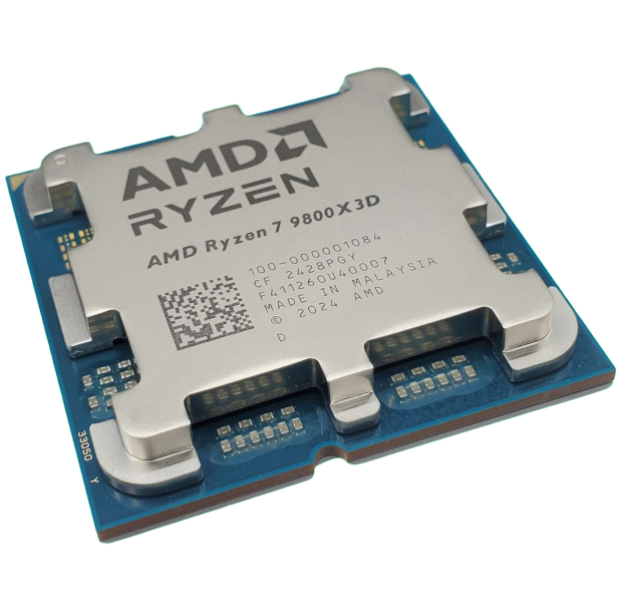
AMD Ryzen 7 9800X3D
2. Best budget:
AMD Ryzen 5 7600X
3. Best mid-range:
AMD Ryzen 7 9700X
4. Best high-end:
AMD Ryzen 9 9950X3D
5. Best AM4 upgrade:
AMD Ryzen 7 5700X3D
6. Best CPU graphics:
AMD Ryzen 7 8700G

You must confirm your public display name before commenting
Please logout and then login again, you will then be prompted to enter your display name.