Our Verdict
The Corsair 3200D redefines budget case greatness. It doesn't look cheap. It doesn't feel cheap, either. Yet it costs just $80. The only major downside is the noise; the RS120 fans make a real ruckus at high rpm.
For
- Affordable
- Looks great
- Good size
- Type-C front panel (USB 3.2 2x2)
- Support for lots of configs
Against
- Loud fans
- No exhaust fan in the box
PC Gamer's got your back Our experienced team dedicates many hours to every review, to really get to the heart of what matters most to you. Find out more about how we evaluate games and hardware.
Buying a cheaper PC case can be a good way to save some cash across a full PC build but you don't want to cut too many corners. A poorly-designed case can result in high temperatures and noise levels, and you'll be stuck staring at an ugly box all day. With the Corsair 3200D, you don't need to worry about much of that. Okay, it's a bit noisy, but it's otherwise excellent value.
Price maketh the case—or something like that. The Corsair 3200D is very competitive with existing options at $80/£70/€80/AU$120/CA$110. That's a little more expensive than the cheapest case we currently recommend, the Thermaltake S100 TG at $70, but whereas the S100 TG comes with a single fan; the 3200D comes with three. That's either three RS120 fans, as I have here, or for $10 more, three RS120 ARGB fans. Also, the Corsair looks and feels of a higher quality by comparison.
Removing the case from the box, I'm greeted by one good-looking front panel. It's grooved with the same 'Y' shape design often punched into panels and expansion slot covers on Corsair's latest cases—the more you look, the more you see it everywhere on the 3200D. Though it also has this neat design wherein the centre of the Y is flat to the dust filter underneath but extends outwards and upwards to the extremes of the panel. It sorta looks like a disgruntled factory worker punched the front of the case right as it came off the construction line, but I like it.

Size: Mid-tower
Motherboard support: Mini-ITX, M-ATX, ATX, Reverse (305 x 277mm)
Dimensions: 495 x 219 x 458 mm
Maximum GPU length: 370 mm
Radiator support: Up to 360 mm (top, front)
Fan support: Up to 3x 120 mm (top, front) OR 2x 140 mm, 1x 120 mm (rear), 2x 120 mm (PSU shroud)
Fans included: 3x 120 RS120 (reviewed) OR 3x 120 RS120 ARGB
Storage bays: 2 3.5-inch/4 2.5-inch
Front panel: 1x USB 3.2 Gen 2 Type-C, 2x USB 3.2 Gen 1 Type-A, 1x 3.5 mm
Price: $80/£70/€80/AU$120/CA$110 (RS120) | $90/£80/€92/AU$145/CA$125 (RS120 ARGB)
There are three dust filters included on the 3200D: one behind the front panel, one beneath the PSU, and one along the top. The top and front are magnetic and the lower one is held on with a few metal clips. I'll admit, at first glance, they looked to me like they'd block a considerable amount of airflow. However, I tested the airflow using my anemometer with the front filter on and off and only noticed a 0.3 m/s difference—2.1 m/s to 2.4 m/s. That's not bad, actually.
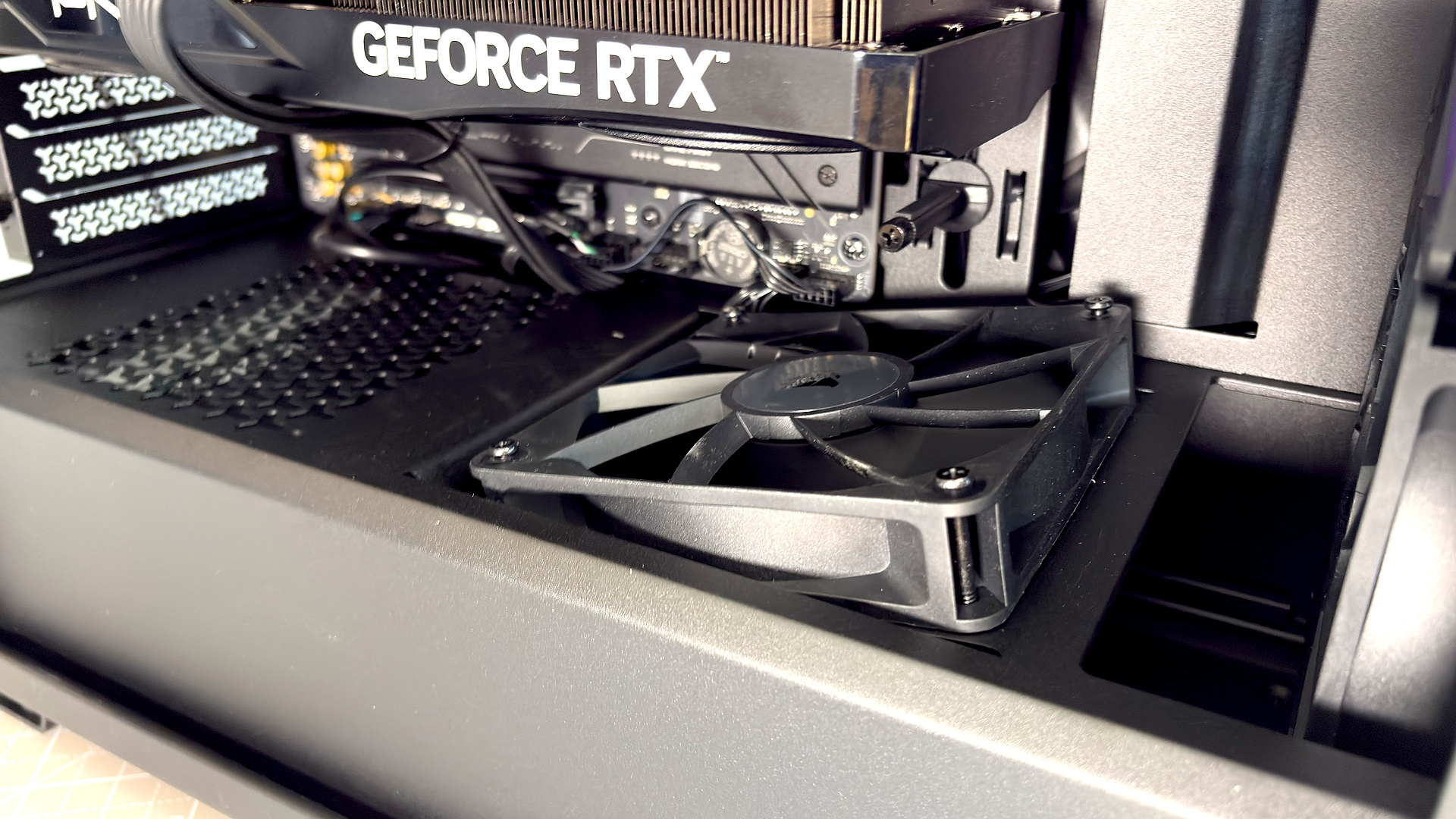
The three included fans—RS 120 or RS 120 ARGB—come preinstalled into the front of the case. That means there's no rear exhaust fan as standard. Either provide one yourself or go without. If you do choose to install any extra fans, there's room atop of the PSU shroud for two 120 mm fans. The left-side one is slightly angled by the case toward the graphics card; the right is slapped right atop and a little more starved for air by the PSU below.
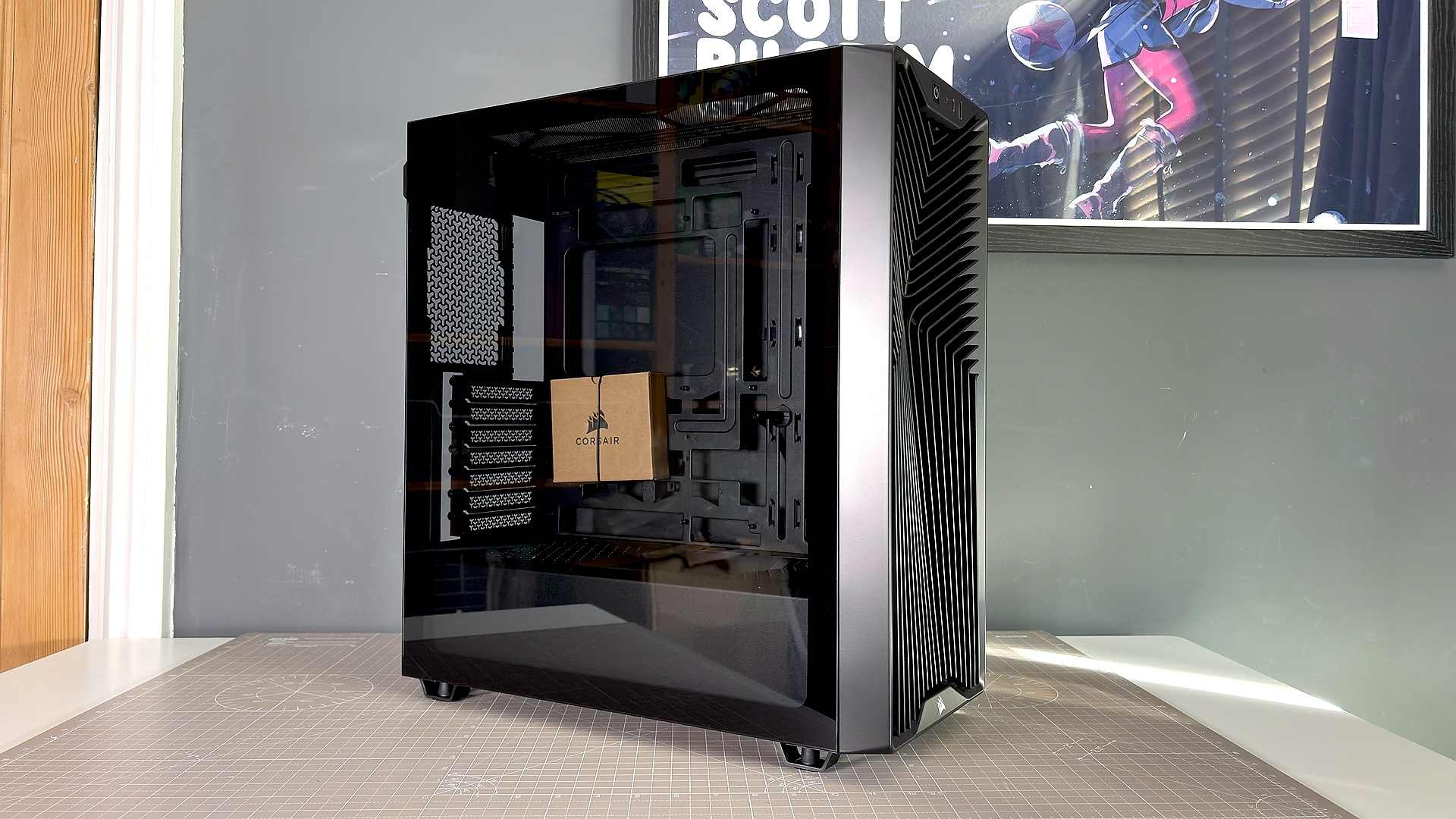
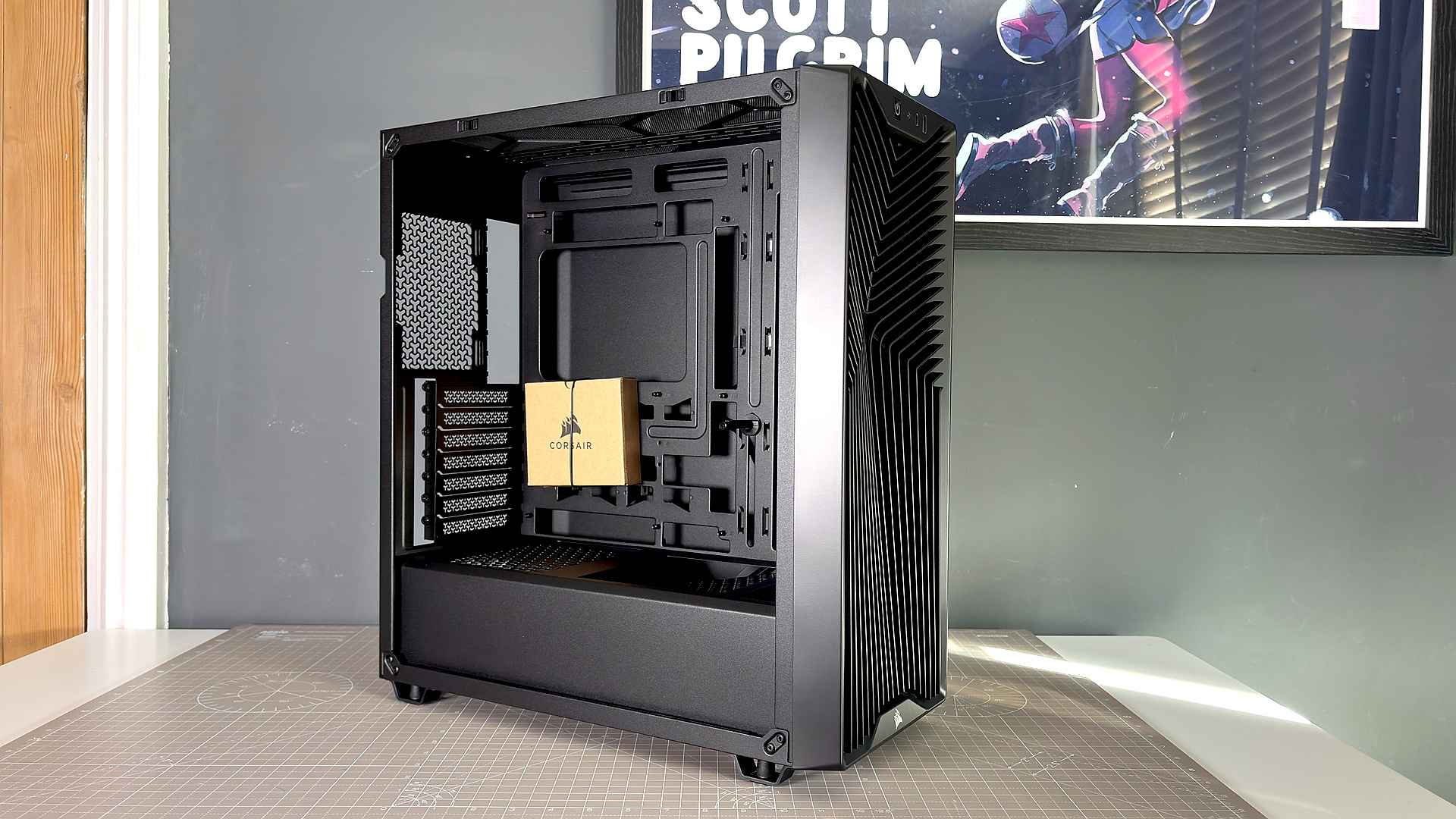
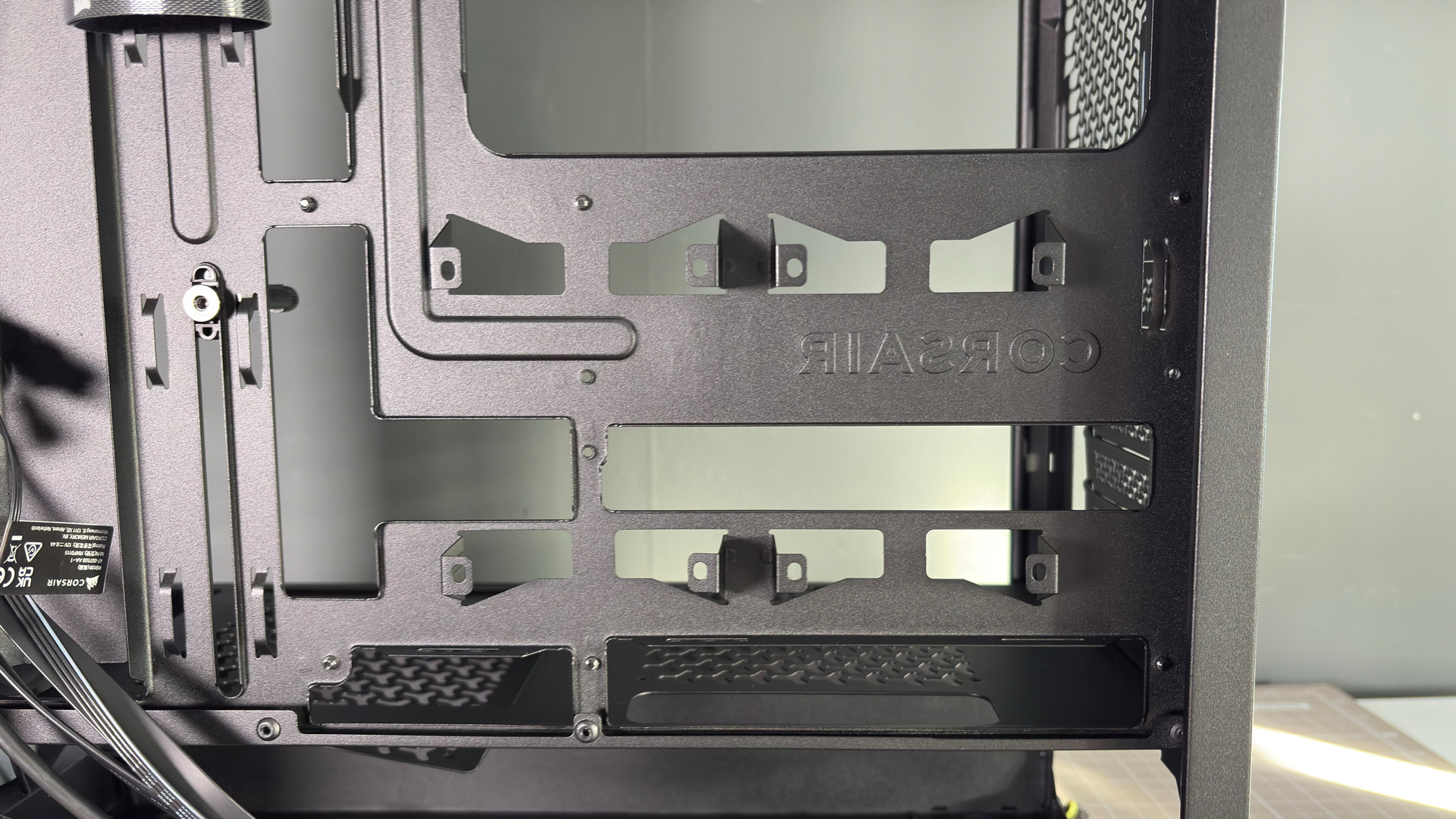
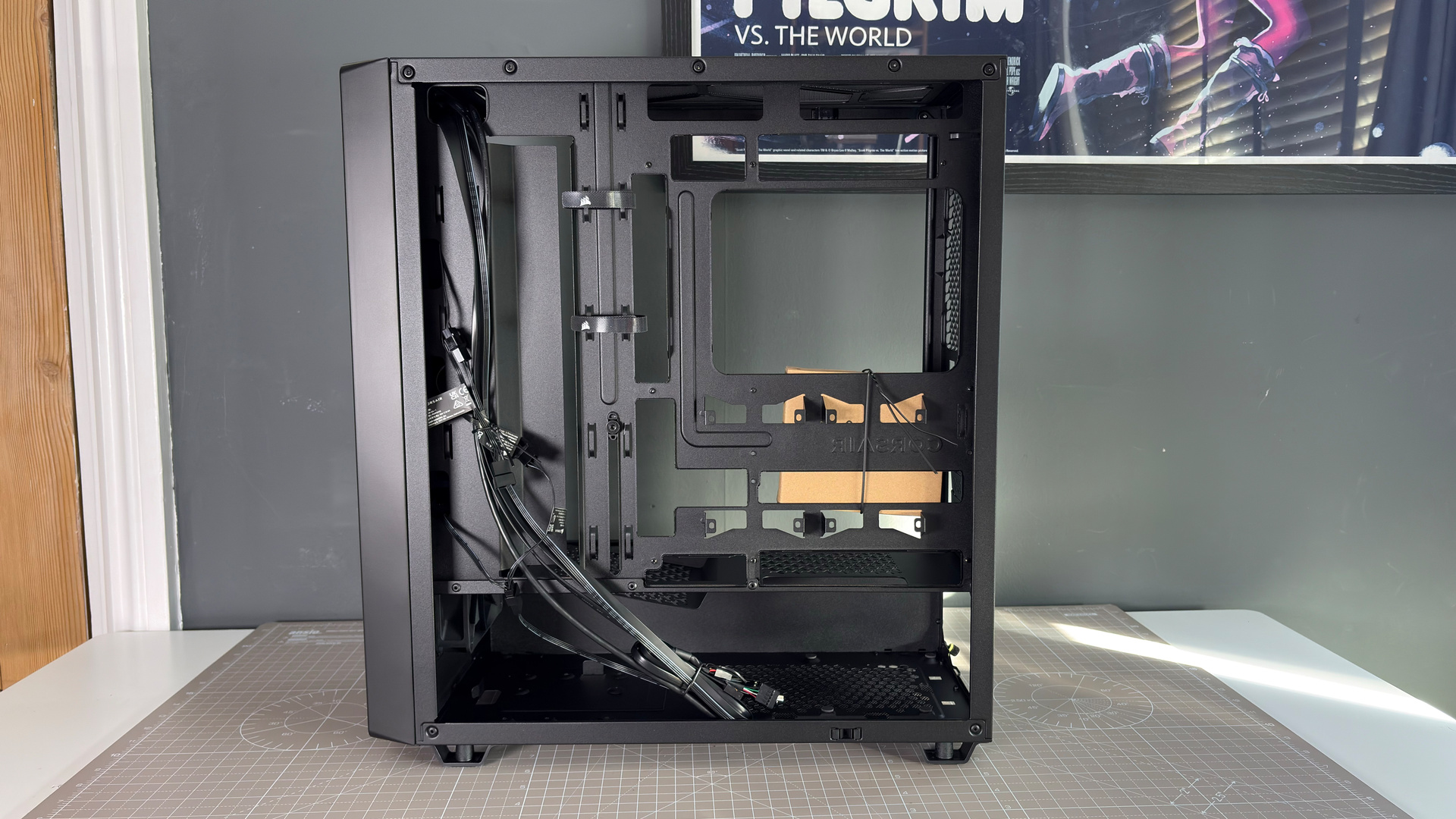
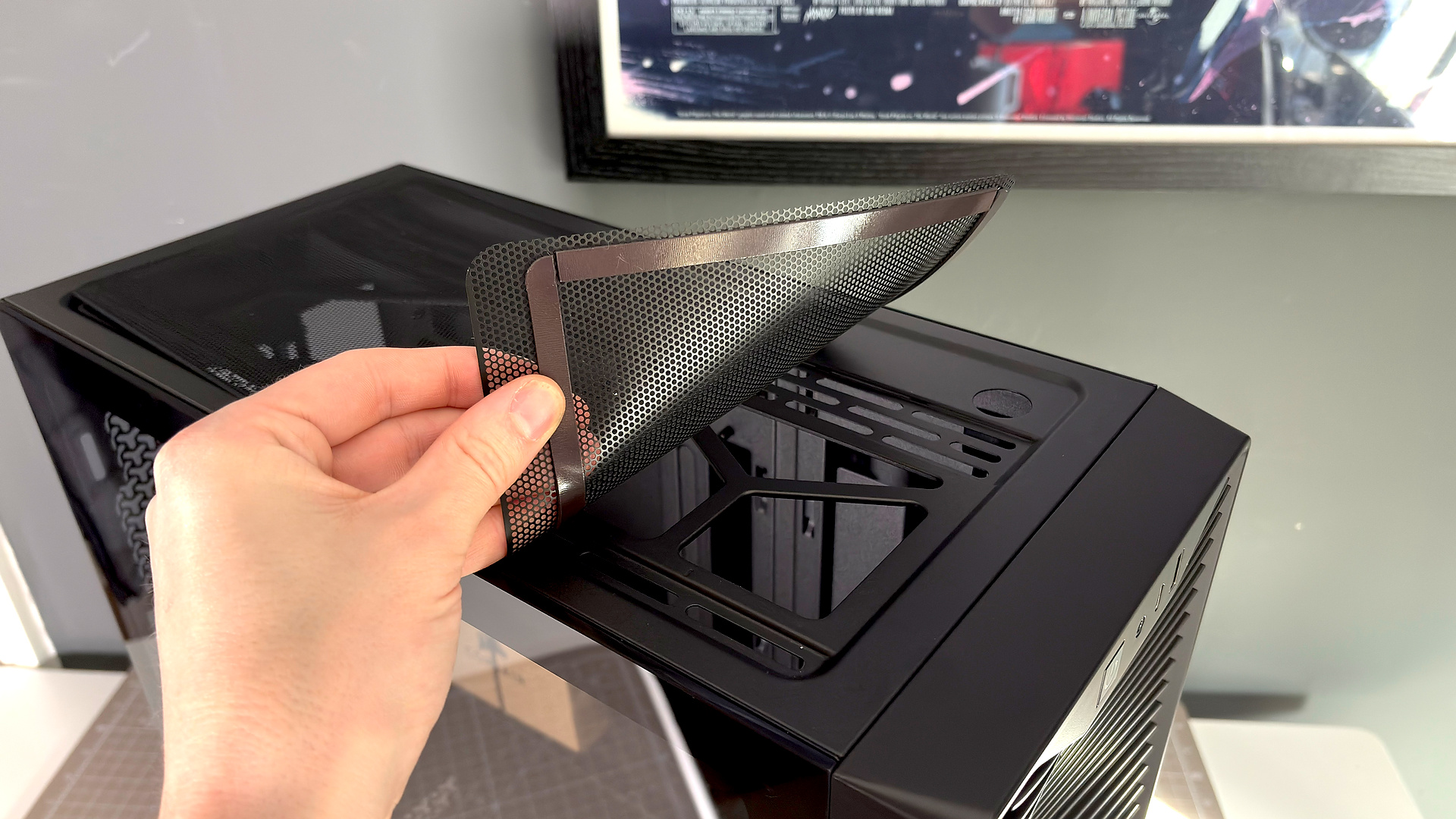
There's room for up to three 120 mm fans in the top of the 3200D, or up to a 360 mm radiator. The maximum height supported for an air cooler is 165 mm, which led me to ditch a fan from the Noctua NH-D15 G2. Though I only like to use this cooler for case reviews because it is so comically large and more of a test; most would fit just fine. And the NH-D15 G2 did fit with one fewer fan.
If you're wondering whether you'll need to purchase extra fans for use in this case: I have a three pack of RS120 fans to hand, worth $45, and I've run a couple tests to find out. Here are the results:
Corsair 3200D fan layout testing
Ambient temperature: 24 °C
Metro Exodus Enhanced Edition | 5x run | 4K | Ultra
| Product | Value |
|---|---|
| Default config (standard fan curve) | 38 CPU - Delta over ambient (ΔT), 45 GPU - Delta over ambient (ΔT) |
| Bottom + rear fans added (standard fan curve) | 38 CPU - Delta over ambient (ΔT), 45 GPU - Delta over ambient (ΔT) |
| Default config (100% fan curve) | 32 CPU - Delta over ambient (ΔT), 45 GPU - Delta over ambient (ΔT) |
| Bottom + rear fans added (100% fan curve) | 30 CPU - Delta over ambient (ΔT), 45 GPU - Delta over ambient (ΔT) |

Odd, right? I had expected GPU temperatures to improve a little for an additional fan aimed squarely at it but it's been sat at a remarkable stable temperature through all my testing. I guess I just wasn't pushing it hard enough. Nevertheless, the one thing to take away from this is that you could get significantly lower temperatures for running the fans at a higher rpm. Though I wouldn't recommend doing that here. Not with these fans, anyways.
The only real downside to the cooling solution on the 3200D is noise. The RS120 fans are loud when they get up to speeds above 60–70%. Noticeably so. On occasion when booting a game, the fans would whirr up to extremely high speeds—and extremely high volume—for a moment before settling into a more comfortable rhythm. It's definitely one of the louder cases I've tested in recent years at these high speeds, at around 58 dB at max RPM (measured from next to the side panel). It's more like 48 dB while gaming on a standard fan curve.
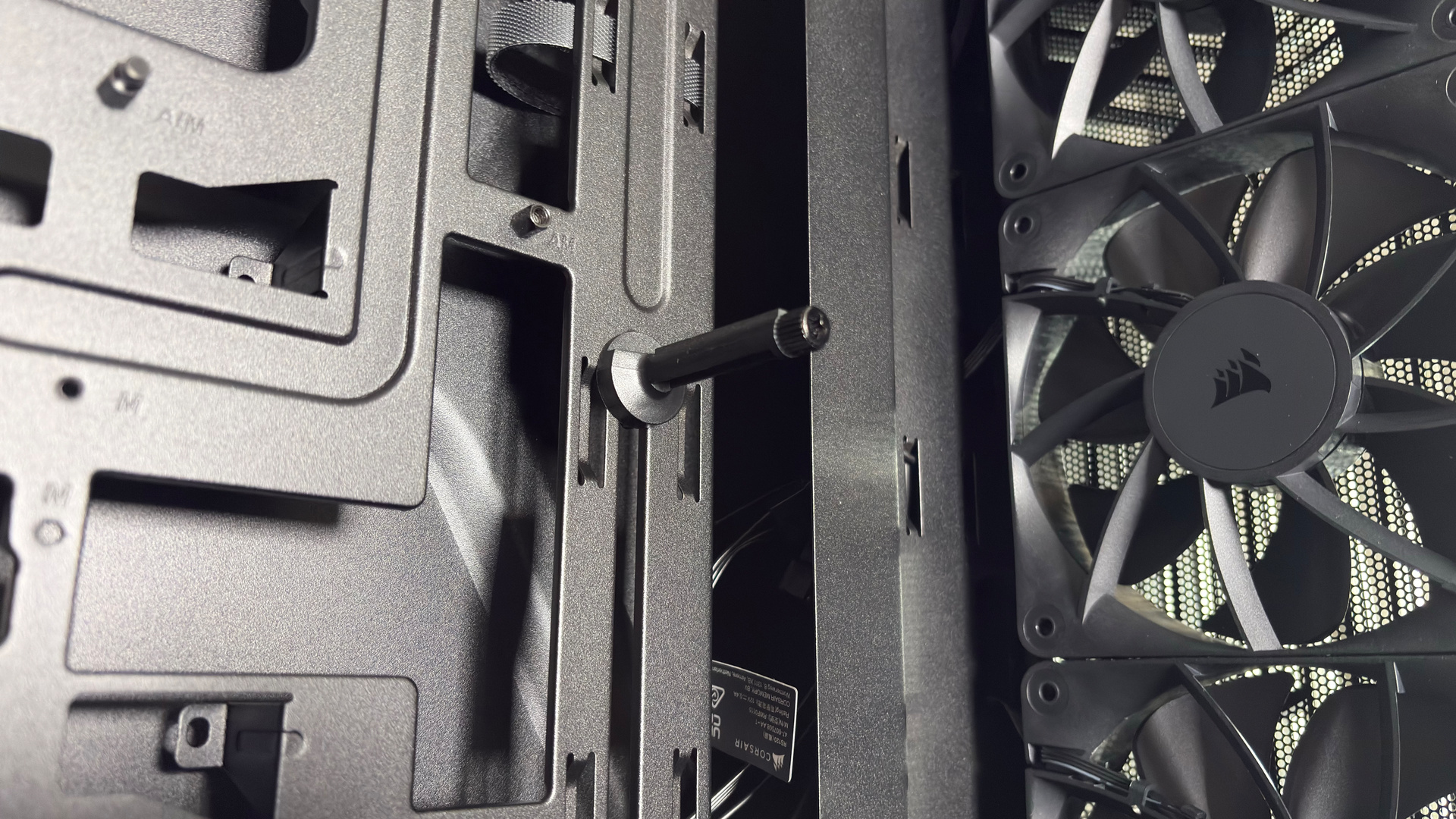
There are some smaller things of note with the 3200D. Unlike some cases in this price bracket, the expansion slot covers are removable and replaceable. It also includes a cover for cables spilling out from behind the motherboard tray, which supports Back-connect. There's a GPU support arm, though I do think Corsair's design is a bit weaker than others, on account of a lack of flexibility (it often lands right in the centre of a card's fans). Generally, though, these are things I'm used to seeing on quality cases but that can (not always) be cut for more value-oriented cases.
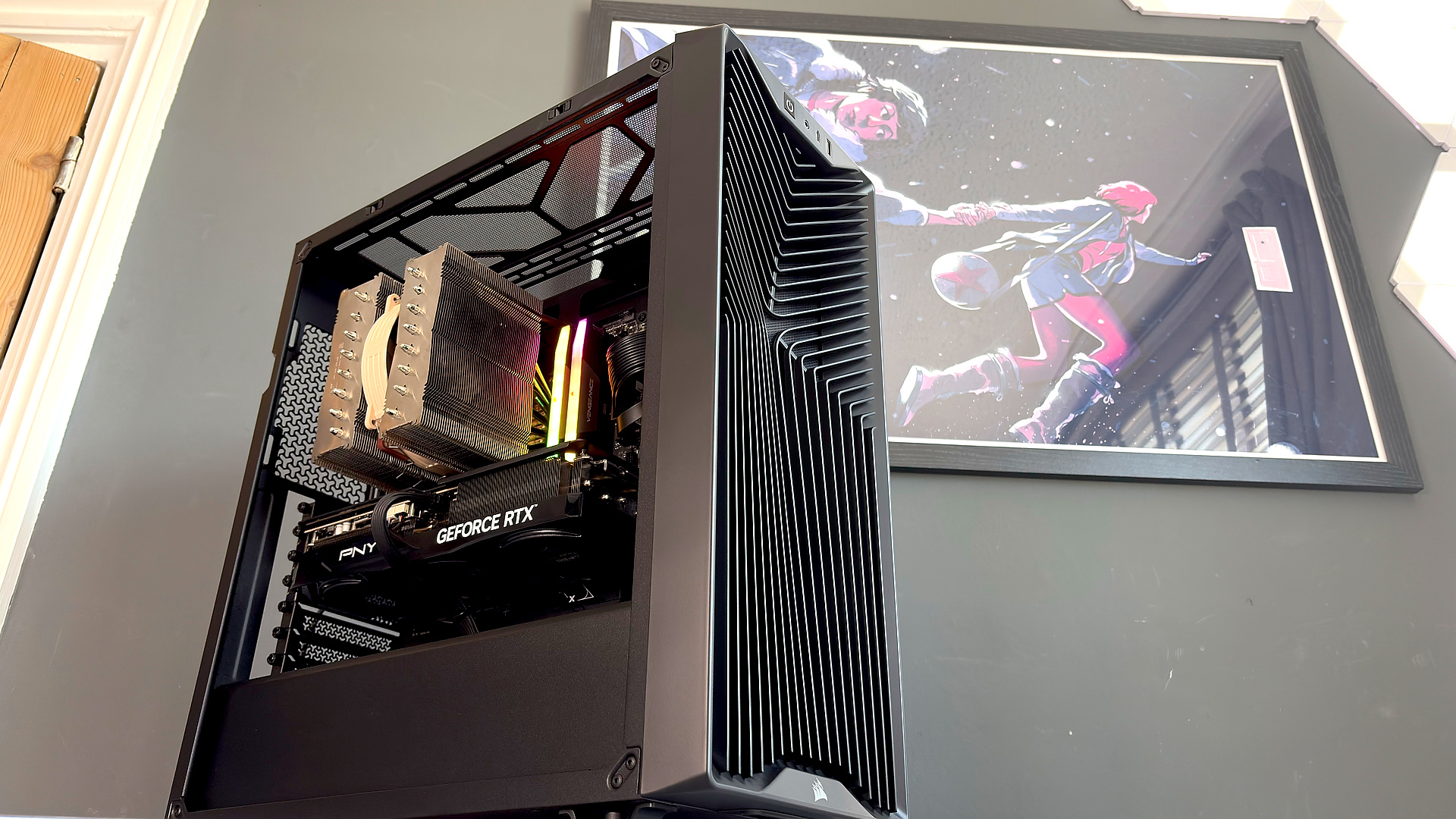
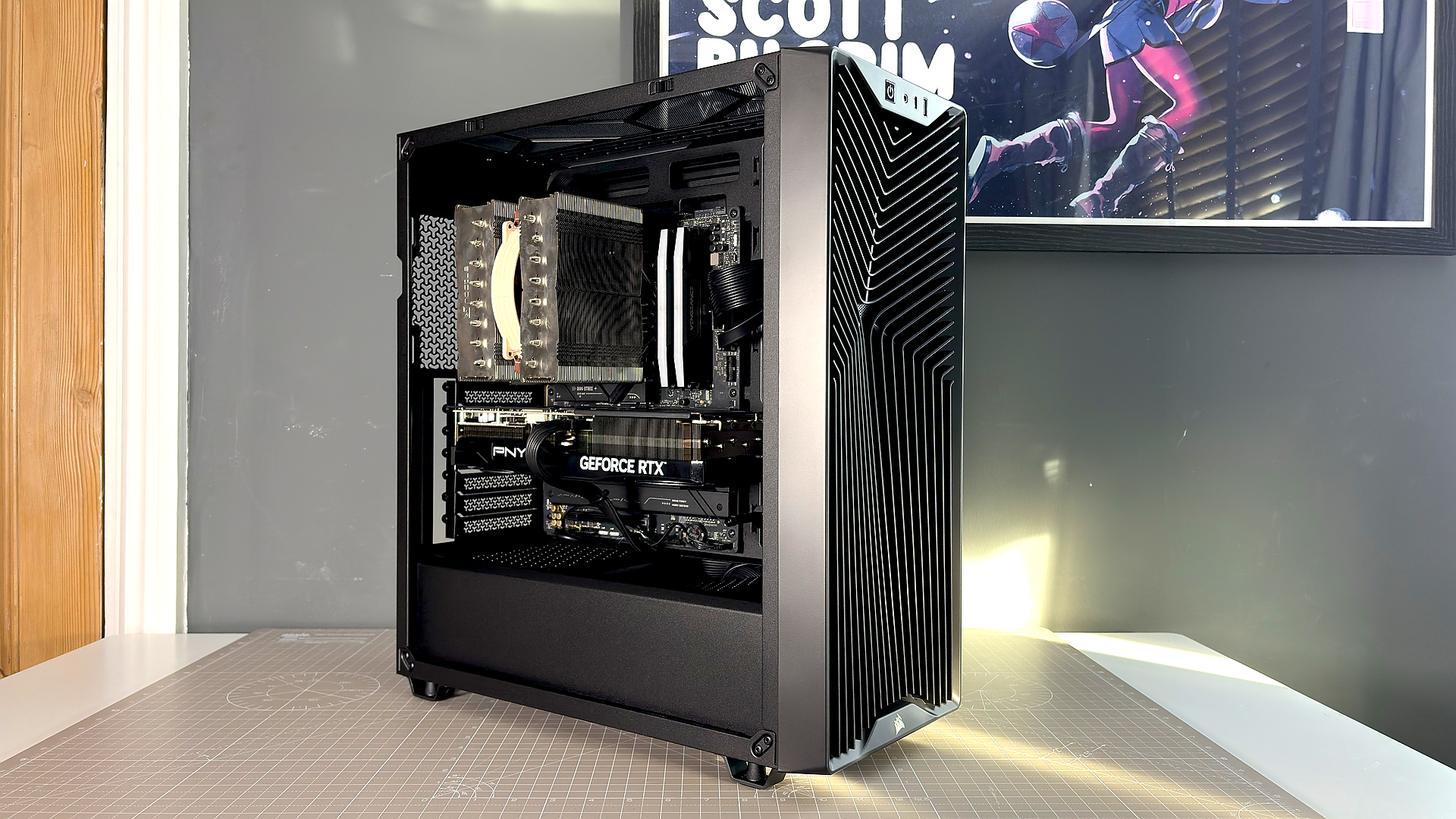
✅ You don't want to spend much on a PC case: the Corsair 3200D is great for the money. Looks good, feels good, easy to build into.
❌ You're sensitive to noise or going to put the case next to you on a desk: The fans are loud. Budget fans do tend to be like that, but Corsair's definitely hit a screech that's more noticeable than some.
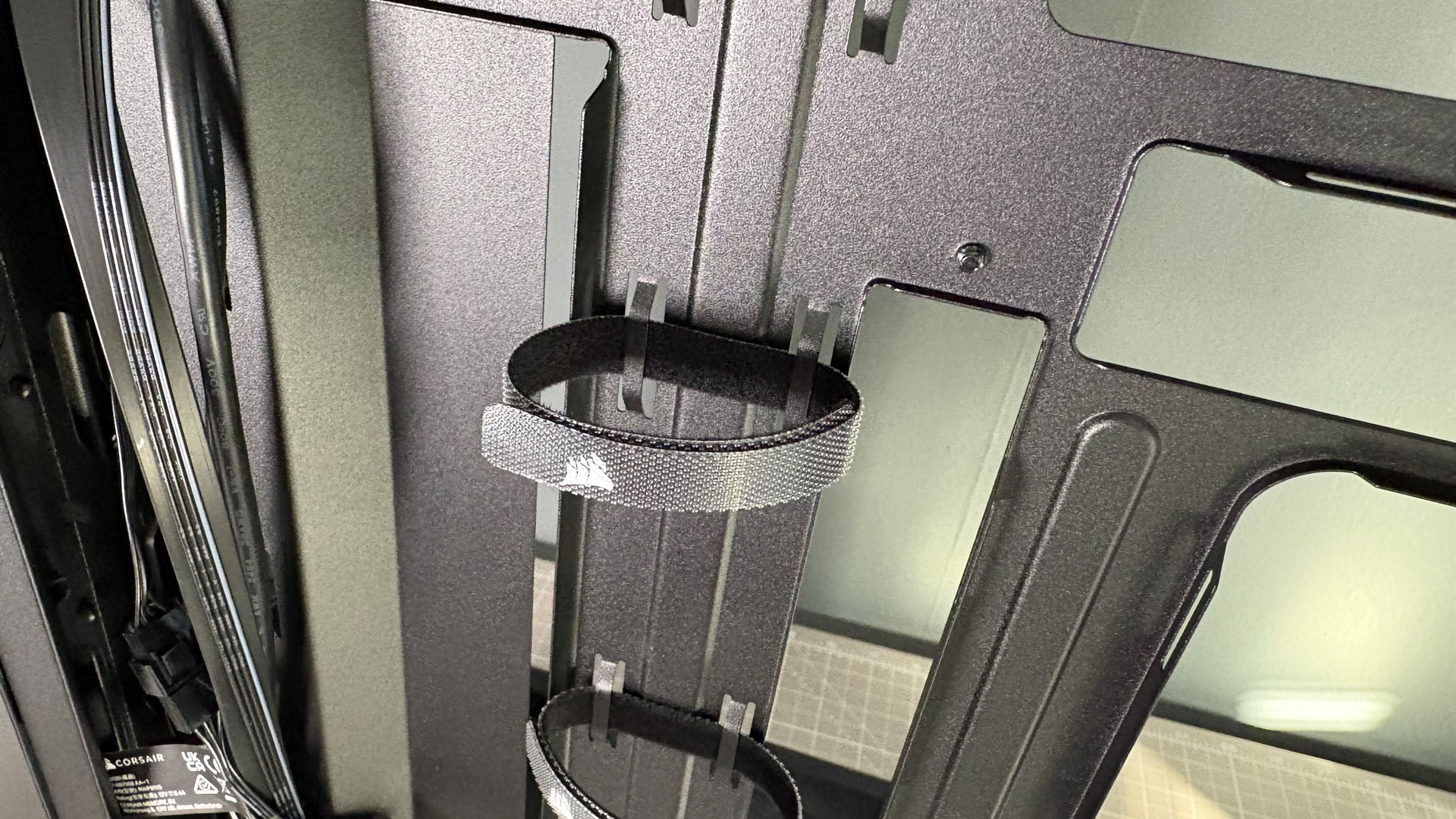
To the rear, there are only a couple of Velcro straps included for cable management. If not sufficient, there are plenty of places to tie down cables with zip-ties included in the box. There's ample room under the PSU shroud for either standard or Shift power supplies (I went for the latter here), and two 2.5-inch drive bays above.
Compared to the Frame 4000D, the 3200D feels a lot sturdier, too. I believe Corsair used thicker materials on later versions of the Frame 4000D, so perhaps that no longer an issue, but it's good that the 3200D doesn't feel anywhere near as flimsy from the get-go.
There are some signs of cost-cutting on the 3200D. The din of the fans being the most abrasive of the lot, as it really is noticeable, and I'm not a huge fan of the magnetic dust filters. They tend to slide around a lot. Though it should be said that, this does feel like a very impressive case for the money. The fans make up more than half of the overall price of the chassis and Corsair is putting that leftover $35 to work here. A much improved case than what I'd have expected for similar money a decade ago (inflation notwithstanding)—it's easily one of the best on a budget.
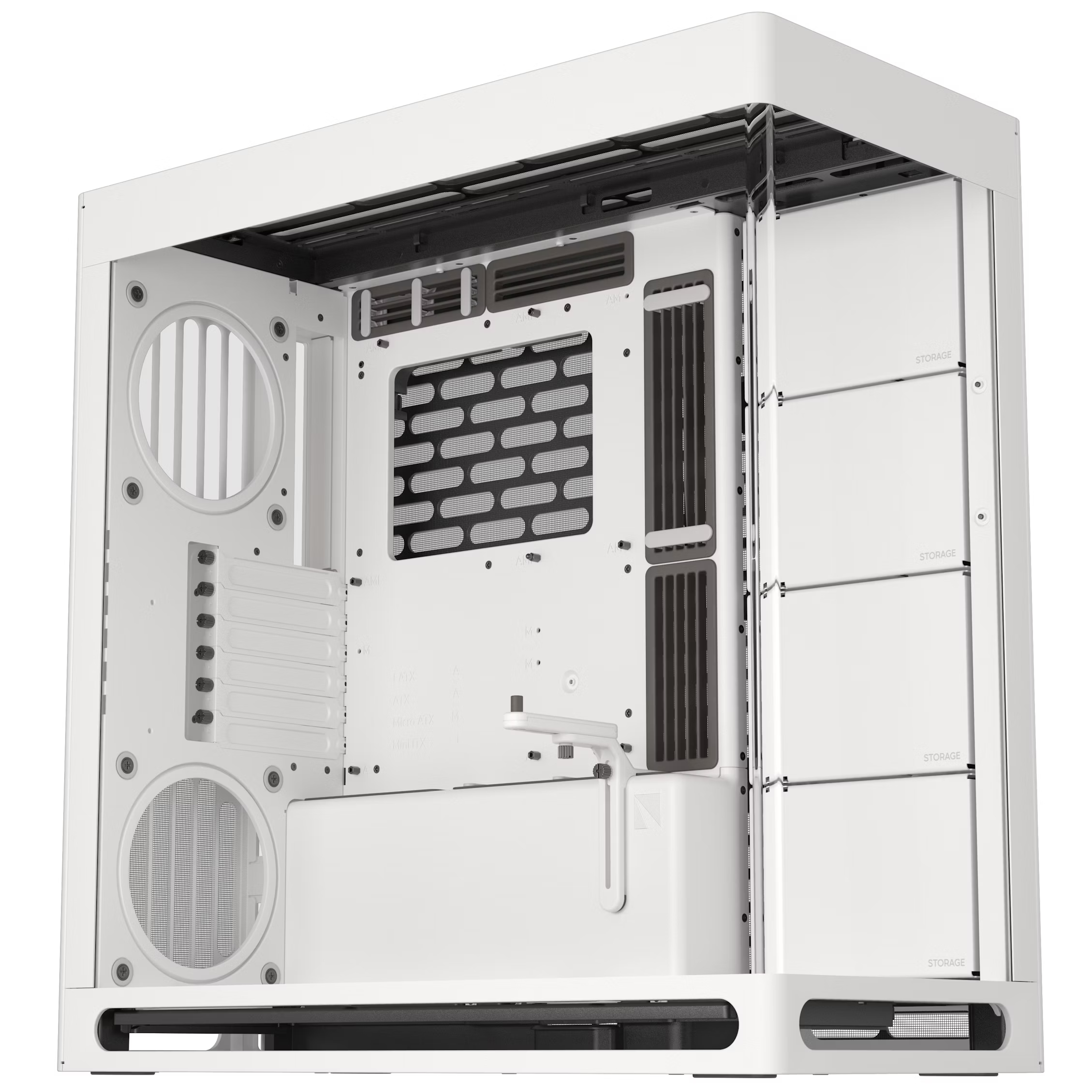
1. Best overall: Havn HS 420
2. Best budget: Phanteks G400A
3. Best midrange: Lian Li O11 Vision Compact
4. Best budget compact: Thermaltake S100 TG Snow Edition
5. Best high-end: NZXT H9 Flow RGB+
6. Best Mini-ITX: Fractal Design Terra
7. Best Micro-ATX: NZXT H3 Flow
8. Best full-tower: NZXT H7 Flow
9. Best pink: Hyte Y70
10. Best looking: Phanteks Evolv X2
11. Best for beginners: Be Quiet! Shadow Base 800 FX
The Corsair 3200D redefines budget case greatness. It doesn't look cheap. It doesn't feel cheap, either. Yet it costs just $80. The only major downside is the noise; the RS120 fans make a real ruckus at high rpm.

You must confirm your public display name before commenting
Please logout and then login again, you will then be prompted to enter your display name.