Word reached me this morning that hot new PvP raid shooter Highguard has an unusual bug. According to Steam user Captain_SmellyRat (excellent), the game's resolution is tied to its post processing setting, which means lowering it drops the output resolution in turn—despite reporting otherwise in the settings menu.
Youtuber Daniel Owen has also separately confirmed the issue, but I felt it was worth some testing of my own. Jumping into the training area of Highguard, I played around with the post processing options, and the difference was clear to see.
While the difference is minimal in screenshots, in person the effect means that rather than taking advantage of my display's full native 4K resolution, the image is instead scaled to fit the screen, resulting in a significant amount of blur.
The performance difference is also significant, in a way that a post processing adjustment wouldn't usually provide. Low post processing (and therefore, a significantly lower resolution) adds a good 15-20 fps on top of my frame rate using an RTX 5070 Ti.
So, what's going on here then? Well, chatting to my colleague Nick Evanson (our resident game engine expert) reveals a theory. In essence, lowering the post processing setting should lower the resolution of the effect being displayed, rather than the full frame.
Post processing effects often involve a lot of sampling and blending of pixels, so there's a small amount of performance to be gained by reducing this overhead. It seems, however, that the post processing slider is lowering both the resolution of the effect and the resolution of the full frame itself, likely due to some erroneous code.
It seems the gaming community is reacting poorly to Highguard's release for a number of reasons, with the game currently sitting at a "Mostly Negative" rating on its Steam store page. However, "blurry graphics" seems to be a repeated complaint, and if players are lowering the settings to make up for its reportedly poor performance, then it may well be the post processing setting that's to blame.
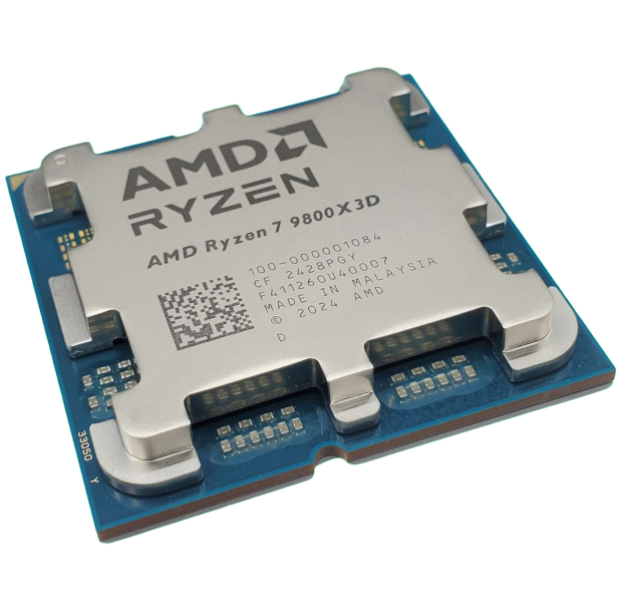
1. Best CPU: AMD Ryzen 7 9800X3D
2. Best motherboard: MSI MAG X870 Tomahawk WiFi
3. Best RAM: G.Skill Trident Z5 RGB 32 GB DDR5-7200
4. Best SSD: WD_Black SN7100
5. Best graphics card: AMD Radeon RX 9070

You must confirm your public display name before commenting
Please logout and then login again, you will then be prompted to enter your display name.