Our Verdict
Corsair’s offering a lot of quality here, and that’s reflected in the high price. Whether that quality resides in the right area is another matter. How much do you care about actuation feel and low-profile optical keys versus the benefits of analog?
For
- Reassuringly solid and sleek
- A fantastic actuation feel
- High quality PBT keycaps
Against
- LCD screen isn’t worth the battery drain
- No adjustable actuation
- Transparent directional keycaps - why?
PC Gamer's got your back Our experienced team dedicates many hours to every review, to really get to the heart of what matters most to you. Find out more about how we evaluate games and hardware.
There is a specific audience who’ll be over the moon about this keyboard, and happy to pay the $260/£240 Corsair’s asking for it. The thing is, it really is a specific audience. While some of its best assets can be universally enjoyed, like the creamy-smooth key actuation and Corsair’s trademark construction quality, a lot of what you’re paying premium price for here is useful only in very particular use cases and tastes.
Let’s take the defining spec of the Vanguard Air 99 Wireless, for example: low-profile, optical keys. It’s obvious from the first keypress that Corsair’s design team have lavished all kinds of care and attention on getting the feeling right, from the gasket-mounted design to the 2.5 mm of travel these low-profile keys have, just enough to lend a satisfying feel to each keypress while still fulfilling the low-profile brief. There are apparently five layers of sound-dampening at work to deliver the right sound, and the right feeling. And they got it right.
Meanwhile, the sector’s increasingly migrating to Hall Effect magnetic analog switches for the adjustable actuation and overall faster inputs they offer. So, in order to enjoy the sound and feel of this board, Corsair’s asking you to forego the latest and greatest in keyboard tech. For $260.
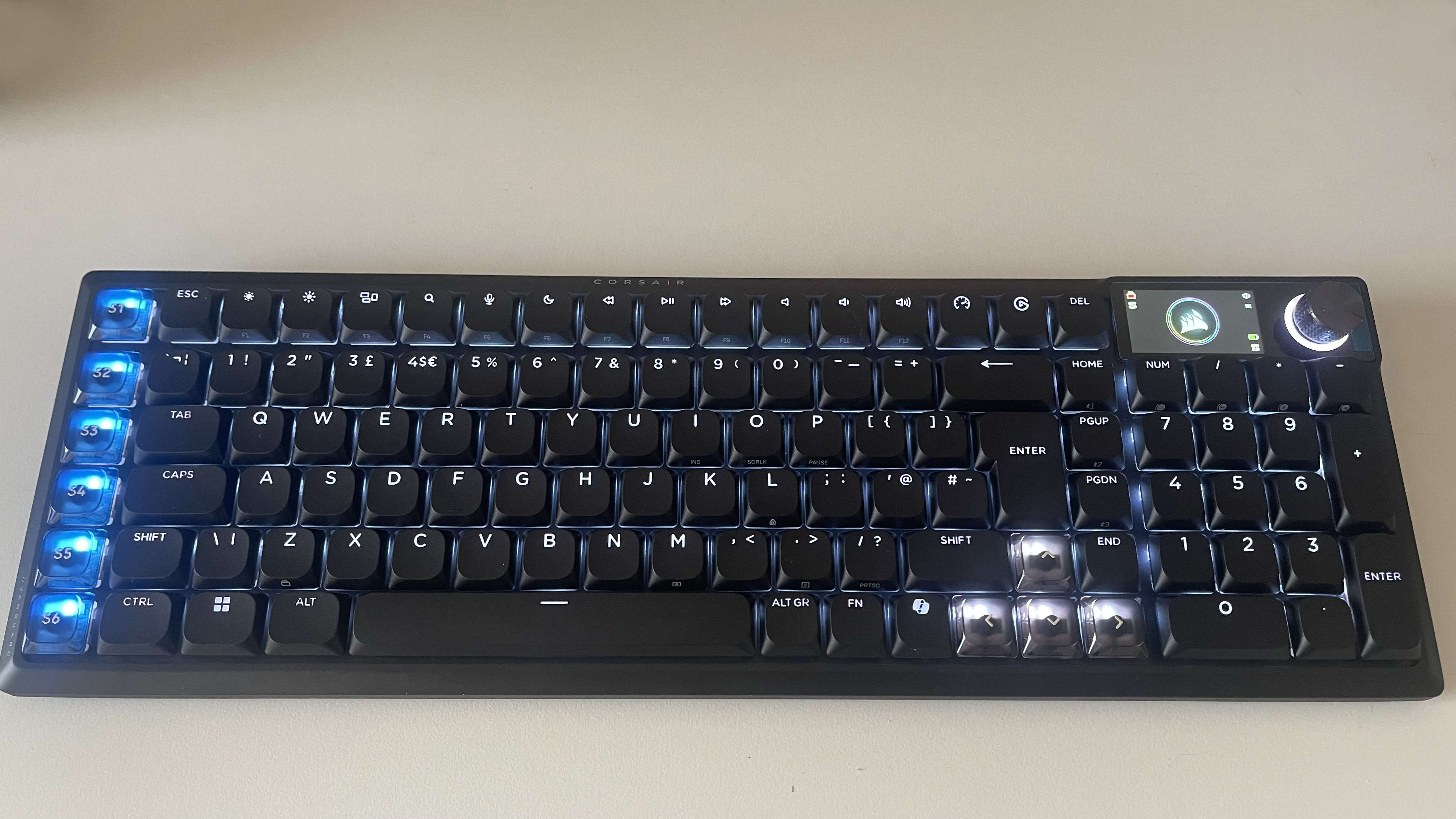
If that seems a bit uncharitable, it’s probably because I’m looking at the Vanguard Air 99 Wireless’ fairly useless LCD screen as I type it. It doesn’t detract from the experience while playing games or at work, but it also doesn’t add much functionality, either. Displaying when the caps lock is on or off, or indicating when I’m scrolling a web page is not a good tradeoff for the battery life that screen must be gobbling up.

Size | 99% |
Connectivity | 2.4GHz, Bluetooth, USB Type-C |
Keycaps | PBT |
Switches | Corsair OPX Low-profile optical |
Hot-swappable | No |
Media controls | Yes, clickable scroll wheel |
Lighting | Full RGB per-key |
Software | Corsair Web Hub |
Price | $250 | £240 |
✅ You’re searching for a specific sensation: There are significant downsides to this board, but if tactile feel is the be-all and end-all to you then the combo of low-profile optical mechanical switches and a gasket mount might be a winning one.
❌ You want a future-proof board: The screen might look futuristic, but it doesn’t offer much value and certainly doesn’t offset the absence of adjustable actuation or faster input resets that analog switches offer.
Elsewhere there’s not much to grumble about. Least of all in the visual appeal and build quality of the board, which are exemplary as always. What a great combination of solid and sleek this low-profile unit is, heavy enough to stay put when you give it a light nudge and with an aluminium shell that’s aesthetically pleasing and nice to touch.
The PBT keycaps feel great under your fingers, and they’re machined with super-sharp letters and symbols that let the RGB shine through with precision and minimal bleedthrough coming up from the backplate. Er, across most of the board.
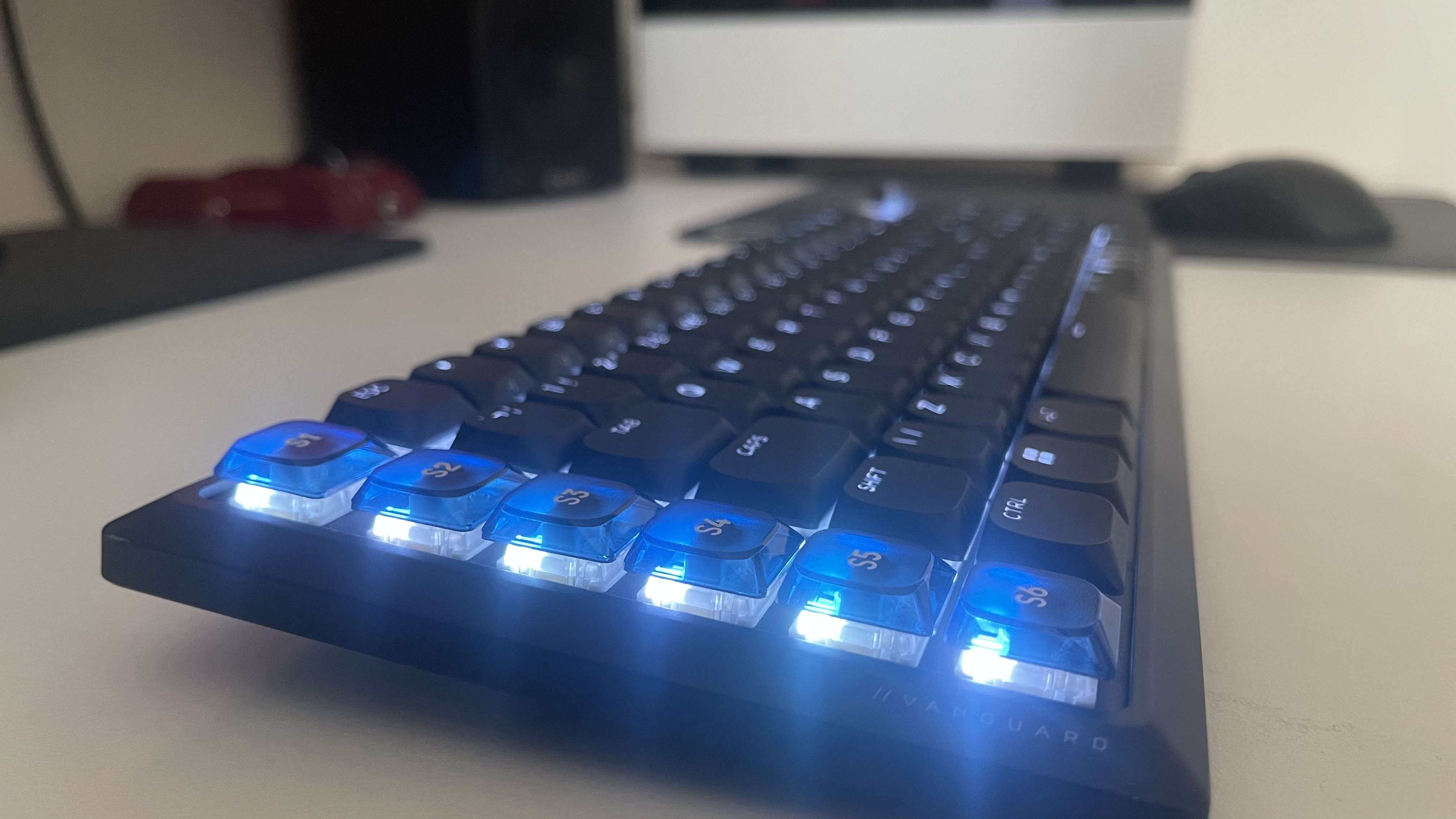
The exception being the directional arrow keys and the bank of six macro/OBS hotkeys on the lefthand side, all of which have translucent keycaps and so emit a lot more light. I’m not sure how I feel about this, personally. On one hand it makes those keys easier to locate. On the other, who’s using the directional arrow keys in 2026?
That bank of keys on the left can be used as a stream deck. You’ll need to use Stream Deck software with this rather than the Web Hub, but all six buttons can be mapped to Stream Deck functions. That’s also true of any keyboard with a bank of macro/function keys, but if you do stream yourself it’s a handy value-add to have those keys located reasonably ergonomically.
On the topic of ergonomics, then. My fingers just don't seem to like this combination of 99% layout, low profile keys and the way those keys are stacked. I’m a week deep into using this keyboard every day for work and games, and somehow my fingers still trip up at times or accidentally hit the macro bank of keys. On the plus side I do appreciate two levels of drop-out feet to adjust the angle with. Elevating the board on the lowest steps helped me a bit, but didn’t make me feel totally comfortable. Your results will, of course, vary, but I find it easier to navigate Logitech’s G515 TKL RAPID when it comes to low-profile boards.
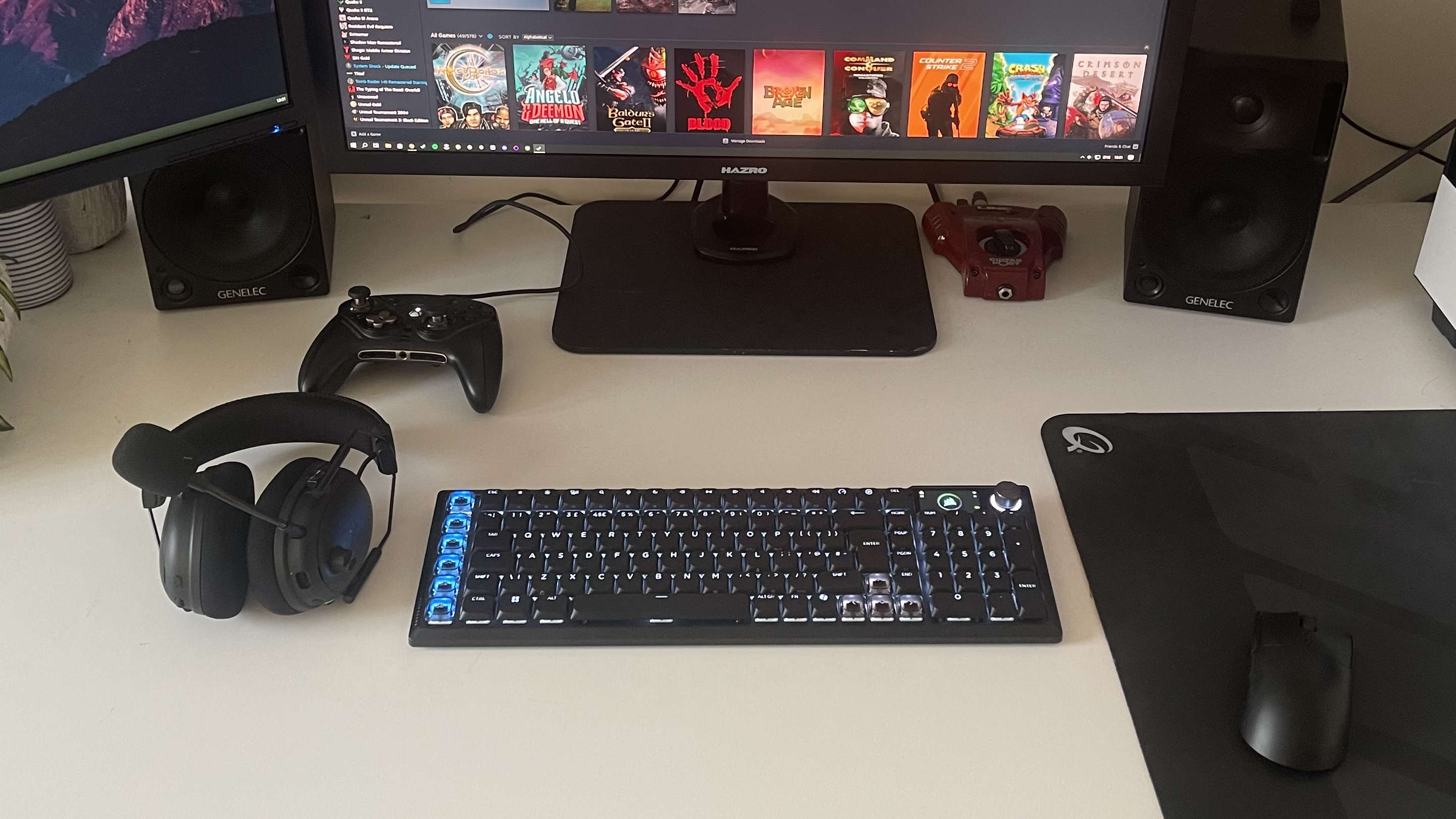
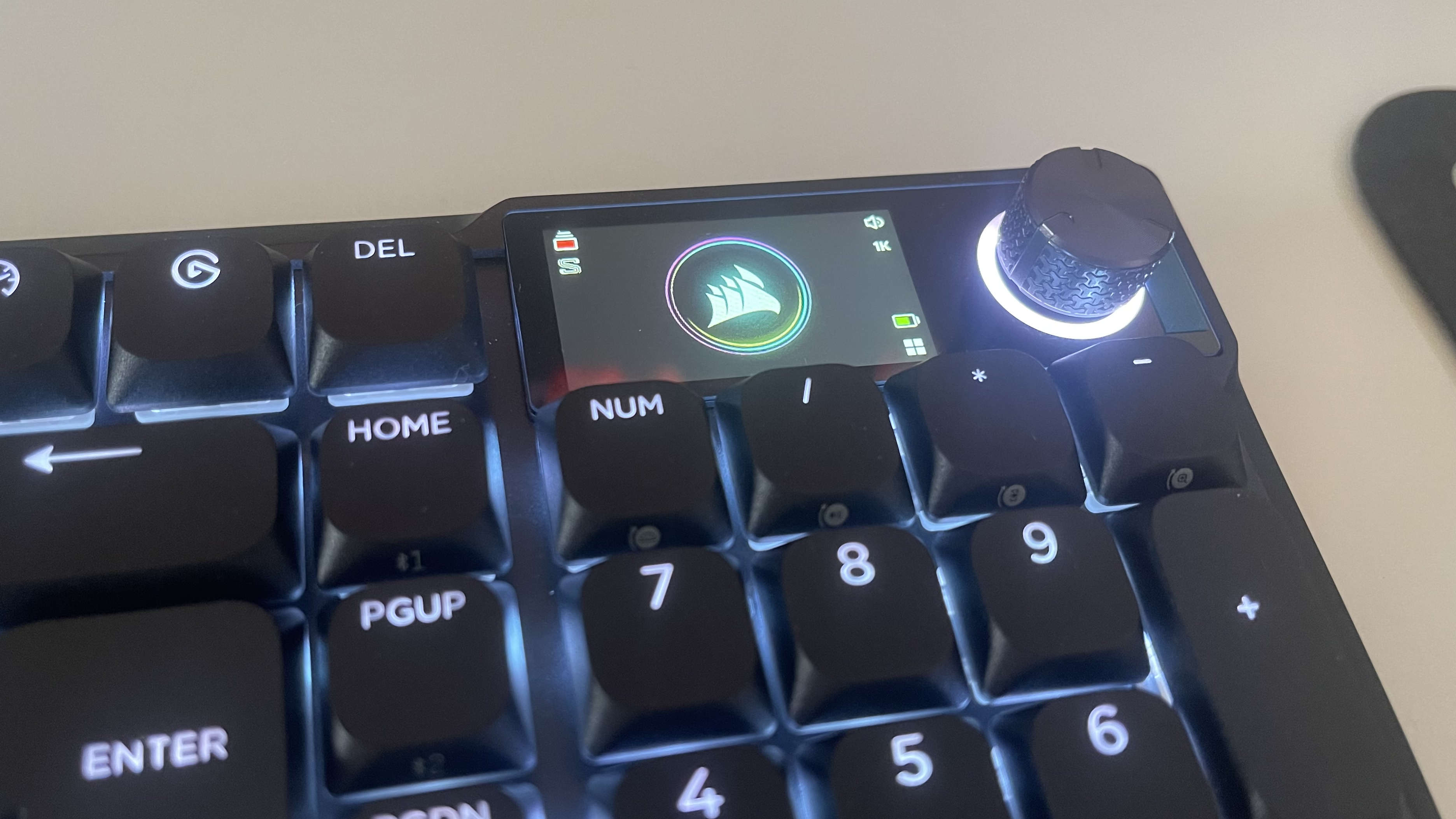
When I put the Vanguard Air 99 Wireless to work in my favourite keyboard benchmark, Typing of the Dead: Overkill, though, I was pleasantly surprised. 96% precision! That’s up there with some of my favourite boards. Similarly, in Counter-Strike 2 my digits locked in and danced over WASD like Fred Astaire with an AK. I can only surmise that this layout and profile are suited to my fingers when it comes to short bursts of concentration, but less so through a whole day of productivity tasks. And there’s nothing the LCD screen can do about it but show me an animated Corsair logo.
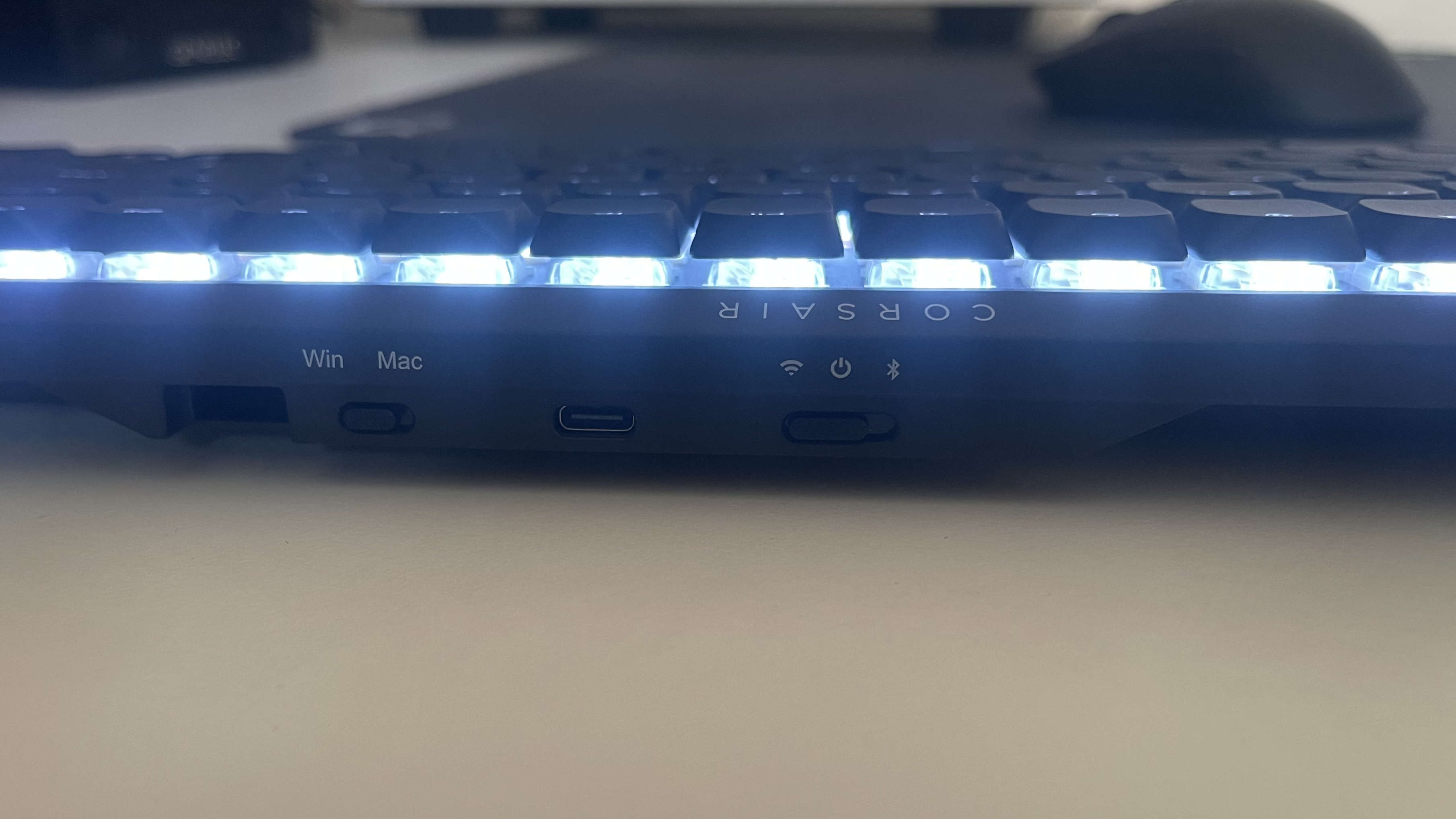
Here are the reasons I’m persevering with it: a choice of 2.4 GHz wireless, Bluetooth or USB-C wired connections. Wireless operation with up to 8K polling which has never yet dropped out. A PC/Mac mode toggle switch. Easy customisation via Corsair’s browser-based Web Hub. It’s a little slow at times, but vastly preferable to having iCUE installed locally. And above all, the feeling of sturdiness and buttery actuation, even if the layout does trip me up at times.
And it looks quite cool on my desk.
As a reviewer, I’m more inclined to this generous mindset than someone who’d paid, say, $260 for it. Price points are hard right now. The global economic market is extremely volatile and prices are rising at every level, for manufacturers and consumers alike. Still, you can’t help but remember the days 2-3 years ago when the equivalent of this keyboard would have been priced well below $200. I’m not saying it’s Corsair’s fault. But in a world that’s asking more and more money from you just to retain access to the basics, I am dubious as to whether this specific actuation feel is really worth this much money.
1. Best overall:
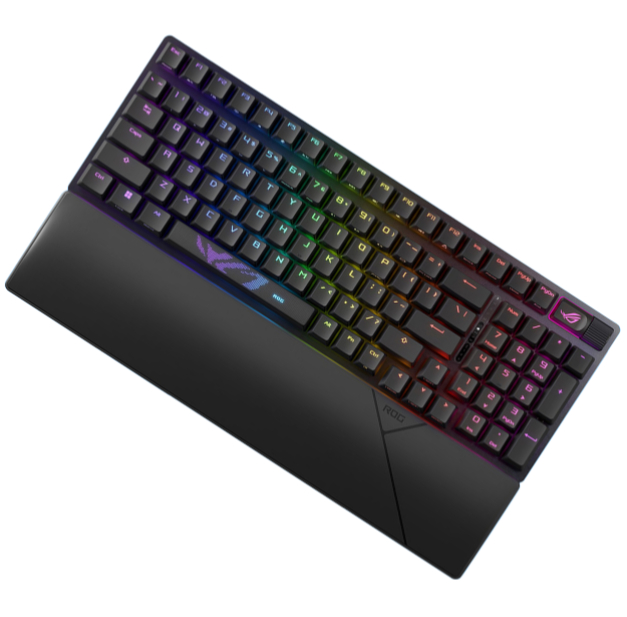
Asus ROG Strix Scope II 96 Wireless
2. Best budget:
Gamakay x Naughshark NS68
3. Best mid-range:
Ducky Zero 6108
4. Best rapid trigger:
Wooting 80HE
5. Best wireless rapid trigger:
Keychron K2 HE
6. Best silent:
Be Quiet! Light Mount
7. Best tenkeyless:
Keychron Q3 Max
8. Best low profile:
NuPhy Air60 HE
9. Best ergonomic:
Kinesis Freestyle Edge RGB
10. Best membrane:
Roccat Magma
Corsair’s offering a lot of quality here, and that’s reflected in the high price. Whether that quality resides in the right area is another matter. How much do you care about actuation feel and low-profile optical keys versus the benefits of analog?

You must confirm your public display name before commenting
Please logout and then login again, you will then be prompted to enter your display name.