





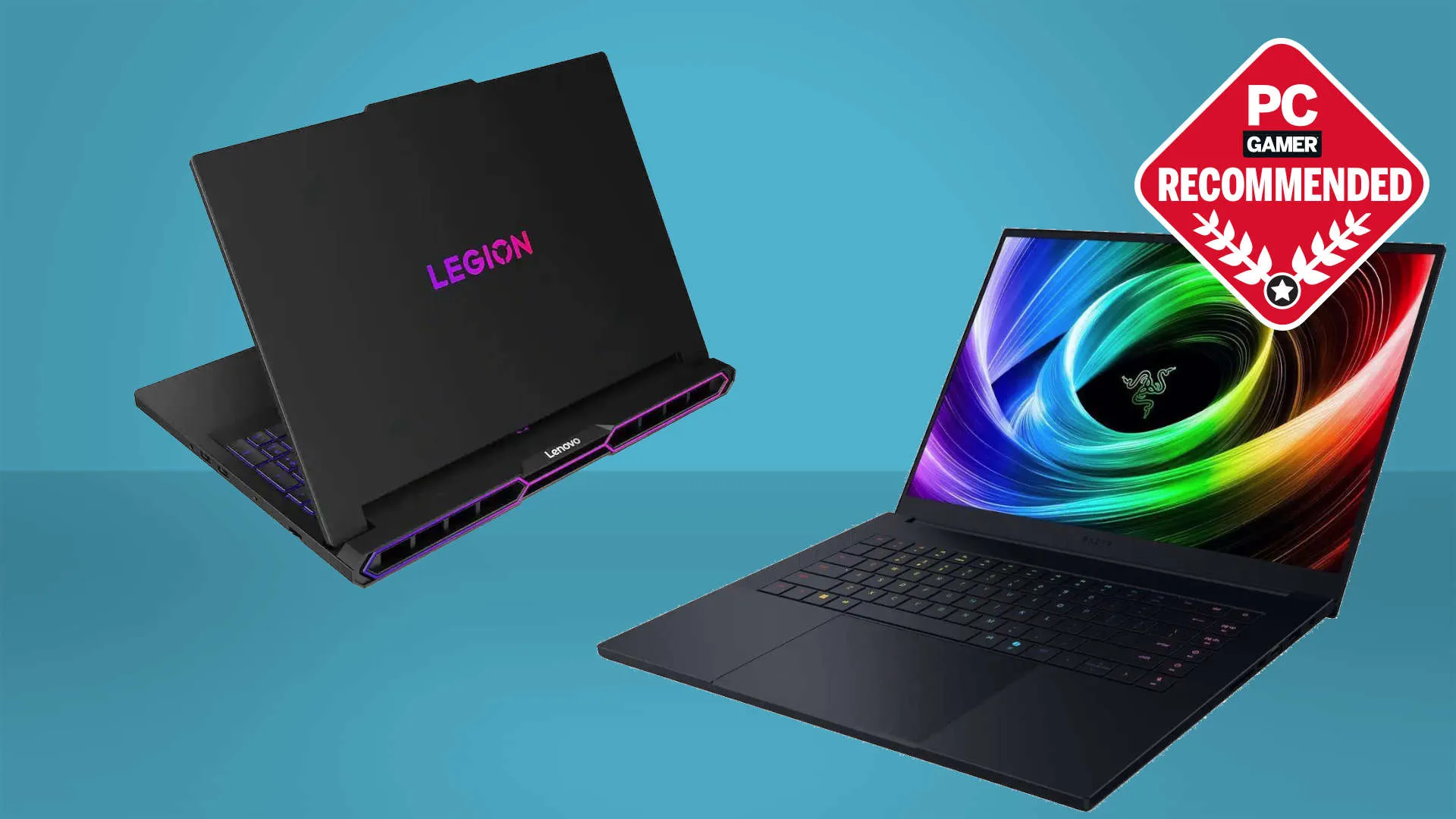
The best gaming laptop is a modern technology flex. No longer are we exclusively talking about hot, heavy, and loud beasties. Instead, we're finally in the realms of thin and light machines with genuine gaming chops as well as the ability to deliver stellar frame rates even on battery power.
This is why the 2025 version Razer Blade 16 is still my pick as the best gaming laptop of the lot. Its slimmer chassis, RTX 50-series GPU with the BatteryBoost tech, and improved cooling make it an all-round great notebook. We'll be taking a look at the updated 2026 version soon, so perhaps we'll see a new machine don the 'best overall' crown soon.
But that's not to say that more traditional machines don't still have a place. While I love the latest Razer Blades, MSI's Vector 16 HX is still a delightfully anachronistic thing. It does have a large, old school chassis, and it does sound loud if you ramp it up. But it also delivers a great experience on a balanced setting, and does so for a great price, making it my favorite mid-range machine.
If you're looking to save some cash, though, Lenovo's LOQ range has matured to the point now where it's my pick as the best budget gaming laptop you can buy today. It's stylish, well-built, and regularly discounted. In these memory supply crisis times, having only 16 GB of RAM and 512 GB of onboard SSD storage isn't such a bad thing for your wallet.
Quick list

Expect to pay: $2,400 / £3,600

Expect to pay: $1,079 / £900

Expect to pay: $2,300 / £[out of stock]

Expect to pay: $1,600 / £1,600

Expect to pay: $2,700 / £3,400

Expect to pay: $2,980 / £2,249
July 15, 2026: I have combed through this guide to make sure all of our recommendations are up to date. Currently, the 2025 version of the Razer Blade 16 is the best gaming laptop we'd recommend overall, but we'll have thoughts to share on the 2026 version very soon.
June 19, 2026: I've added in a simple widget below to help readers go through all of our gaming laptop reviews from way back in 2020. I've also updated our benchmark graphs and added in some approximate pricing for the different systems, too.
April 29, 2026: I've carried out a full sweep of our gaming laptop recommendations and I still stand by the Blade 16 as my all-time favorite machine. Though I love the Blade 14 and the Vector 16 is a steal. I've added in fresh benchmarks for each recommendation, too.

Dave James has been working in the industry as a technology journalist, testing the latest and greatest (and sometimes the worst) PC gaming hardware for 20 years. And in that time he has tested probably in the region of 50 to 100 gaming laptops. He has written for a host of different PC technology titles since switching discipline from games journalism to technology, including PC Format, What Laptop, Techradar, PC Answers, PC Plus, and PCGamesN. He also formulated the current gaming laptop testing methodology used on PC Gamer.
The best gaming laptop
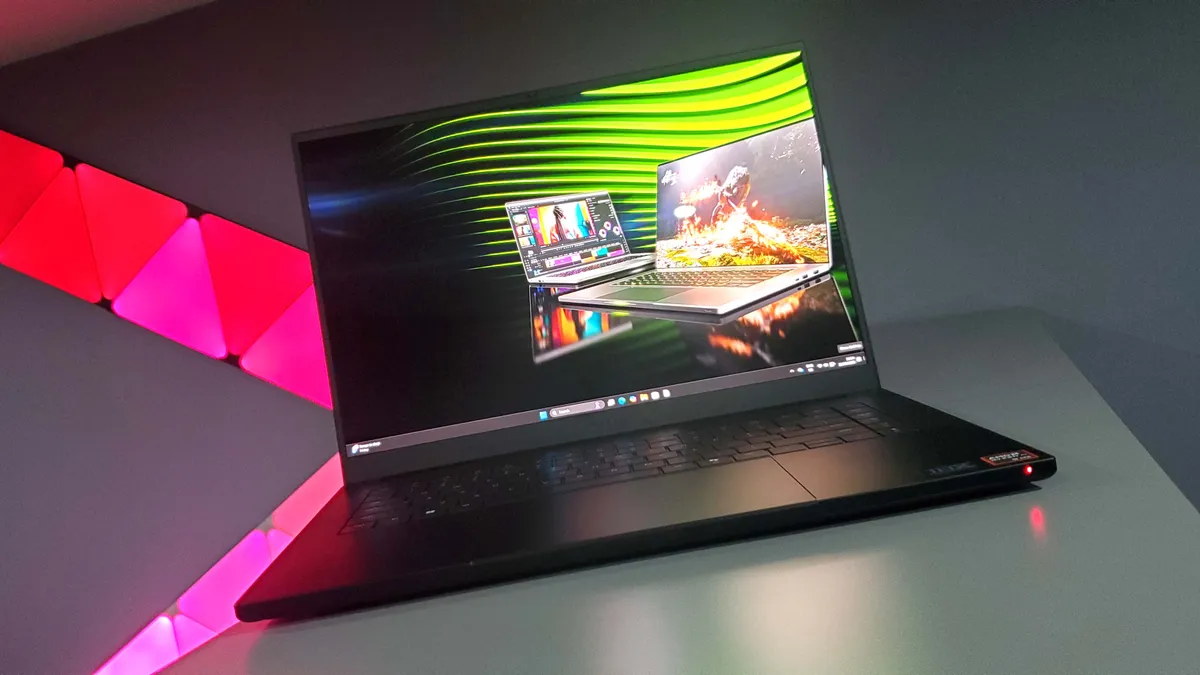
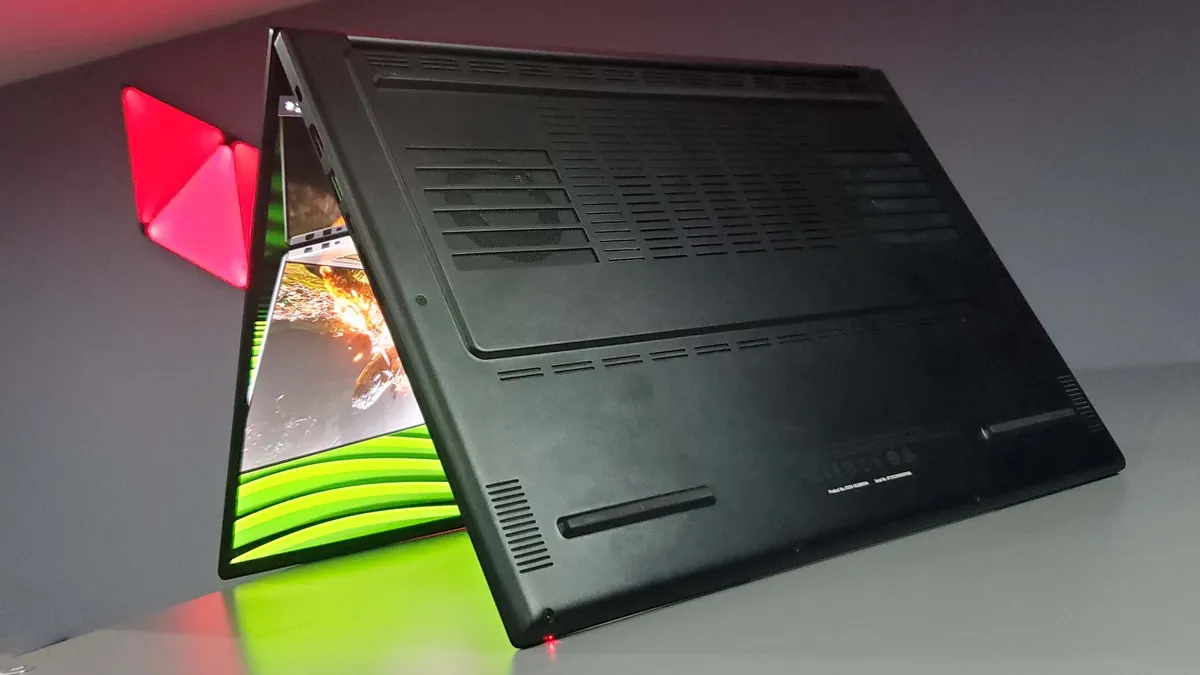
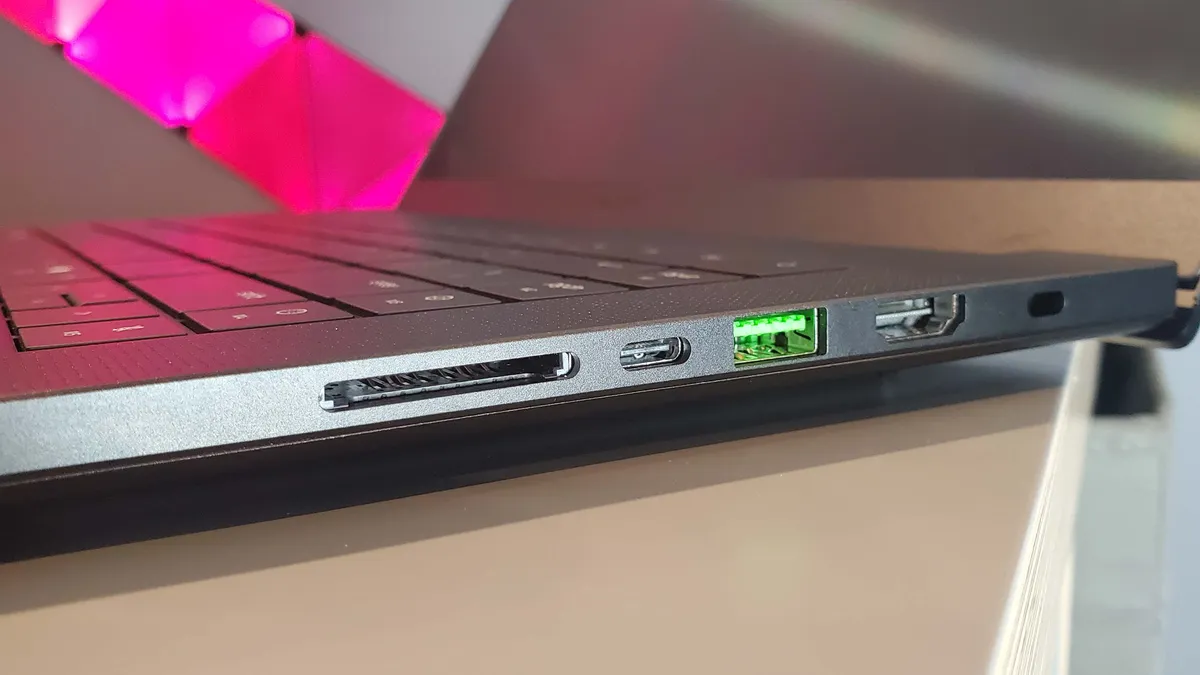



We tested: AMD Ryzen AI 9 HX 370 | RTX 5090 | 32 GB | 2 TB SSD
1080p gaming performance
| Product | Value |
|---|---|
| Razer Blade 16 | RTX 5090 175 W | 63 Avg FPS, 34 1% Low FPS |
| Asus ROG Zephyrus G16 | RTX 5080 120 W | 50 Avg FPS, 44 1% Low FPS |
| Alienware 16 Area-51 | RTX 5080 175 W | 65 Avg FPS, 47 1% Low FPS |

✅ You want a do-anything gaming laptop: The Blade 16's portability and gaming chops mean that it's a machine that can be your beefy desktop rig as well as your mobile companion.
❌ You just have to have the outright highest performance: That thin chassis does hold back something like an RTX 5090, but if the experience is key to you, the Blade 16 nails it.
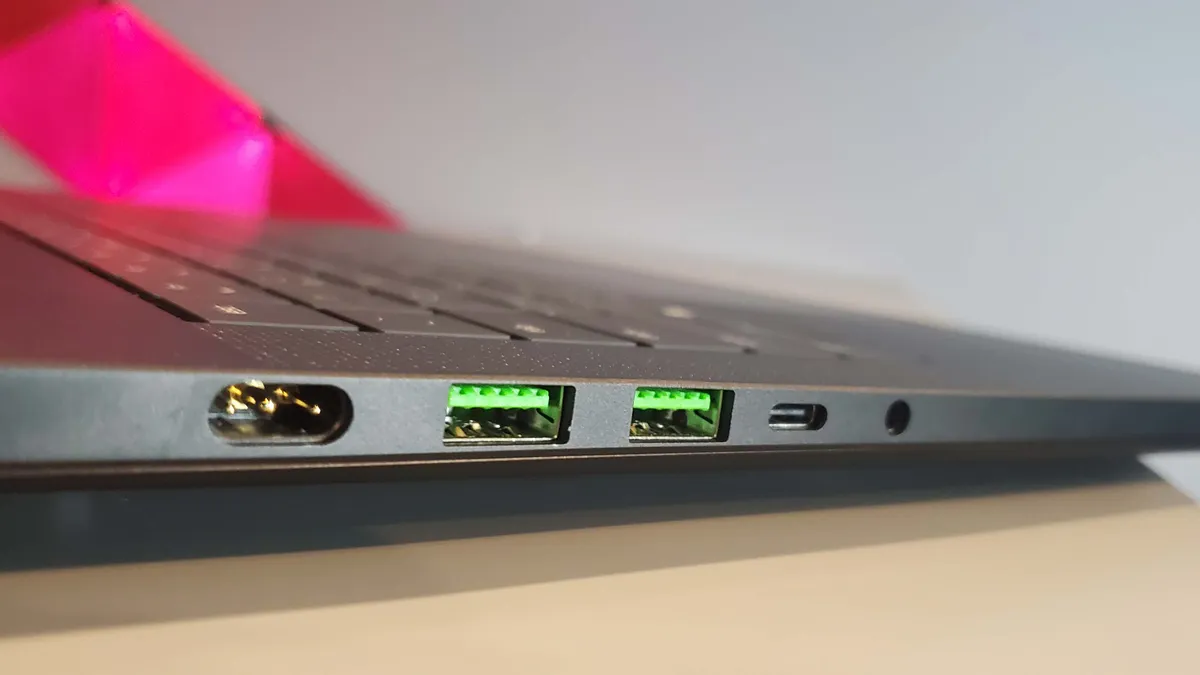
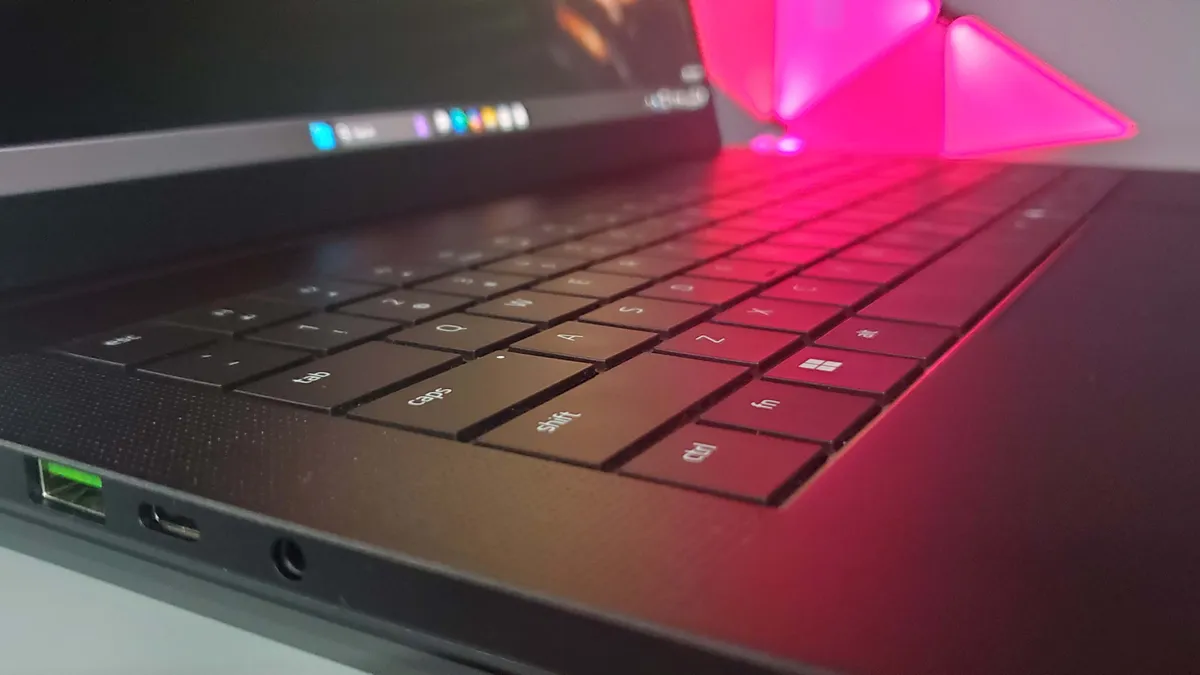
💻 The Razer Blade 16 is easily the best gaming laptop I've ever tested. It's a machine that's perfectly sized and setup for PC gaming in modern times, but also one that delivers an unprecedented level of gaming prowess away from a power socket. It's a do-anything notebook that can be your one PC to rule them all.
I'll say it again, the new Razer Blade 16 is the best gaming laptop I've ever used, and I've been messing around with them professionally for the best part of 20 years now. But it's not about the fact I've been using an RTX 5090-powered version, with some pleasing gaming grunt behind it. Because it's not. The real kicker, the real reason why this is the best gaming laptop is because the experience of actually using the device itself is a genuine pleasure—whether that's gaming, productivity, or just general laptopery.
The Blade 16 is the antithesis to practically all the failings of modern gaming laptops; historically chonky machines, with atrocious battery life, and horribly loud fans. Its smart "thermal hood" and improved overall thermal design, means the Blade 16, even at full volume, doesn't get its fan noise up to the same level as something like the Asus Zephyrus G16 or the Gigabyte Aorus Master 16 I've also checked out. It is still noticeable, and you're not going to want to sit in a library with the fans on full, but it has none of the turbine whoosh of the Gigabyte or the whine of the Asus.
The other thing that has got me about the Blade is that it's actually a capable gaming laptop just on the battery alone. Some of that is Razer's design, but there is also the RTX Blackwell GPU architecture's ability to quickly shift gears in terms of the frequency and power draw, within the timing of a single frame, even. That efficiency delivers a huge difference in gaming away from the plug, and Nvidia's new BatteryBoost tech helps, too. Now, it will crush the in-game settings if you allow it to optimise them on its own, but it also comes with a context-aware algorithm that will drop the frame rate to 30 fps when it sees there's limited action on screen.
And then there's that screen. We've had other 1600p OLED panels side-by-side with it and the Blade's is absolutely best—and there aren't a ton of actual OLED panel manufacturers so there must be something to Razer's tuning and electronics going on here. All told, the Blade 16 is the do-anything gaming laptop I've always wanted. It can game like a champ on the latest games at high resolution and frame rates, it can even do it on battery, and will do it quietly, too.
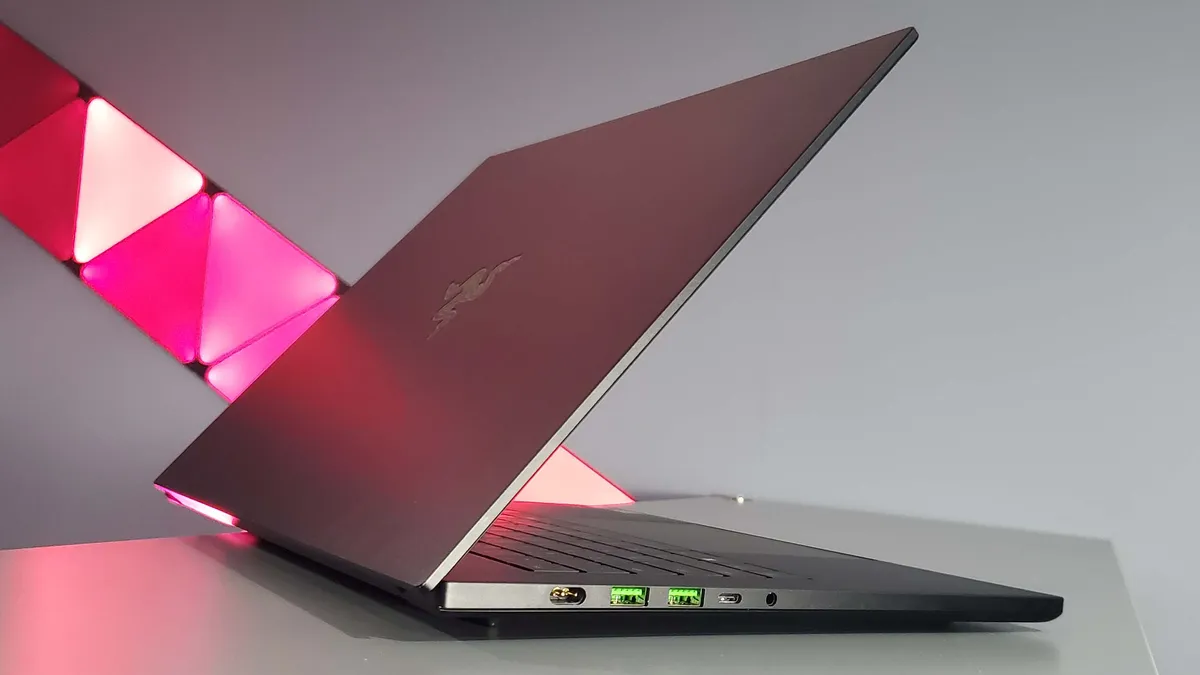
Click through to read our full Razer Blade 16 (2025) review for all the performance and benchmark details.
The best budget gaming laptop
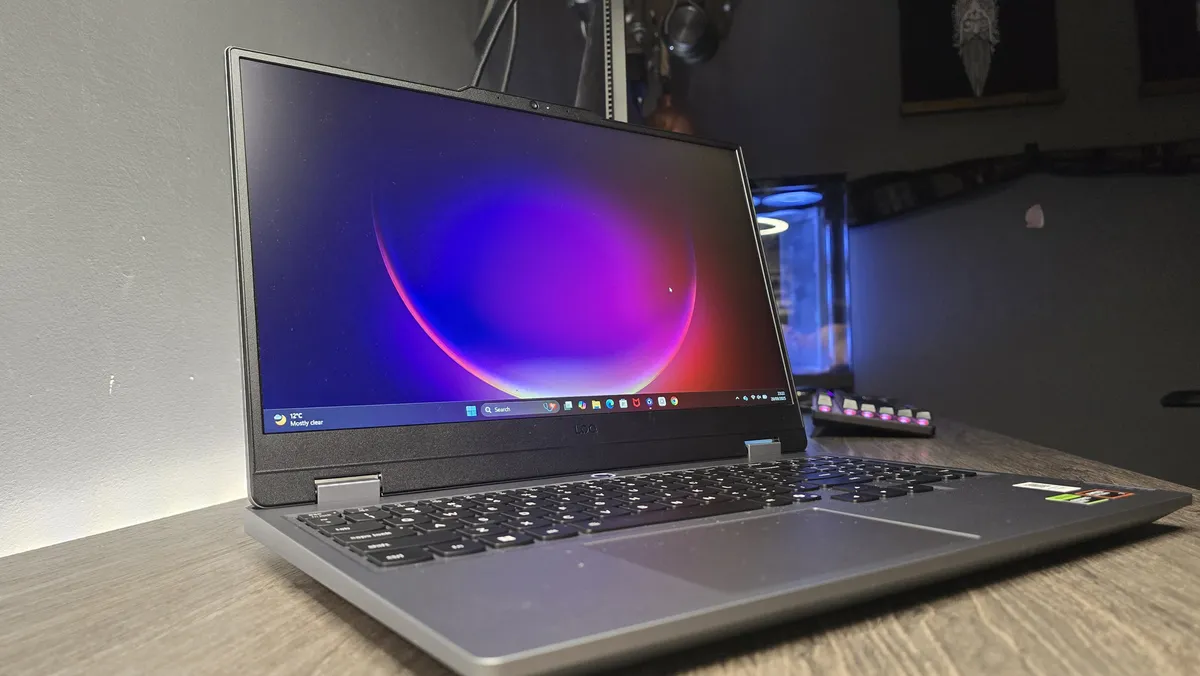

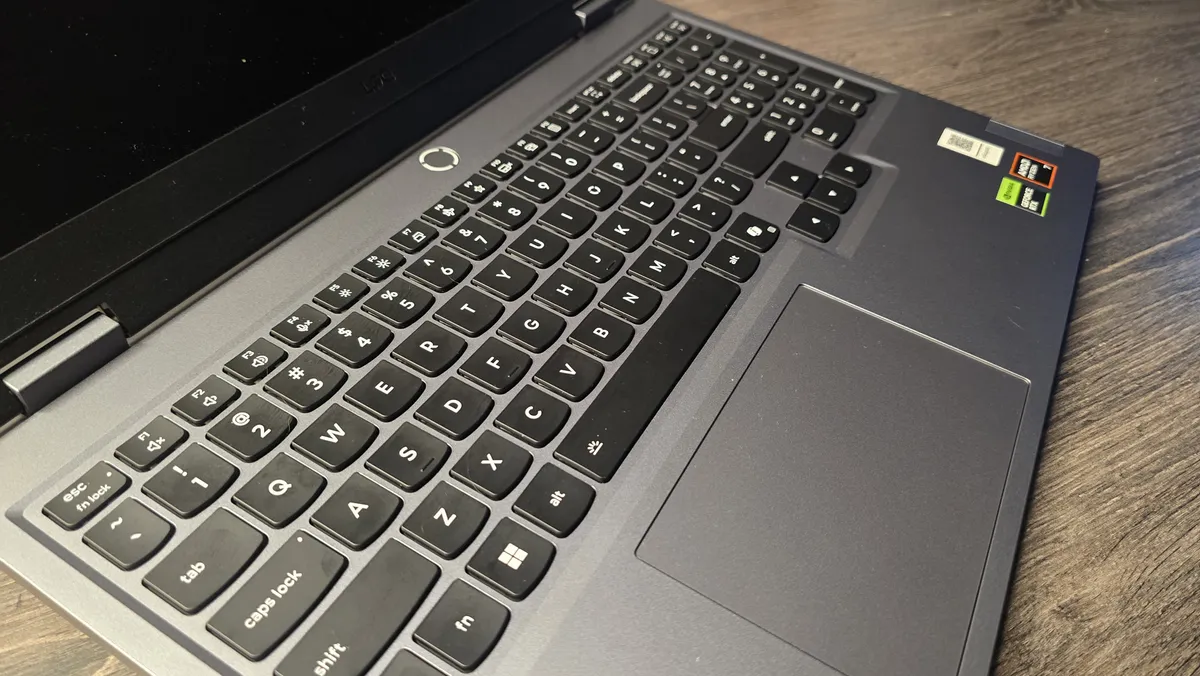


We tested: Ryzen 7 250 | RTX 5060 (115 W) | 16 GB DDR5-5600 | 512 GB SSD
1080p gaming performance
| Product | Value |
|---|---|
| Lenovo LOQ 15 Gen10 | RTX 5060 | 115 W | 36 Avg FPS, 24 1% Low FPS |
| Acer Nitro V15 | RTX 5060 | 85 W | 29 Avg FPS, 14 1% Low FPS |
| Asus TUF Gaming A16 | RTX 5050 115 W | 32 Avg FPS, 20 1% Low FPS |
✅ You want a solid, reliable machine: The LOQ 15 isn't super stylish, but it's really well-built and comes with Lenovo's classically excellent laptop keyboard.
❌ You don't want a necessary upgrade path: The 512 GB SSD is the biggest issue with the cheaper LOQ 15 machines, and demands a relatively quick upgrade. The single channel memory, however, is less of an issue for gaming than we feared.
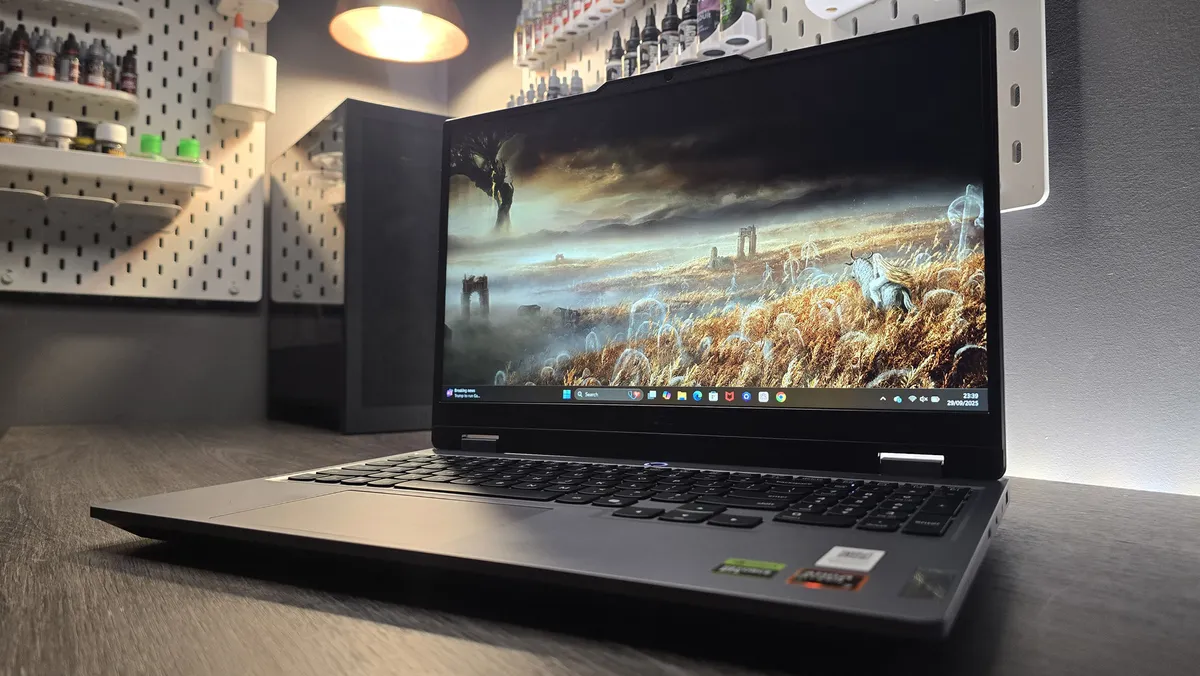
💻 The Lenovo LOQ 15 Gen 10 sees the manufacturer committing some cardinal sins over memory sticks, but you only have to look at the top-end RTX 5060 gaming performance it achieves, and the outstanding build quality to understand what a great machine you're getting for the budget price it goes for.
There is one thing that would normally have me blowing up in genuine nerd-rage at this latest Lenovo budget laptop, but my broiling temper has been calmed by the one thing that will soothe a savage gaming beast: performance. The chart-topping gaming performance of the RTX 5060 at the heart of this LOQ system, when put against all the other RTX 5060 machines we've tested, means I can accept its other configuration crimes. And that makes the new Lenovo LOQ 15 the best budget gaming laptop of this generation.
The issue in question is the fact Lenovo has, to my eternal consternation, decided to fit its LOQ 15 machine out with just a single stick of 16 GB DDR5 memory, which instantly halves the available memory bandwidth that you would have seen if there were two sticks of 8 GB DDR5 in there. Same memory capacity, twice the bandwidth, and pretty much the same price.
And today, when the price of sourcing another 16 GB SODIMM to fit alongside it is utterly punitive, that feels like a bummer. Or would if the gaming performance wasn't actually really good. Despite the cut memory bandwidth, the 1080p frame rates are excellent and at least as good, if not better, than far more expensive RTX 5060-toting laptops we've tested. Throw in some judicious use of DLSS and Frame Generation and you're getting stellar gaming frame rates from a genuinely budget laptop.
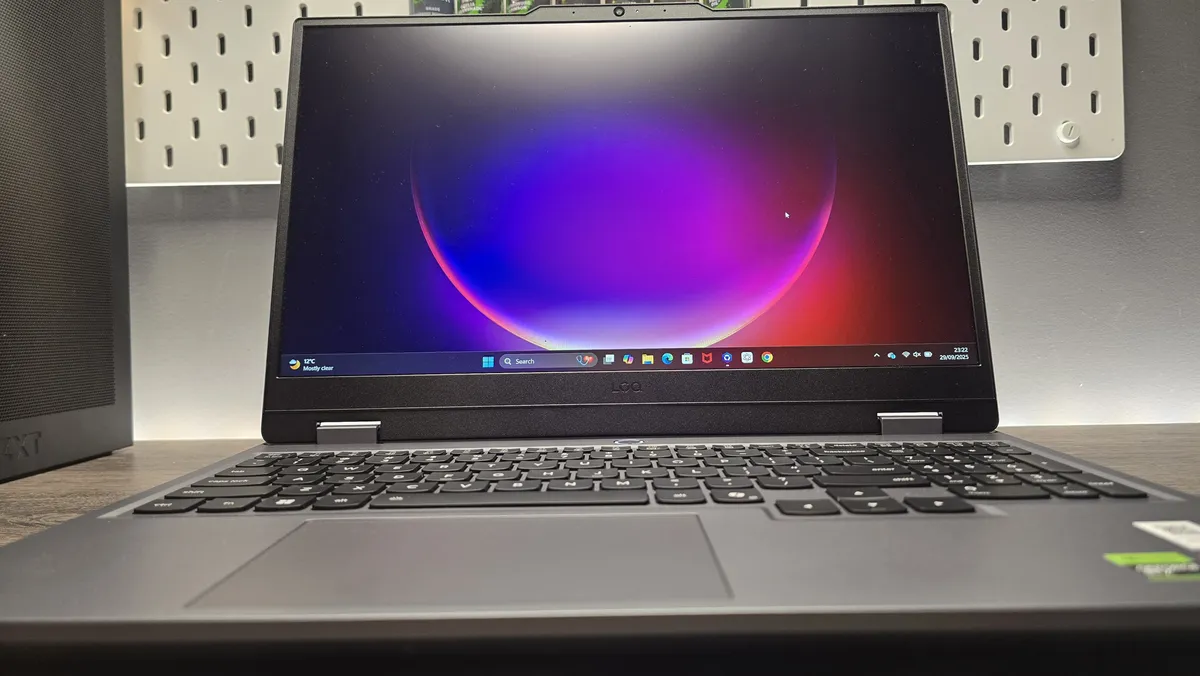
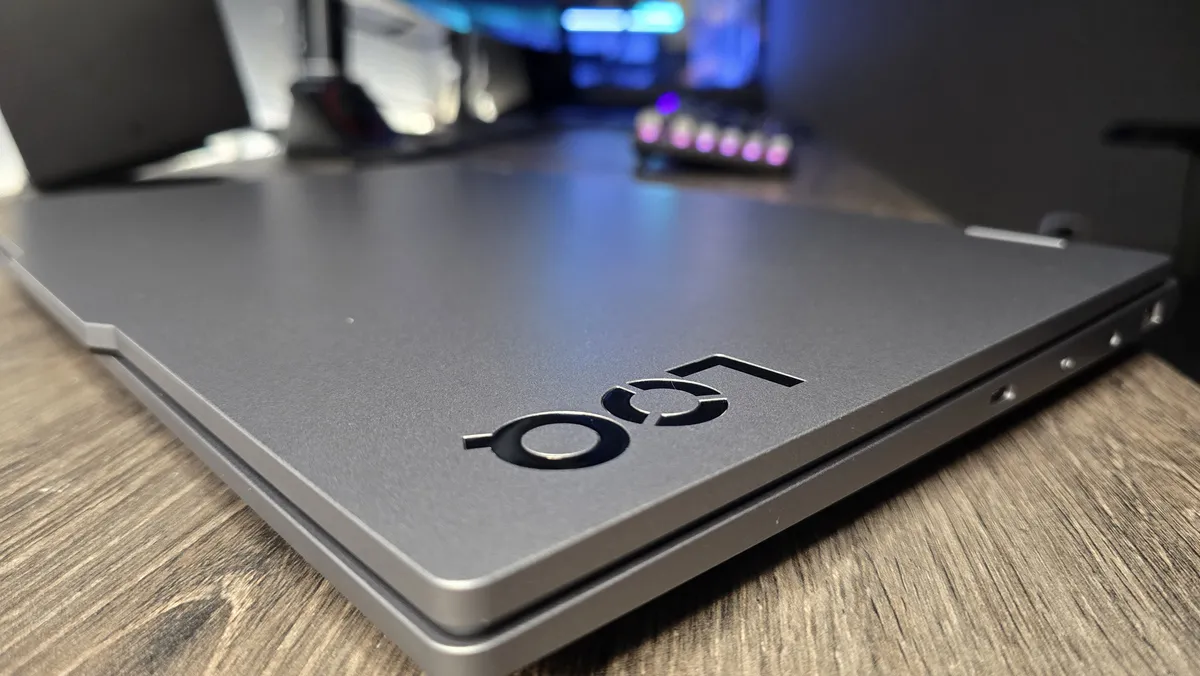
It's also a beautifully built machine, too. The 1080p screen is vibrant—much better than last year's model—and matches the GPU perfectly. The chassis is smart, too, feeling less 'gamery' than laptops you might see from other vendors, and feels reassuringly solid, with that classic great Lenovo keyboard. Listed at around $1,300, I've already seen this machine drop to the $800 mark and I would expect to see it around those levels pretty regularly throughout the regular deals seasons of the year.
Click throught to read our full Lenovo LOQ 15 Gen 10 review for all the performance and benchmark details.
The best 14-inch gaming laptop


We tested: Ryzen 9 AI 365 | RTX 5070 115 W | 32 GB RAM | 1 TB SSD
1080p gaming performance
| Product | Value |
|---|---|
| Razer Blade 14 | RTX 5070 115 W | 45 Avg FPS, 28 1% Low FPS |
| Asus ROG Zephyrus G14 | RTX 5070 Ti 110 W | 44 Avg FPS, 33 1% Low FPS |
| Asus TUF A14 | RTX 5060 105 W | 33 Avg FPS, 14 1% Low FPS |
| Acer Predator Triton 14 AI | RTX 5070 110 W | 40 Avg FPS, 25 1% Low FPS |
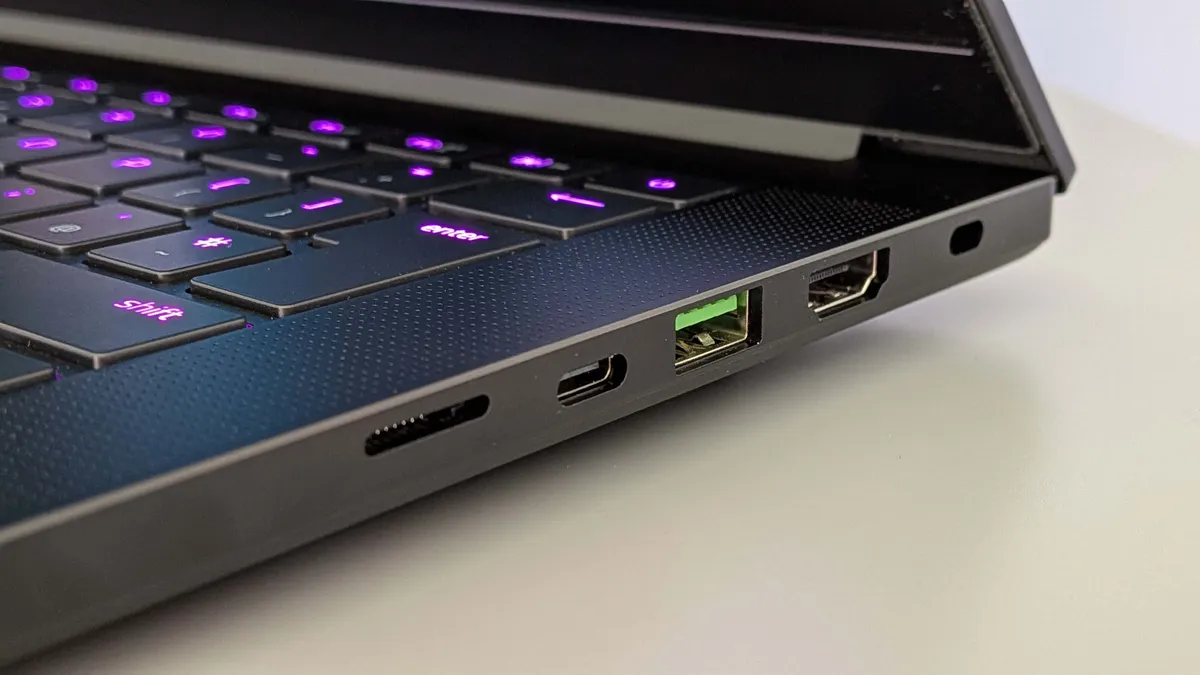
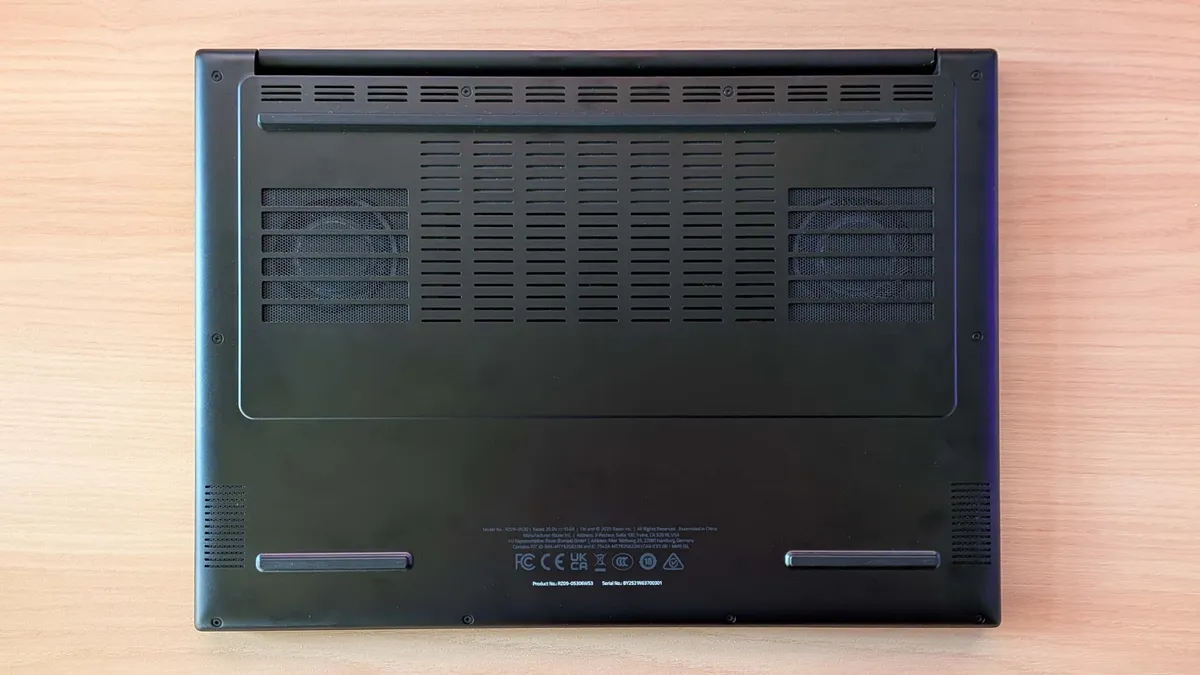
✅ You want a genuine compact gaming machine: The Blade 14 is everything I've wanted in a portable PC—powerful, thin, and with a decent battery life.
❌ If every penny counts: Razer is never the cheapest option, and you can buy cheaper 14-inch machines that will deliver higher frame rates, but none will offer the overall package and experience of the Blade 14.
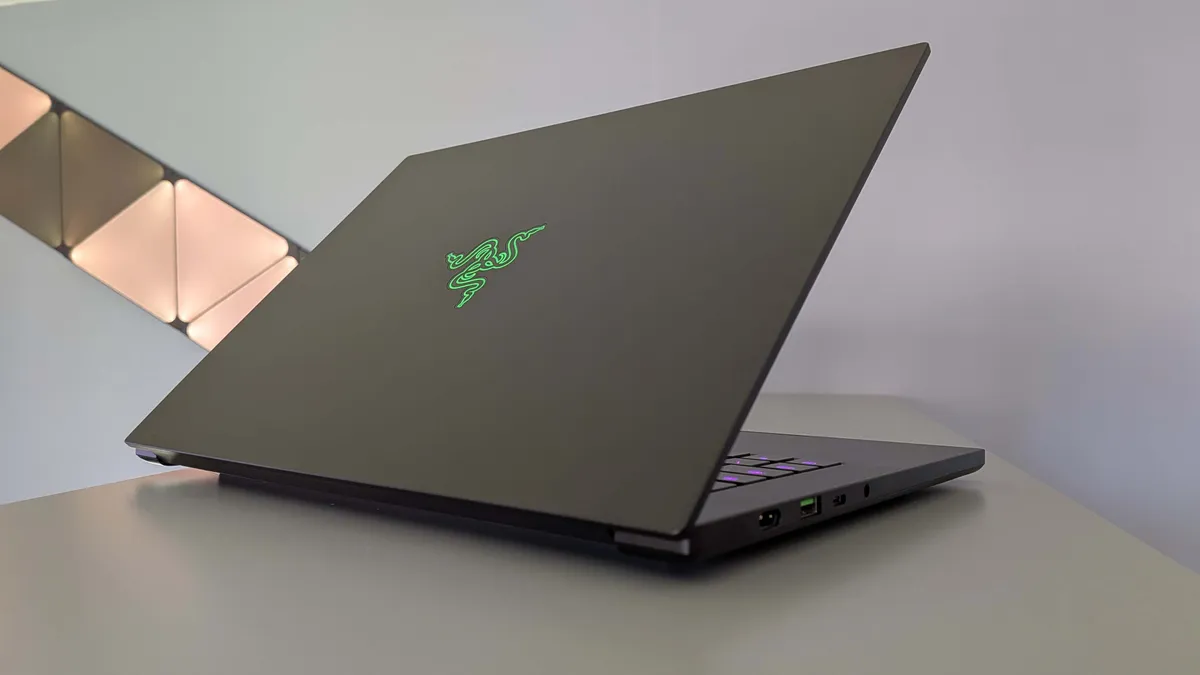
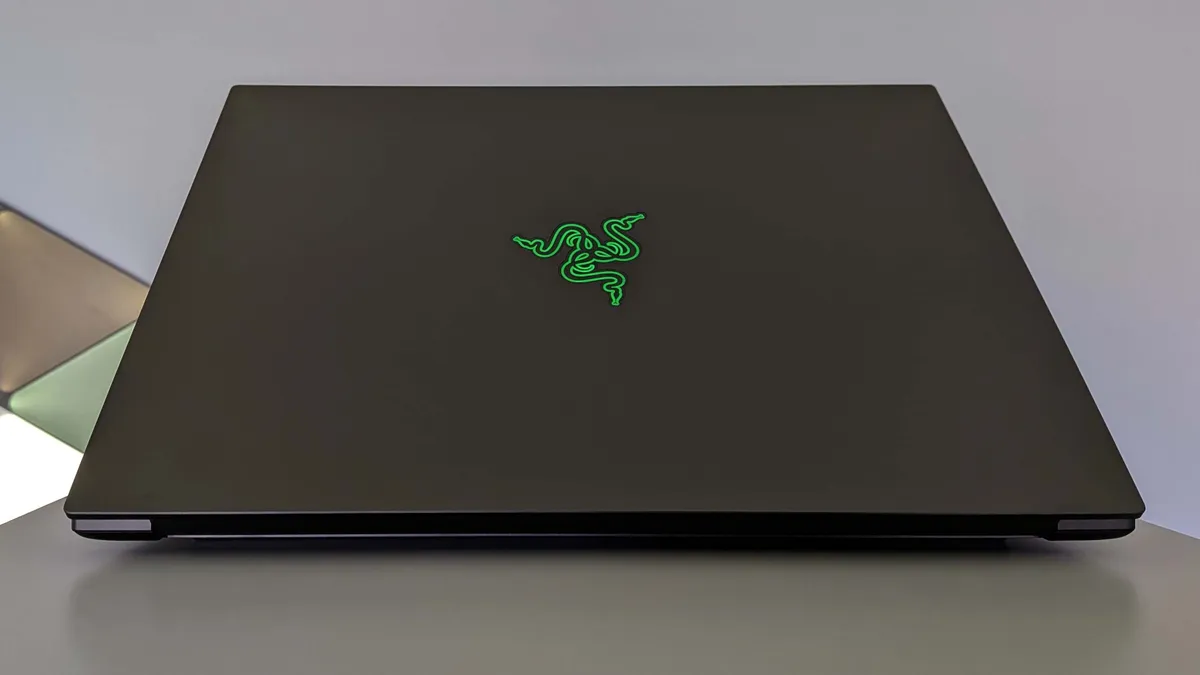
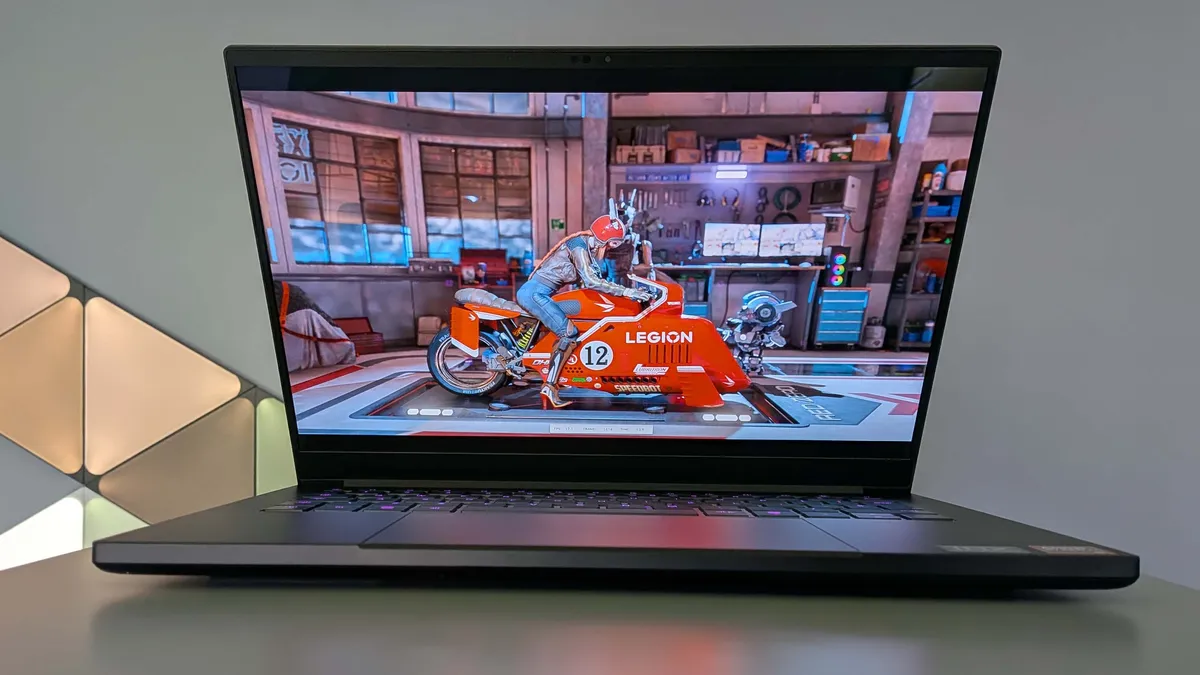
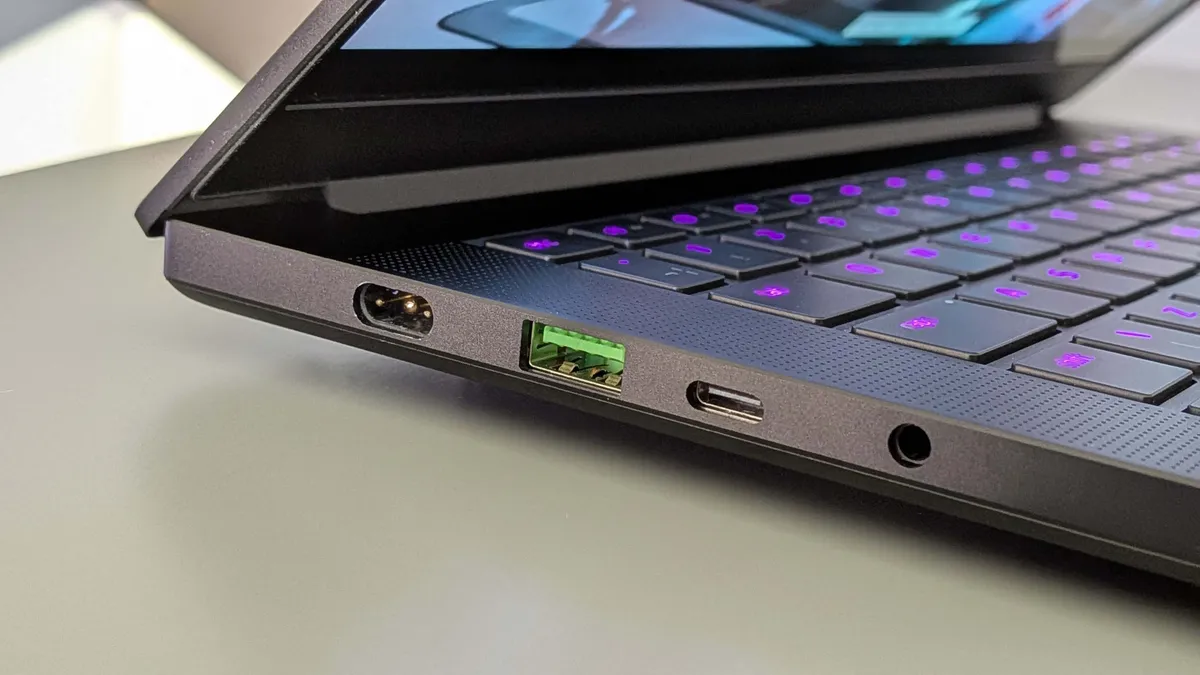
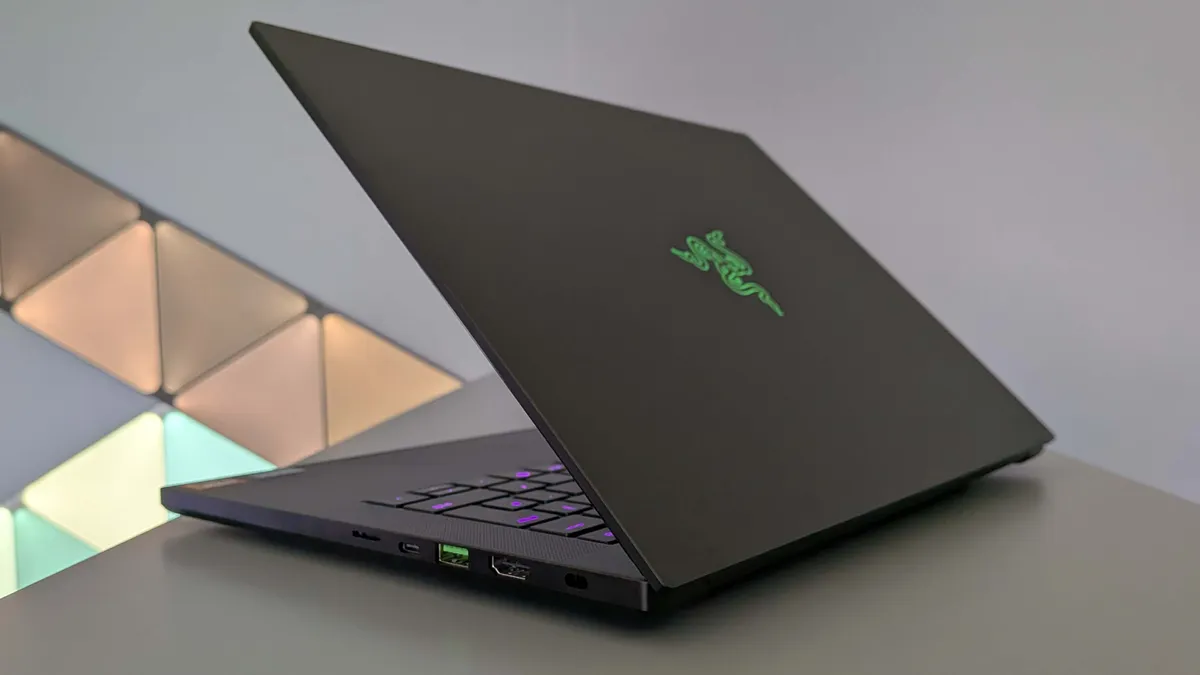
💻 The Razer Blade 14 has staged an impressive comeback, with a price cut compared with the previous generation, a better OLED screen, and a slimline chassis that makes it the perfect compact gaming laptop.
For my money, the new Blade 14 is absolutely the best 14-inch gaming laptop you can buy today. Though that was certainly not the case in the previous generation, where Asus went straight for Razer's jugular, redesigning its Zephyrus G14 to create a beautiful little AMD-powered laptop that had our hearts aflutter.
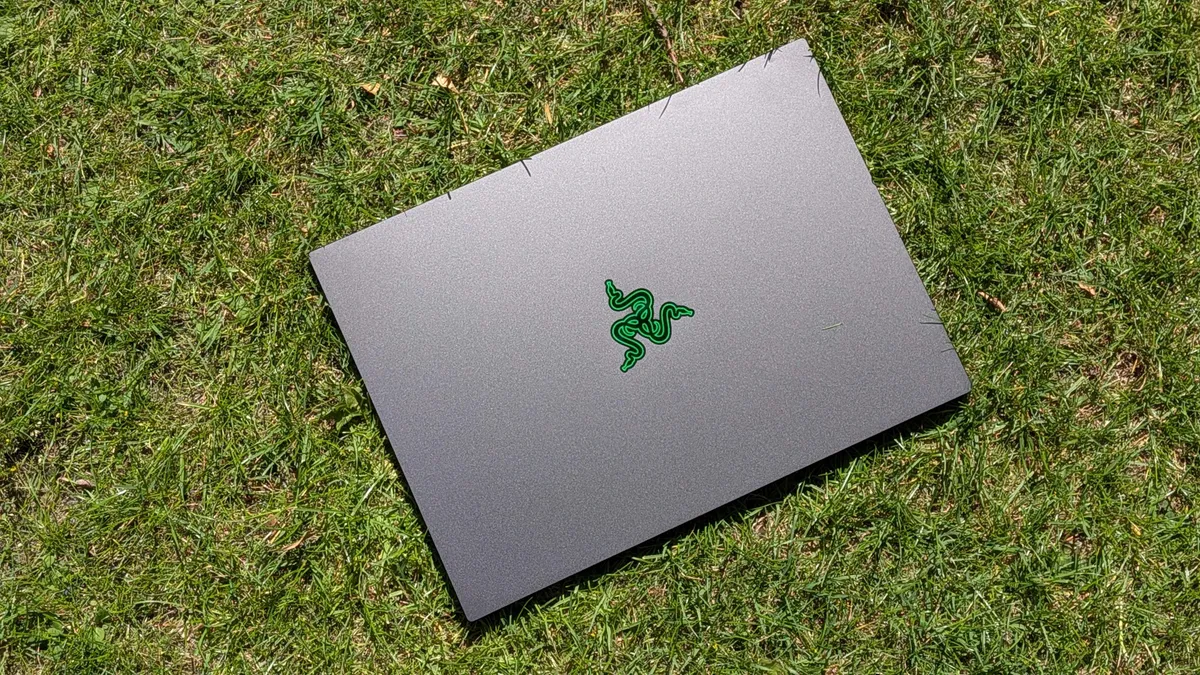
But the slimmer chassis of the new Blade 14 makes it look far more modern than last year's chonker design. That was something which really put me off all the Blade laptops of the previous generation. But now we're back with the MacBook-ish aesthetic that means the new machine fits as well in a boardroom meeting as in your gaming den. Well, so long as you disable the green glow of that Razer logo on the lid anyways.
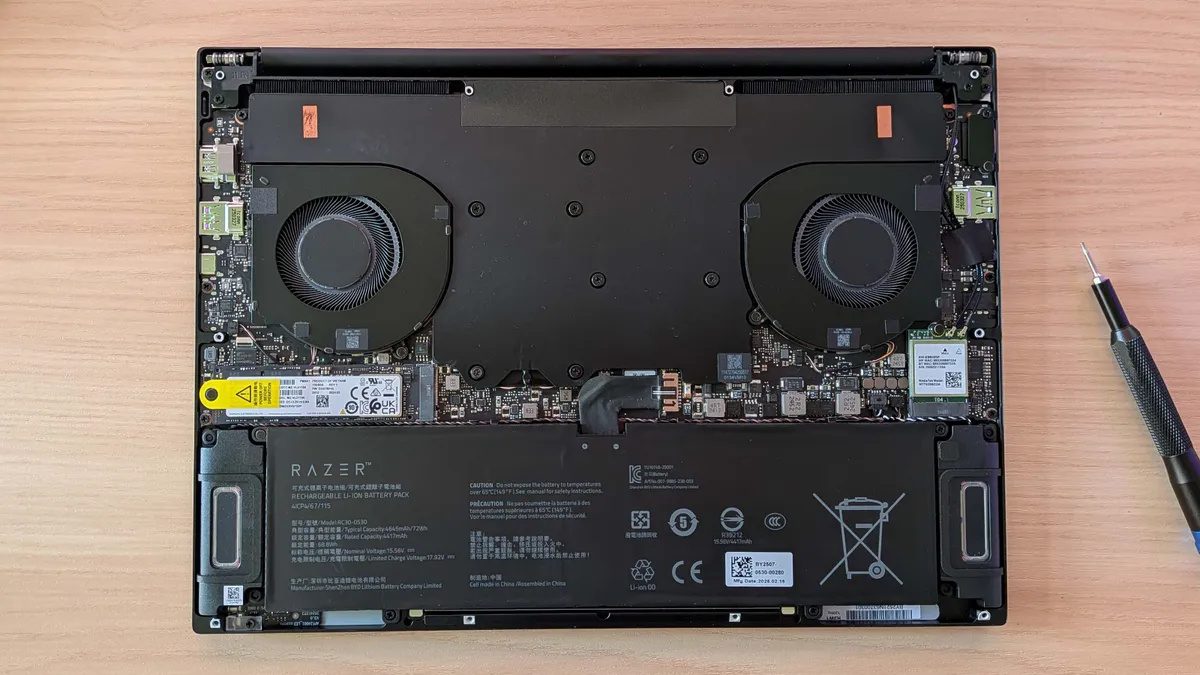
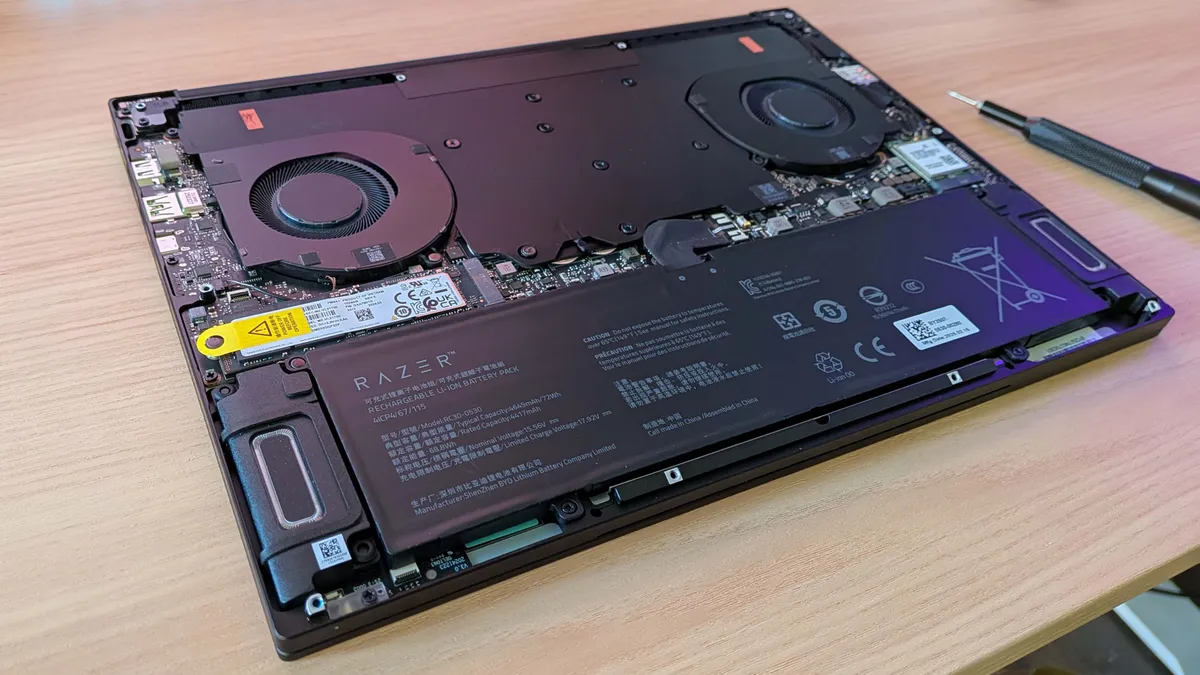
That slimmer chassis does mean Razer has had to do away with configurable memory, which means soldered memory and no option to upgrade down the line, at least not for the folk without solder for blood. That's mostly a non-issue for me, with the RTX 5070 version coming with 32 GB or 64 GB options at point of sale, but does give me pause for the RTX 5060 Blade 14. It's still more than $2,000 and comes with just 16 GB LPDDR5X and nowhere to go after that.
The Razer Blade 14 is the gaming laptop that I would actually want to be spending my own money on. I've spent a long while testing both this and the G14 together, and while the Asus is still a quality machine, I continue to use the Razer laptop as my daily driver today, for work and play. It delivers a better experience, is a better looking system, and though it is pricey (while still being cheaper than the previous generation) it's still the best 14-inch gaming laptop you can buy.
Click through to read our full Razer Blade 14 review for all the performance and benchmark details.
The best mid-range gaming laptop


We tested: Intel Core Ultra 9 275X | RTX 5080 | 32 GB DDR5-5600 | 1 TB
1080p gaming performance
| Product | Value |
|---|---|
| MSI Vector 16 HX AI | RTX 5080 175 W | 65 Avg FPS, 45 1% Low FPS |
| Gigabyte Aorus Master 16 | RTX 5080 175 W | 61 Avg FPS, 43 1% Low FPS |
| Asus ROG Zephyrus G16 | RTX 5080 1210 W | 50 Avg FPS, 44 1% Low FPS |
✅ You want an affordable, powerful gaming laptop: I've been surprised at just how well the MSI Vector 16 performs for the money, even when you knock if back to a quieter, balanced profile.
❌ You're after something more slight: The MSI Vector is an unashamedly chonky laptop, and if that's not for you, look elsewhere.
💻 The MSI Vector 16 HX AI will deliver impressive frame rates that you may not have expected from its relatively affordable position. It's not a budget laptop by any means, but considering the cost of competing RTX 5080 notebooks it's a very compelling gaming package.
When I first pulled the Vector 16 HX AI out of its packaging and started benchmarking it, I certainly did not expect it to be finding a spot in our best gaming laptop list. It's a chonky notebook and when you put it into top performance mode the thing sounds like a chinook trying to take off inside an echo chamber. But it's found a way into my heart and remains my pick as the best mid-range gaming laptop you can buy today.
My testing shows it delivers some of the highest gaming frame rates of any RTX 5080-powered gaming laptop we've tested in this generation. Because of those high frame rates, and the way MSI has managed its different preset modes, you're still getting gaming speeds in the balanced preset that matches many other systems' full speed modes.
And that calms down the fan noise to a level that is completely acceptable. Suddenly you have a gaming laptop which, while not a particularly svelte machine, is still able to deliver a thoroughly pleasing gaming experience.
Then there's the price. Even at its standard $2,500 price point that puts it below pretty much every other gaming laptop I've seen sporting the same Nvidia RTX 5080 mobile graphics chip. Cheaper and faster is a combo that I am always happy to get behind, and I will take a compromise if it comes in the shape of a bit of a thick machine.

Click through to read our full MSI Vector 16 HX AI review for all the performance and benchmark details.
The best high-performance gaming laptop


We tested: Core Ultra 9 275HX | RTX 5080 | 32 GB DDR5-6400 | 2x 1 TB SSDs
Native (1600p) gaming performance
| Product | Value |
|---|---|
| Lenovo Legion 7i Pro | RTX 5080 175 W | 40 Avg FPS, 28 1% Low FPS |
| HP Omen Max 16 | RTX 5080 175 W | 38 Avg FPS, 18 1% Low FPS |
| MSI Vector 16 HX AI | RTX 5080 175 W | 39 Avg FPS, 30 1% Low FPS |
✅ You want the fastest gaming laptop around: The Legion machine is an absolute performance beast. If you want both top performance and the ability to really tweak that performance how you want, the Lenovo delivers.
❌ You want to experience the promised battery gaming of the RTX Blackwell generation of laptops: The Legion Pro is a classic Lenovo gaming laptop, in that it really does not perform for long away from a power source.
💻 The Lenovo Legion Pro 7i is simply the most powerful gaming laptop I've tested from this generation, beating even the gaming performance of the vastly more expensive RTX 5090 Blade 16. It doesn't have the portability or battery life, but if you're specifically after a gaming machine first and foremost, Lenovo has made a laptop just for you.
It may be another chonker of a gaming laptop, there is a real style to Lenovo's latest Legion Pro 7i design, and more than a little Alienware-esque flair, too. The geometric RGB rings around the rear exhaust ports on the machine, and the front light bar give it that effect, and a real eye-catching style. But it's the gaming frame rates which have made this Legion Pro 7i the best high-performance gaming laptop on our list.
And I've tested a bunch of them now. For me, if it's a question of a top two, then it's between the Blade 16 and this new Legion Pro 7i. In terms of pure performance alone you couldn't look beyond the Lenovo—it tops the Razer machine's RTX 5090 with a lower sticker price and theoretically weaker GPU—but if you want a do-everything notebook with genuine battery gaming chops, the Blade is 100% where it's at.
That Legion gaming performance comes at a cost, however, with either loud fans at the top performance preset, or weak gaming performance otherwise. Thankfully, the LegionSpace app comes to the rescue, offering a custom mode with a granular level of tweakery to please any PC nerd; to a level which is rather unprecedented and the sort of thing gaming laptops have been crying out for.
With it, I can restrain the excesses of the Intel CPU while letting the Nvidia GPU run free, keeping fan noise in check while I do so. This means there's little compromise to gaming performance, fan noise stays relatively low, and I can flip on the DLSS 4 extras, such as Multi Frame Gen and see frankly ludicrous gaming performance from this machine.

Click through to read our full Lenovo Legion Pro 7i Gen 10 review for all the performance and benchmark details.
The best 18-inch gaming laptop


We tested: Intel Core Ultra 9 275HX | Nvidia RTX 5090 | 64 GB DDR5-6400 | 2 TB SSD
Native gaming performance
| Product | Value |
|---|---|
| Alienware 18 Area-51 | RTX 5090 175 W | 1600p | 48 Avg FPS, 36 1% Low FPS |
| MSI Raider 18 HX AI | RTX 5080 175 W | 2400p | 18 Avg FPS, 11 1% Low FPS |
| Acer Predator Helios 18 AI | RTX 5090 | 2400p | 20 Avg FPS, 14 1% Low FPS |
✅ You want desktop-like performance in a compact form factor. The Area-51 is a big laptop but won't leave you wanting in games or content creation.
❌ You value your wallet. You could buy a fine gaming laptop and a full desktop PC for the same amount of money.
💻 The Alienware 18 Area-51 is almost the best gaming laptop the company has ever produced, only being held back by a slightly disappointing screen and the weak performance away from a power source. It is definitely the best 18-inch gaming laptop, however. You're getting top-tier frame rates and productivity grunt and a really classy looking chassis, to boot.
There's something delightfully old-school about the new Alienware 18 Area-51. Its anodised aluminum chassis is anachronistic in all the right ways, while still feeling modern. I'm into it, is what I'm saying, especially in this large, desktop replacement form. In fact, right now, the Alienware 18 Area-51 is the best 18-inch gaming laptop you can buy. And we've tested a good few of this generation.
The Alienware's 2560 x 1600 screen maybe doesn't necessarily lend itself perfectly to that notion, maybe not for the budding video producer managing 4K video day-in, day-out. But what it does mean is that you can get great gaming performance out of both the mobile GPU at the machine's heart and the panel it's pumping pixels onto.
This is what the Alienware 18 Area-51 is actually best at, because when paired with the RTX 5090 mobile graphics chip you are able to get the most out of that powerful slice of GPU silicon. I have tested an RTX 5090 version of the HP Omen Max 16, and that does deliver marginally higher frame rates, but it's clear the serious cooling on offer with the Alienware machine is letting the Nvidia chip do its thing more than capably.
It's not a perfect desktop replacement, however. Honestly, in a high-priced 18-inch laptop I want a great screen, and this one just isn't. It's fine, but an OLED at least would be more than welcome, as would even a higher resolution panel. Sure, you do get 300 Hz refresh when powered directly from the discrete GPU itself, but it's still not a winner. Still, this is an excellent big-screen gaming laptop that beats out the rest of the 18-inch competition because of its quality cooling, funky chassis, and excellent overall gaming and computational performance.

Click through to read our full Alienware 18 Area-51 review for all the performance and benchmark details.
Best gaming laptop battery life
Gaming laptop |
PC Mark gaming battery life (minutes) |
|---|---|
Gigabyte Gaming A16 |
183 |
Asus TUF A14 (2025) |
156 |
Razer Blade 16 (2025) |
135 |
Razer Blade 14 (2025) |
134 |
Acer Predator Helios Neo 16 Al |
115 |
Asus ROG Zephyrus G16 (2025) |
112 |
Acer Predator Triton 14 Al |
110 |
Asus ROG Zephyrus G14 |
106 |
Gigabyte Aorus Master 16 |
102 |
MSI Crosshair 16 HX (AI) |
101 |
MSI Stealth A18 HX AI |
100 |
HP Omen Max 16 |
96 |
MSI Raider 18 HX AI A2XW |
93 |
Asus ROG Flow Z13 |
90 |
Lenovo LOQ 15 Gen10 |
89 |
MSI Vector 16 HX AI A2XW |
88 |
MSI Stealth 18 HX AI |
82 |
Alienware 18 Area-51 |
81 |
Lenovo Legion 7i Pro Gen10 |
73 |
Alienware 16 Area-51 |
73 |
Asus ROG Strix G16 |
72 |
Acer Predator Helios 18 Al |
71 |
Erazer Deputy 15 P1 |
59 |
Erazer Scout 15 E1 |
44 |
How we test gaming laptops

For the new generation of gaming laptops we have changed our testing suite for the new machines coming through in 2025. Part of that is bringing in more up to date games, but also ensuring that we're capturing both gaming at a consistent, comparative 1080p resolution as well as at each machine's native resolution.
We are currently using Cyberpunk 2077, Baldur's Gate 3, Black Myth Wukong, F1 24, and Metro Exodus Enhanced Ed. as our GPU testing suite. This gives us a spread of third-person, first-person, driving, and RPG/strategy games to really push the machines being tested, and also allows us to feature the latest in GPU features, such as upscaling and frame generation.
As such, we have also included a 'real-world' benchmark for games where that makes sense in our reviews, where we utilise both Quality upscaling as well as frame generation where available. We also test without so that we can get a bead on how the hardware performs, but this metric allows you to see what sort of frame rates you can get in standard gaming.
As well as games, we use the industry standard 3DMark benchmarks of Time Spy Extreme, Port Royal—for ray tracing performance—and the storage benchmark to see how the system will work in terms of slick game loading.
We track both gaming temperatures, using Nvidia's Frameview application while capturing both average and 1% Low frame rates, and we also capture thermals of both CPU and GPU while engaging in more productivity lead testing.
On that count we run Cinebench 2024 for CPU-based rendering, 7zip 24.07 for general CPU performance, Blender 4.2.0 to test both CPU and GPU rendering performance, and Procyon to test a machine's AI image generation capabilities.
Finally, we use the PCMark 10 Gaming battery life benchmark to allow us to get a standard number for how long a machine will stand up to the rigours of modern gaming.
But we also run some experiential tests on a given system, which will involve using it as a day-to-day PC for work and play, ensuring we get a read on how well a machine performs across different use cases. We also check out a system's panel—we use Lagom's LCD test images to help discern things like black levels and white saturation as well as general desktop and gaming testing to see how it feels to use a laptop's screen.
It's also important to check the actual gaming frequency of both a laptop's GPU and CPU, to see how a given slice of silicon performs given the thermal constraints of different notebook chassis.
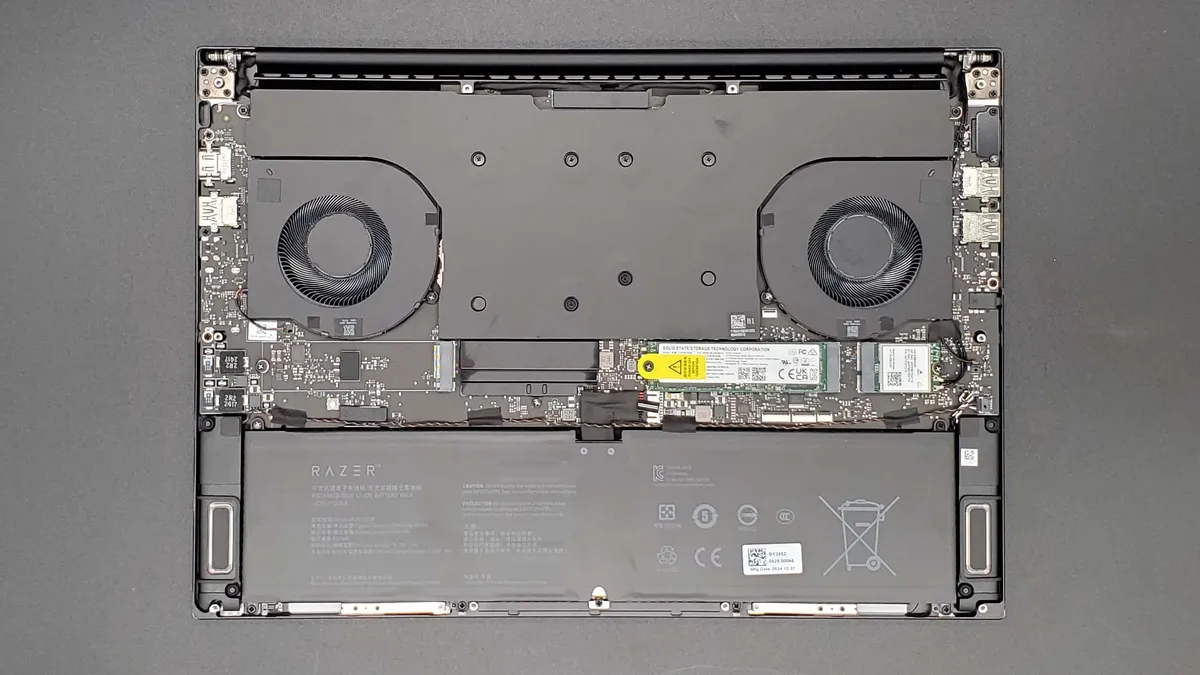
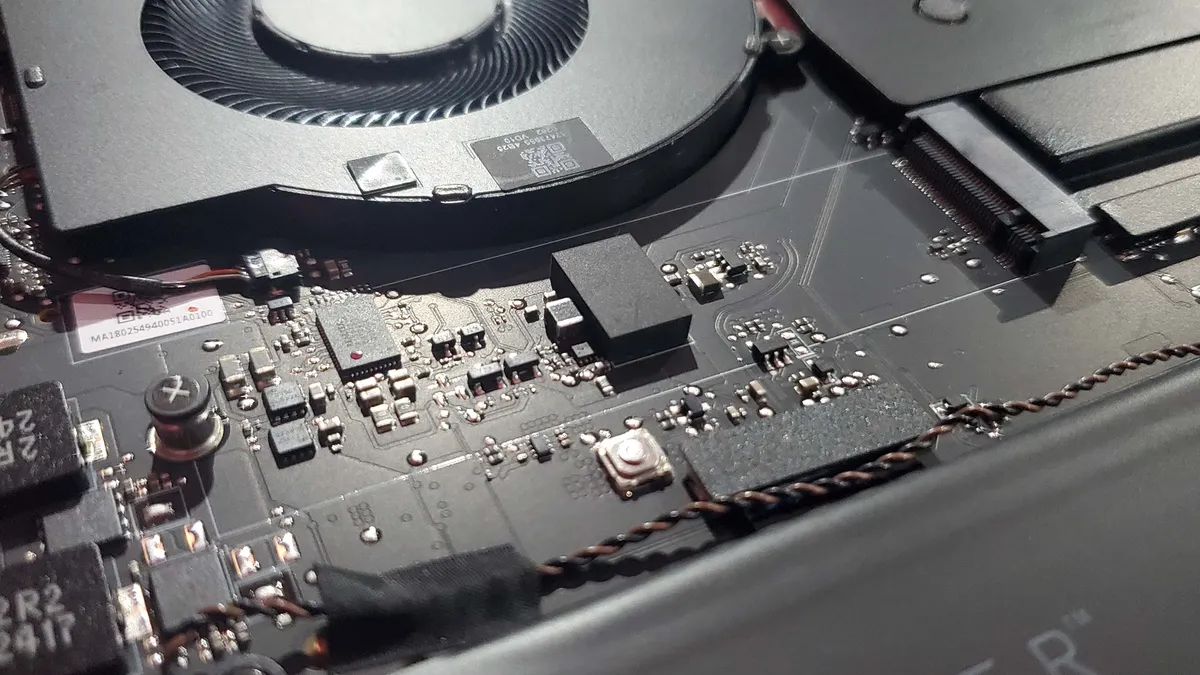
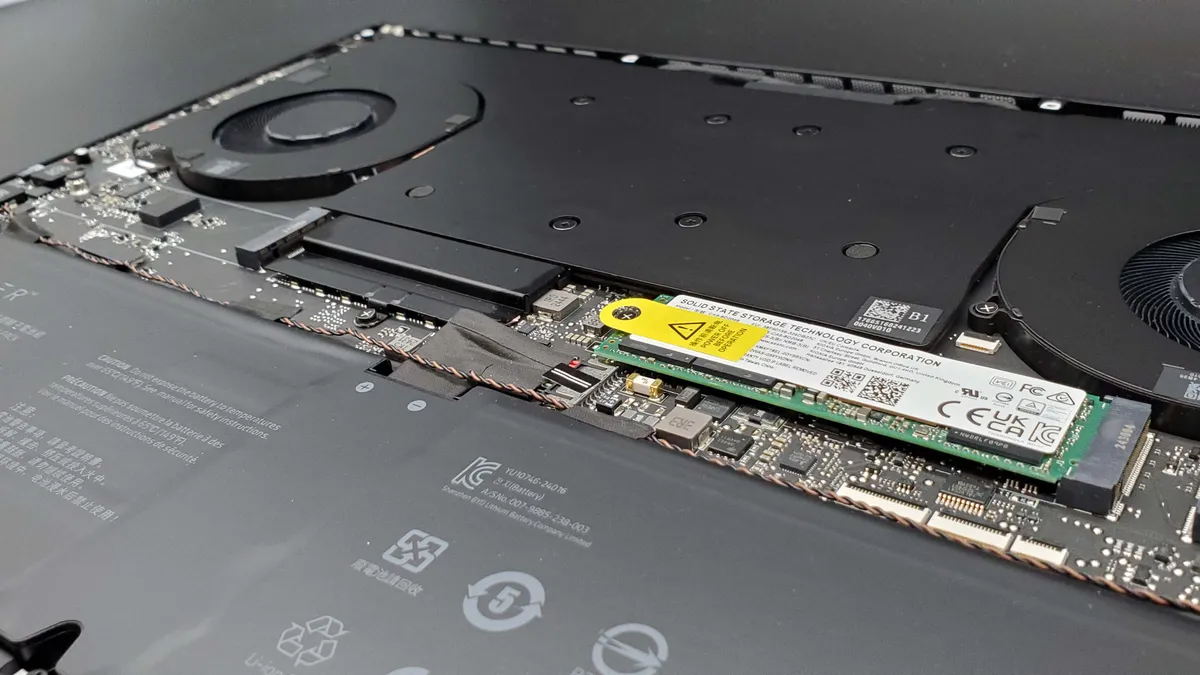
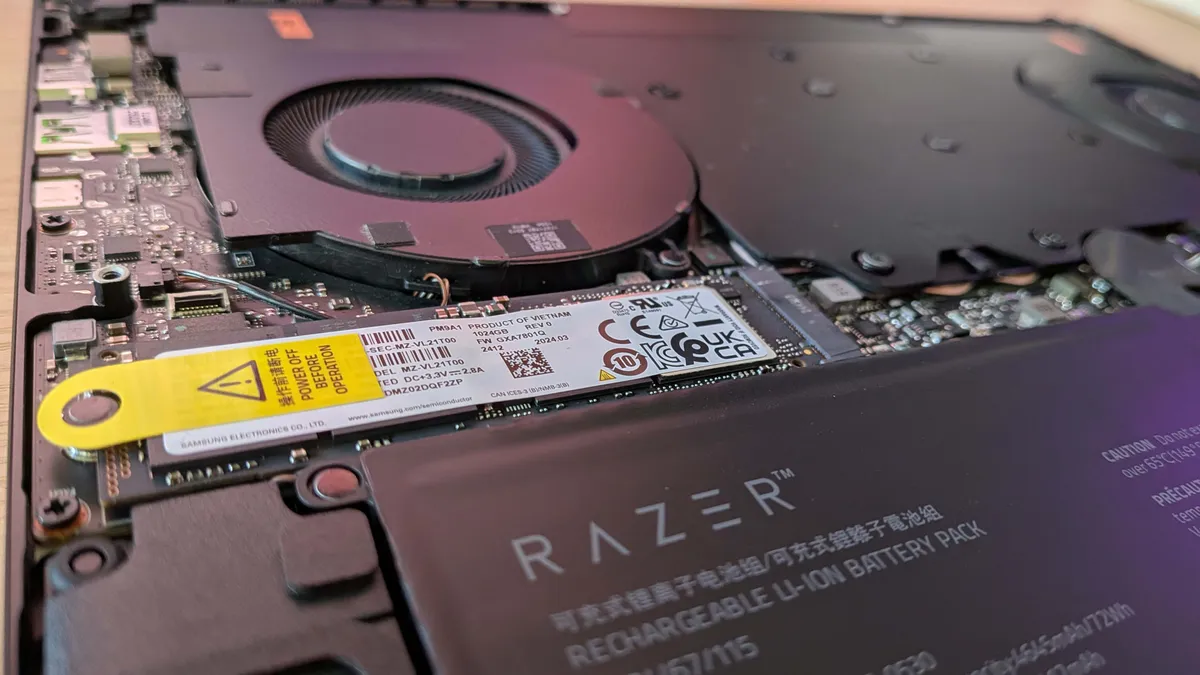
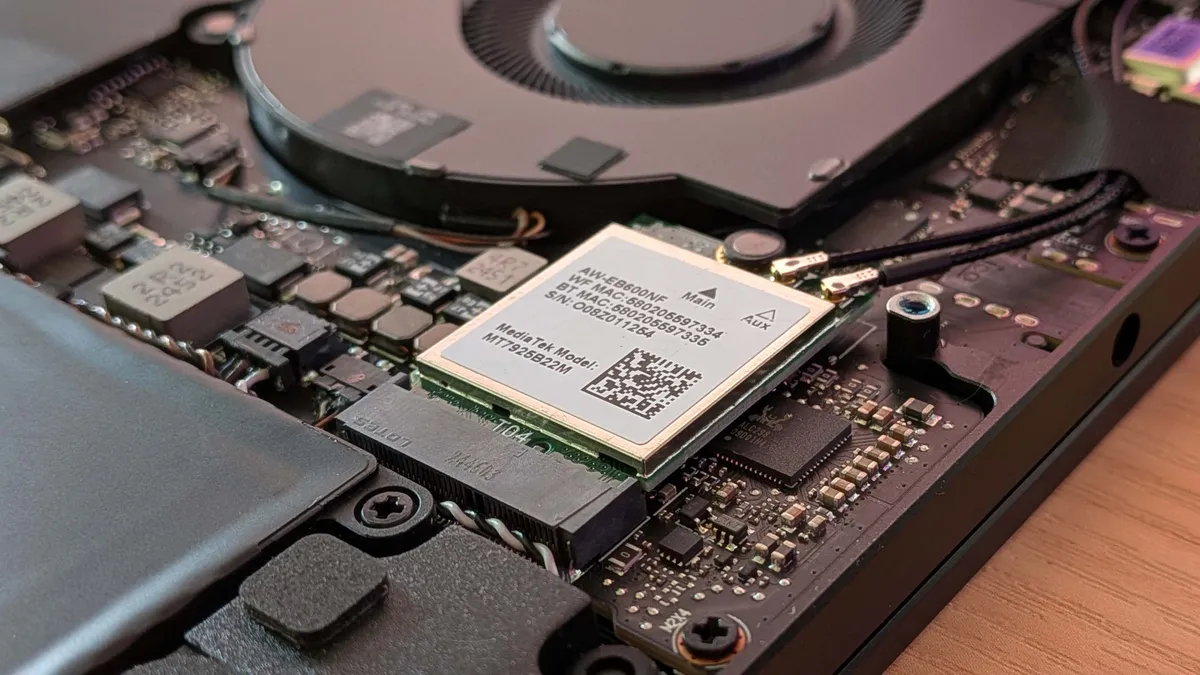
We will also open up every laptop, not only to see how easy it is to get the back off the different machines, but also to see whether it's possible to upgrade or repair anything inside them. It's important to see whether there might be a second M.2 SSD slot hiding away in there, or whether there is upgradeable memory, or whether some unscrupulous manufacturer has decided to just go with single channel memory or some such poor play.
Personally I also like to always write a review of a given laptop on the machine itself. That gives you a good feel about both the trackpad and keyboard, as well as the ergonomics of the chassis design, too.
We then bring all of that subjective and objective data together alongside the price to decide how well each machine we test stands up against all the other gaming laptops we've looked at in our combined decades of PC hardware testing.
How to spot the best deal

👉The latest gaming laptop deals are right here👈
PC Gamer's got your back Our experienced team dedicates many hours to every review, to really get to the heart of what matters most to you. Find out more about how we evaluate games and hardware.
Where are the best gaming laptop deals?
In the US:
Amazon - RTX 3050 laptops from Acer and Dell starting at $650
Walmart - cheap Gateway laptops. Remember them?!
B&H Photo - up to $500 off Lenovo, Asus, & MSI gaming laptops
Target - sub-$1,000 gaming laptops
Staples - up to $300 off MSI gaming notebooks
Lenovo - $1,000+ discounts on Legion laptops
Newegg - $500+ off RTX 30 series gaming laptops
Best Buy - save up to $500 on gaming laptops
Microsoft - up to half price on last-gen laptops
Dell - save over $300 on Dell and Alienware gaming laptops
In the UK:
Amazon - save on Asus, Razer, and Acer gaming laptops
Dell - Alienware and Dell Gaming laptops with up to £500 off
HP - Save £450 on HP Omen laptop powered by an RTX 3070 Ti
Overclockers - gaming laptop deals and components
Ebuyer - RTX 3060-powered gaming laptop for just £799.98
Very - save up to £450 on RTX 3070 MSI gaming laptops
Box - Just £1,916.99 for a Razer Blade 15 Base gaming laptop
Scan - up to £400 off gaming laptops from different manufactures
FAQ
What's the most important gaming laptop component?
When it comes to gaming, the obvious answer is the graphics card, but that's where things have gotten a little more complicated recently. With GPU performance now so dependent on cooling, you have to pay attention to what wattage a graphics card is limited to and what chassis it's squeezed into.
Laptop GPUs can come in a variety of different wattages, where something like an 45 W RTX 5060 will perform markedly worse than one rated to 100 W in a particular chassis. But both of those laptops might just be marketed as having RTX 5060 graphics.
The most important thing you can do when looking for a new gaming laptop is check what level of power the graphics silicon is running at. That might take some digging, but will be the difference between getting hobbled with a weakling of a machine and a frame rate chewing monster.
Which GPU is best for a laptop?
We've done a host of testing and you can check out our Best graphics card for laptops guide for all the details, but we think the overall best GPU for gaming laptops is the Nvidia RTX 5080 mobile. It can sometimes outperform RTX 5090 GPUs that have been jammed in the wrong kind of laptop chassis, and is starting to become more and more affordable.
If you're on a more limited budget, our pick as the best budget GPU for gaming laptops is the Nvidia RTX 5060 mobile. It has more of the graphics silicon to deal with the ray tracing good stuff, even if the RTX 5050 can often post similar rasterised gaming figures.
Should I worry about what the CPU in a gaming laptop is?
That really depends on what you want to do with your laptop. An 8-core, 16-thread AMD Ryzen chip will allow you to do a whole load of productivity on the road, but honestly, it will have little benefit in gaming. As long as the CPU has at least six cores and 12 threads, and they're clocked high enough, it will be more than enough to deliver high-end gaming performance when paired with something like the RTX 5070.
What screen size is best for a gaming laptop?
This will arguably have the most immediate impact on your choice of the build. Picking the size of your screen basically dictates the size of your laptop. A 13-inch machine will be a thin-and-light ultrabook, a 14-incher will be a slimline gaming machine, while an 18-inch panel almost guarantees workstation stuff. At 16 inches, however, you're looking at the most common size of the gaming laptop screen and with that generally the best mix of size and gaming performance from the machine itself.
Are high refresh rate panels worth it for laptops?
We love high refresh rate screens here, and while you cannot guarantee your RTX 5070 will deliver 300 fps in the latest games, you'll still see a benefit in general look and feel running a 300 Hz display.
Should I get a 4K screen in my laptop?
Nah. 4K gaming laptops are overkill; they're fine for video editing if you're dealing with 4K content, but it's not the optimal choice for games. The standard 1080p resolution means that the generally slower mobile GPUs are all but guaranteed high frame rates, while companies are slowly drip-feeding 1600p panels into their laptop ranges.
A 1600p screen offers the perfect compromise between high resolution and decent gaming performance. At the same time, a 4K notebook will overstress your GPU and tax your eyeballs as you squint at your 16-inch display.
