
Keep up to date with the most important stories and the best deals, as picked by the PC Gamer team.
You are now subscribed
Your newsletter sign-up was successful
Want to add more newsletters?
Every Friday
GamesRadar+
Your weekly update on everything you could ever want to know about the games you already love, games we know you're going to love in the near future, and tales from the communities that surround them.
Every Thursday
GTA 6 O'clock
Our special GTA 6 newsletter, with breaking news, insider info, and rumor analysis from the award-winning GTA 6 O'clock experts.
Every Friday
Knowledge
From the creators of Edge: A weekly videogame industry newsletter with analysis from expert writers, guidance from professionals, and insight into what's on the horizon.
Every Thursday
The Setup
Hardware nerds unite, sign up to our free tech newsletter for a weekly digest of the hottest new tech, the latest gadgets on the test bench, and much more.
Every Wednesday
Switch 2 Spotlight
Sign up to our new Switch 2 newsletter, where we bring you the latest talking points on Nintendo's new console each week, bring you up to date on the news, and recommend what games to play.
Every Saturday
The Watchlist
Subscribe for a weekly digest of the movie and TV news that matters, direct to your inbox. From first-look trailers, interviews, reviews and explainers, we've got you covered.
Once a month
SFX
Get sneak previews, exclusive competitions and details of special events each month!
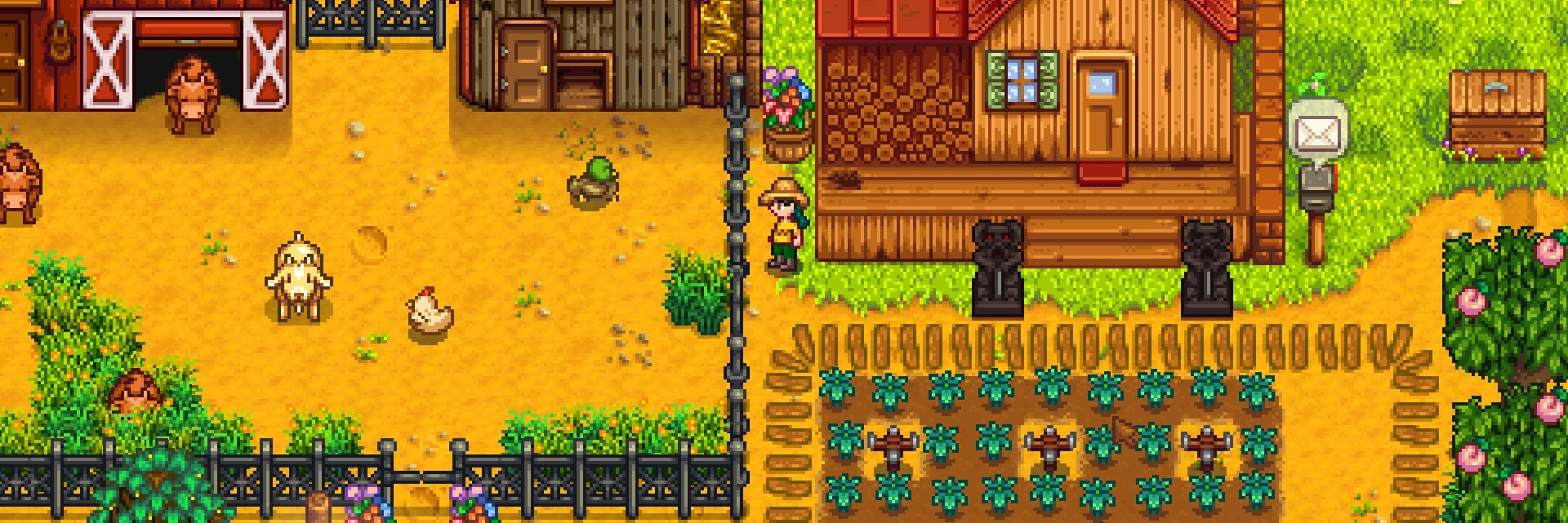
There are only so many hours in a day when playing Stardew Valley, so wasting precious time thinking about where every seed should be planted and where each road should be paved isn't the best idea. What's more, it can take a very long time until you're ready to fill all that space, and short-term farming decisions could lead to long-term disarray (as our reviewer soon discovered).
That's where this fantastic fan-made planner comes in. Head to stardew.info/planner to try it out. The planner does pretty much exactly what you'd expect. It provides an overhead view of an empty farm, on which you can paint in the boxes to represent crops, fences, roads, and a whole lot more. It even shows an overlay for the area-of-effect for sprinklers and scarecrows, something not even represented in the game itself. Once you come up with a layout you like, you can hit the save icon and bookmark the generated URL to return to your design.
Once you do get your in-game farm looking as good as your planned one, here's a guide on how to take a screenshot of the entire thing at once.
Now if you'll excuse me, I've got a farm to plan.

Stardew Valley mods: The best agricultural tweaks
Stardew Valley multiplayer: Farm with friends
Games like Stardew Valley: More life sims
Keep up to date with the most important stories and the best deals, as picked by the PC Gamer team.


