





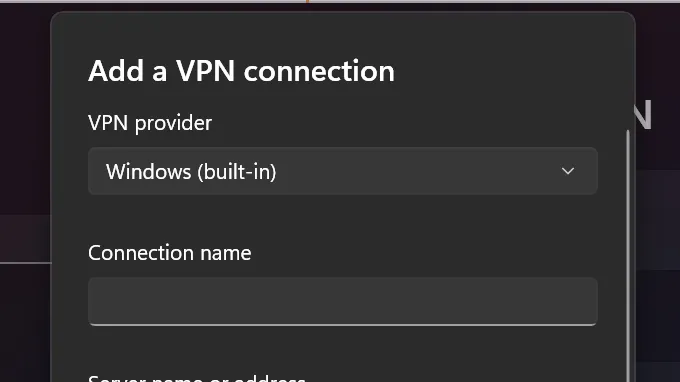
A recent Windows security update is causing some VPN connections to fail, Microsoft has said. The company is working on a resolution.
The KB5036893 update, known as the April security update, was first released on April 9, 2024. Since then, and after rolling out across heaps of PCs, Microsoft has noticed the inadvertent effect the update is having on virtual private networks. It's causing some of them to fail to connect entirely, thus potentially leaving users without a way to hide their IP address or change their location on the web.
We don't have much more information about the fault beyond what Microsoft is reporting on its Windows 11 issues page:


"Windows devices might face VPN connection failures after installing the April 2024 security update (KB5036893) or the April 2024 non-security preview update," Microsoft says.
"Next steps: We are working on a resolution and will provide an update in an upcoming release."
The issue affects Windows 11 (versions 23H2, 22H2, and 21H2) and Windows 10 (versions 22H2 and 21H2).
Looking to the Windows 11 subreddit, which usually is quick to pick up common faults in the OS, I don't see many reports of the issue. Then again, it's one of those issues that you might not attribute to Windows unless you know Microsoft has admitted blame. If you're struggling to get connected, anyways, it sounds like you need to try to remove this package. Microsoft offers the following advice on how to do that:

Windows 11 review: What we think of the latest OS.
How to install Windows 11: Our guide to a secure install.
Windows 11 TPM requirement: Strict OS security.
"To remove the LCU after installing the combined SSU and LCU package, use the DISM/Remove-Package command line option with the LCU package name as the argument. You can find the package name by using this command: DISM /online /get-packages.
"Running Windows Update Standalone Installer (wusa.exe) with the /uninstall switch on the combined package will not work because the combined package contains the SSU. You cannot remove the SSU from the system after installation."
Another alternative is to find out if your router and VPN provider support running a VPN directly through the hub, meaning you don't need Windows to be aware of the connection at all. That's a slightly extreme measure for some, but if needs must.


