





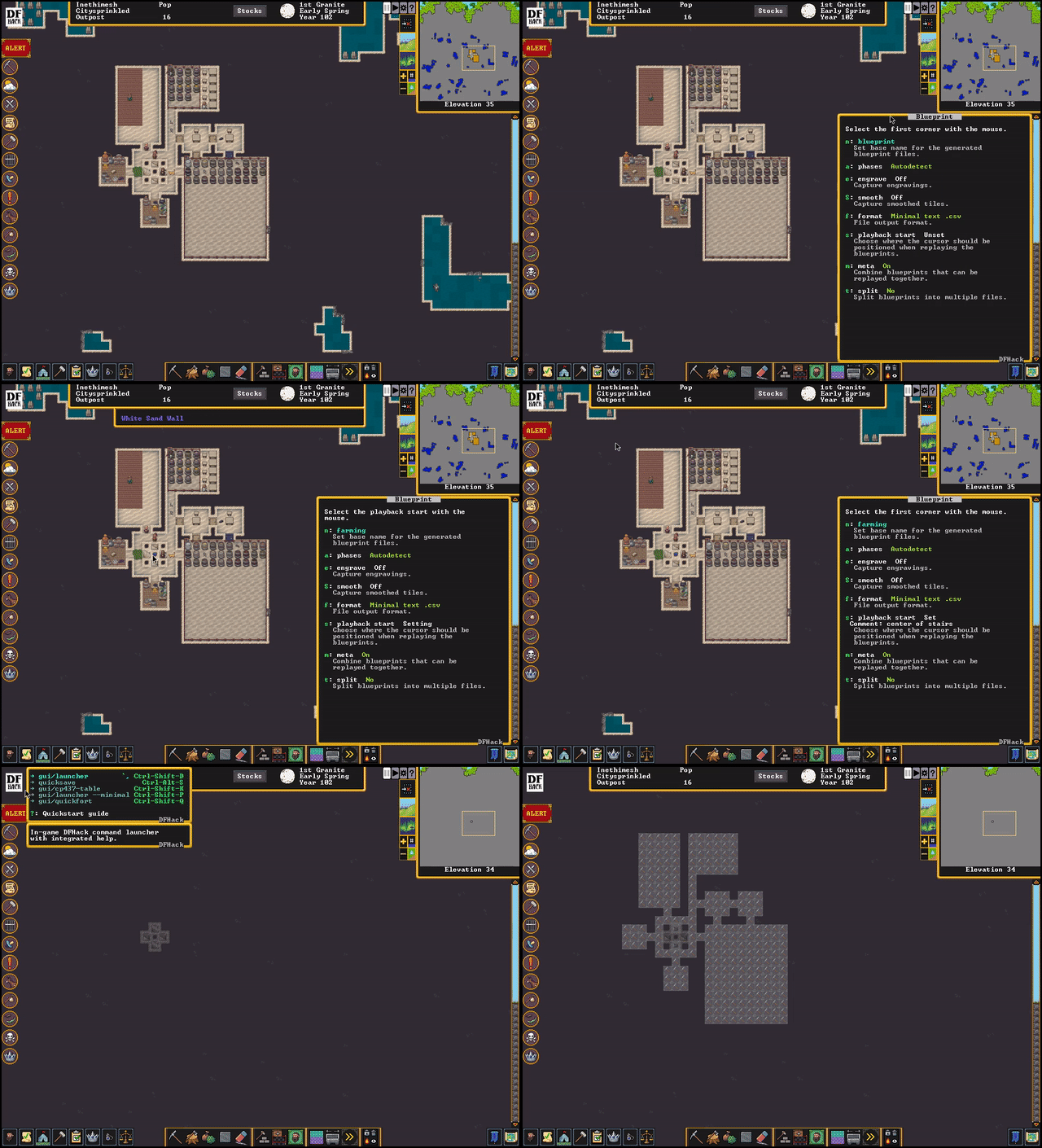
The one true mod for Dwarf Fortress has finally released not just one, but two iterations of an alpha for the Steam version of the game, also known as v50. DFHack is a vital piece of equipment for Dwarf Fortress enthusiasts for two reasons: First, it's a full suite of console commands to fix problems and improve performance. Second, it incorporates a popular visualization tool called Stonesense that lets you see an isometric view of your fortress.
First off, if you're running out to try this alpha, I'll warn you: It's an alpha, make a backup of your game, heck, your entire DF folder, before mucking around with this. DFHack's release notes have some advice on how to do that.
While the stonesense tool is a big one, DFHack has other fundamentally useful tools to go muck around with. One of the most popular is "autodump," which can massively improve the FPS of late-game forts by automatically putting the trash you've marked in one place. Dwarves are good about cleaning up, but they'll do other tasks first. Putting all the lost eyeballs and spare socks in the lava can be an instant game-changer.
The other big one that people refuse to live without is "autobutcher", a command and GUI that let you set a target number of livestock and automatically marks the ones you don't want for processing. I know of more than a few players who just won't do any animal husbandry without it.
The neatest trick for DFHack users new to Dwarf Fortress is definitely stonesense, which will show a 3D, isometric view of your fortress. It's great if you've made some massive aboveground construction that you'd like a sense of scale on. It also helps when you show off a stonesense image or two alongside screenshots of your fort, to help get others acquainted if they're not DF fanatics. Here's a video of a sweet canyon fort with Stonesense incorporated.
You can find DFHack on Github, where it's now working with the Steam release. That version isn't quite all-purpose yet, and doesn't work on itch or the classic branch yet.
Now, go forth, and enjoy the magic of the "deathcause" command's ability to tell you why there's a bunch of dwarf child bones at the bottom of your well. (Spoilers: They fell in.)
