Google has begun rolling out a swathe of new AI features to its ever-popular browser, Google Chrome, but the one that caught my eye was its new "auto browse" feature. Google calls it a "powerful agentic experience that handles multi-step chores on your behalf", taking some of the pain out of everyday browsing tasks.
Essentially, the tech giant is touting it as an extension of its autofill feature, which fills in your address or credit card details into sites asking for the right information. Auto browse, however, can apparently go a lot further.
Article continues belowIt goes on, however. "You can use it for more complicated things too", says Google. "Let’s say you’re planning a Y2K theme party and find inspiration in a photo that perfectly captures that era.

"Auto browse, with the multimodal capabilities of Gemini 3, can identify what’s in the picture, search for similar items and add them to your cart—staying within budget and even applying discount codes. And if you give auto browse permission, it can use Google Password Manager to handle tasks even if a sign-in is required."
Aside from the idea I'd ever want to plan a Y2K-themed party (if I ever suggest it, you should apprehend me immediately as it's obviously a nefarious doppelganger), I can't help but feel there's a whole lot to go wrong there. Should someone in the photo be wearing a red sweater, for example, I don't want auto browse to assume that everyone at my next shindig should come dressed as Santa Claus.
Luckily, however, Google says that auto browse will dip out of the process and pause at specific points to allow you to carry out critical tasks yourself, like making an actual purchase, for example, or posting on social media. Thank goodness for that.
I've yet to receive the update myself, but I'll be curious to test it out when I do. Alongside the new feature is a new side panel interface for Google Gemini, which is hopefully a lot less invasive than the current, pop-up window integration, and Nano Banana integration for "transform[ing] images on the fly."
Ah good, an even easier way to create AI images to flood the internet with. I take it back. I am an AI sceptic, and continued AI integration into everyday tools is likely to be a terrible idea. What was I thinking?
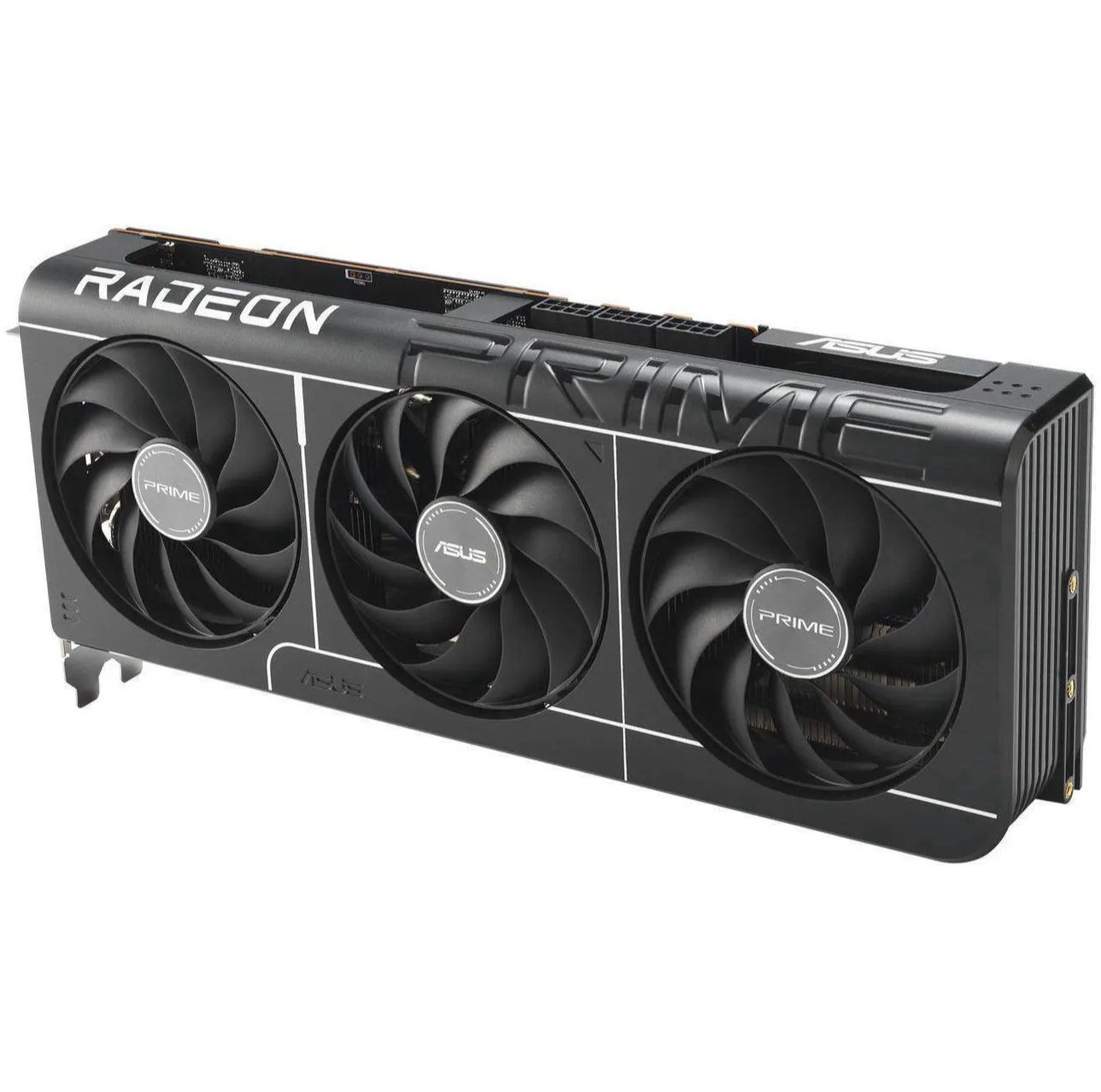
1. Best overall: AMD Radeon RX 9070
2. Best value: AMD Radeon RX 9060 XT 16 GB
3. Best budget: Intel Arc B570
4. Best mid-range: Nvidia GeForce RTX 5070 Ti
5. Best high-end: Nvidia GeForce RTX 5090

You must confirm your public display name before commenting
Please logout and then login again, you will then be prompted to enter your display name.