Join The Club





The Nvidia App beta has been updated to include DLSS 4.5 Dynamic Multi Frame Generation support for RTX 50-series owners. The much-anticipated tech allows for dynamic adjustment of AI generated frames based on a target frame rate, with the goal being consistently smooth, high fps gameplay.
The tech allows for up to 6x frame generation, which is a considerable boost over the 4x maximum of previous efforts. Our Nick has been testing the tech recently and has come away somewhat impressed, although there are caveats to maxing out the number of generated frames, particularly on lower spec cards.

The update also adds a beta preview of a feature called Auto Shader Compilation, which attempts to rebuild your DirectX 12 game shader cache after a driver update during system idle time.
With more and more games avoiding stuttering issues with an initial shader compilation pass, the feature aims to cut down on a complete rebuild of the shader cache for every game after every driver update. As Nvidia has been firing out the hotfixes for its drivers at a rapid rate over the past few months, the beta preview of this particular feature seems timely.
Users will need to opt into the beta version of the app within the Settings>About page to test it out, and will need GeForce Game Ready Driver 595.97 to take advantage of all the new goodies.
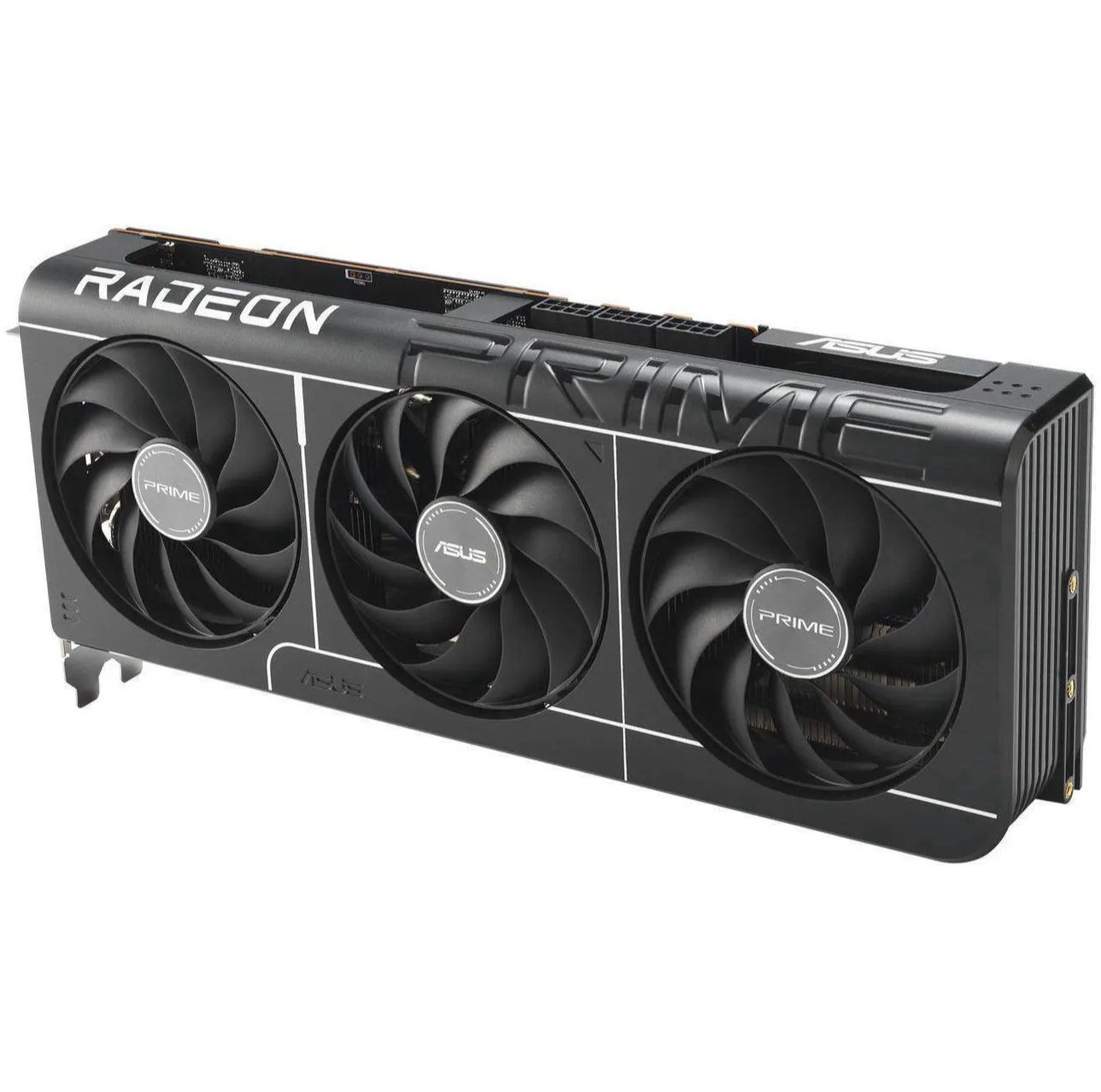
1. Best overall: AMD Radeon RX 9070
2. Best value: AMD Radeon RX 9060 XT 16 GB
3. Best budget: Nvidia RTX 5050
4. Best mid-range: Nvidia GeForce RTX 5070 Ti
5. Best high-end: Nvidia GeForce RTX 5090

You must confirm your public display name before commenting
Please logout and then login again, you will then be prompted to enter your display name.