Join The Club





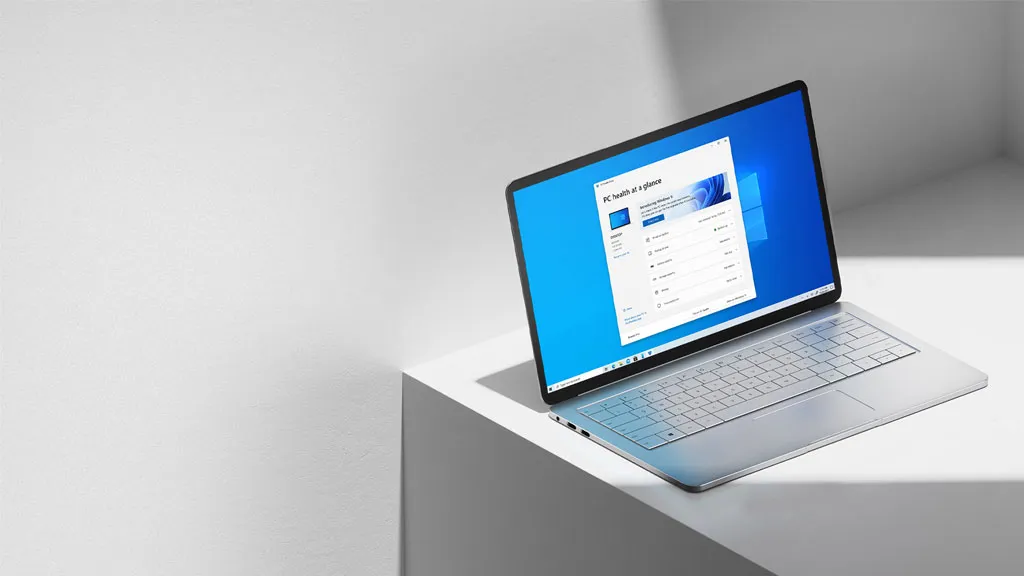
Everything will be a web app. That was once the assumption for the PC, even if the emergence of smartphone apps shifted the emphasis somewhat. But now Microsoft wants to put the focus back on running apps actually built for the Windows operating system.
Rudy Huyn, a Partner Architect at Microsoft, recently made an appeal on X (via Windows Latest) for software devs to form a new team that will build Windows apps. When queried over the specific nature of those apps, Huyn was very clear. "100% native", he said.
No, 100% nativeMarch 27, 2026
That "100% native" claim will take some proving. It implies apps that are built with WinUI with no WebView content. The latter, essentially, is a mini browser that apps can use to display web content.
Many Windows apps and indeed elements of Windows itself, including even some parts of the Settings app that seem like they were natively coded for Windows, are actually running on WebView underneath it all. Generally, that's because it's faster and easier to serve up content and application services via a browser than to code an app. Indeed, Microsoft Copilot and Microsoft 365 Copilot are WebView apps.
Likewise, even third-party devs that once coded native apps have been moving to browser-based alternatives, an obvious example being WhatsApp. That particular move is arguably a good example of why web apps can be problematic. Just for starters, running a WebView 2 app means spooling up a Chromium browser instance in the background, which can be much more memory-intensive.
Some users report that just loading up the WhatsApp login screen with the WebView version soaks up 300 MB, whereas the old native app used under 20 MB. With the new version of WhatsApp up and running, it can consume multiple gigabytes of memory, while the native app typically remains under 300 MB.
This move follows a broader public push from Microsoft to improve what you might call the "fundamentals" of Windows 11. Instead of leaning even further into AI frills and features, Microsoft is working on aspects such as reducing the disruption from Windows Update, making the taskbar more configurable, and even removing the need to log in online via a Microsoft account when setting up a new Windows 11 install. Yes, really.

Funnily enough, this all ties in neatly with an observation made by a former Microsoft operative. Former Windows development lead Mikhail Parakhin said he'd previously worked on a so-called 20/20 project, which aimed to reduce both the Windows install size and idle memory consumption by 20%.
Microsoft hasn't committed to those targets publicly, but it has made "lowering the baseline memory footprint for Windows" a core Aim. Shifting as much app code as possible from WebView to native would certainly help with that.
All in all, this seems like yet another indication that Microsoft has now got its priorities right with Windows. Instead of ramping up the AI slop, Microsoft appears to be focusing on the nuts and bolts of the OS itself. If that's true, it's very, very good news indeed, especially when you consider how much system memory costs these days.
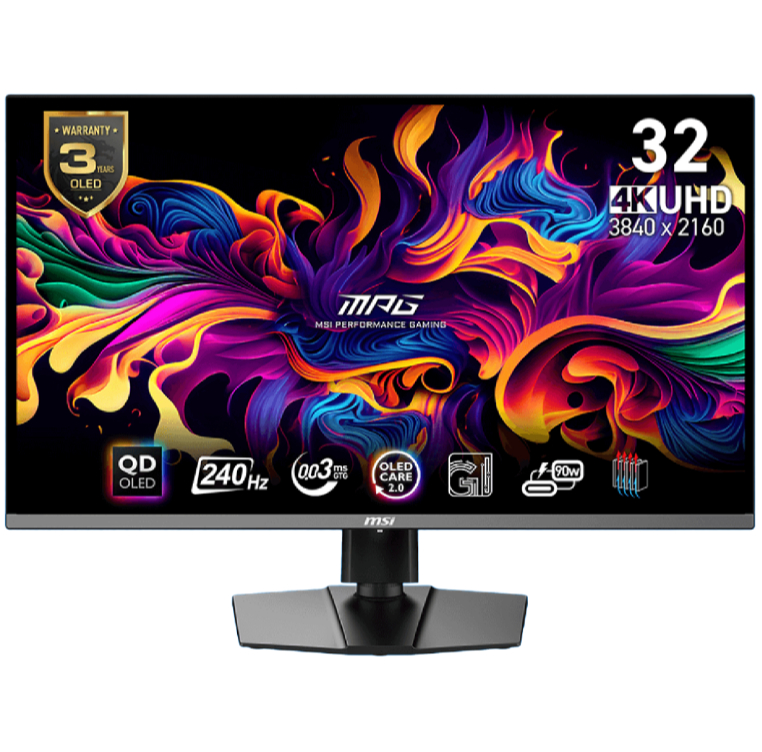
1. Best overall / 4K:
MSI MPG 321URX
2. Best budget 4K:
Asus ROG Strix XG27UCG
3. Best 1440p:
MSI MPG 271QRX
4. Best budget 1440p:
KTC H27T22C-3
5. Best 1080p:
AOC Gaming C27G4ZXE
6. Best Ultrawide:
Gigabyte MO34WQC2
7. Best budget ultrawide:
Xiaomi G34WQi
8. Best 32:9:
Samsung Odyssey OLED G9
9. Best dual-mode:
Alienware AW2725QF

You must confirm your public display name before commenting
Please logout and then login again, you will then be prompted to enter your display name.