Hey, remember Meltgate, in which 12VHPWR (and latterly, 12V-2x6) GPU power connectors were blamed for melting graphics cards in a horrifying fashion? MSI remembers, and as a result, two of its newest PSUs have been equipped with an upgraded version of its GPU Safeguard tech to keep an eye on the current levels being delivered to your card.
MSI says that not only will a software pop-up alert you to any power-related issues, but a hardware buzzer will merrily scream "your very expensive hardware is about to be ruined" if it detects anything going pear-shaped with the pins. Okay, it probably just buzzes.

Not to mention the price. Any graphics card melting is a tragedy, but a $4,000+ model? It doesn't bear thinking about.
That being said, the melty-power-connector fiasco seems to have been primarily caused by improper installation, so it's a concern no matter what kind of GPU you're using with the modern 16-pin connector designs. No matter the power supply, it's always worth checking the graphics card connection is properly seated several times before first boot.
Here's hoping the tech trickles down into lower-specced PSUs, as I think it's a good shout for anyone who wants total peace of mind from their machine. MSI has missed the opportunity to give it a hilarious "Awooga" sound effect, though. Perhaps a Star Trek-style red alert? I'm just spitballing here. Call me.
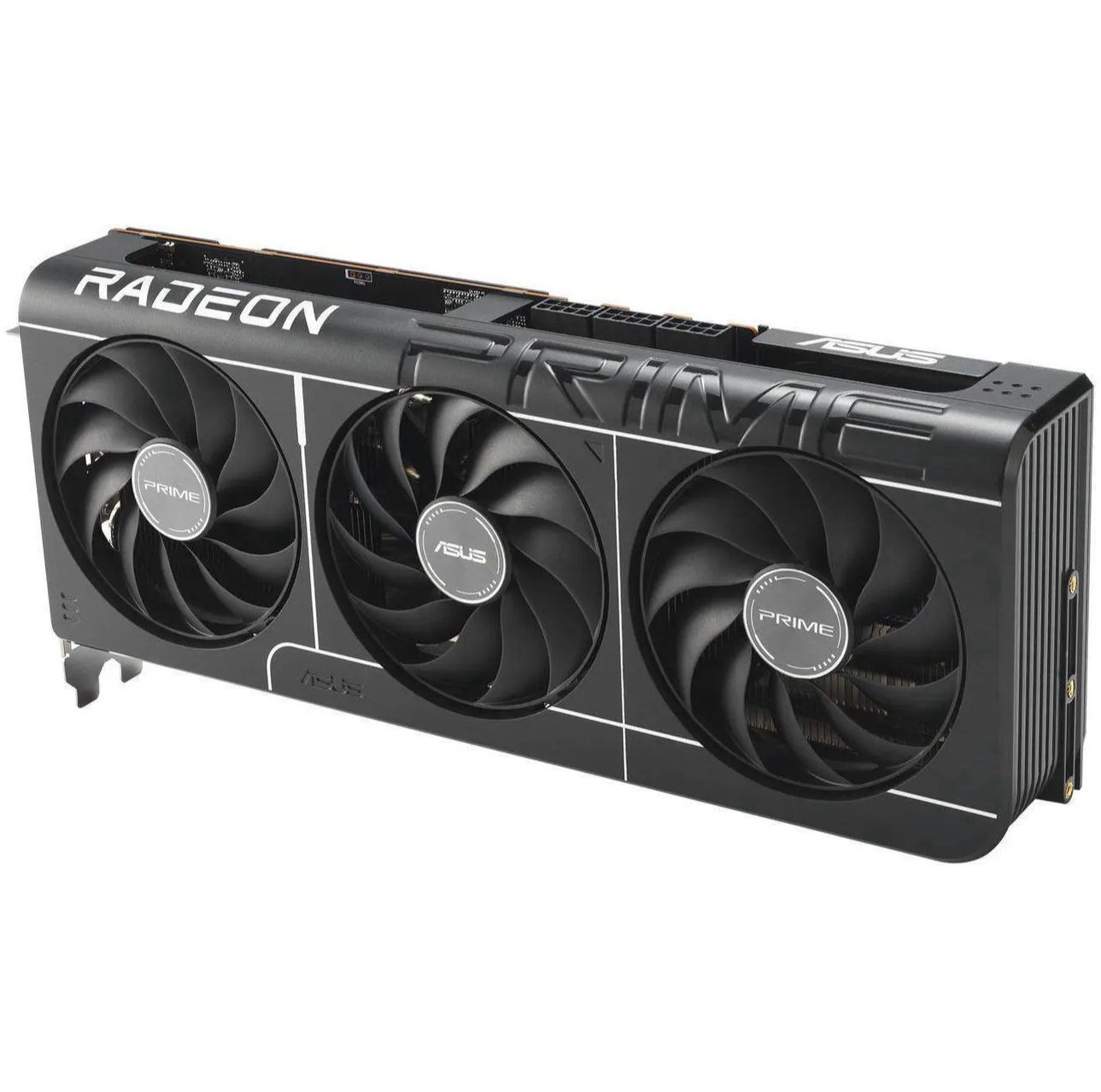
1. Best overall: AMD Radeon RX 9070
2. Best value: AMD Radeon RX 9060 XT 16 GB
3. Best budget: Nvidia RTX 5050
4. Best mid-range: Nvidia GeForce RTX 5070 Ti
5. Best high-end: Nvidia GeForce RTX 5090

You must confirm your public display name before commenting
Please logout and then login again, you will then be prompted to enter your display name.