Fallout 4 Creation Kit and mod support are now available
Keep up to date with the most important stories and the best deals, as picked by the PC Gamer team.
You are now subscribed
Your newsletter sign-up was successful
Want to add more newsletters?
Every Friday
GamesRadar+
Your weekly update on everything you could ever want to know about the games you already love, games we know you're going to love in the near future, and tales from the communities that surround them.
Every Thursday
GTA 6 O'clock
Our special GTA 6 newsletter, with breaking news, insider info, and rumor analysis from the award-winning GTA 6 O'clock experts.
Every Friday
Knowledge
From the creators of Edge: A weekly videogame industry newsletter with analysis from expert writers, guidance from professionals, and insight into what's on the horizon.
Every Thursday
The Setup
Hardware nerds unite, sign up to our free tech newsletter for a weekly digest of the hottest new tech, the latest gadgets on the test bench, and much more.
Every Wednesday
Switch 2 Spotlight
Sign up to our new Switch 2 newsletter, where we bring you the latest talking points on Nintendo's new console each week, bring you up to date on the news, and recommend what games to play.
Every Saturday
The Watchlist
Subscribe for a weekly digest of the movie and TV news that matters, direct to your inbox. From first-look trailers, interviews, reviews and explainers, we've got you covered.
Once a month
SFX
Get sneak previews, exclusive competitions and details of special events each month!
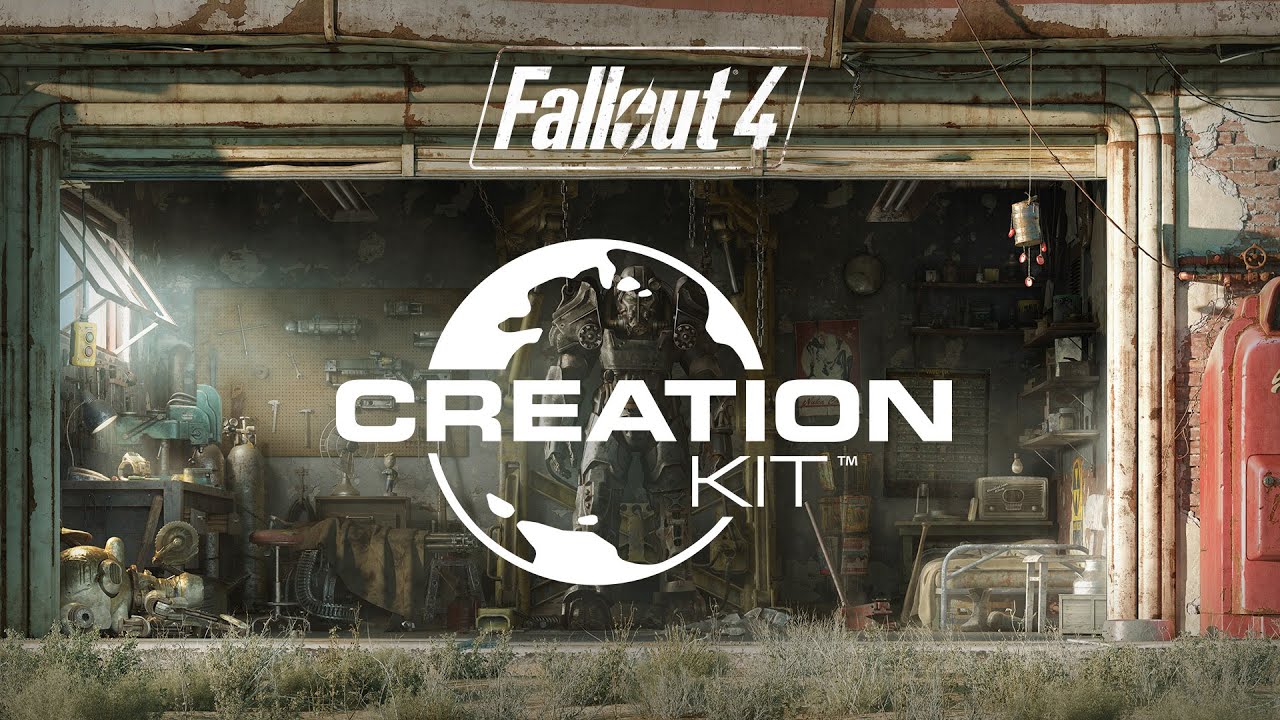
The Fallout 4 Creation Kit and built-in mod support through Bethesda.net are now live as part of the 1.5 beta update.
“For Fallout 4, our goal was to make Mods easier and more accessible than ever before—for both the creators and the players. By building an all-new system with Bethesda.net we’ve made a huge leap forward in achieving that,” Bethesda said. “You can now browse and search for the latest and greatest Mods, choose your favorites, post feedback, and install them—all within the game. Simply select Mods from the main menu, and start browsing.”
For those who aspire to making those mods, the Creation Kit is available as a free download through the Bethesda.net launcher. “It allows you to touch almost anything you can imagine, from how game systems work to the creatures, the dialog, and level design,” Lead Level Designer Joel Burgess explained. “It's something that's been important to us as a studio, to make sure we support our community in this way.”
The built-in mod support is available through the 1.5 update, which is still in beta, so you'll need to be opted in if you want to leap into it right now. To do that, just right-click Fallout 4 in your Steam library, select Settings, then Betas, and then “beta” from the drop-down menu. It'll take a bit for the game to update but when it does, it'll appear as “Fallout 4 [Beta]” in your library.
Bethesda asked users to provide feedback in the Fallout 4 Creation Kit forum, so it can "update and evolve Mods and the Creation Kit based on your experiences." More information, including a range of tutorials on how to actually use the thing, can be found in the official Creation Kit Wiki.

Keep up to date with the most important stories and the best deals, as picked by the PC Gamer team.

Andy has been gaming on PCs from the very beginning, starting as a youngster with text adventures and primitive action games on a cassette-based TRS80. From there he graduated to the glory days of Sierra Online adventures and Microprose sims, ran a local BBS, learned how to build PCs, and developed a longstanding love of RPGs, immersive sims, and shooters. He began writing videogame news in 2007 for The Escapist and somehow managed to avoid getting fired until 2014, when he joined the storied ranks of PC Gamer. He covers all aspects of the industry, from new game announcements and patch notes to legal disputes, Twitch beefs, esports, and Henry Cavill. Lots of Henry Cavill.