Join The Club





Part of my hardware fiend origin story involves watching the anime Serial Experiments Lain at far too young an age and being haunted by its prescience ever since. The total amelioration of digital and physical worlds aside, I still daydream about customising my login screen to look more like the fictitious OS from the show—though obviously that's much easier with Linux.
Case in point, one Redditor has made a slew of slick-looking Linux lock screens fashioned after a number of popular games. Whether you enjoy crunching blocks in Minecraft or Terraria, or would rather feel all philosophical staring at a NieR Automata-inspired login screen, Darkkal44 has got you covered with the appropriate Dotfiles over on their Github.
For my sins, I am a Windows-user—especially after reading how Linux betrayed our Jacob at last year's Gamescom. To be fair, I don't really have the time or space to get into all the times Windows has done me dirty personally (though a highlight includes the time Puppy Linux helped me get at files on ye olde dead gaming laptop).
Customisation options like the aforementioned lock screens provide just one more nail in the already mostly sealed coffin of my commitment to Windows. Should I finally make the jump, Qylock also offers a Windows 7-style lock screen to make the move feel slightly more familiar (you may also remember our Wes wrote about how an entirely different mad lad recreating Windows 8's tiled UI in Linux earlier this year).
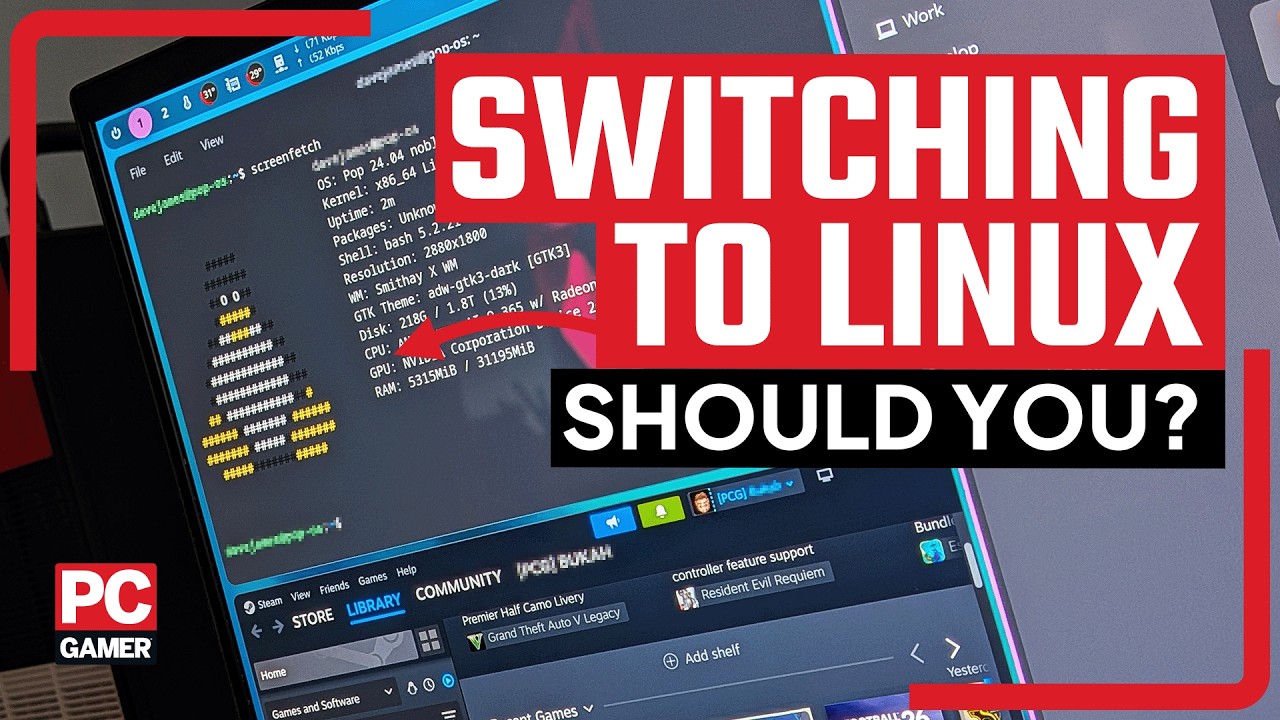
As some folks tell it, gaming is the best it's ever been on Linux. Besides a fresh Proton Experimental build earlier this week making it much easier to play a bunch of old Capcom games in your distro of choice, our Josh has written several times about his adventures with Bazzite. Notably, he praises this distro in particular as "tailor-made for gaming and also tailor-made to stop idiots (me) from doing something likely to detonate their boot drive."
That certainly sounds appealing to me—especially as Josh has since figured out how to get HDR to finally play ball with Bazzite thanks to the tool ScopeBuddy. For better and worse, Linux is a tinkerer's paradise. Unfortunately, I am very lazy and so I'll be rewatching Serial Experiments Lain while bemoaning everything I dislike about Windows for a little while longer.
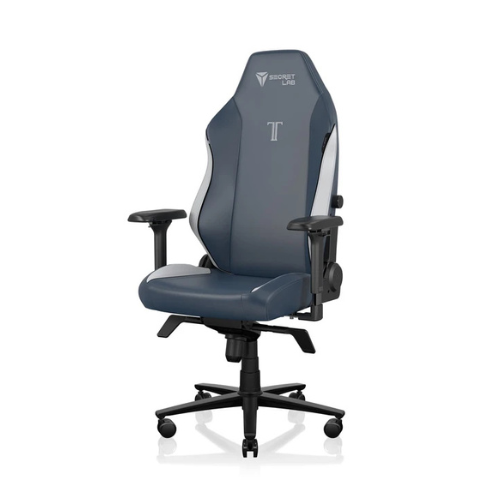
1. Best gaming chair: Secretlab Titan Evo
2. Best gaming desk: Secretlab Magnus Pro XL
3. Best gaming headset: Razer BlackShark V3
4. Best gaming keyboard: Asus ROG Strix Scope II 96 Wireless
5. Best gaming mouse: Razer DeathAdder V4 Pro
6. Best PC controller: GameSir G7 Pro
7. Best steering wheel: Logitech G Pro Racing Wheel
8. Best microphone: Shure MV6 USB Gaming Microphone
9. Best webcam: Elgato Facecam MK.2

You must confirm your public display name before commenting
Please logout and then login again, you will then be prompted to enter your display name.