Join The Club





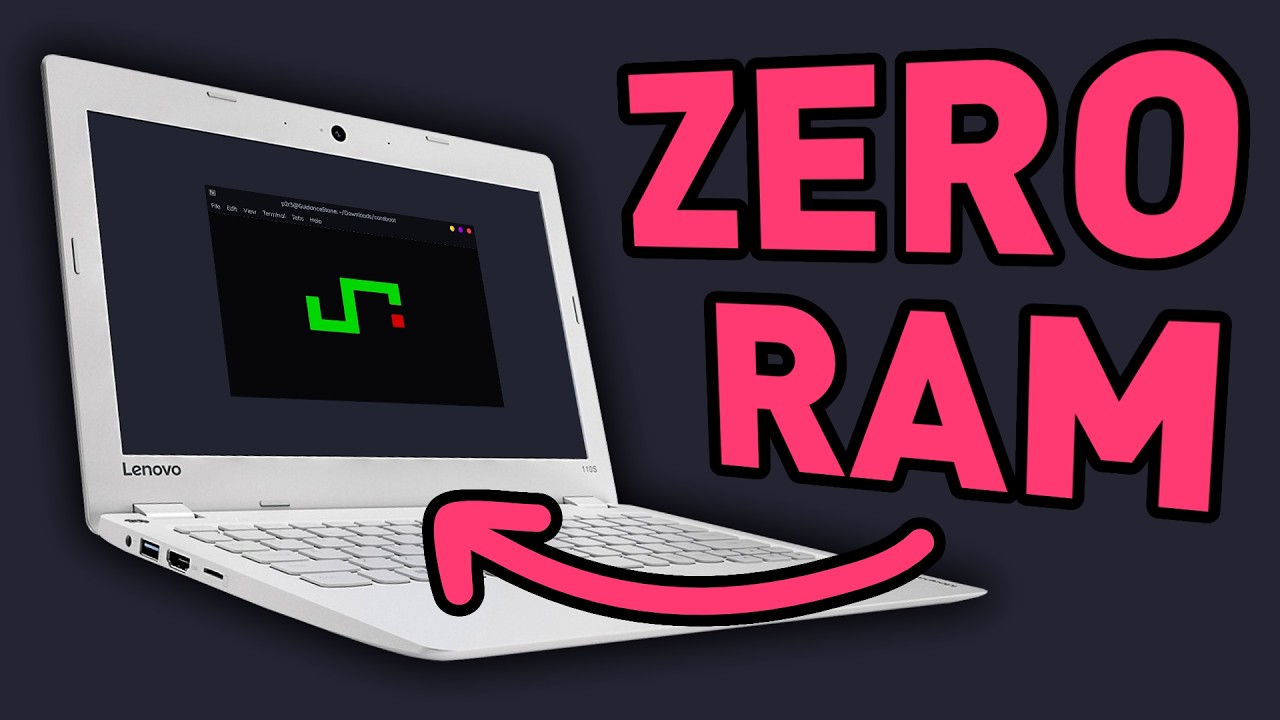
As the ongoing memory crisis continues to make DRAM unaffordable for the majority of us, I'd imagine many are choosing to hold onto what they've got. But can you run a PC with no system memory at all? That's the question that YouTube channel PortalRunner has been investigating, and the answer is...
The first experiment involved tweaking Linux boot parameters to limit system memory to a measly 256 MB (hey, remember when that was a good amount?), but the system failed to initialise (via Hackaday). After some tomfoolery with the boot settings, a 446 MB DRAM limit, and just 4 GB of swap space on a SATA SSD allowed for a successful startup.
Unfortunately, the system ended up being too slow to pass PortalRunner's three stress tests—a browser benchmark, a memory access test, and a Portal 2 bench to test out casual gaming.
This configuration caused the browser benchmark to crawl to a near halt, the memory access speed test to output a miserable 68 MiB/s result (compared to 11,069 MiB/s using a 4 GB RAM control system), and the Portal 2 benchmark to fail entirely, as Steam refused to load correctly. Quelle surprise.
A later experiment involved using graphics card VRAM as a system memory replacement, via a modded swapfile on a GTX 1660 Super. This caused multiple crashing issues, as Linux began killing processes to fit within its constraints, and led to two failed benchmarks and an unbelievably slow browser test.

Eventually, PortalRunner settled for modifying a BIOS chip to prevent system DRAM usage and leaning on the CPU cache of an old Intel chip as a memory substitute. This satisfied the initial goal of running a machine with technically no traditional RAM at all, but also limited the system's capabilities considerably.
How considerably? Well, it can technically output a custom-coded Snake clone over a serial port. Briefly. Until the data-providing BIOS chip is removed and the cache is left to its own devices, which causes it to freeze. That's about the bare minimum qualification of a working computer I can think of, but hey, small wins, etc., etc.

Ultimately, all of PortalRunner's efforts amount to an excellent explanation of why DRAM is so vital to a modern system, and confirm that you absolutely need some to run a functioning machine by most people's standards. So no, I'm afraid it's not the solution to the memory crisis you might have hoped for. It's good fun, though, and you may well learn something about how your PC works along the way.
And so, we all gain something. Just not, y'know, RAM. That's gold dust right now, and likely will be for some time to come.
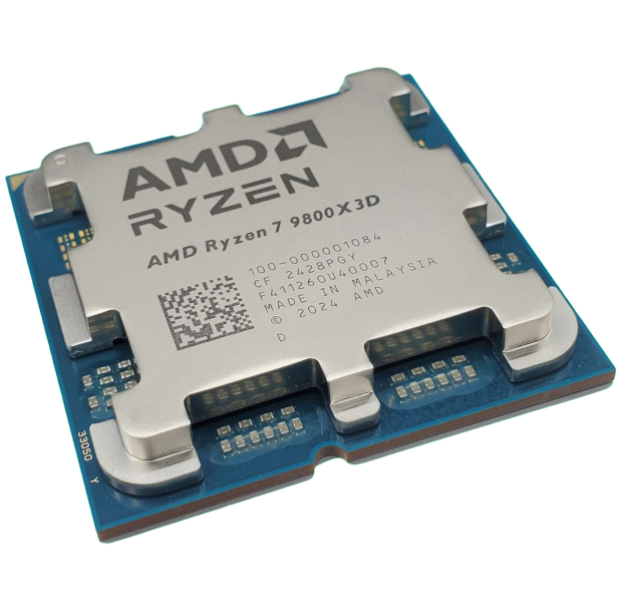
1. Best CPU: AMD Ryzen 7 9800X3D
2. Best motherboard: MSI MAG X870 Tomahawk WiFi
3. Best RAM: G.Skill Trident Z5 RGB 32 GB DDR5-7200
4. Best SSD: WD_Black SN7100
5. Best graphics card: AMD Radeon RX 9070

You must confirm your public display name before commenting
Please logout and then login again, you will then be prompted to enter your display name.