Do you get frustrated when you're trying to track down an application in Task Manager and the list is constantly shuffling around? Loads of people do, and that's why the developers at Microsoft added a shortcut to prevent it happening. Simply hold down the Ctrl key and everything freezes in place.
It's so easy—why didn't the developers think of this sooner? Well, they did, actually.
The shortcut has been in Task Manager since 1994. We know this because the developer that created the application just rebuffed someone over on X trying to complain about it.
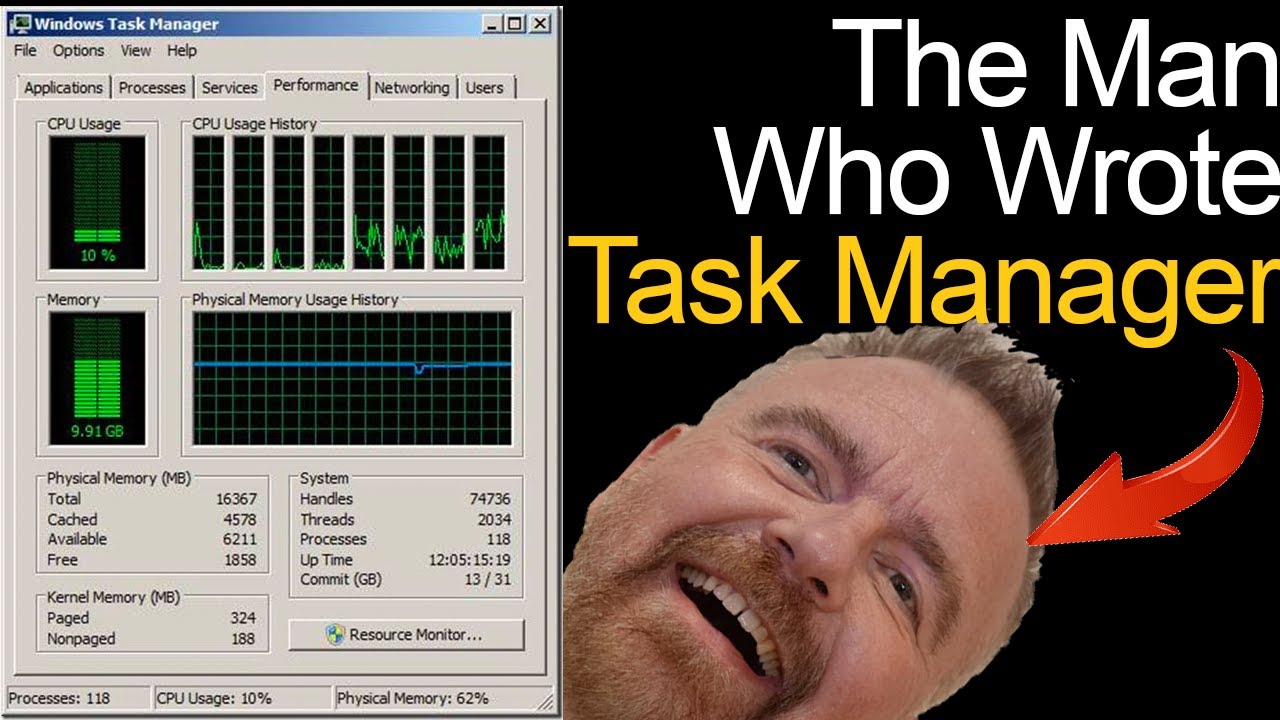
David W Plummer built Task Manager back in 1994. Mostly from his den at home. However, word eventually got around to Dave Cutler, designer of Windows NT, who let Plummer add the code to the main Windows build. A few months of tinkering with the code, various stress tests, and the rest, as they say, is history.
While the core application has changed over the years, you'll maybe be surprised to hear just how much of it has stayed the same. Plummer explains the history and tips for using the application in a popular video titled 'Inside Task Manager with the original author'.
They did, back in 1994. Press the CTRL key to pause updates. You're welcome.May 20, 2024
The best Task Manager lore has to be how Microsoft ended up with the unfortunately named 'Kill all children' function within the software—a combination of the 'Kill process' function, the original name for today's 'End process' function, and the a newly-added recursive functionality to replace 'process' with 'all children'. This luckily was caught before it ever landed in a shipping version of Windows.
Plummer says the original application totalled only 100 KB in size. Today, it's around 5.2 MB. That seems small compared to most modern applications but it's a file size many times over the original. Plummer says that's totally fair, considering what's since been added to the application.
"It's a delicate balance of load times and memory footprint versus features and functionality."
Plummer retired after the release of Windows Server 2003. Though he notes in the video that: "The people that have worked on Task Manager since have done an exemplary job of growing it, while still maintaining the core attributes."